Uncensored AI Image · SupraLabs
Uncensored Supra2-IMG: A Pocket-Sized Image Model That Runs Almost Anywhere
Can a model with only about 100 million parameters really draw? Supra2-IMG says yes. Released by SupraLabs on Hugging Face in autumn 2026, this tiny text-to-image model turns a short English sentence into a 256×256 picture, and it is small enough to run on a plain laptop, a Mac, inside a browser tab or even on a phone. The open weights run locally with no online filter, which is why people search for the uncensored Supra2-IMG.
- Free to start
- No filters
- Runs in browser
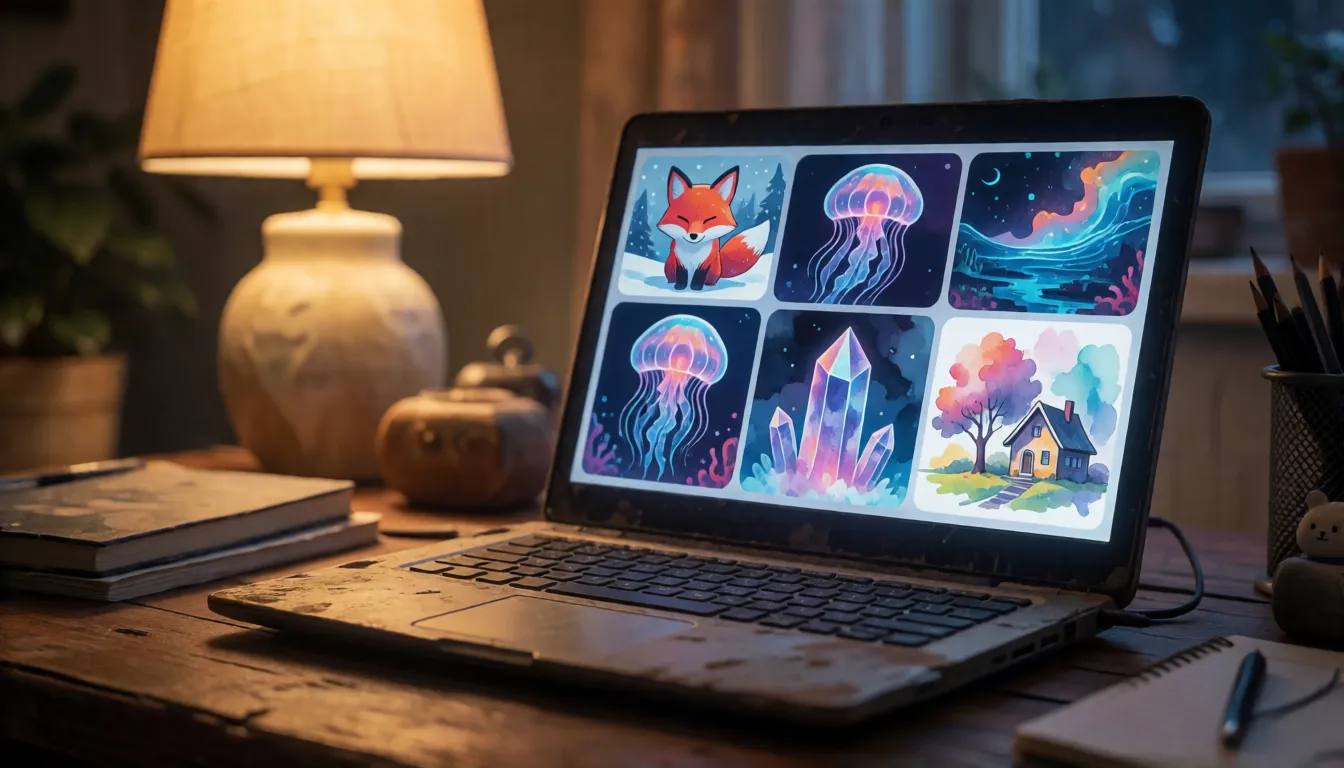
Uncensored Alternative Image Generator
Text to imageDescribe the image you want. Add a reference photo to edit it, or leave it empty for text-to-image.
100 million parameters that still paint a picture
Most image generators people know weigh in at billions of parameters and need a serious graphics card. This one goes the other way. The drawing core is a diffusion transformer of just 104.1 million parameters, roughly an eighth of the 860 million parameter UNet inside Stable Diffusion 1.5, and the weight file is only about 417MB. It reads your prompt with Google's compact Flan-T5-base text encoder and decodes pictures with the familiar Stability AI VAE. Even more surprising is how cheaply it was made: SupraLabs trained it from scratch on 5.6 million synthetic images from the FLUX-Reason-6M dataset for ten epochs, using one H100 GPU for about nine hours, data preparation included. The team reports an FID of 27.9 and a CLIP score of 29.4 without naming the test set, so treat those as self-reported. The point is not to beat big models on detail; it is to show that a recognizable, pleasant picture can come out of something that fits on almost any device.
Where a tiny image model shines
Small and fast changes what an image model is good for. Instead of one perfect poster, you get a sketchpad that works offline, starts instantly and never needs an account. People are using it for quick concept thumbnails before a bigger render, simple icons and stand-in art for apps and games, mood boards for stories, and classroom demos that show how diffusion works without renting a cloud GPU. Because a picture costs so little to make, it also suits batch play: generate a dozen variations of the same idea and keep the one you like.
| Scene | What you make | Why a tiny model fits |
|---|---|---|
| Offline sketching | Concept thumbnails on a train or plane | No internet or big GPU needed |
| Indie apps and games | Icons, tiles and stand-in art | Small output size matches small assets |
| Story and mood boards | Scenes and atmospheres for writing | Many quick variations to choose from |
| Teaching and learning | A working diffusion model to study | Small enough to read, run and retrain |
| Model battles | Side-by-side tests of tiny models | Fast enough to compare dozens of prompts |
Prompt templates that work at 256 pixels
The training captions follow a simple order: composition first, then the subject, then style and imagination. Copy that order, keep prompts short and in English, and stay under the 128-token limit of the text encoder. One clear subject per sentence beats crowded scenes with many people. Try these templates and change one word at a time with a fixed seed:
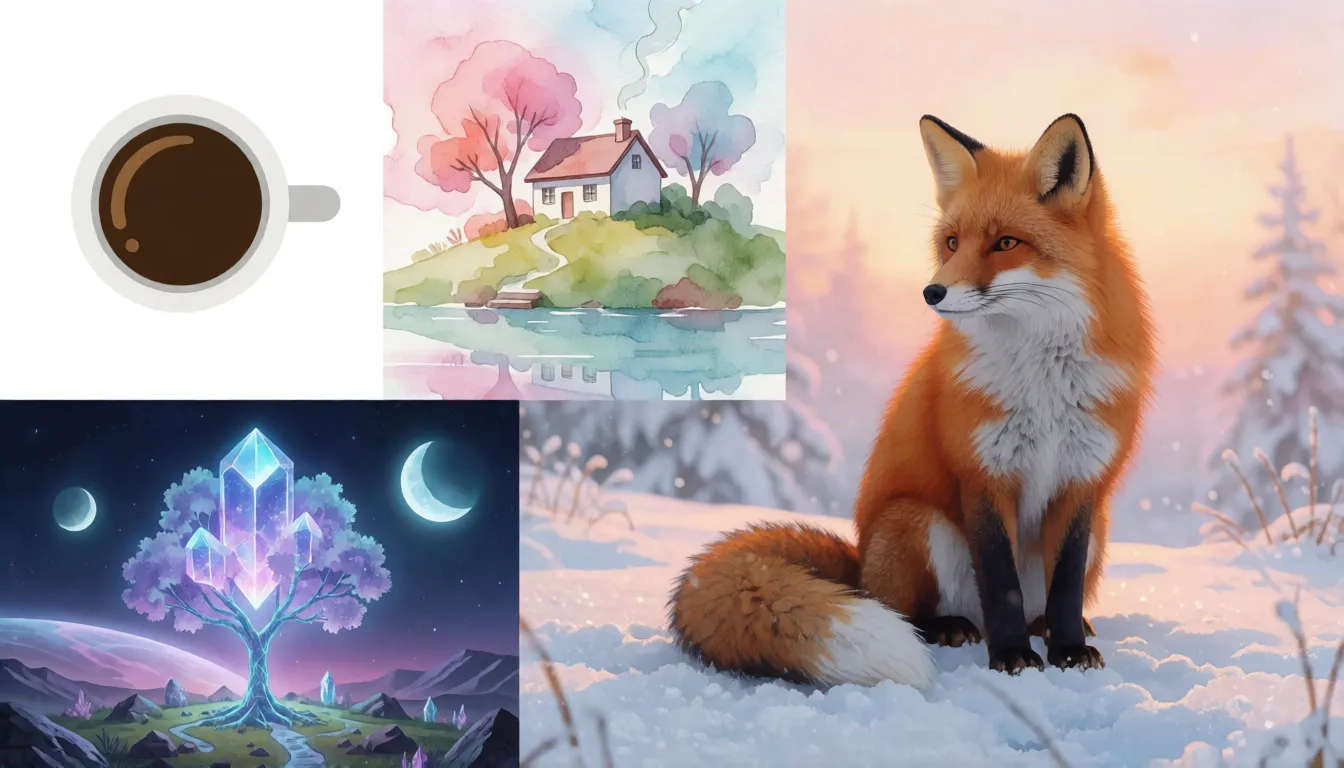
- Composition and subject: "a close-up of a red fox sitting in fresh snow, centered, soft morning light"
- Mood and setting (the official sample): "a sea jellyfish floating in the pitch-black ocean depths"
- Art style: "a tiny cottage on a hill, watercolor painting, pastel colors"
- Icons and assets: "a flat minimal icon of a coffee cup, white background"
- Imagination: "a glowing crystal tree on an alien planet, two moons in the sky, fantasy art"
- Portrait: "portrait of an adult woman with curly hair, studio lighting, neutral background"
Avoid long text inside the picture and complex interactions between several people; the model is too small to handle them well.
How to run Supra2-IMG in three steps
Setup is refreshingly simple. Download the model_final_ema.pt weights and the inference.py script from the SupraLabs repository on Hugging Face, install PyTorch, then run one command. The script picks your hardware automatically: an NVIDIA GPU in bf16 first, Apple Silicon through MPS second, and the CPU as a fallback. If you just want to see results, the official SupraLabs demo Space and the Supra-IMG Studio Space let you try it online in a browser with nothing installed.
wget https://huggingface.co/SupraLabs/Supra2-IMG/resolve/main/inference.py
wget https://huggingface.co/SupraLabs/Supra2-IMG/resolve/main/model_final_ema.pt
python inference.py --prompt "a sea jellyfish floating in the pitch-black ocean depths" \
  --seed 0 --cfg 3.0 --steps 50 --n 1 --out out.png
Official defaults are CFG 3.0, 50 steps and seed 0; --n makes several images in one run.
Running on a CPU, a Mac or an old graphics card
This is where the small size really pays off. A whole setup of drawing model, text encoder and VAE is tiny by modern standards, so ordinary laptops, Macs with M-series chips and older gaming cards are all realistic targets. SupraLabs has not published speed or memory figures, and the script itself warns that CPU runs will be slow, so expect seconds to minutes per image depending on your machine. A few settings help you trade quality for speed:
- Keep CFG around 3.0; values between 2 and 5 are worth testing for stronger or softer prompt following.
- On a CPU, try 20 to 30 steps instead of 50 for faster drafts, then rerun your favorite seed at full steps.
- Use --n to batch several images and pick the best rather than polishing one.
- Keep the seed fixed while you edit the prompt so you can see what each word changes.
In the browser and on your phone: ONNX, WebGPU and safetensors
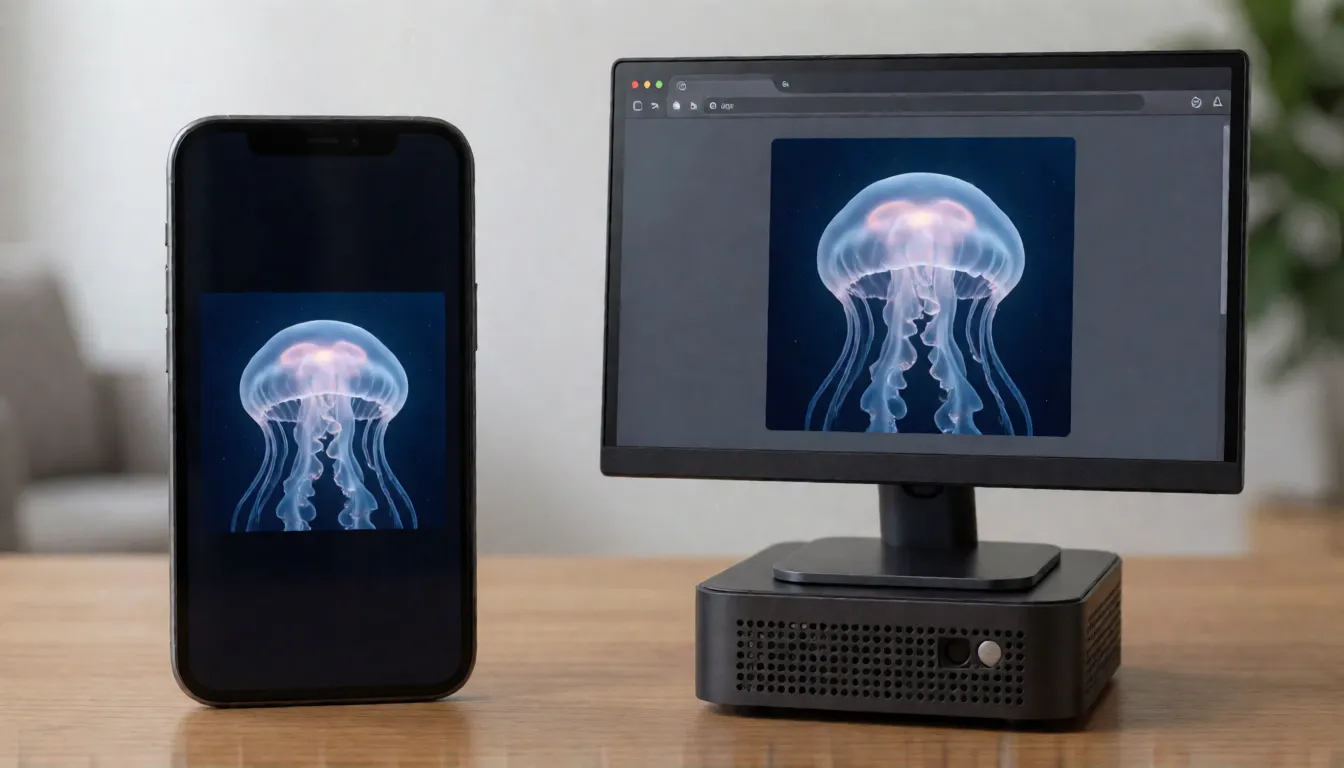
Within weeks of release, the community started porting the model to new places. Bartholomheow/Supra2-IMG-ONNX and sm079/supra2-img-web package it for WebGPU, so it can draw right inside a browser tab with no Python at all. mikhsol/Supra2-IMG-mobile-onnx offers an int8 build aimed at phones. If you prefer the safer safetensors format over the original .pt file, malcolmrey/Supra2-IMG and mondk/Supra2-Safetensors provide converted weights. These are early community projects with few downloads so far, so expect rough edges and check each repository's notes.
LoRA sliders, fine-tunes and training your own from scratch
A model this small is a playground for tinkerers. ntc-ai/supra-particle-sliders adds concept sliders you can push up or down to change a look, and NZUONG/supra2-img-face-grpo is an experimental fine-tune that uses reinforcement learning to improve portraits. FlameF0X/Tiny-T2I-Arena puts several tiny text-to-image models side by side so you can vote on results. The biggest draw for learners is the training recipe itself: one rented H100 for about nine hours is enough to train a diffusion transformer from scratch, which turns a research-lab project into a weekend experiment. SupraLabs credits rootxhacker's HobbyLM-Image as the inspiration for that do-it-yourself spirit.
- Sliders: nudge a single concept without rewriting the prompt.
- Fine-tunes: specialize the model on faces, icons or one art style.
- From scratch: follow the same dataset and single-GPU budget to train your own.
Smallest text-to-image models compared: Stable Diffusion and SANA
This model is not trying to win on image quality; its selling point is being among the smallest and cheapest image models you can run and retrain. Here is how it sits next to well-known names:
| Supra2-IMG | Stable Diffusion 1.5 | SANA | HobbyLM-Image | |
|---|---|---|---|---|
| Drawing model size | 104M | About 860M (UNet) | 0.6B to 1.6B | Small hobby model |
| Resolution | 256×256 | 512×512 | Up to 4096×4096 | Low resolution |
| Community ecosystem | New and small | Huge | Growing | Small |
| Best for | Tiny devices, learning | Mature tools and add-ons | Fast high-resolution images | Hobby training |
Sizes and resolutions come from each project's public model card or paper.
What to expect from the results
Honest expectations make it more fun. Every picture is 256×256, so fine details such as hands, faces in a crowd and small objects stay soft, and lettering inside images is weak. It understands English prompts only. Because all training images were generated by FLUX, the results lean toward that glossy, well-lit FLUX look. When you need a bigger picture, run the output through an upscaler such as Real-ESRGAN; when you need sharp detail, a larger model is the better tool.
- Great at: single subjects, landscapes, moods, simple icons and art styles.
- Weak at: text in images, crowds, hands and tiny details.
- Tip: upscale your favorite result instead of asking the small model for more detail.
Is it uncensored? NSFW and adult art
Run on your own machine, the open weights have no online filter, and the inference script contains no safety checker or NSFW filter, so nothing inspects your prompt or the finished image. That does not mean it is good at adult content: it learned from FLUX-generated pictures, its ability to draw explicit scenes is unknown, and no community NSFW or uncensored fine-tune existed at the time of writing. If you want adult art without filters at full quality and no setup, an online uncensored image generator is the practical route.
Pin-up and glamour art
Retro pin-ups and glamour portraits of adult models with soft studio light.
Swimwear and beach shots
Sunny bikini and swimsuit scenes of adults on beaches and by the pool.
Fantasy characters
Adult sorceresses, warriors and heroes in daring costumes for stories.
- Describe the subject, outfit, setting and light in one clear sentence.
- Fix the seed and change one detail per run.
- State that everyone shown is an adult (18+), and never depict real people without consent.
Make adult images without filters, no download or GPU needed.
Open the image generator →What comes next: Supra2.5-IMG
The SupraLabs model card mentions a possible follow-up called Supra2.5-IMG, but it has not been released, and there is no word yet on whether it will raise the resolution or the size. SupraLabs specializes in very small models, from the Supra-50M and Supra2-100M-Instruct language models to SupraTTS, so another compact release would fit the pattern. Following the SupraLabs page on Hugging Face is the easiest way to catch it when it lands.
Self-hosting Supra2-IMG vs generating online on Spicy AI
| Local deployment (official weights) | Spicy AI online | |
|---|---|---|
| Content filters | None when run locally | No content filters |
| Open weights | Yes | Not needed — runs in the browser |
| Model | 104M-parameter checkpoint, 256×256 | Similar uncensored image model, hosted online |
| Price to start | Your own computer | Free tier available |
FAQ
Who made it and when was it released?
SupraLabs published it on Hugging Face. The repository was created on September 21, 2026 and last updated on October 10, 2026.
Can it run on a CPU?
Yes. The official script supports NVIDIA GPUs, Apple MPS and the CPU. CPU runs are slower, and no official timing has been published.
What resolution does it output?
Only 256×256. For larger pictures, upscale the result with a tool such as Real-ESRGAN.
Does it understand prompts in other languages?
It is best used in English. The Flan-T5-base text encoder and the training captions are English, and prompts should stay under 128 tokens.
Can I use it in a browser or on a phone?
Yes, through community ports: ONNX and WebGPU builds for browsers and an int8 ONNX build for mobile. They are early projects.
Is there a safetensors version?
The official file is a PyTorch .pt checkpoint, but community repositories such as mondk/Supra2-Safetensors offer converted safetensors weights.
Is Spicy AI affiliated with SupraLabs?
No. Spicy AI is an independent platform and is not affiliated with or endorsed by SupraLabs. The model name belongs to its respective owner.
Sources
- SupraLabs model card (Hugging Face)
- Model configuration (config.json)
- Inference script (inference.py)
- Official online demo (Hugging Face Space)
- FLUX-Reason-6M training dataset
- Flan-T5-base text encoder
- Stable Diffusion v1.5 model card
- SANA paper (arXiv 2410.10629)
- Tiny-T2I-Arena (community Space)
- WebGPU ONNX port by Bartholomheow (community)