Fast AI Image Generation · Speed Add-on
P-Q-Image-2.1: Pictures and Edits in Just 6 Steps
Waiting forty sampling steps for every picture kills the fun of experimenting. This adapter fixes that. Released by PrunaAI, the speed-focused team behind the open-source pruna toolkit, it is a small add-on for Alibaba's open-weights Qwen-Image-2.1 that draws new images and edits existing ones in as few as six steps, with no negative prompt to tune. PrunaAI quotes up to about 6.3× faster generation than the regular 40-step base.
- Free to start
- Fast drafts
- Runs in browser
- Made by
- PrunaAI
- Works with
- Qwen-Image-2.1 (base weights required)
- Latest version
- v0.2: 6-steps and 6-steps-upsampled
- Does
- Text to image and editing with up to 3 references
- Speed claim
- Up to ~6.3× vs the 40-step base
- Open weights
- Yes, on Hugging Face
Uncensored Alternative Image Generator
Text to imageDescribe the picture you want, or upload a photo and describe the edit.
A turbo button for Qwen-Image-2.1
Think of it as a performance chip rather than a new engine. It is a LoRA, a lightweight file that rides on top of Qwen-Image-2.1 and teaches it to reach a finished picture in far fewer steps. The base model, its text encoder and its VAE stay exactly the same, so you still need the original weights, and you keep everything the base is loved for: sharp text inside images, transparent-background output and instruction-based editing. What changes is the waiting. You set CFG to 1, skip the negative prompt, and get a result in 5, 6 or 8 steps depending on the adapter. PrunaAI measured its headline of up to about 6.3× on a single H100 in BF16 at batch size 1, compared with the usual 40-step run. The project started life as Pruna-Qage-2.1 in September 2026 before moving to its current name.
From v0.1 to v0.2: one step count, two smarter adapters
The first release, v0.1, arrived around September 23, 2026 with a choice between an 8-step adapter, the recommended default, and a 5-step one that is quicker but visibly softer. Version 0.2 replaces that trade-off with a single 6-step schedule pushed further through distillation, then splits it into two flavors. The plain 6-steps adapter holds on to the original photo better when you edit, so faces, logos and product details survive. The 6-steps-upsampled adapter has the official prompt expander baked in, which means a five-word idea comes back as a richly detailed scene without a separate language-model call. The same release brought the first official ComfyUI export with six ready-made workflows; during the v0.1 days, community members had to convert the files themselves.
| Adapter | Steps | Strong point | Best for |
|---|---|---|---|
| v0.1 8-steps | 8 | Highest quality of the first release | Safe default on older setups |
| v0.1 5-steps | 5 | Fastest option | Rough drafts where quality can drop |
| v0.2 6-steps | 6 | Keeps the source image faithful when editing | Outfit swaps, product edits, portraits |
| v0.2 6-steps-upsampled | 6 | Built-in prompt expansion | Short prompts that should look rich |
Upsampled vs 6-steps: picking the right adapter
Both v0.2 files share the same size, strength and sampler, so the choice is all about how you like to write. If you write long, precise prompts or you are editing a photo and need the person or product to stay recognizable, load the 6-steps adapter. If you prefer to type a quick idea such as "cyberpunk heroine in a rainy neon alley, cinematic" and let the model invent the lighting, lens and set dressing, the upsampled adapter is the fun one. PrunaAI notes it imitates the official expander closely but not perfectly, so results can differ from running a real prompt-expansion model first.
- Editing a face, a product or a brand detail: 6-steps.
- Short, playful prompts and mood boards: 6-steps-upsampled.
- Maximum speed and quality is secondary: v0.1 5-steps.
- Most conservative choice on an existing v0.1 workflow: v0.1 8-steps.
- Load only one adapter at a time and use the sigma schedule that belongs to it.
Training covered 1K images and up to three reference pictures. Start at 1024×1024; 2K output or more references may work but sit outside what the adapters were trained on.
Where six-step rendering really pays off
Speed matters most when you need lots of pictures, not just one. That is why the add-on has caught on with creators who iterate in volume. Dropping from forty steps to six turns a slow overnight batch into something you can watch happen, and it makes live tweaking in ComfyUI feel close to interactive.
On the adult side, the most popular sets are easy to picture: a beach holiday shoot, a poolside party look or a retro pin-up swimsuit poster, produced by editing an existing photo and replacing only the clothes. Because the base model renders lettering well, sellers and poster makers also lean on it for headline text, while the speed lets them try several layouts in the time a single 40-step render used to take.
| Who | What they make | Why fewer steps help |
|---|---|---|
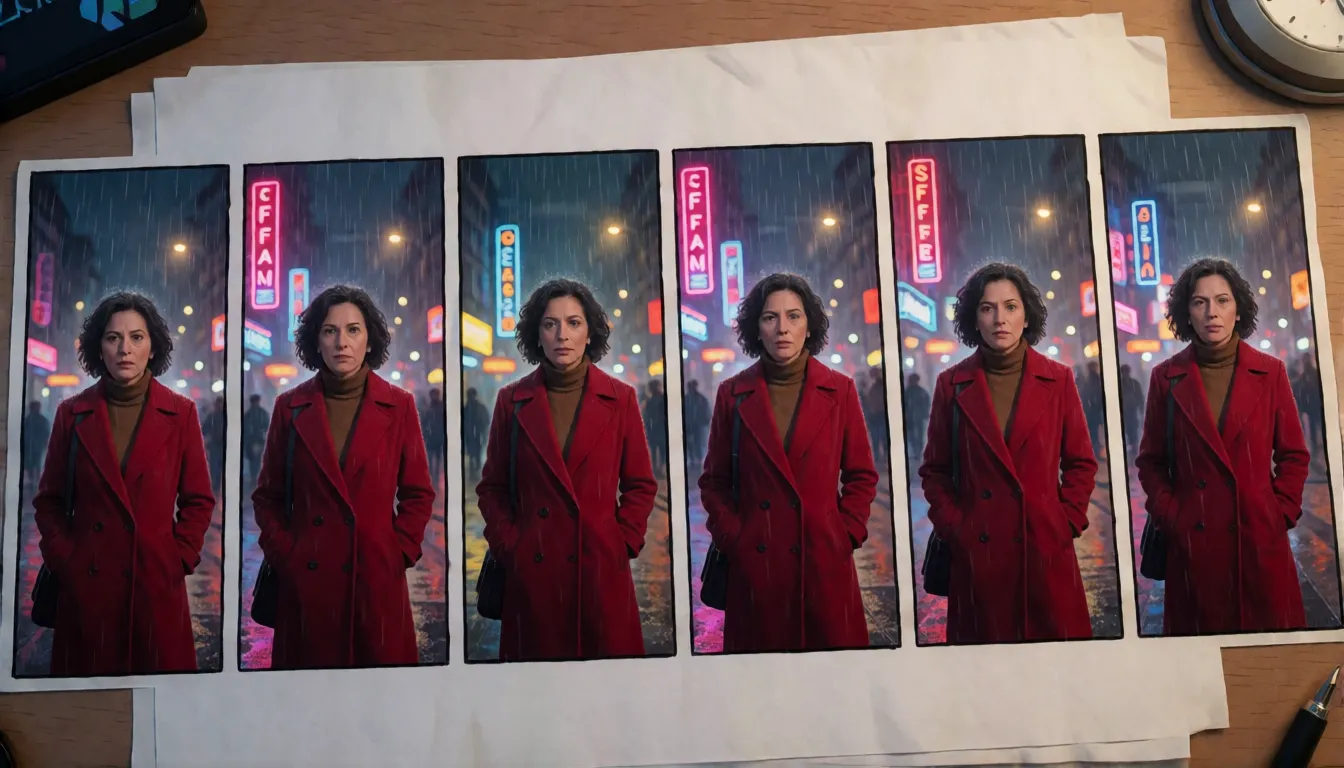
| Short-drama and AI comic teams | Dozens of vertical storyboard frames with one recurring character | Try many angles and moods before polishing the best ones |
| Online sellers | White-background product shots, new backgrounds, color variants, sale posters | Run a whole catalog of variants in one sitting |
| Fashion and try-on creators | Person + outfit + location merged from up to three references | Swap looks quickly and keep the face consistent |
| ComfyUI tinkerers | Prompt-and-preview sessions | See each change almost as fast as you type |
| Adult (18+) creators | Bikini, swimsuit and lingerie outfit swaps of fictional or consenting adults | The 6-steps adapter keeps face and figure while the outfit changes |
Copy-and-paste prompt templates
These templates follow what works best with the base model: describe the subject first, then setting, light and lens, and put any on-image text in quotes. With the 6-steps adapter use the full template; with the upsampled adapter a short line is enough. They are starting points to adapt, not official samples.
- Full text to image (6-steps): "[subject], [pose or action], [outfit details], [place and time of day], [light: soft window light / golden-hour backlight], [lens: 35mm half body / low angle], [style: commercial photo / anime], poster title "YOUR TITLE" at the top"
- Short prompt (upsampled): "cyberpunk heroine on a rainy neon street, cinematic"
- Outfit swap (18+, fictional or consenting adult): "Keep the face, hairstyle, pose and background unchanged, replace the top with a red string bikini, realistic fabric, lighting matches the original"
- New background: "Keep the subject and its edges, replace the background with a Maldives beach, add a natural shadow"
- Three-reference merge: "The person from image 1 wears the outfit from image 2 and stands in the scene from image 3, full body, natural light"
- Storyboard frame: "Vertical 9:16, [character from image 1], turns and looks back over her shoulder, tense mood, cinematic lighting, shallow depth of field"
- Product poster: "Product from image 1 on a marble counter, large title "SUMMER DROP" on the left, small line "20% off this week" below, premium soft light"
Writing tip: short, vague prompts look flatter with the plain adapters, so either add detail or switch to the upsampled file.
P-Q-Image-2.1 ComfyUI workflow and settings
PrunaAI publishes a ComfyUI-ready companion repository with BF16 single-file LoRAs and six workflow files: text to image and editing for each version. No custom nodes are needed as long as your ComfyUI build supports Qwen-Image-2.1 natively; the adapter loads through the built-in LoraLoaderModelOnly node at strength 1.0.
Memory: PrunaAI has not published consumer-GPU numbers. The practical lever is the int8 base plus the int8 text encoder, which lowers memory use; quantization and the speed adapter work on different problems and can be combined.
- Update ComfyUI, then place the base diffusion model (BF16, or the int8 convrot build to save memory), the qwen3vl_8b int8 text encoder, the VAE and the LoRA in their usual folders.
- Drag the matching official workflow onto the canvas.
- Sampler euler, CFG 1, empty negative prompt, LoRA strength 1.0.
- v0.2 ManualSigmas: 1.0, 0.961054, 0.918949, 0.769302, 0.545554, 0.222292, 0.
- Start at 1024×1024 and only then experiment with larger sizes.
| Common mistake | What to do instead |
|---|---|
| Loading the Turbo base | Use the regular base from Comfy-Org/Qwen-Image-2.1; PrunaAI says not to pair it with Turbo |
| Mixing v0.1 and v0.2 sigmas | Each adapter has its own schedule; copy it from that version's workflow |
| Stacking two Pruna adapters | Load only one at a time |
| Jumping straight to 2K | Begin at 1K, the size the adapters were trained on |
Running it with Diffusers
For Python users, the model card shows a Diffusers path: load QwenImage21Pipeline from Qwen/Qwen-Image-2.1, call load_lora_weights with PrunaAI's adapter repository and the adapter file you want, and use a FlowMatch Euler scheduler with dynamic shifting. Set num_inference_steps to 6, true_cfg_scale to 1 and enable the KV cache; for editing, pass your pictures through the image argument. The Diffusers version uses unshifted sigmas [1.0, 0.925, 0.85, 0.625, 0.375, 0.125] plus dynamic shift. The card pins a specific Diffusers commit and transformers 5.17 or newer, so match those versions to avoid surprises.
How the adapter compares to Lightning, Turbo and int8
People speeding up Qwen-Image-2.1 usually compare three routes. The community Lightning LoRA goes even lower, to 4 steps. PrunaAI's adapter answers with 6 steps, a built-in prompt expander and official editing workflows. The Turbo base is a separate fast checkpoint, and PrunaAI explicitly says not to combine it with this add-on. Int8 or GGUF quantization saves memory rather than steps, so it pairs with either LoRA. No official side-by-side test under identical conditions exists, so the fairest advice is to run your own prompts through both.
| Route | Steps | What you gain | Watch out for |
|---|---|---|---|
| PrunaAI v0.2 LoRA | 6 | Prompt expansion option, faithful edits, official ComfyUI workflows | Trained at 1K; not for the Turbo base |
| Lightning LoRA | 4 | Fewest steps | No built-in prompt expansion |
| Turbo base | Few | Speed without a LoRA | Incompatible with the Pruna adapters |
| Int8 / GGUF | Unchanged | Lower memory | Speeds nothing up on its own |
What the community is saying
The upstream repository listed more than 480,000 downloads in the last month, 177 likes, nine discussion threads and use in several Hugging Face Spaces, while the ComfyUI repository collected its first likes within days. ComfyUI Wiki covered the v0.1 launch, and German site Mind-Verse wrote about the release as a way to speed up Qwen-Image-2.1. Before the official ComfyUI export existed, users had already shared unofficial conversions, a sign of how eager local creators were. PrunaAI is candid about trade-offs: v0.1 images fall short of the full 40-step base, short or vague prompts suffer most, outputs may not match the base exactly, and the weights are not final. That honesty is also why v0.2 is getting attention, since it targets exactly those weak spots.
Is there an uncensored P-Q-Image-2.1?
No. The add-on only changes speed; it has no NSFW edition and does not loosen what the base model will draw, which depends on the base weights and any other LoRAs you load. Community uploads labeled "uncensored" Qwen-Image-2.1 have been reported as either the original weights or only a swapped text encoder with no visible change, and the Turbo-based one cannot be used with this adapter anyway. For quick, unrestricted adult edits such as swimsuit or lingerie looks in the browser, Spicy AI offers a similar uncensored image editor.
Swimsuit and bikini swaps
Change an adult's outfit to a bikini or one-piece while the face and pose stay put.
Beach and pool sets
Move a portrait to a sunny beach or a rooftop pool party.
Retro pin-up posters
Polka-dot swimsuits, grain and bold headline text.
- Say what must stay the same before what should change.
- Name the light and lens: golden-hour backlight, 85mm portrait.
- State that every person is an adult (18+).
Upload a photo of an adult or describe a scene and try a bikini, beach or pin-up look online.
Open the image editor →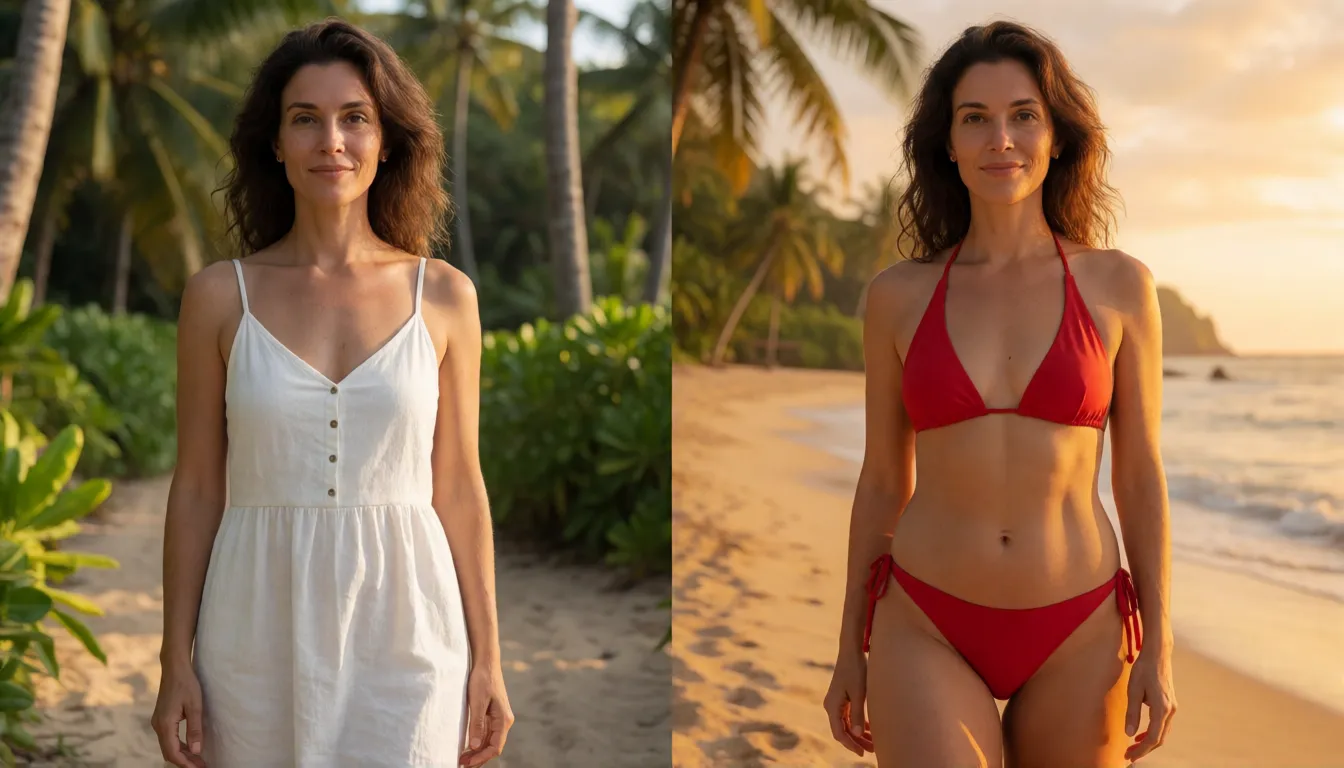
Self-hosting the adapter vs generating online on Spicy AI
| Local deployment (official weights) | Spicy AI online | |
|---|---|---|
| Content filters | Same as the base model you load | No content filters |
| Open weights | Yes | Not needed — runs in the browser |
| Model | Qwen-Image-2.1 plus the speed adapter | Similar uncensored image editor, hosted online |
| Price to start | Your own GPU | Free tier available |
FAQ
Is this speed adapter a standalone model?
No. It is a few-step LoRA by PrunaAI that loads on top of Qwen-Image-2.1. The base model, text encoder and VAE stay unchanged, so you need the base weights.
What changed between v0.1 and v0.2?
v0.1 offered 5-step and 8-step adapters. v0.2 settles on 6 steps and splits into a 6-steps adapter that preserves edits better and a 6-steps-upsampled adapter with built-in prompt expansion, alongside official ComfyUI files and workflows.
How much faster is it?
PrunaAI states up to about 6.3× compared with the 40-step base, measured on one H100 in BF16 at batch size 1. It has not published numbers for consumer graphics cards.
Which ComfyUI settings should I use?
Use a ComfyUI build with native Qwen-Image-2.1 support, LoraLoaderModelOnly at strength 1.0, euler, CFG 1, no negative prompt and the ManualSigmas that belong to your adapter. Use the regular base, not Turbo.
Can it edit images with several references?
Yes. Training covered editing with up to three reference images. More references or 2K output may work but are outside the training range.
Was it called Pruna-Qage-2.1 before?
Yes. The v0.1 release was published as PrunaAI/Pruna-Qage-2.1; today it lives under a new name in PrunaAI's Hugging Face account, with a separate repository for ComfyUI files.
Should I choose it or the Lightning 4-step LoRA?
Lightning uses fewer steps. PrunaAI's v0.2 adds a prompt-expansion option and official editing workflows. There is no official same-conditions comparison, so test both with your own prompts.
Is Spicy AI affiliated with PrunaAI or the Qwen team?
No. Spicy AI is an independent platform and is not affiliated with or endorsed by either. All trademarks belong to their respective owners.
Is it free?
You can start free with daily generations, and buy credits when you need more.
Sources
- PrunaAI/P-Q-Image-2.1 model card (Hugging Face)
- PrunaAI ComfyUI files and workflows (Hugging Face)
- v0.1 repository, PrunaAI/Pruna-Qage-2.1 (Hugging Face)
- Qwen-Image-2.1 base model (Hugging Face)
- Comfy-Org Qwen-Image-2.1 files (Hugging Face)
- v0.1 launch coverage (ComfyUI Wiki)
- Release coverage (Mind-Verse, German)
- pruna open-source toolkit (GitHub)