AI NSFW Avatar: Design a Spicy Digital Persona That Is All Yours
An AI NSFW avatar is a made-to-order adult persona: a face, a body and a mood you describe in a sentence and get back as a finished picture. No photo shoot, no drawing skills, no awkward commission requests. Pick a beach-ready bikini look for your 18+ profile, a lingerie pin-up for a private chat, or an anime alter ego with a wicked smile, then keep the same character across as many pictures as you like. Everything here is made for adults, and every character is an adult.
- 18+ only
- Photoreal, anime, 3D
- Bikini to boudoir
- Runs in your browser
AI NSFW Avatar Uncensored Image Generator
Text to imageDescribe the persona you have in mind: look, outfit, mood, art style. Add one reference photo if you want to restyle an existing picture.
The alter ego that never has to tone it down
In online life an avatar is simply the picture that stands in for you: the round icon beside your messages, the character you play, the face of a page you run. The spicy version is the same idea with the brakes off. Instead of a polite headshot you get a persona with attitude: a sun-kissed model in a string bikini, a silver-haired elf in sheer silk, a tattooed bartender in an open shirt, a retro pin-up winking over her shoulder.
What makes it feel like magic is the speed. You type what you want, wait a moment, and a finished picture appears with lighting, skin texture and fabric detail that would take a photographer a studio day or an illustrator a week. Do not like the hair? Change one word and run it again. Want the same character in ten outfits? Keep the description of the face and swap the wardrobe. The persona is yours to shape, and nobody else has the same one.
Seven ways people play with a spicy avatar
Most people arrive with one idea and leave with five. These are the uses that come up again and again in adult communities, creator circles and group chats, and every AI NSFW avatar below starts from the same thing: a character you can describe in a sentence.
| Idea | What you make | Why it works |
|---|---|---|
| 18+ profile picture | A flirty portrait for adult servers, forums and dating bios | You stand out without showing your real face |
| Faceless creator persona | A recurring character for a fan page or adult blog | One look, endless content, full privacy |
| Companion face | The picture behind a roleplay or chat character | The story feels real when the character has a body and a wardrobe |
| Game and roleplay hero | A succubus, space pirate or vampire countess for your campaign | Fantasy outfits no costume budget could cover |
| Couple's surprise | A playful pin-up version of yourself for your partner | A cheeky gift that takes minutes, not a boudoir booking |
| Pin-up and poster art | Retro calendar girls, beach posters, neon noir portraits | Print-worthy glamour in any art style |
| Outfit testing | The same persona in swimwear, lace, leather or latex | See which look fits the character before you commit |
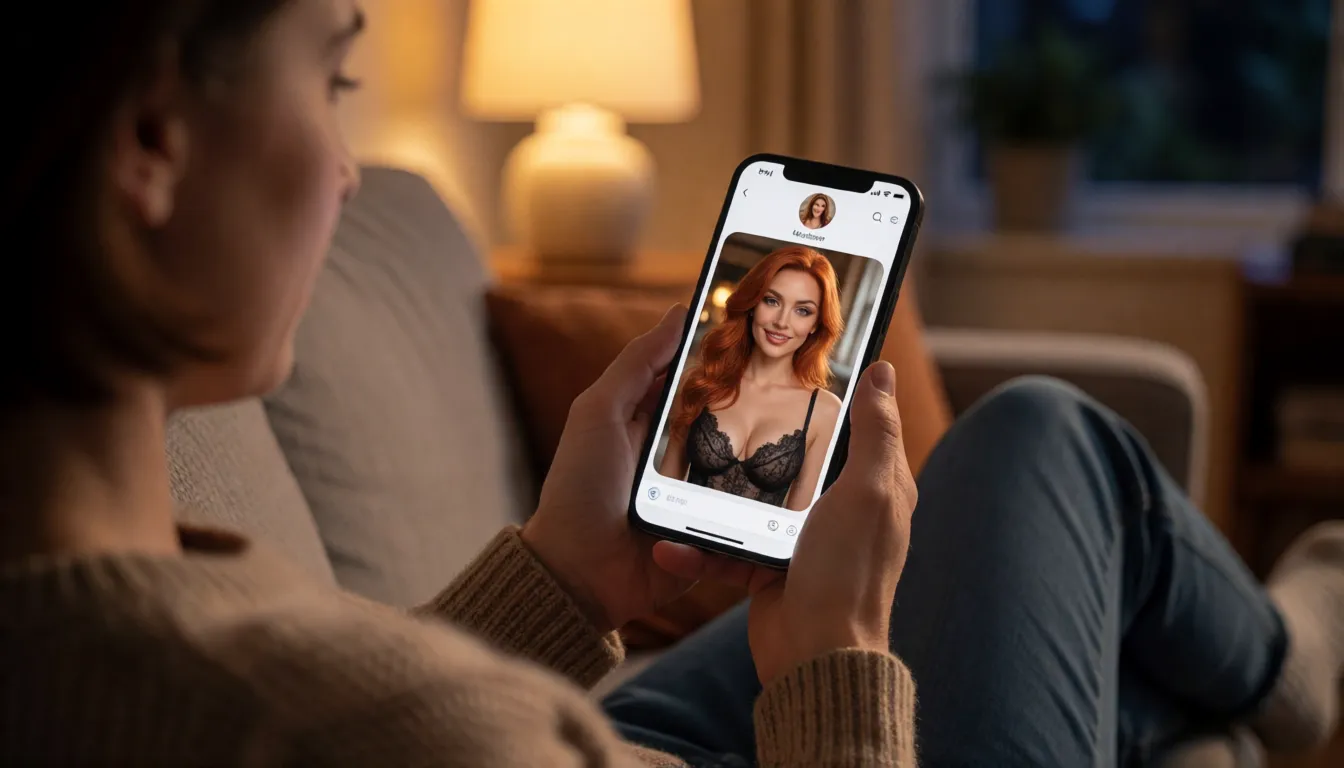
Pick a look: photoreal, anime, 3D or painted
An AI NSFW avatar does not have to look like a photo. The style you choose changes the whole personality of the character, so try the same description in two or three styles before you settle. A photoreal portrait feels like a real model's shoot; an anime render turns the same person into a heroine from a late-night series; a 3D look fits game profiles; a painted style reads as collectible art.
| Style | Best for | Words to add to your description |
|---|---|---|
| Photoreal | Dating-style profiles, creator personas, pin-ups | photorealistic, 85mm portrait, natural skin texture, soft window light |
| Anime | Chat characters, fan communities, streaming icons | anime illustration, clean line art, vivid eyes, cel shading |
| 3D game render | Gaming profiles, roleplay campaigns | 3D character render, cinematic rim light, detailed materials |
| Painted pin-up | Posters, retro calendars, gifts | 1950s pin-up painting, warm palette, visible brushwork |
| Neon noir | Night-city personas, cyberpunk roleplay | neon-lit street, rain reflections, moody contrast |
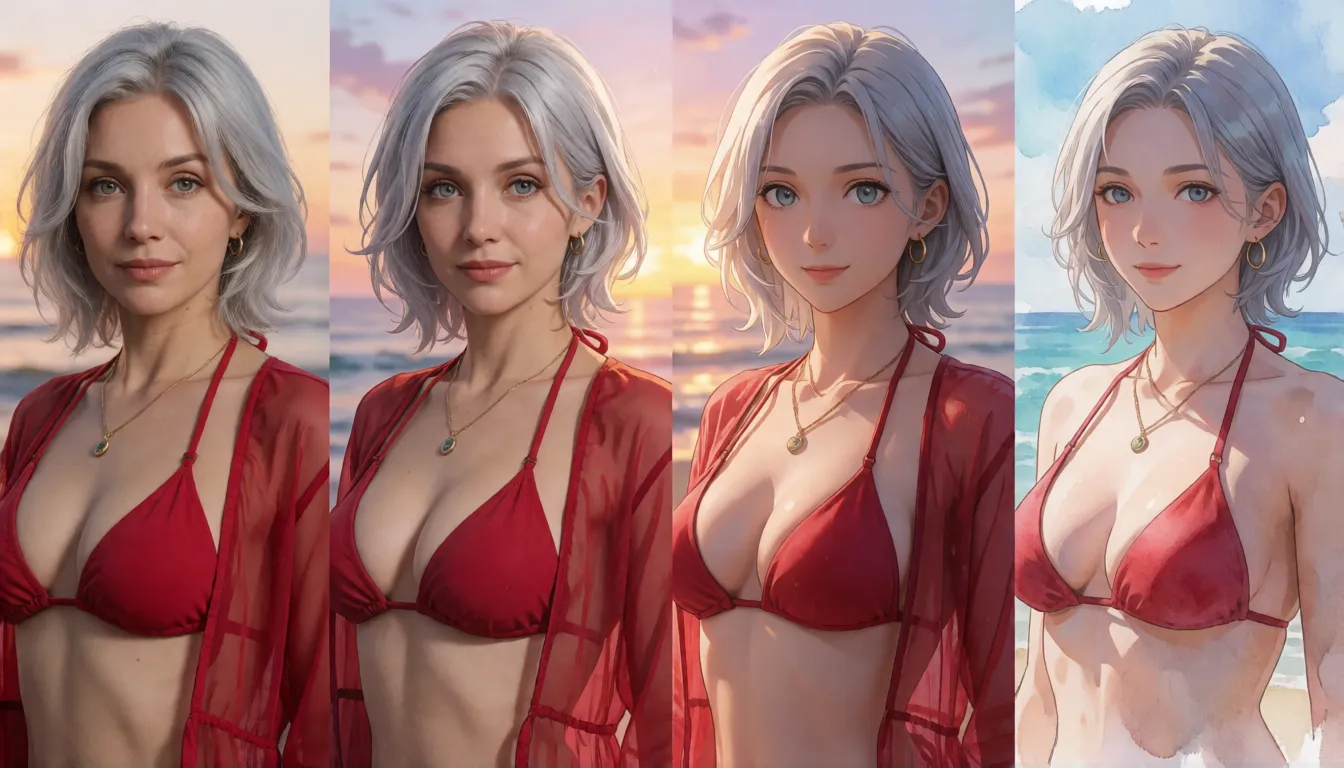
From bikini to boudoir: how bold can it go?
An AI NSFW avatar can go as bold as an adult fantasy needs. Start mild with swimwear on a beach at golden hour, turn it up with lace lingerie by a hotel window, or go all the way to artistic nudes with studio lighting. Wet-look swimsuits, sheer robes, stockings, leather harnesses, body paint, cosplay with far less fabric than the original costume: the wardrobe is unlimited, and you set the dial yourself.
Mainstream avatar apps and big-name image tools stop long before that point; many refuse a plain bikini request. The image editor on Spicy AI has no such filter for adults, so the look you describe is the look you get.
Two lines never move: every character must be an adult, and the persona should be fictional or you. Do not recreate a real person who has not agreed to it.
- Beach heat: string bikini, wet hair, sunset glow, sand on the skin.
- Boudoir: lace set, silk sheets, morning light through curtains.
- After dark: latex dress, neon bar, smoky eyes, direct gaze.
- Fantasy: succubus wings, body jewelry, candlelit throne room.
- Art nude: classical pose, single spotlight, black backdrop.
Got a look in mind? Describe it and see it in seconds.
Open the image editor →Make yours in three steps
Making an AI NSFW avatar does not need a guide thicker than this paragraph. The whole process fits into a coffee break, and the first result is usually good enough to make you want a second.
Already have a picture you like? Upload it as a reference and describe only what should change: a new outfit, a different background, a bolder pose. That is the fastest way to grow one good portrait into a whole gallery.
- 1. Describe the person. Age (always adult), hair, eyes, body type, expression. The more specific the face, the more the character feels like someone.
- 2. Dress the scene. Outfit, place, light and art style: "red bikini, yacht deck, noon sun, photorealistic" already tells the whole story.
- 3. Generate and refine. Pick a square frame for profile pictures or a tall one for full-body shots, run it, then change one detail at a time until it is exactly right.
Copy-and-paste prompt templates
A good description follows a simple order: who, wearing what, where, in which light, in which style. Fill the brackets with your own details and you have a working prompt for an AI NSFW avatar in any mood. English prompts tend to give the most reliable results.
| Mood | Template |
|---|---|
| Beach profile | Adult woman, [age 21+], [hair], wearing a [color] string bikini, standing in shallow water at sunset, wet skin, playful smile, photorealistic portrait, square crop |
| Boudoir | Adult [woman/man], [hair and eyes], in [lace lingerie / silk boxers], sitting on the edge of a bed, morning window light, soft focus background, editorial photo |
| Anime siren | Anime illustration of an adult woman with [hair color] twin tails, [outfit], teasing wink, pastel neon city behind her, clean line art, upper body |
| Dark fantasy | Adult succubus queen with [horn style] and [wing color] wings, body jewelry, candlelit throne room, dramatic rim light, detailed fantasy painting |
| Male pin-up | Adult man, [age], muscular, open linen shirt, leaning on a vintage car, golden hour, confident smirk, 35mm film look |
| Art nude | Adult [woman/man] in a classical pose, single spotlight, black studio backdrop, fine-art photography, tasteful shadows |
Keep the same face in every picture
An AI NSFW avatar only works as a persona if people recognize it. The trick is to treat your character like a casting sheet: once you have a portrait you love, lock the details and reuse them.
- Write a fixed character line ("adult woman, 26, long copper hair, green eyes, freckles, small nose ring") and paste it at the start of every prompt.
- Upload your favorite portrait as the reference image and ask only for the change: "same woman, now in a white bikini on a balcony".
- Change one thing per run. Outfit first, then background, then pose. Big jumps are where faces drift.
- Keep signature details such as a tattoo, a hair streak or a necklace; they hold the identity together across styles.
- Save the best three results as your reference set, and return to them whenever a new picture starts to look like a cousin instead of the character.
One persona, two cuts: profile-safe and after-dark
Smart creators keep two versions of the same character. Many social and chat platforms do not allow explicit images in public profile spots; Discord's community guidelines, for example, rule out sexually explicit avatars, banners and server icons because those places cannot be age-restricted. So make a teasing, covered-up cut for the public icon, such as a shoulder-up portrait, a swimsuit or an evening dress, and save the bold cut for age-restricted channels, private chats and your own gallery.
Because both cuts come from the same character line, your AI NSFW avatar stays one consistent persona everywhere, and the public picture works as an invitation to the private one.
Make it move, make it talk
A still picture is only the first act. Feed your finished portrait into the image-to-video tool and the character turns her head, plays with her hair or walks toward the camera in a short clip. Or give the persona a voice in text: on Spicy Chat you can talk with uncensored characters for flirting, roleplay and long-running stories. Picture, motion and conversation together are what turn an AI NSFW avatar from a nice image into a character people remember.
Self-hosting an open model vs creating online with Spicy AI
There are two roads to an AI NSFW avatar. Open-weight image models such as Stable Diffusion XL and Qwen-Image can be downloaded and run on your own computer, which gives full control if you have a strong graphics card and the patience for setup. Creating online skips all of that: open a browser tab, type, generate.
| Local setup (open weights) | Spicy AI online | |
|---|---|---|
| Getting started | Install software, download multi-gigabyte model files | Open the page and type |
| Hardware | A recent GPU with plenty of memory | Any phone or laptop |
| Content filters | Depends on the model and add-ons you install | No filter for adult content (18+) |
| Open weights | Yes, you hold the files | Nothing to download |
| Price | Free software, your own hardware and power | Credit cost shown before each run |
Questions people ask before they start
What is an AI NSFW avatar?
It is an adult-themed digital persona generated by AI from a text description or a reference photo: a profile picture, character or alter ego in looks that range from swimwear to artistic nudes. It is meant for adults and always depicts adults.
Do I need to upload my own photo?
No. A sentence is enough to create a brand-new fictional character. Uploading a photo is optional and useful when you want to restyle a picture of yourself or keep an existing character consistent.
Can I make an anime or cartoon version?
Yes. Add style words such as "anime illustration", "3D render" or "pin-up painting" to your description. The same character line works across styles, so you can have a photoreal and an anime version of one persona.
Can I use a celebrity or someone I know?
No. Create fictional adults or use your own likeness. Sexualized pictures of real people who have not agreed to them are off-limits, and so is any character who is or looks underage.
Where can I use the result as a profile picture?
Check each platform's rules first. Public profile spots usually require a non-explicit picture, so use a covered-up cut there and keep bolder versions for age-restricted spaces and private chats.
Does it cost anything to try?
The credit cost is shown before each generation, so you always know what a picture costs before you run it.
Sources and further reading
The background facts in this article come from the following public references.