Describe your image below — Base text-to-image is free, no sign-in required.
0/3500
Seed
Example
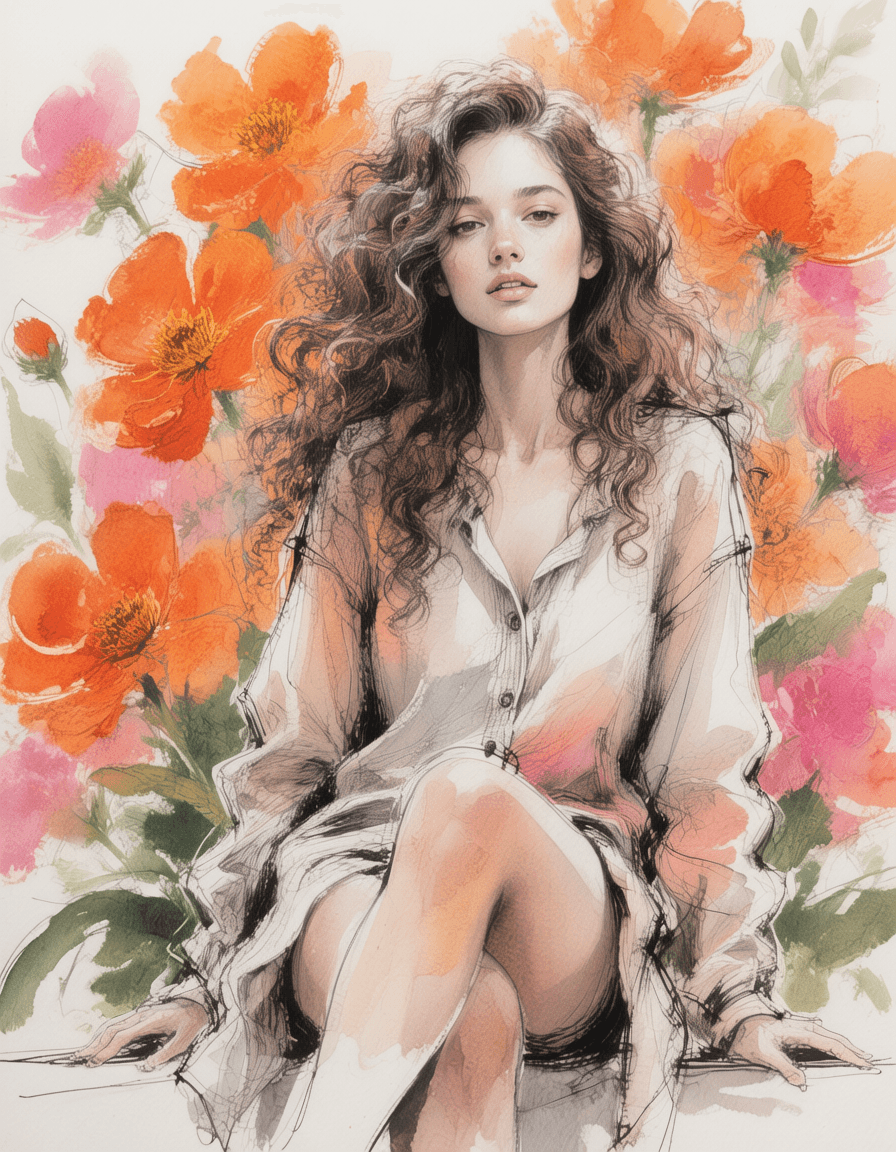
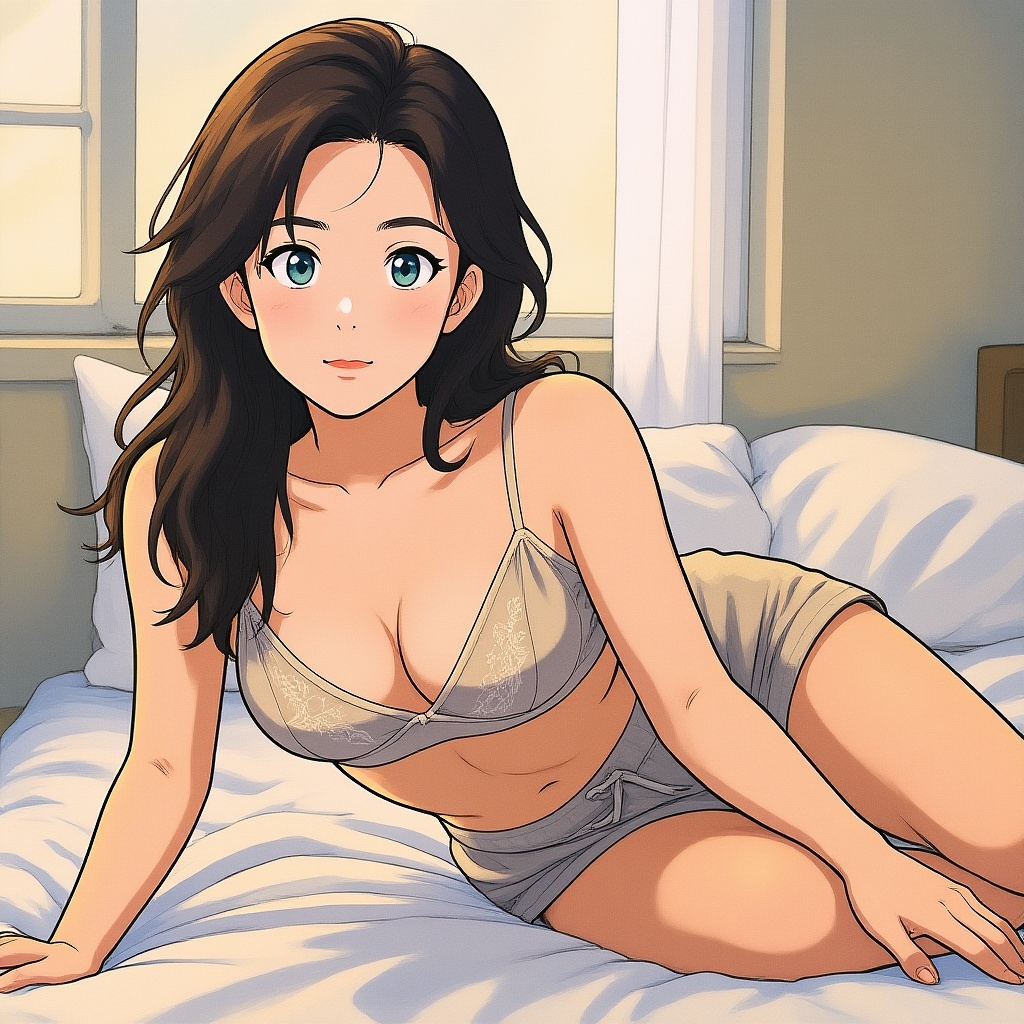
Prompt: This is a sketch combining watercolor and ink, depicting a young woman with thick, curly long hair and fair skin. Her expression is serene, with her lips slightly parted, and she sits with one leg raised. The background features large, vibrant orange and pink flowers, complemented by green leaves, rendered with loose and fluid brushstrokes. Her attire is outlined in black ink, accented with soft gradient watercolor tones, creating a striking contrast with the bright flowers. The overall style is modern and abstract, emphasizing flowing lines and a delicate fusion of colors. The composition is set against a white background, highlighting the central figure and the floral elements.
1/1/2026, 12:00:00 AM•auto•3:4
Example
Uncensored AI Image Editor — Built for Serious Creators
Spicy AI is an uncensored AI image editor and AI photo editor for professional creators who have hit safety-filter walls elsewhere. Use it as a free AI image generator, prompt-based picture editor, or unrestricted photo editor — text-to-image and image-to-image in one no-filter workspace.
Safety-filtered platforms rewrite prompts and interrupt production. Spicy AI offers unrestricted image editing and AI art generation with minimal content blocking, tiered models for quality-critical work, and crypto credits or your own API Key instead of subscription lock-in.
Top up with crypto credits or your own API Key when you need more. See pricing for credit details.
Minimal Content Blocking
An AI image editing experience without restrictions — no safety filters cutting prompts short. Keep creative direction intact across bold concepts, mature themes, and stylistic experiments mainstream tools reject.
Text & Image Modes
One workspace for generation and editing — prompt from scratch or upload a reference photo and the tool switches to image-to-image mode automatically.
Base, Pro & Max Tiers
Choose the model tier that matches your quality bar — from fast iteration on Base to Pro and Max for detail-critical portraits, scenes, and stylized art.
Production-Ready Output
High-resolution results in seconds — suitable for portfolio pieces, marketing assets, and iterative client work without waiting on subscription-tier queues.
Uncensored AI Image Editor — Text-to-Image
Turn detailed prompts into production-ready visuals in seconds — portraits, scenes, and stylized art. This no-filter AI photo editor and text-to-image generator does not reject legitimate creative direction mid-project the way safety-filtered platforms do.
A watercolor and ink sketch of a young woman with voluminous curly hair, serene expression, and vibrant orange and pink blossoms — generated via text-to-image on Spicy AI.
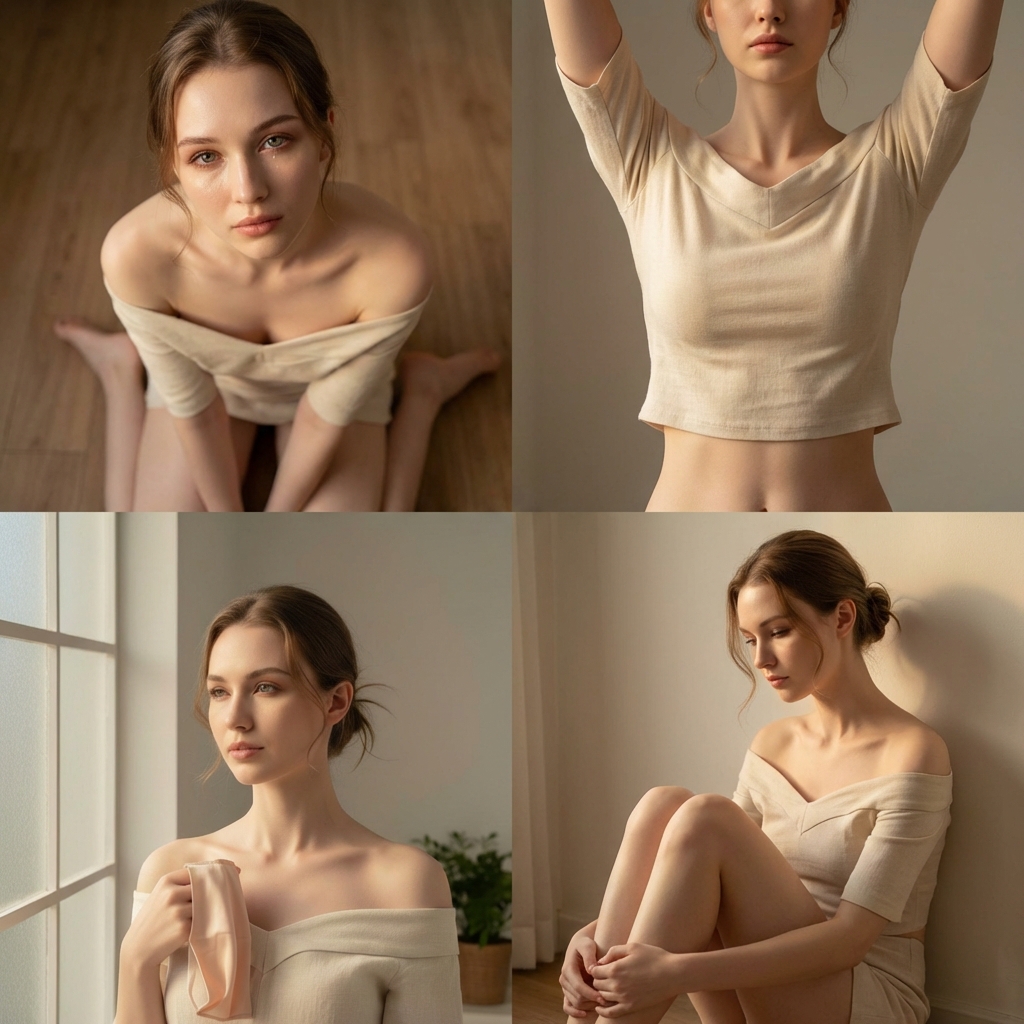
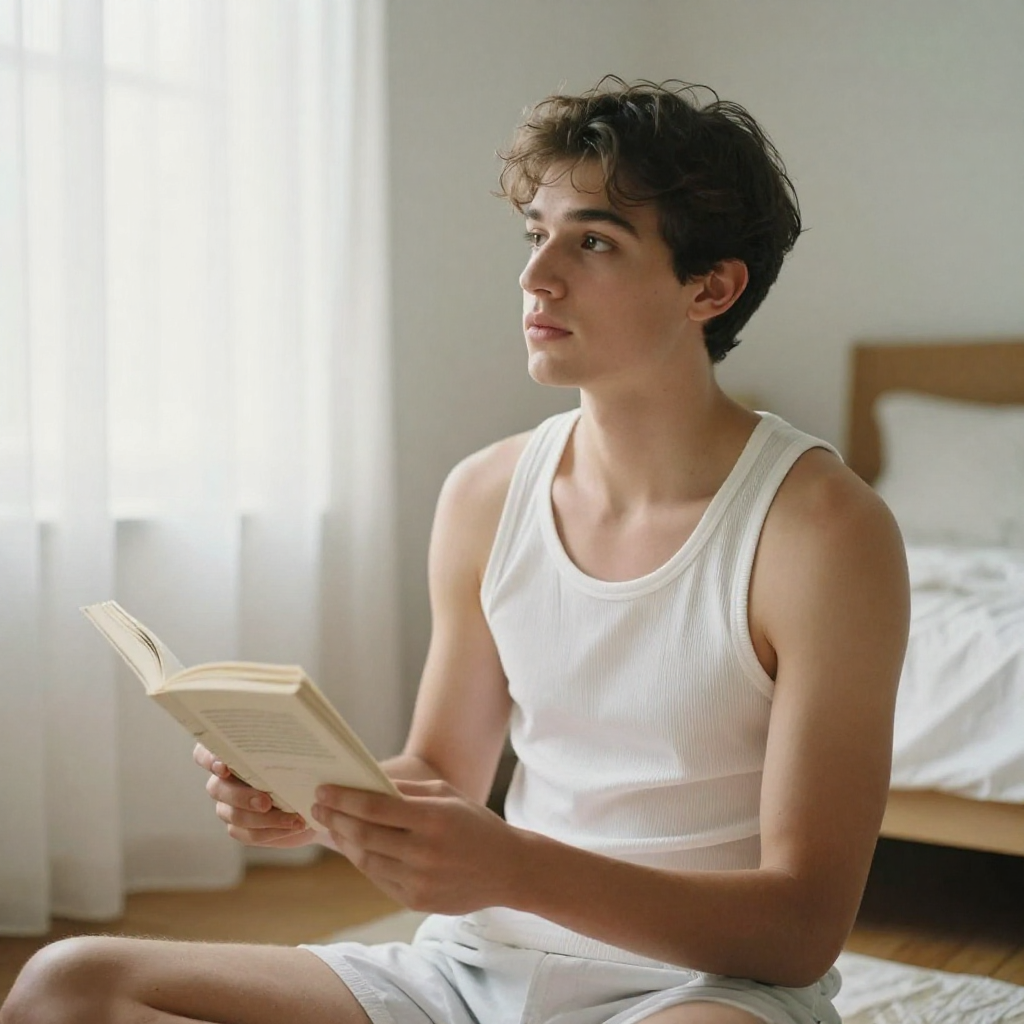
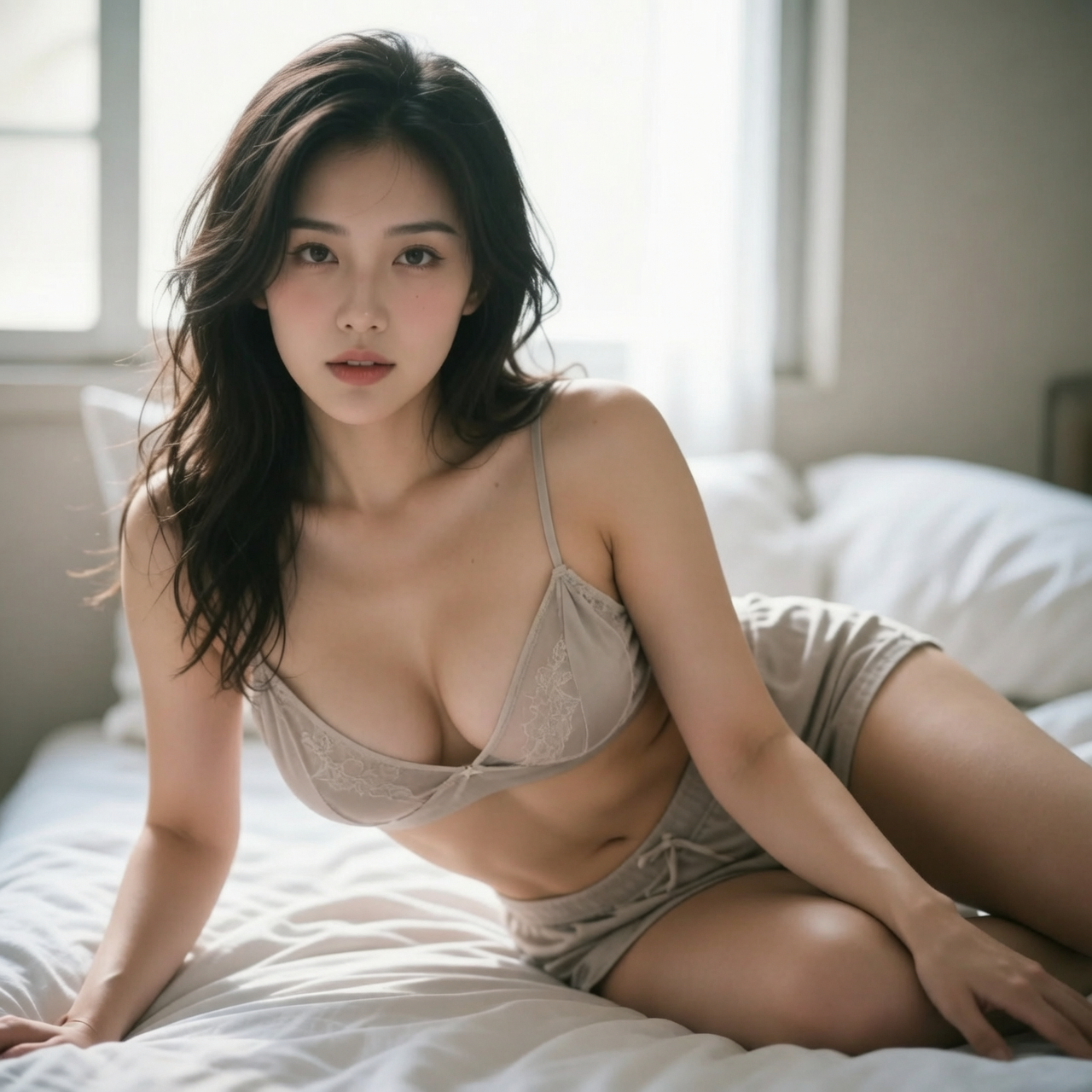
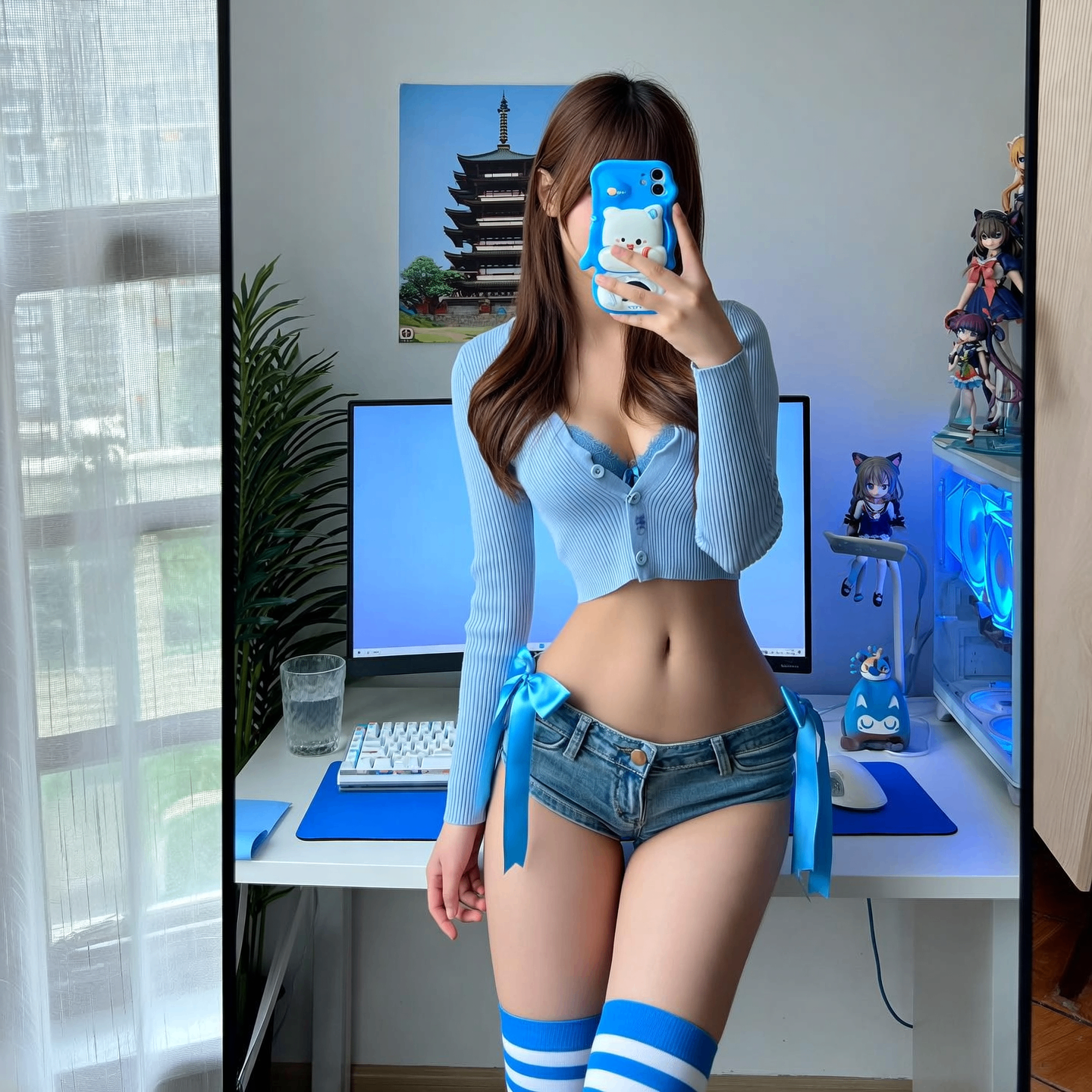
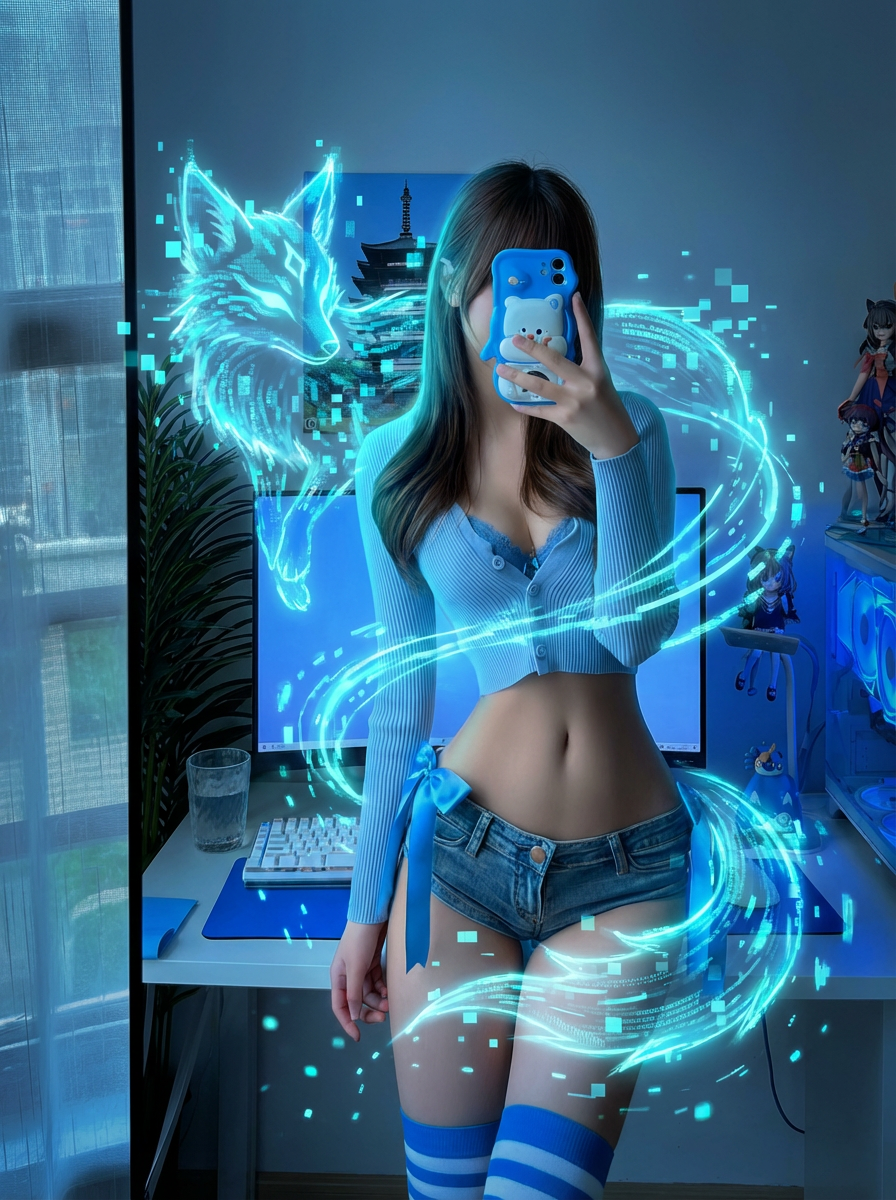
Upload a reference image and steer the output with precise prompts — style, lighting, composition, or mood. Built as an image-to-image editor for unrestricted photo editing and iterative work where mainstream AI picture editors rewrite your intent instead of following it.
Reference image
Edited result
Prompt-Based Editing Without Safety Rewrites
Describe exactly what should change. Spicy AI follows your prompt rather than substituting a sanitized version — important when you need predictable results for client deliverables or portfolio pieces.
Uncensored vs Filtered AI Image Editors
Mainstream AI image tools and AI photo editors apply heavy safety filters that block or rewrite legitimate creative prompts. Spicy AI is an uncensored AI image editor and free AI art generator built for creators who need predictable, unrestricted editing — not another tool that fights your intent.
Spicy AI (uncensored)
Minimal safety intervention on legitimate creative prompts
Text-to-image and image-to-image in one production workspace
Base, Pro, and Max tiers for different quality needs
Crypto credits or your own API Key — no forced subscription
Typical safety-filtered platforms
Prompts blocked or rewritten by safety classifiers
Limited style and subject freedom
Heavy subscription paywalls
Subscription-only pricing models
Sign In, Credits & API Key
Sign in to access the image editing workspace. New users receive 50 daily credits for 7 days (resets each day). Scale with crypto credit packs or bind your own provider API Key — no subscription required for ongoing professional use.
From first prompt to final export — a workflow built for daily creative production:
1
Enter Your Vision
Type a descriptive prompt or upload a photo to the image editing workspace.
2
Customize Your Style
Choose a model tier (Base, Pro, or Max), aspect ratio, and describe the style you want in your prompt.
3
Generate & Download
Click "Generate" and watch your art come to life in seconds, then download your high-resolution masterpiece.
Frequently Asked Questions
How does this uncensored AI image editor and photo editor work?
Deep learning models interpret your text prompts and produce high-resolution images in seconds — like a text-to-image generator and prompt-based picture editor in one tool. Content filtering is kept minimal so legitimate creative prompts are not blocked the way filtered platforms handle them.
Can I use outputs for commercial projects?
Yes. Outputs are suitable for professional use — marketing assets, web design, character art, and client-facing creative work. See our Terms of Service for full usage rights.
How does image-to-image editing work?
Upload a reference photo and describe the changes you want in your prompt — style, lighting, mood, or details. Spicy AI generates a new image guided by both your photo and your words.
Is Spicy AI suitable for professional workflows?
Yes. Photographers, illustrators, marketers, and indie creators use Spicy AI when safety-filtered platforms block prompts or add unwanted rewrites. Pro and Max tiers target higher-fidelity output for demanding work.
What is the difference between Text-to-Image and Image-to-Image?
Text-to-Image creates art from words; Image-to-Image uses an existing photo as a base to apply new styles.
Can I specify the aspect ratio of the generated images?
Yes — customize dimensions to fit platforms like Instagram or YouTube directly in the workspace.
Can I generate images of specific themes like "Cyberpunk"?
Absolutely! Spicy AI supports countless styles, from futuristic sci-fi to classic fine art.
How fast is image generation on Spicy AI?
Most logged-in generations finish in under 30 seconds. Base-tier generations may take up to about a minute during peak load.
Can I refine an image after it's generated?
Yes — adjust or transform any result further with prompt-based editing in the same workspace.
Does Spicy AI work on mobile browsers?
Yes, Spicy AI is fully optimized for both desktop and mobile browsers.
How does Spicy AI compare to mainstream no-filter alternatives?
We minimize restrictive content blocking. Legitimate creative prompts that safety-filtered services routinely reject or rewrite are far more likely to run as written — that is the core reason professionals switch.
Can I use the tool without signing in?
No — sign in is required. New users receive 50 daily credits for 7 days (resets each day). Purchase crypto credits or bind an API Key for higher-volume production.
What's the difference between uncensored and filtered AI image editors?
Filtered AI photo editors and image generators block or rewrite prompts that trip safety classifiers — often mid-workflow. A no-filter image tool like Spicy AI keeps intervention minimal so you spend less time re-prompting and more time shipping work.
Do I own the images I create with Spicy AI?
You can download and use your outputs for personal and commercial projects. See our Terms of Service for full usage details.
How do daily credits work for new users?
For 7 days after registration, you receive 50 credits each day you sign in. Unused daily credits do not carry over — they reset the next day. Purchased credits never expire.
Start Editing
Jump into the workspace above or review credit and API Key options for production workflows.