
How does Spicy AI image to video work?
Upload a still image (or frames), describe the motion you want, and our AI models generate a short video clip that animates your photo while preserving its look and composition.
Enter a prompt and click "Generate Video" to start creating! Your videos will appear here.
Spicy AI image to video turns a still photo into a short AI clip — with uncensored creative freedom and no heavy content filters blocking your motion prompts.
Upload a start frame, describe camera movement and action, and generate cinematic motion in minutes.
Sign in to generate videos. Top up with crypto credits or your own API Key. See pricing for details.
Describe motion, mood, and camera moves freely — without filtered tools rewriting or blocking your prompts.
Upload one photo, describe the motion, and generate a short clip from that first frame.
Fast for free low-speed generation, Max for higher-resolution clips with more duration control.
Generate, preview in history, iterate prompts, and download — all in one workspace.
Upload a photo, add a motion prompt, and let Spicy AI animate your scene — ideal for portraits, characters, product shots, and concept art.
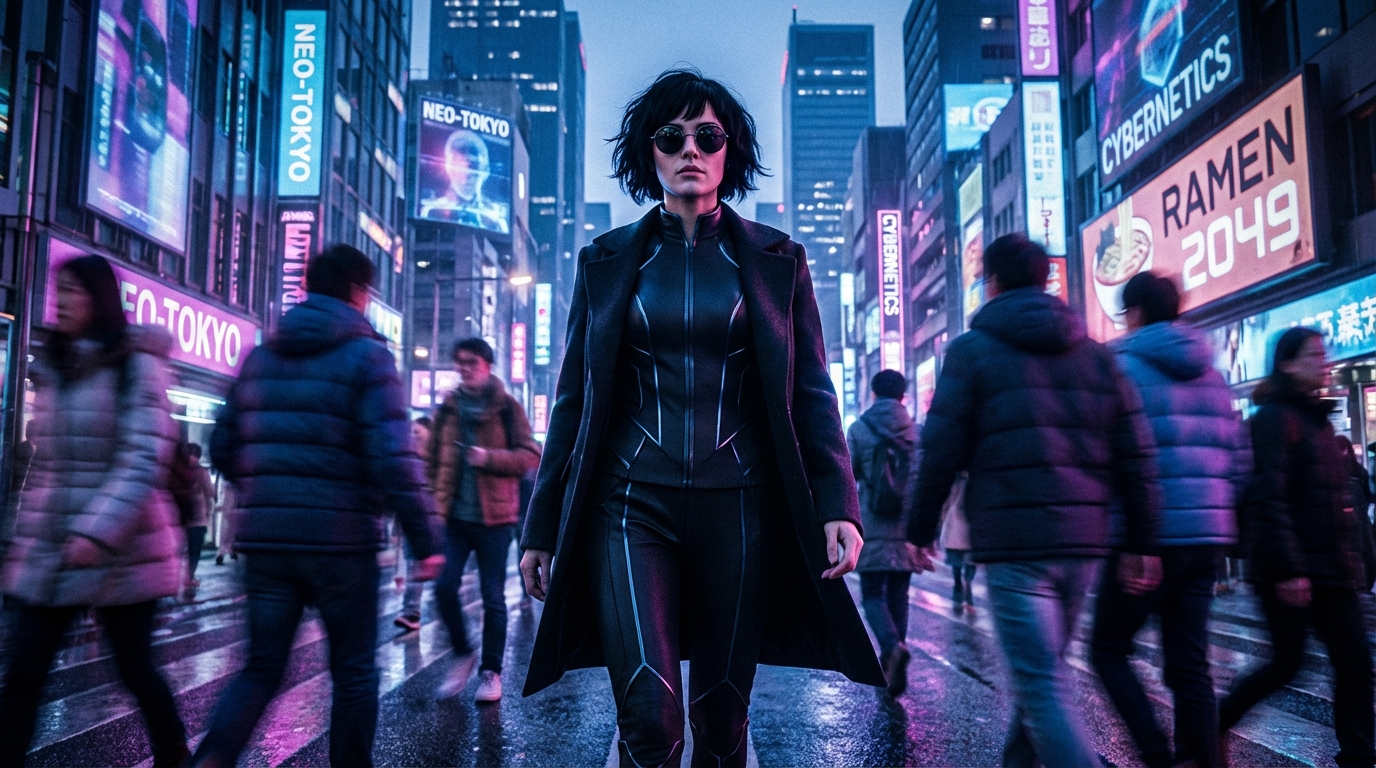
Motion prompt
“Gentle camera push-in, soft wind in hair, warm golden-hour light, cinematic 24fps feel.”
Upload a still photo and describe how it should move — Fast and Max both start from a single frame.
Upload one frame and describe how it should move. Best for animating portraits, scenes, and product photos.
Two image-to-video models — Fast for a free low-speed lane, Max for paid 720p/1080p output.
First-frame image-to-video with a free low-speed queue. High-speed costs 100 credits.
720p/1080p output with audio upload — ideal for talking-head and presentation-style videos.
Many AI video tools apply heavy safety filters that block legitimate creative prompts. Spicy AI prioritizes creative freedom for image-to-video workflows.
Sign in to generate image-to-video clips. Video uses credits or your provider API Key — no monthly subscription required.
Animating a photo on Spicy AI is fast and intuitive:
Upload your start image in the editor.
Write a prompt for camera movement, subject action, lighting, and mood — be specific for best results.
Pick Fast or Max, click Generate, preview in history, then download your clip.
Upload a still image (or frames), describe the motion you want, and our AI models generate a short video clip that animates your photo while preserving its look and composition.
Yes. Spicy AI is built for uncensored creative freedom with minimal restrictive filtering — so your motion prompts are less likely to be blocked compared to heavily filtered tools.
Common formats like JPG and PNG work best. Use clear, high-resolution source images for sharper video output.
Duration depends on the model you choose. Fast is 5 seconds. Max supports up to 15 seconds at 720p or 1080p.
Yes. Create or edit images in our uncensored AI image editor, then animate them here with image to video — a seamless creative pipeline on one platform.
Fast is the free low-speed first-frame model. Max is the paid 720p/1080p model with longer duration options.
You can download outputs for personal and commercial use. See our Terms of Service for full usage details.
No. If you can upload a photo and describe motion in plain language, Spicy AI handles the complex video generation.
Yes. The Spicy AI image-to-video workspace is optimized for modern mobile and desktop browsers.
Video generation uses credits based on model, duration, and resolution. Top up with crypto credits or bind your own API Key — see pricing for current rates.