Uncensored AI Image · Black Forest Labs
Uncensored FLUX 3 Image Klein: One Small Open Model That Draws, Edits and Blends 10 Photos
FLUX 3 Image Klein is the compact, open-weights member of Black Forest Labs' FLUX 3 Image family, released on October 15, 2026. One 5.6B model handles text-to-image, one-line photo edits, blends of up to ten reference pictures and box-based layouts, and the fast version needs only 16 steps. Because the weights run on your own machine with the safety checker switched off by default, it is also the model local creators mean when they search for an uncensored Klein build.
- Free to start
- No filters
- Runs in browser
Uncensored Alternative Image Generator
Text to imageDescribe the image you want. Add a reference photo to edit it, or leave it empty for text-to-image.
A pocket-sized FLUX 3 that creates and retouches in seconds
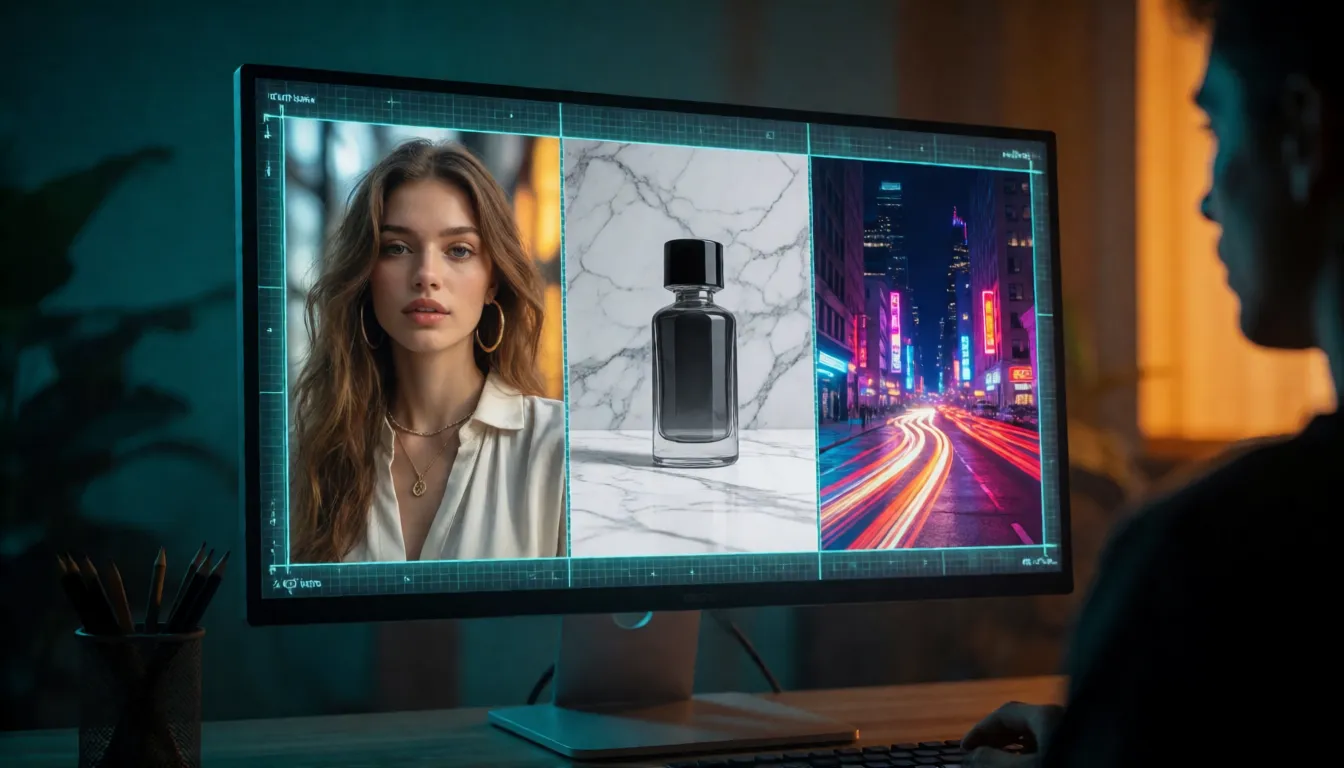
Most people meet a new image model as either a generator or an editor. Klein is both, and it is small enough to live on a gaming PC. You can describe a scene from scratch, drop in a photo and say "swap the jacket for black leather", or hand it a product shot, a model photo and a location photo and get them in one frame. On a data-center GPU the fast version draws a one-megapixel picture in about three seconds, so trying ten ideas costs less than a coffee break. The official chart lists output up to 4K, and the prompt reader is Qwen3-VL-4B, a vision-language model that also looks at your reference images, which is why plain sentences work so well.
FLUX 3 Klein vs FLUX.2 Klein: what the new generation adds
If you already use FLUX.2 Klein, the upgrade to the new Klein is less about raw sharpness and more about control. Black Forest Labs calls the new model the leader among open-weights models for quality and speed, based on its own internal Elo tests, but it has not published the numbers or a side-by-side chart against FLUX.2 Klein, so judge with your own prompts. What clearly changed:
- Up to 10 reference images in one request, with the first reference setting the output size.
- Bounding-box layouts: tell the model which item goes in which rectangle of the frame.
- Box edits: point at an element with a box and move it, replace it or remove it.
- Output up to 4K on the official spec table.
- A prompt upsampler that rewrites short ideas into full scene descriptions as part of the standard workflow.
- Text inside images, such as banner headlines and signs, is a listed capability.
LoRAs and fine-tunes trained for FLUX.2 Klein are not compatible with this model; they have to be retrained.
Where it shines: online shops, short dramas and posters
The ten-reference limit and box control make Klein feel built for people who produce lots of images for work. A seller can photograph a handbag once and place it in a dozen lifestyle scenes; a short-drama team can keep the same lead actress look from poster to thumbnail; a café can turn a menu idea into a printable flyer with the title spelled correctly most of the time. Typical jobs people are trying:
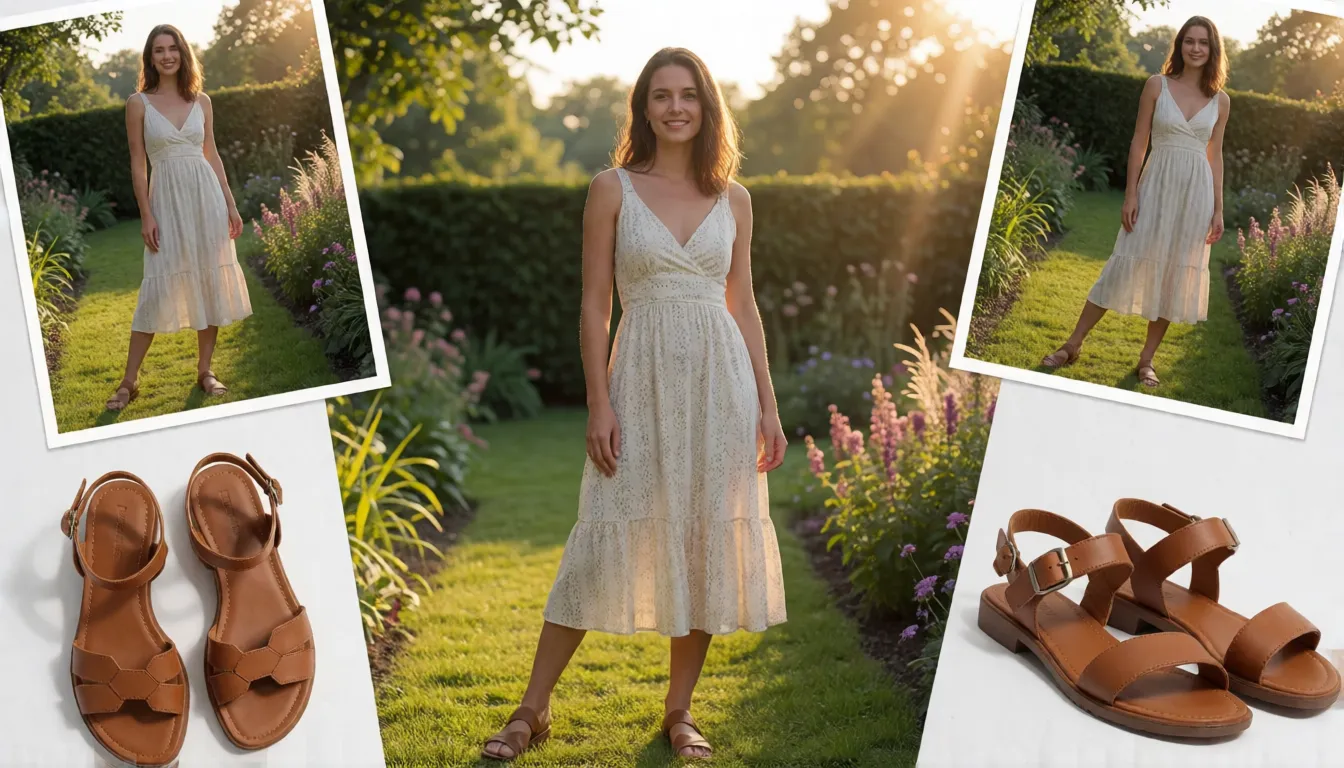
- E-commerce: product photo + model photo + location photo merged into one catalog shot, then recolored in seconds.
- Short video and short drama: character reference sheets reused for cover art and storyboard keyframes, which can then be animated with an image-to-video tool.
- Posters and book covers: headline words in quotes so they appear as real lettering on banners, signs and covers.
- Quick retouching: add an accessory, change an outfit or remove a stranger from the background with one sentence.
- Adult (18+) fashion: swimwear, bikini and lingerie lookbooks of fictional or consenting adult models.
Blending up to 10 reference images in one prompt
Multi-reference is the feature most people try first. You upload several pictures and refer to them in the prompt as <ref_image_0>, <ref_image_1> and so on, in the order you added them. Klein then borrows the face from one, the outfit from another and the background from a third. Two habits help a lot: put the photo whose shape you want for the final image first, because the first reference decides the output size, and say what each picture contributes instead of hoping the model guesses. Clean, well-lit references with one clear subject give the most faithful results, while crowded photos tend to leak extra details into the mix.
Bounding box layouts and box edits
Layout mode lets you sketch a composition with coordinates instead of words like "on the left". Write a normal caption, then add a JSON list where each item has an id, a short description and a bbox in the order top, left, bottom, right. The Hugging Face card uses a 0 to 1000 grid, while the file format in the GitHub repository uses values from 0 to 1, so check which one your tool expects. Box editing works the same way in reverse: give the model a source box and a target box to move an element, or a box plus an instruction to replace or delete it. The boxes are guides, not hard masks, so the official notes warn that pixels outside the box can still change.
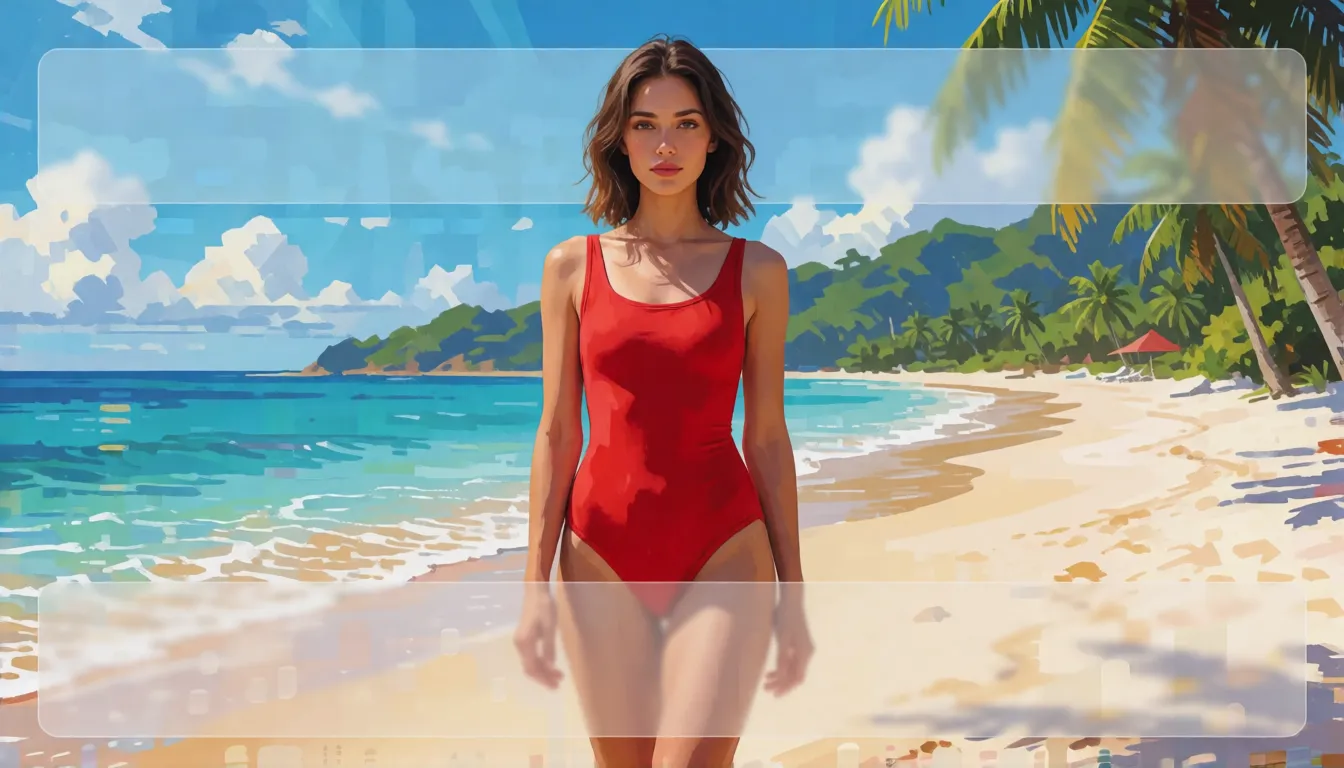
A bright summer beach poster, adult model in a red one-piece swimsuit, clear blue sky
[
  {"id": "title", "desc": "bold white headline \"SUMMER DROP\"", "bbox": [40, 100, 200, 900]},
  {"id": "model", "desc": "adult woman in a red swimsuit, smiling", "bbox": [220, 300, 900, 700]},
  {"id": "logo", "desc": "small round surf-shop badge", "bbox": [860, 820, 960, 960]}
]
Klein prompt templates you can copy
The model rewards clear, ordered descriptions. Start with the shot type, then the subject and what they wear, the action, the setting, the light and finally the style. For style, describe colors, brushwork and materials instead of naming a famous artwork, which is also what Black Forest Labs recommends. Put any words that should appear in the picture inside English quotation marks. For edits, say what changes and what must stay the same. Templates that work well:
- Text-to-image: "[shot and lens], [subject and look, clothing material and color], [action and position], [setting], [lighting], [style: color grade, texture]." Example: "Full-body fashion photo, a woman in a cream knit dress walking down a rainy Tokyo street at night, neon reflections, 35mm, soft rim light, film grain."
- Poster text: "A cream banner embroidered with \"SUMMER SALE 50%\", hanging above a beach bar, warm afternoon light."
- Simple edit: "Put a red bandana around the dog's neck."
- Outfit edit: "Replace the jacket with a black leather jacket, keep the face and pose unchanged."
- Multi-reference: "The woman from <ref_image_0> wearing the dress from <ref_image_1>, standing in the garden from <ref_image_2>, golden hour."
- Adult swimwear swap (18+, fictional character): "The adult woman from <ref_image_0> wearing the red bikini from <ref_image_1>, on a sunny beach, same face, natural skin, fashion editorial."
How Klein powers up spicy creation
For adult (18+) creators, the hard part of spicy content was never one good picture. It is keeping a character recognisable across a whole set, changing outfits without a reshoot, and making enough fresh images to post every day. Klein's new controls line up with exactly those chores. The base model is not trained for explicit scenes, so its strength is the tasteful end of spicy: swimwear, lingerie, boudoir, pin-up and cosplay looks of fictional or consenting adults. Here is what each feature does for that kind of work:
One muse, a whole photo set
Feed in a few reference shots of your fictional adult model and she keeps the same face, hair and figure across beach, bedroom and rooftop scenes, so a 20-image set reads like one real shoot.
Outfit swaps in one sentence
Put a bikini, a lace set or a silk robe in a second reference, or simply name it in an edit, and the clothes change while the face and pose stay put. One portrait becomes a full wardrobe.
Poses and covers placed by box
Draw boxes for where the model, the title and the logo go, and build pin-up posters, fan-page banners and comic covers without rolling the dice on composition.
Fast enough to post daily
Sixteen steps means a new idea in seconds on a strong GPU, so you can try ten lighting moods or camera angles and keep the best three.
Private by design
The weights run on your own PC, and the reference code leaves its safety check off unless you switch it on, so drafts and reference photos never leave your machine.
A signature look of your own
Train a LoRA on Klein Base for a recurring character or a house style, then run it on the fast version. Finished stills also make clean first frames for image-to-video clips.
Should you keep the prompt upsampler on?
Black Forest Labs ships a companion prompt upsampler, flux-3-image-klein-pup, a fine-tune of Qwen3.5-9B that turns a short idea such as "cozy cabin at dusk" into a detailed scene description before drawing starts. The official advice is to always use it, and the command-line tool turns it on by default. Switch it off with --no-pup only when your prompt is already a complete, detailed description. The catch is memory: the upsampler file is about 18.8GB and needs roughly 28GB of extra VRAM. A popular workaround is to run any local LLM you already have with the system prompts from the official system_prompts.json file, then paste the expanded text into the image model.
Klein distilled vs Base: 16 fast steps or 50 careful ones
The release comes in two versions. Klein is step-distilled: it needs 16 steps, uses no classifier-free guidance and is the version Black Forest Labs serves on its own API. Klein Base is the undistilled model behind it, slower but better suited to fine-tuning and research. For everyday creating, pick Klein; for training a style or a character, start from Base.
| Klein (distilled) | Klein Base | |
|---|---|---|
| Steps | 16 | 50 |
| Guidance (CFG) | Not used | 3.5 on Hugging Face, 4 in the GitHub table |
| Speed, 1MP on an H200 | About 3 seconds | About 12 seconds |
| Best for | Fast creating and editing | LoRA training, fine-tuning, research |
| Hugging Face repo | black-forest-labs/FLUX-3-Image-Klein | Base checkpoint in the same family |
Download the Klein weights from Hugging Face and run it in ComfyUI
The weights live on Hugging Face under black-forest-labs. The repository is gated, so sign in and accept the terms before the download button works. ComfyUI is the easiest local route, and GGUF files from the community make it usable on mid-range cards. A typical setup:
- Download the model file (full weights, the INT8 file from black-forest-labs/flux-3-image-klein-comfy, or a GGUF) into models/diffusion_models; GGUF files need a GGUF loader node.
- Add the qwen3vl_4b text encoder to models/text_encoders and flux2-vae to models/vae.
- Sampler euler with the simple scheduler; distilled Klein at 4 to 16 steps with CFG 1.0, Base at about 50 steps with CFG 3.5.
- Ready-made text-to-image and editing workflows come with the Abiray/flux-3-image-klein-sd-GGUF repository.
- If downloads fail, check that you accepted the gated terms and that your ComfyUI build is up to date.
Running Klein on an 8GB card: INT8 and GGUF sizes
The official reference code is hungry: on a B200 at 1024×1024 with one reference image and the upsampler off, Black Forest Labs measured about 31GB in bf16. FP8 needs an Ada, Hopper or Blackwell GPU, and NVFP4 needs Blackwell. For home PCs, the INT8 ComfyUI file is aimed at 8GB cards such as the RTX 3070, and community GGUF files shrink the model to between 2GB and 6GB. Black Forest Labs gives no measured peak for the INT8 route, so expect to experiment with resolution.
| Option | Size or peak memory | Notes |
|---|---|---|
| Klein bf16 / fp8 / nvfp4 | 31GB / 26GB / 25GB peak | Official test, B200, upsampler off |
| Klein Base bf16 / fp8 / nvfp4 | 31GB / 29GB / 26GB peak | Official test, B200, upsampler off |
| Prompt upsampler | About 28GB extra | Can be replaced by another LLM |
| INT8 ComfyUI file | Aimed at 8GB cards | Official comfy repository |
| GGUF by realrebelai | Q4_K_S 3.37GB to Q8_0 6.05GB | Base and distilled |
| GGUF by Abiray | Q2_K 1.99GB to Q8_0 5.99GB | Distilled, with ComfyUI workflows |
Training LoRAs on Klein Base
Because Base is undistilled, it is the checkpoint to train on, and the distilled model is the one you later run for speed. NVIDIA's NeMo AutoModel documentation already lists Klein Base with a LoRA recipe, and a public Hugging Face Space, prithivMLmods/flux-3-image-klein-loras-fast, shows early LoRAs working in the browser. Popular first projects are a consistent character, a product line photographed in one house style, or a painting look. Keep the dataset small and clean, caption every image in the same order as your prompts, and remember that older FLUX.2 Klein LoRAs cannot simply be loaded into this model.
Is FLUX 3 Image Klein uncensored?
Partly. The official reference code ships with its safety check switched off; only the --safety flag turns on screening of prompts, reference images and outputs for NSFW content, copyrighted characters, brands and public figures. Black Forest Labs also says the training was evaluated and mitigated against child abuse material and non-consensual intimate imagery, so the base model is not tuned for explicit content. As of November 5, 2026 there was no confirmed uncensored or NSFW fine-tune or LoRA for this model on Hugging Face, and the NSFW add-ons people know, such as SNOFS, were trained for FLUX.2 Klein 9B and do not work with the new Klein. Because the weights are open and Base is trainable, community adult LoRAs are likely to appear later. Spicy AI's image editor offers similar uncensored image creation in the browser in the meantime.
Swimwear and bikini lookbooks
One fictional adult model, many beach, pool and yacht scenes, with the same face in every shot.
Lingerie and boudoir editorials
Soft-lit portraits of adults in lace or silk, styled like a magazine shoot.
Pin-up and fantasy covers
Retro posters and painted cover art of adult characters, with the title placed by layout box.
- Put the photo that should set the frame size first when you blend references.
- Describe what changes and what stays: face, pose, light and background.
- Fix the seed and change one detail per run to compare results.
- State that everyone shown is an adult (18+), and edit only photos you have the right to use.
Create adult images without filters, no GPU or download needed.
Open the image editor →What the community is building three weeks in
Local creators moved quickly. At the time of writing, the model tree on Hugging Face counted 40 quantized versions, 17 fine-tunes, 9 adapters and 1 merge, plus several independent GGUF repositories and a LoRA demo Space, all within about three weeks of launch. Those are counts, not reviews, but they show that ComfyUI and Forge users are treating Klein as a serious everyday model. The two limits Black Forest Labs itself flags are worth knowing before you share results: box edits can still touch areas outside the box, and lettering inside images can still come out wrong, so check every headline before you publish it.
Self-hosting Klein vs generating online on Spicy AI
| Local deployment (official weights) | Spicy AI online | |
|---|---|---|
| Content filters | Safety check off by default, optional --safety | No content filters |
| Open weights | Yes | Not needed — runs in the browser |
| Model | Klein or Klein Base checkpoint | Similar uncensored image model, hosted online |
| Price to start | Your own GPU | Free tier available |
FAQ
What is FLUX 3 Image Klein?
It is a 5.6B open-weights image model from Black Forest Labs, released on October 15, 2026, that creates images from text, edits photos, blends up to 10 references and follows box layouts.
What is the difference between Klein and Klein Base?
Klein is the distilled version: 16 steps, no guidance and about four times faster. Base is undistilled, uses about 50 steps and is the one to fine-tune or train LoRAs on.
Can I run it on an 8GB graphics card?
Yes, through ComfyUI. The official INT8 file targets 8GB cards such as the RTX 3070, and community GGUF files start below 4GB. The official full-precision code peaked at about 31GB.
Do I have to use the prompt upsampler?
It is recommended and on by default, but you can turn it off for prompts that are already detailed, or replace it with another LLM plus the official system prompts.
Is there an uncensored FLUX 3 Image Klein model?
Not yet as a dedicated fine-tune. The local code has its safety check off by default, but no confirmed NSFW LoRA existed as of November 5, 2026, and FLUX.2 Klein LoRAs are not compatible.
How is it better than FLUX.2 Klein?
It accepts up to 10 reference images, adds box layouts and box edits, lists output up to 4K and makes the prompt upsampler part of the workflow. No official side-by-side numbers have been published.
Is Spicy AI affiliated with Black Forest Labs?
No. Spicy AI is an independent platform and is not affiliated with or endorsed by Black Forest Labs. FLUX is a trademark of its respective owner.
Sources
- Model repository (GitHub, Black Forest Labs)
- Model card (Hugging Face)
- GGUF quantizations by realrebelai (Hugging Face)
- GGUF files and ComfyUI workflows by Abiray (Hugging Face)
- Klein Base LoRA recipe (NVIDIA NeMo AutoModel docs)
- Klein Base usage guide (Runware docs)
- Model overview and release date (LLM Reference)