Uncensored AI Image · OpenMOSS
Uncensored MOSS-Image-SFT: 8-Step Drafts, Clean Gradients and Anime Tags
MOSS-Image-SFT is the ready-to-use version of the 5B open-weights MOSS-Image model from the OpenMOSS team, released on October 16, 2026. In its first month the community turned it into a much friendlier tool: an 8-step distilled version for fast drafts, a LoRA that removes vertical color banding, FP16 weights for older graphics cards, and a growing habit of writing anime prompts as simple tags. This guide collects those tricks, plus prompt templates you can paste straight in.
- Free to start
- No filters
- Runs in browser
Uncensored Alternative Image Generator
Text to imageDescribe the image you want, with any words in quotes. Add a reference photo to edit it, or leave it empty for text-to-image.
From Base to SFT: the checkpoint made for making pictures
OpenMOSS shipped two checkpoints of the same 5B single-stream model. Base has no post-training and is meant as a clean starting point for training LoRAs. SFT is Base fine-tuned on curated data, so it gives good pictures straight away and understands three kinds of prompts: plain sentences, anime-style tag lists and JSON layouts with coordinates. The official whiteboard samples show tidier text grouping and neater layouts on the SFT side, although OpenMOSS has not published a number for the gap. If you simply want images, this is the checkpoint to load; if you want to train your own style, start from Base. A month after launch the SFT page on Hugging Face showed 913 likes, about 19,500 downloads in the past month and 68 Spaces built on it.
8 steps instead of 50: DMD distillation and Spectrum
The official recipe asks for 50 sampling steps with guidance, which is careful but slow. The community fixed that fast. lodestones published an 8-steps-dmd checkpoint, a distilled version that draws an image in 8 steps and comes with a LoRA adapter for ComfyUI. On top of that, the ComfyUI-Spectrum-MOSS node speeds up sampling further by skipping work between similar steps. OpenMOSS says its own DMD version is still in development. Nobody has published a fair speed or quality benchmark yet, so test on your own card, but the split most people settle on is simple:
| Use | Pick | Why |
|---|---|---|
| Finding a composition, batch ideas | 8-step DMD | Many drafts in the time of one full render |
| Posters with lots of lettering | Official 50 steps | Text and small details hold up better |
| Final product or cover shot | 50 steps, optionally with Spectrum | Keeps quality while trimming wait time |
Fix color banding, FP16 cards and SLG settings
Two complaints came up early. Some users saw faint vertical stripes, or banding, across smooth skies and gradients. MATLOWAI answered with DeBand, a small LoRA plus a ComfyUI preset that smooths those stripes. The second problem was hardware: the official weights are in BF16, which many older GPUs do not support. KBlueLeaf released MOSS-Image-FP16-fixed, weights adjusted to run cleanly in FP16. The last tweak is skip-layer guidance (SLG). The model card sets the negative branch to skip layer 22, and community testing found layers 24 or 26 work too.
- Stripes in skies or walls: load the DeBand LoRA with its preset.
- Black or broken images on an older card: switch to the FP16-fixed weights.
- Want a more photographic look: try turning SLG off, but watch hands and small details.
- Short prompts look flat: raise CFG from 3 toward 6, as the model card suggests.
Three ways to write a MOSS-Image-SFT prompt
Most image models only read sentences. This model reads three formats and accepts prompts up to 4K tokens, in English (recommended) or Chinese. Plain sentences are best for photos and posters with lettering: put the exact words in quotes and use \n inside the quoted text when you need a line break. Tag lists, separated by commas, feel natural to anime fans. JSON is for strict layouts, where each title, product or badge gets its own box. For the JSON format, boxes use the yxyx order measured from the center of the canvas, so on a 1024 by 1024 image each axis runs from -512 to 512. The official Prompt Enhancer skill in the GitHub repo can turn a rough pixel sketch into those centered coordinates for you.
{
  "summary": { "caption": "Clean perfume ad, black stone, soft rim light" },
  "items": [
    { "label": "product", "caption": "glass perfume bottle", "bbox": [-200, -160, 360, 160] },
    { "label": "title", "caption": "thin gold serif", "bbox": [-460, -300, -320, 300], "text": "NOIR 07" }
  ],
  "bbox_format": "yxyx"
}
Prompt templates to copy and remix
These templates follow the official advice: describe the scene, quote the text, say where it sits. Use around 1 to 2 megapixels, any aspect ratio in multiples of 16, keep the seed fixed and change one detail per run. The official sample about the fridge note is a good warm-up: a sticky note on a refrigerator door, handwritten in Chinese, reminding someone to buy milk and eggs.
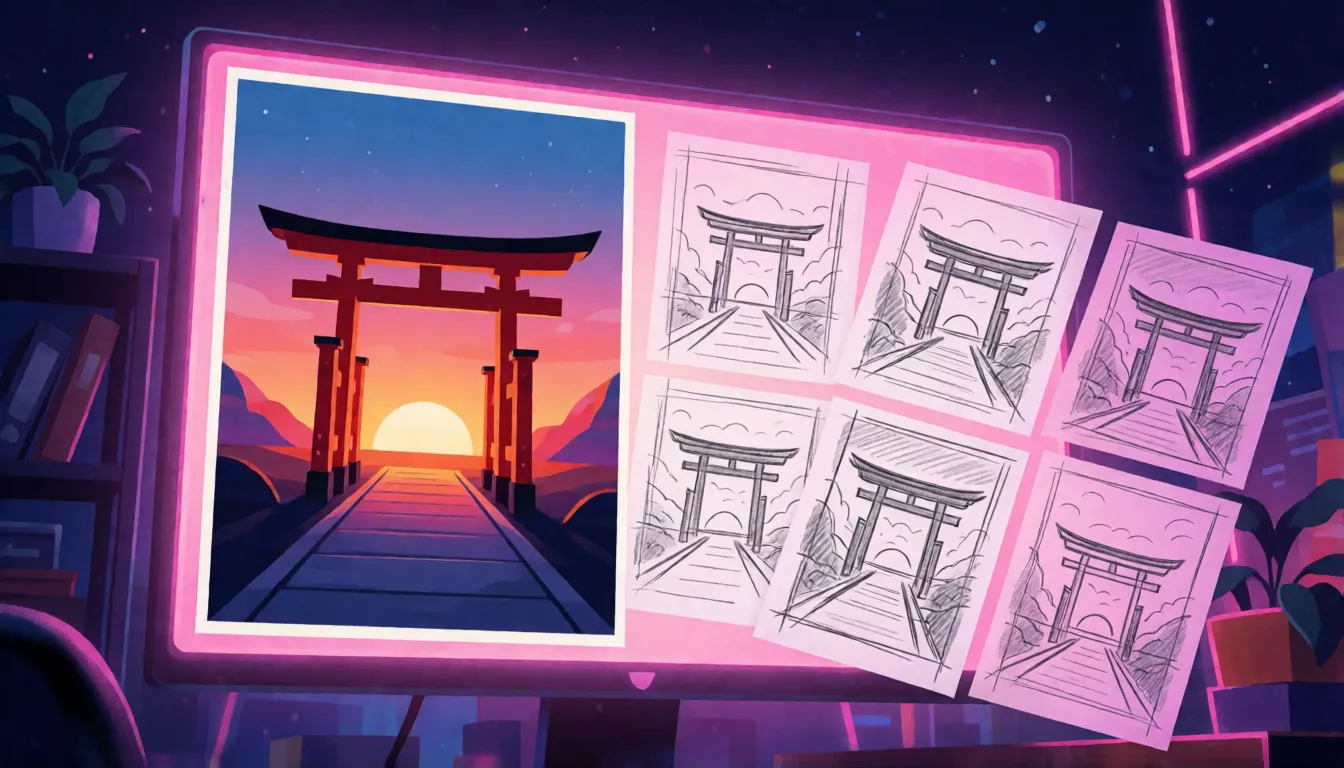
- Travel poster: "Minimalist travel poster, bold title text \"EXPLORE KYOTO\" at top, red torii gate at sunset, small subtitle \"Autumn 2026\" at bottom, flat illustration, high contrast"
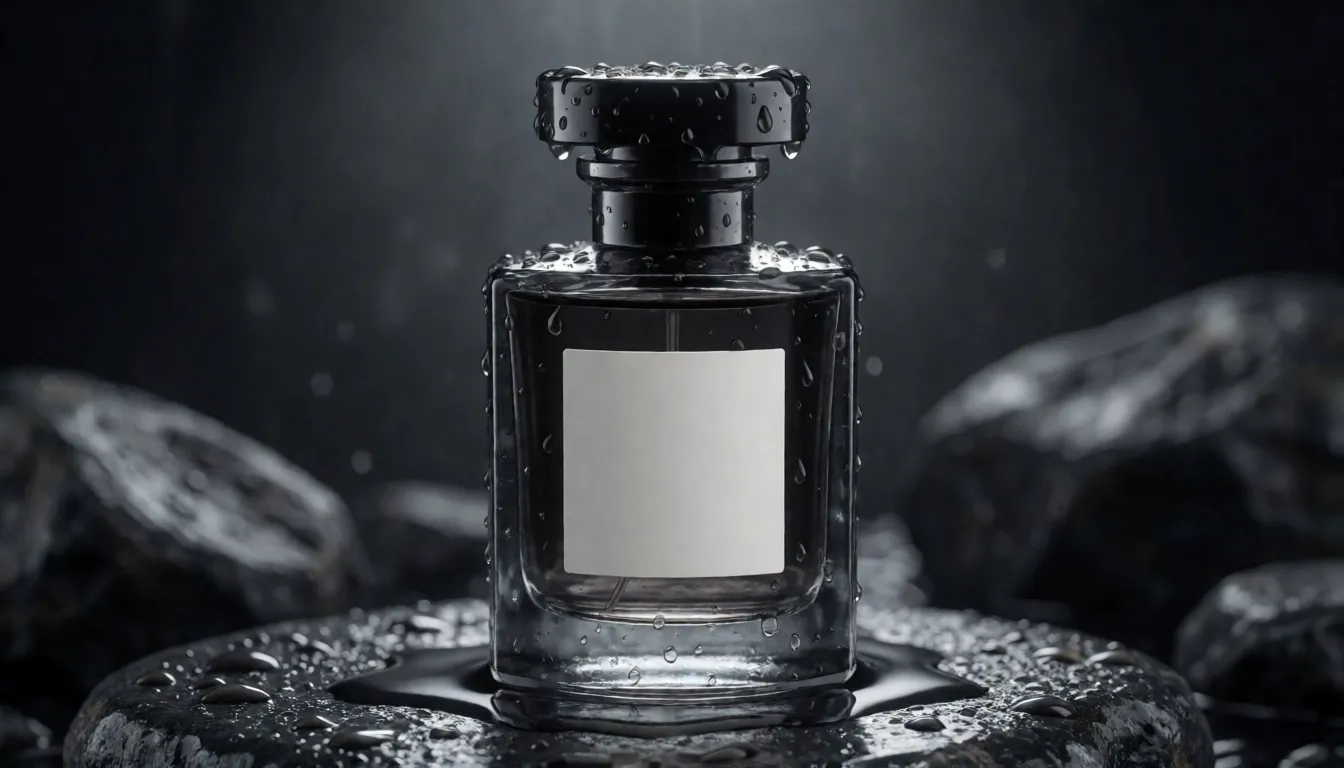
- Product shot: "Product photo of a glass perfume bottle on wet black stone, label text \"NOIR 07\", soft rim light, studio"
- Handwritten note: "A wide view of a refrigerator beside a kitchen counter, a sticky note on the door handwritten: \"Buy milk and eggs!\""
- Vertical cover: "Vertical web novel cover, adult couple in the rain under one umbrella, title \"Midnight Contract\" in silver letters, cinematic"
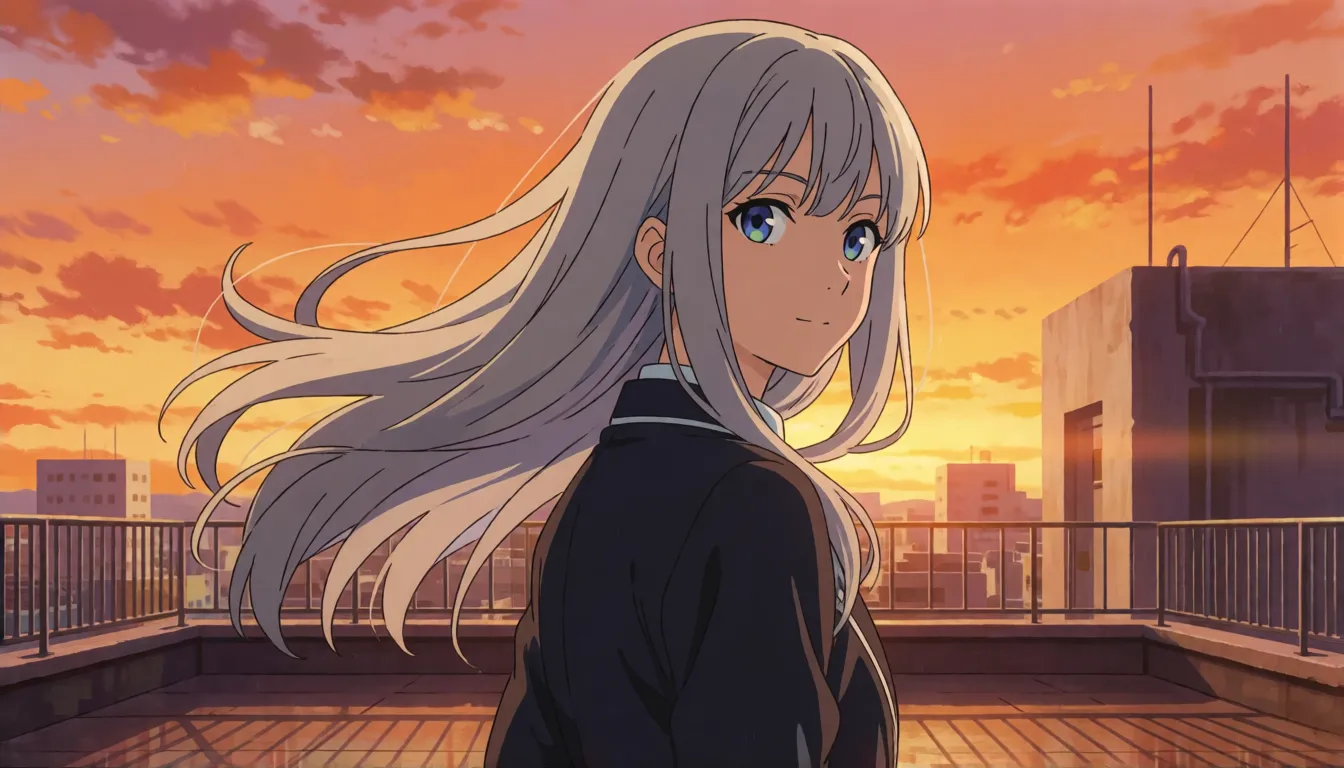
- Anime tags: "best quality, highres, newest, 1girl, adult, silver hair, school rooftop, sunset, wind, looking back"
Anime art with Danbooru-style tags
Anime creators get a pleasant surprise with the SFT checkpoint: you can drop the long sentences and write short tags, much like on a booru site. The official user guide even suggests an order: quality tags first, then score, meta and year tags, then the character, the series, the artist and finally the general tags for pose, clothing and background. Following that order keeps the important parts in front. Early community notes say artist-name tags have a weaker effect than on dedicated anime models, so describe the style in words when it matters, and add a full sentence after the tags for lighting or mood.
- Quality → Score → Meta → Year → Character → Series → Artist → General
- Start with: best quality, highres, newest
- Add pose and setting last: looking back, rooftop, sunset, wind
Posters and designs where the words matter
Readable lettering is the reason many people try it. The technical report gives an average 96.3% text coverage on the LLTB long-text benchmark, the best among open-weights models, and the official samples are full of whiteboards, signs and handwritten notes in Chinese and English. That makes MOSS-Image-SFT a good fit for bilingual event posters, shop banners with a price on them, comic panels with speech bubbles, infographics and vertical covers for short dramas and web novels. Because any aspect ratio works, one prompt can be reused for a square post, a wide banner and a tall phone story.
Train your own character or style LoRA
Open weights mean you can teach the model your own character or art style. KohakuMossTrainer, released on October 18, trains LoRA and LyCORIS adapters on as little as 6GB of VRAM, and DiffSynth-Studio supports both full fine-tuning and LoRA. The usual advice is to train on Base and then load the result with MOSS-Image-SFT. The ecosystem is still small but growing quickly: the SFT model tree on Hugging Face lists 55 adapters, 23 fine-tunes and 2 merges. Keep your captions in the same style you plan to prompt with, tags for anime characters and sentences for photo styles.
Online, API, quantized files and servers
You do not need a local setup to try this model. The official Hugging Face Space runs it in the browser, and the MOSI API platform has offered hosted access since October 20 (check its site for current pricing). For teams running their own service, SGLang and vLLM-Omni supported the model from day one and both publish deployment recipes. Low-VRAM users can browse the 48 quantized versions in the model tree, including GGUF files; check each card for the loader it needs. On a Mac, Draw Things and DiffusionBee are the usual apps people look at for local generation.
SFT vs FLUX and Qwen-Image
There is no official head-to-head score, so this is a practical comparison. The SFT model is small, around 5B parameters, which makes it easier to run and train on consumer cards. Its strengths are long Chinese and English text and JSON layout control. FLUX and Qwen-Image are larger and have much bigger libraries of community LoRAs and fine-tunes, plus separate editing models, so they still win when you need a specific style that someone has already trained.
| MOSS-Image-SFT | FLUX family | Qwen-Image | |
|---|---|---|---|
| Size | About 5B | Larger | Larger |
| Coordinate layout prompts | Yes, JSON boxes | No | No |
| Long bilingual text | Main strength | Mostly English | Strong |
| Community LoRAs | Young, growing | Very large | Large |
Uncensored MOSS-Image-SFT and adult art
OpenMOSS has not released an uncensored version. The weights are open and nothing filters them when you run them locally, but the recommended negative prompt itself contains the word nsfw, which shows the default setup leans toward safe pictures. Adult-themed LoRAs exist in the community, but their quality and origin vary, so check them carefully. Popular adult directions are swimwear editorials, pin-up posters and fantasy covers of clearly adult characters. If you prefer to skip the setup, Spicy AI offers similar uncensored image generation in the browser.
Swimwear editorials
Sunny beach and pool shoots of adult models with a magazine title on top.
Pin-up posters
Retro pin-ups of adult characters with tagline lettering in place.
Fantasy covers
Adult heroes and sorceresses for book or game covers with readable titles.
- Use the 8-step version to explore, then render the keeper at full steps.
- Quote every word you want printed and say where it goes.
- State that everyone shown is an adult (18+), and never depict real people without consent.
Create adult-themed images in your browser, no GPU or download needed.
Open the image generator →What the community is making one month in
The numbers tell the story: shortly after launch the SFT page had about 130 likes, and a month later the SFT page passed 900 likes, with 48 quantized files and dozens of adapters in its model tree and around 2.6k stars on GitHub. Most shared MOSS-Image-SFT images fall into a few groups: retro travel posters, bilingual magazine covers, handwritten notes and whiteboard memes, anime character art from tag prompts, and moody product photos for online shops.
- Retro posters with big readable titles
- Bilingual covers and event flyers
- Handwritten notes, receipts and whiteboard jokes
- Anime characters from booru-style tags
- Product shots with brand-style labels
Self-hosting the model vs generating online on Spicy AI
| Local deployment (official weights) | Spicy AI online | |
|---|---|---|
| Content filters | None when run locally | No content filters |
| Open weights | Yes | Not needed — runs in the browser |
| Model | SFT checkpoint plus community add-ons | Similar uncensored image model, hosted online |
| Price to start | Your own GPU | Free tier available |
FAQ
What is the difference between the SFT and Base checkpoints?
SFT is Base fine-tuned on curated data, so it produces better images out of the box and reads sentences, tags and JSON. Base has no post-training and is better for training LoRAs. OpenMOSS has not published a numeric comparison.
Do I have to use 50 steps?
50 steps is the official recommendation. The community 8-step DMD version from lodestones cuts that sharply; an official DMD version is still in development.
How do I fix vertical stripes or banding?
Try the community DeBand LoRA with its ComfyUI preset, or experiment with the skip-layer guidance settings.
My GPU does not support BF16. Can I still run it?
Yes. The community MOSS-Image-FP16-fixed weights from KBlueLeaf are made for FP16-only cards.
Can it write Chinese text?
Yes. It renders long Chinese and English text, with 96.3% average coverage on the LLTB benchmark in the technical report. Add \n inside the quoted text for exact line breaks.
Can I use anime tags?
Yes. The official order is Quality, Score, Meta, Year, Character, Series, Artist, then General tags.
Is Spicy AI affiliated with OpenMOSS?
No. Spicy AI is an independent platform and is not affiliated with or endorsed by OpenMOSS. The model name is a trademark of its respective owner.
Sources
- MOSS-Image-SFT model card (Hugging Face)
- MOSS-Image-Base model card (Hugging Face)
- OpenMOSS repository (GitHub)
- User guide: prompts and settings (GitHub)
- Technical report (arXiv 2610.23374)
- 8-step DMD distilled version (lodestones)
- DeBand LoRA (MATLOWAI)
- FP16-fixed weights (KBlueLeaf)
- ComfyUI-Spectrum-MOSS node
- KohakuMossTrainer
- Official online demo (Hugging Face Space)
- SGLang deployment recipe
- vLLM-Omni recipe