Uncensored AI Image · Furry & Anime
Uncensored Wulver: Wild Furry and Anime Art from a Krea 2 Fine-Tune
Wulver is a community text-to-image model built for anthro, furry and kemono artists. Its creator, Vaelico, took Krea 2 Raw, a 12.8B-parameter image model from Krea, and retrained every weight on furry and anime art. The result is uncensored Wulver: open weights that run on your own GPU with no filter layer, a library of 1,113 artist style tokens, and crowded character scenes that hold together better than most general models manage.
- Free to start
- No filters
- Runs in browser
Uncensored Alternative Image Generator
Text to imageDescribe your adult anthro or anime character and scene. Add a reference image to edit it, or leave it empty for text-to-image.
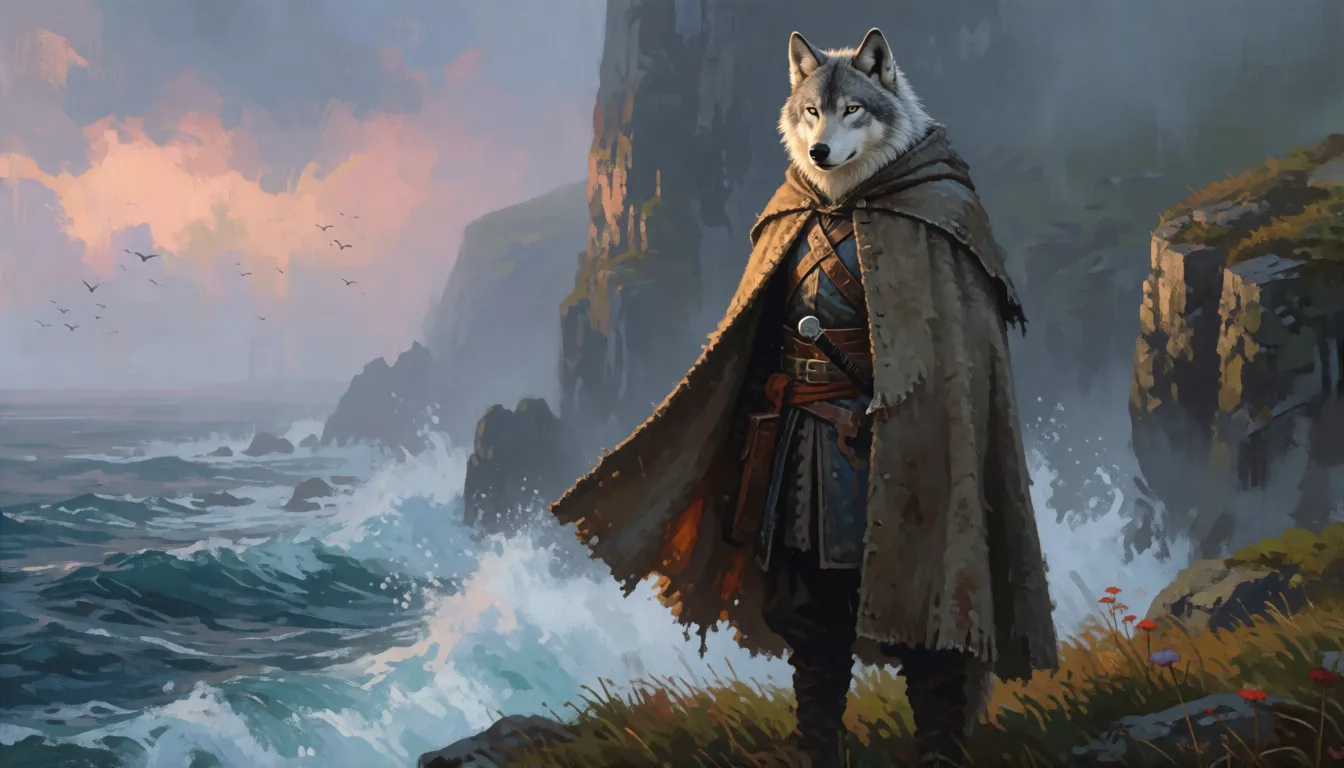
A wolf-headed legend reborn as an art model
The name comes from Shetland folklore, where the Wulver is a wolf-headed creature that lives by the sea and leaves fish for poor families. The model is just as friendly to its niche. Vaelico describes it as a full fine-tune of Krea 2 Raw, stressing that it is "not a merge, not a LoRA": every layer of the 12.8B diffusion transformer was trained further. Krea 2 itself came from Krea.ai in June 2026, with a Qwen3-VL 4B text encoder that reads long natural-language prompts well. Uncensored Wulver keeps that brain and swaps the taste: fur texture, muzzles, tails, kemono faces and anime line work. The weights are free on Hugging Face and Civitai, and the model card notes that the project is not affiliated with or endorsed by Krea.
What creators make with uncensored Wulver
Furry and anthro art is a huge, active corner of AI image making, and the community had mostly relied on older SDXL-era checkpoints. Wulver gives that crowd a much larger modern base. These are the jobs it is picked for most often:
- Original characters (OCs): reference sheets, portraits and action poses for fursonas and story characters.
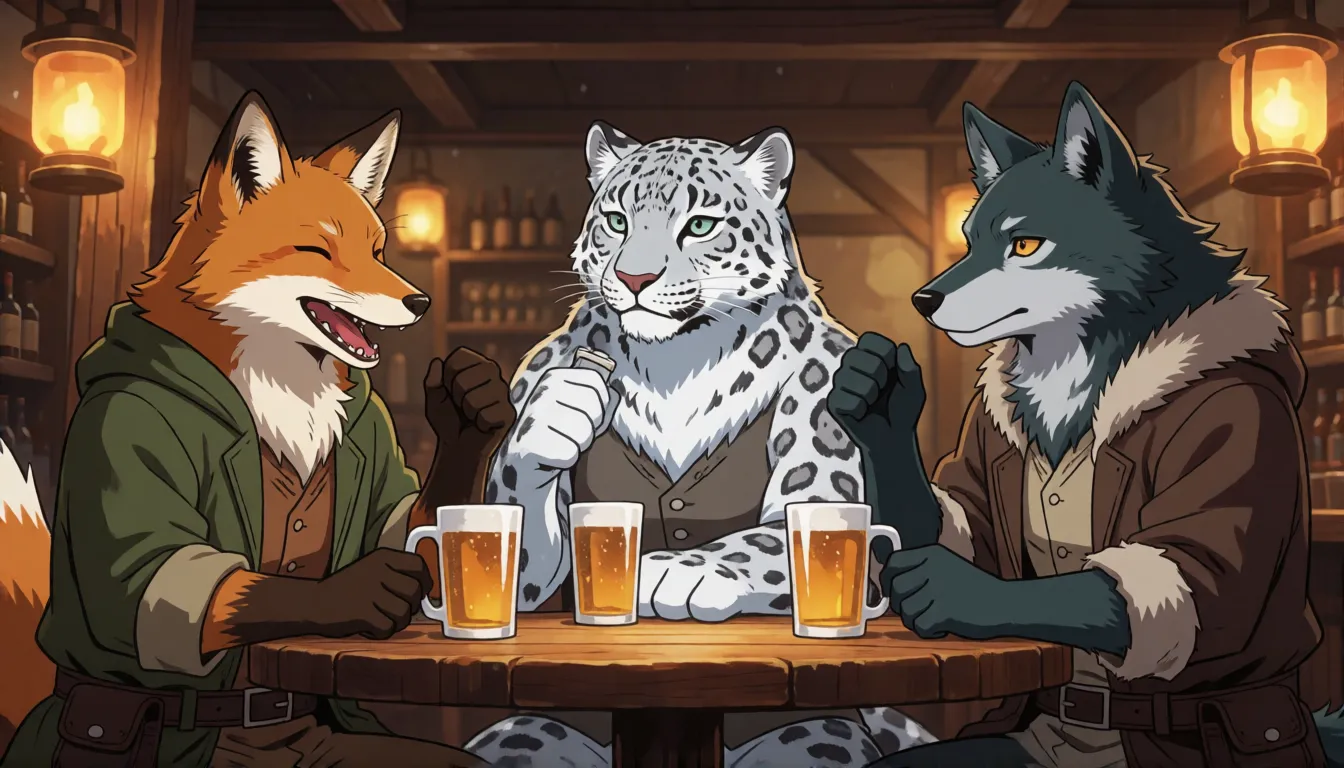
- Group scenes: taverns, parties and adventuring parties with several species in one frame, where the author says characters are less likely to melt into each other.
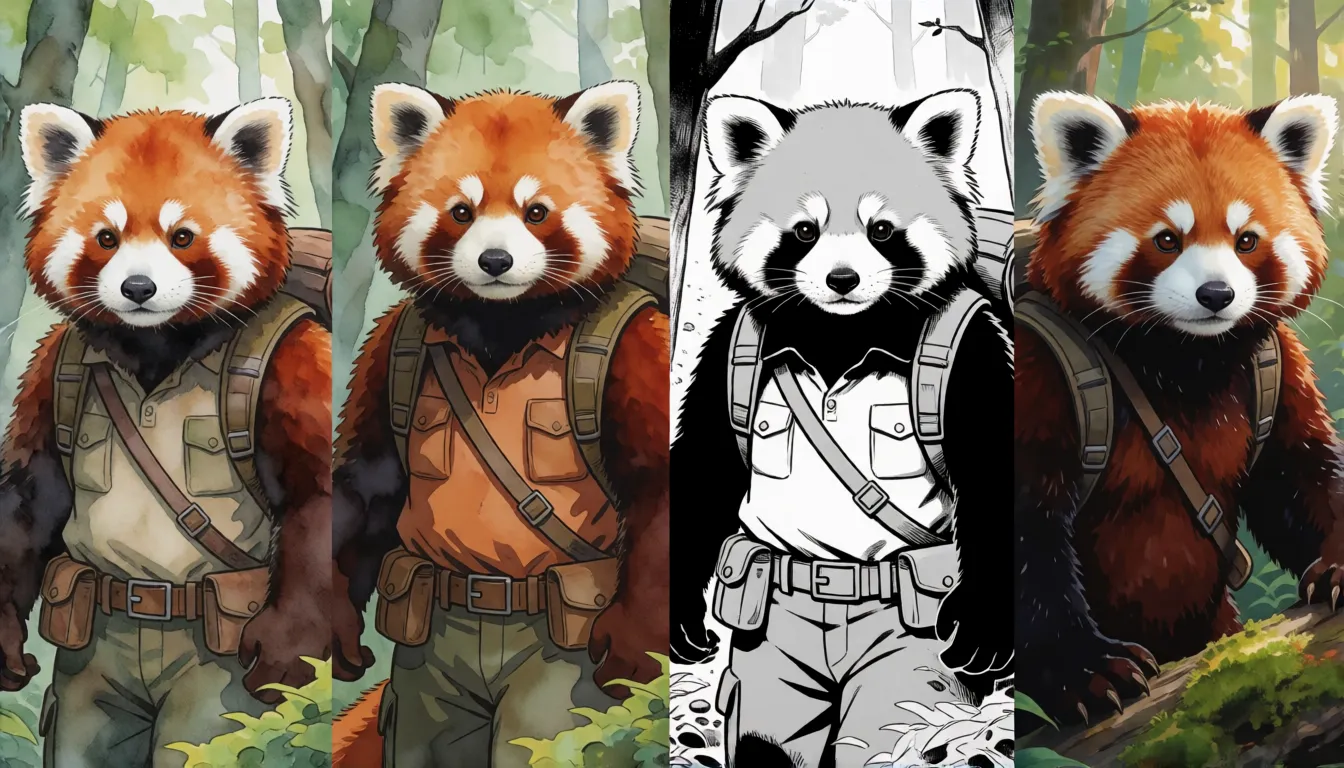
- Style studies: the same character redrawn with different artist tokens to find a look before commissioning or drawing.
- Kemono and anime covers: bright cel-shaded illustrations for zines, game mods and social posts.
- Mature fan art for adults: because the training captions carry an sfw or nsfw rating tag, the model follows the rating you ask for.
From v0.1 to v0.5: what got better
Version 0.1 landed on Civitai on August 23, 2026 and quickly built a following. Version 0.5 arrived on September 26, 2026 after a much longer training run: 13 full epochs at 512px over 384,672 images per epoch (about 156k steps), then an artist-focused pass and a final 1024px pass on curated images. The biggest practical change is that @artist tokens now work; v0.1 simply ignored them.
| v0.1 | v0.5 | |
|---|---|---|
| Released | August 23, 2026 (Civitai) | September 26, 2026 |
| Artist tokens | @ prefix ignored | 1,113 tokens work |
| Turbo settings | Tuned strength, about 14 steps | 8 steps, CFG 1.0 |
| Training | Shorter run | 13 epochs, artist pass, 1024px pass |
| Known issue | None reported | Stretched top and bottom edges on some images |
Community reception, as counted on October 12, 2026: about 9,000 Hugging Face downloads and 61 likes, plus 347 thumbs up, zero thumbs down and 32 comments on Civitai.
Prompt templates that bring out uncensored Wulver's style
Wulver was trained on captions in a fixed order: a rating tag, an optional artist token, then a plain-English description. Copy that order and results get far more predictable. The author suggests 60 to 120 words of prose; e621-style tags also work, but skip SDXL habits such as "masterpiece, best quality". Always describe the background, or you may get a flat, blurry one. Fill in these templates:
- Portrait: sfw, @artist, a close-up of an adult [species] with [fur color] fur and [eye color] eyes, wearing [outfit], soft window light, [background details].
- Group scene: sfw, three adult characters: a [species A] in [outfit], a [species B] holding [object], and a [species C] laughing, inside [location], warm lantern light, detailed background.
- Action pose: sfw, @artist, an adult [species] mid-leap over [obstacle], dynamic camera angle, motion in the fur and clothing, [time of day] lighting.
- Mature art (adults only): nsfw, @artist, an adult [species] in [setting], describe pose, lighting and mood in full sentences.
Playing with 1,113 artist style tokens
The artist list lives in ARTISTS.md in the Hugging Face repository: 1,113 lines, each one a token that starts with @. Put the token right after the rating tag and type it exactly as listed, including the @. Tokens carry more than line work; they also pull in the subjects that artist tends to draw, so spell out your own species, outfit and scene if you want something different. A fun trick with uncensored Wulver is to keep one prompt fixed and swap only the token to build a style board of the same character. Remember that tokens only work in v0.5.
Which Wulver file to download
The v0.5 release comes in several sizes. Hugging Face shows decimal gigabytes while Civitai shows GiB, so the same file can read 12.8 GB on one site and 11.9 GB on the other. Neither the author nor Krea publishes an official VRAM table, so plan on the file size plus room for the text encoder.
| File | Size | Best for |
|---|---|---|
| fp8_e4m3fn | ~12.8 GB | Most ComfyUI users, Turbo, 8 steps |
| int8_convrot | ~13.5 GB | int8 runtimes such as forge-neo |
| w4a8-convrot | ~7.7 GB | Smallest; needs ComfyUI 0.31.0+, an SM 8.0+ GPU and PyTorch cu130+ |
| bf16 (Turbo) | ~25.6 GB | Full precision for merging or your own quantizing |
| non_turbo_bf16 | ~25.6 GB | Base for LoRA training and further fine-tuning |
| GGUF Q8 / Q5 / Q4 | Varies | Low-VRAM setups; Civitai only, needs molbal's ComfyUI-GGUF fork |
Each file has a SHA256 hash on the model card and in SHA256SUMS_v0.5.txt, so you can verify large downloads.
Running it in ComfyUI: setup and best settings
You need a ComfyUI build with native Krea 2 support (0.26.0 or later); if the CLIPLoader node has no krea2 type, update first. Put the uncensored Wulver checkpoint in models/diffusion_models, qwen3vl_4b_bf16.safetensors from Comfy-Org/Krea-2 in models/text_encoders, and qwen_image_vae.safetensors in models/vae. Then drag Wulver_workflow.json onto the canvas and set CLIPLoader to krea2.
| Setting | Turbo files | Non-Turbo files |
|---|---|---|
| Steps | 8 | 52 (or 14 with the Turbo LoRA at 0.6) |
| CFG | 1.0 | 3.5 (1.0 with the Turbo LoRA) |
| Sampler / scheduler | euler / simple | euler / simple |
| Shift | 1.15 | 1.15 |
| Native resolution | 1024px | 1024px |
| Negative prompt | No effect at CFG 1.0 | Use an empty CLIPTextEncode |
No GPU at home? Make uncensored furry and anime art in your browser instead.
Open the image generator →LoRA training and quick fixes for common glitches
Train LoRAs on the non_turbo_bf16 file, following Krea's own "train on Raw, run on Turbo" advice. LoRAs made for base Krea 2 or Wulver v0.1 may behave differently on v0.5, because the weights have moved. The author says v1 is in progress but has given no date. Until then, these fixes cover most complaints:
- Stretched top or bottom edges: a v0.5 training artifact from letterboxed images. Crop the affected rows or try another seed; v1 should fix it.
- Burnt, oversaturated images: CFG above 1 on a Turbo file. Go back to CFG 1.0.
- Negative prompt ignored: expected at CFG 1.0; write what you want in the positive prompt instead.
- Busy group shots failing: reduce the number of characters or describe each one in its own sentence.
- No krea2 option in CLIPLoader: your ComfyUI is too old to load Krea 2 models.
Wulver vs Pony, Illustrious and Krea 2 Turbo
Pony Diffusion V6 XL and Illustrious XL, the long-time favorites for furry and anime art, are built on SDXL and respond best to tag lists. Wulver sits on a much larger modern transformer with a vision-language text encoder, so it handles long scene descriptions, several characters and readable backgrounds more naturally, at the cost of heavier files and slower generation on mid-range cards. Compared with its own base, Krea 2 Turbo is the general-purpose choice for photos and design work, while uncensored Wulver trades that breadth for fur, anatomy of anthro characters and a deep artist-style library.
Self-hosting Wulver vs generating online on Spicy AI
| Local deployment (official weights) | Spicy AI online | |
|---|---|---|
| Content filters | None in the open weights | No content filters |
| Open weights | Yes | Not needed — runs in the browser |
| Model | Wulver v0.5 | Similar uncensored image model, hosted online |
| Price to start | Free download, your own GPU | Free tier available |
FAQ
What is Wulver, and how is it related to Krea 2?
Wulver is a community image model by Vaelico. It is a full fine-tune of Krea 2 Raw, the open base model Krea released in June 2026, retrained for anthro, furry, kemono and anime art. It is not a Krea product.
Is Wulver NSFW or uncensored?
Run locally, the open weights have no filter of their own. Its training captions include sfw and nsfw rating tags and its Civitai page is not marked SFW-only, so it follows the rating you write. The author does not use the word uncensored on the model card.
How much VRAM do I need?
There is no official table. The smallest file, W4A8, is about 7.7 GB and the popular fp8 file about 12.8 GB, plus the 4B text encoder. GGUF Q5 and Q4 files on Civitai are the usual route for smaller cards.
Can I use uncensored Wulver online without a GPU?
Yes. The author's site, vaelico.ai, runs Wulver in the browser with a free daily allowance, and you can also use the uncensored image generator at the top of this page.
Should I upgrade from v0.1 to v0.5?
For most people, yes: artist tokens work, Turbo needs only 8 steps and training ran much longer. Keep v0.1 if you rely on LoRAs trained for it or want to avoid the v0.5 edge-stretch bug.