Uncensored AI Image · Black Forest Labs
Uncensored FLUX.2 [dev]: Flux 2 Dev Local Setup, LoRAs and Prompts
FLUX.2 [dev] is the open-weight member of Black Forest Labs' FLUX.2 image series: a 32B model you can download, run offline and fine-tune. It is not an uncensored FLUX.2 [dev] — the repository includes NSFW and IP filters, and the license asks anyone running it to filter or review outputs. This guide covers the hardware you need, which FP8 or GGUF build to pick, a ComfyUI workflow, LoRAs, what you may do with weights and outputs, and the community scene. If you just want adult (18+) images without a GPU or a filter layer, Spicy AI's image generator runs alternative models in your browser.
- Free to start
- No filters
- Runs in browser
![Workstation with a glowing graphics card rendering a detailed portrait, representing FLUX [dev] running locally](https://cdn.spicyai.app/seo/flux-2-dev-hero-e8a4d305.webp)
FLUX [dev] at a glance
- Developer
- Black Forest Labs
- Released
- November 25, 2025
- Size
- 32B rectified flow transformer
- Text encoder
- Mistral 3 Small vision-language model
- Top output
- Up to 4 megapixels
- References
- Up to 6 recommended
- Open weights?
- Yes, FLUX non-commercial license
- Uncensored?
- No; ships with NSFW and IP filters
Uncensored FLUX.2 [dev] Alternative Image Generator
Text to imageDescribe the image you want. Add a reference photo to edit it, or leave it empty for text-to-image.
Try a prompt
Example prompts are in English, which gives the most reliable results.
What is FLUX [dev]?
Black Forest Labs released FLUX [dev] on November 25, 2025, together with the hosted [pro] and [flex] tiers. It is a 32B-parameter rectified flow transformer, which BFL's launch post describes as coupled with a Mistral-3 24B vision-language model; BFL does not break down how those figures add up, so treat 32B as the headline size rather than a pure diffusion-transformer count. The same checkpoint does text-to-image and editing with up to 6 recommended reference images, follows HEX colors and JSON prompts, and outputs up to 4 megapixels. BFL does not host [dev] on its own API: you run it locally or through third-party hosts, under the FLUX [dev] Non-Commercial License v2.0.
Why people look for an uncensored FLUX [dev]
Open weights make people assume an uncensored FLUX.2 [dev] is one download away. It is not. The model card says the repository ships NSFW and IP filters, the license requires a content filter or manual review before outputs are shared, outputs must be disclosed as AI-generated where the law requires it, and BFL's usage policy bans non-consensual intimate imagery, sexual content involving minors and sexualized images of real people. There is no uncensored version of FLUX [dev] from BFL, and no widely used full community checkpoint either. If you want uncensored generation, you can do it on this site: Spicy AI does not host [dev], but it offers a similar uncensored image generator for adults creating legal content.
No 32B download or GPU needed: try your prompt in Spicy AI's image generator.
Try it now →FLUX.2 [dev] vs FLUX.1 [dev]: what changed
FLUX.1 [dev] was the most widely used open image base of 2024, and FLUX.2 [dev] is its direct successor. The new checkpoint is about 2.7 times larger (32B vs 12B), reads prompts through a Mistral-3 24B vision-language model instead of T5 and CLIP, and does text-to-image and multi-reference editing in one file, where FLUX.1 needed separate Kontext and Fill models. The price is hardware and migration work.
- Better: multi-reference editing, HEX colors, JSON prompts, typography and output up to 4 MP.
- Harder: FLUX.1 [dev] fit many 24 GB cards in FP8, while FLUX.2 [dev] usually needs FP8, GGUF or NVFP4 builds plus offloading on consumer GPUs.
- Not compatible: FLUX.1 LoRAs and ControlNets do not load on the new architecture and must be retrained.
- Unchanged: open weights under a non-commercial license, built-in safety filters and no official uncensored release.
FLUX [dev] VRAM: what hardware you need
Memory is the main barrier. NVIDIA and ComfyUI published the clearest figures at launch: loading the full BF16 model takes about 90 GB of VRAM, a low-VRAM mode still needs about 64 GB, and the FP8 build that NVIDIA prepared with BFL cuts the requirement by about 40%. ComfyUI recommends 24 GB or more for high resolutions and can stream part of the weights to system RAM. So a 24 GB card such as an RTX 4090 can run Flux 2 Dev, but only with FP8 or 4-bit weights plus offloading, and slower than the hosted tiers. Do not expect full-speed 4 MP renders on it.
| Setup | Approximate VRAM | What to expect |
|---|---|---|
| BF16, full load | About 90 GB | Data-center GPUs only |
| BF16, low-VRAM mode | About 64 GB | Workstation cards, slower |
| FP8 (NVIDIA × BFL) | About 40% less than BF16 | Main route for RTX cards |
| FP8 or 4-bit + weight streaming | 24 GB and up | Works on a 4090, lower speed and resolution |
Figures from NVIDIA's and ComfyUI's launch posts; real use depends on resolution, references and offload settings.
Flux 2 Dev FP8, GGUF, NVFP4 and 4-bit builds
The community has packaged the model for almost every memory budget. Pick by your GPU: NVFP4 targets RTX 50-series cards, FP8 suits most recent RTX cards, and GGUF lets you go lower (Q8 is closest to the original, Q5 and Q4 save more memory at some quality cost). Monthly download counts below come from an October 2026 Hugging Face snapshot; they show adoption, not quality, so compare builds with the same prompt and seed.
| Build | Format | Monthly downloads |
|---|---|---|
| Comfy-Org/flux2-dev | Single-file FP8 mixed for ComfyUI | About 1,154,659 |
| city96 GGUF | GGUF Q4–Q8 | About 80,061 |
| unsloth GGUF | GGUF | About 76,735 |
| BFL NVFP4 | NVFP4 for RTX 50-series | About 38,503 |
| BFL fp8_scaled | FP8 | About 36,407 |
| diffusers bnb-4bit | 4-bit bitsandbytes | About 14,189 |
Repackaged and quantized files are not BFL's original weights, but the FLUX non-commercial license still applies to them.
FLUX [dev] ComfyUI workflow: files and steps
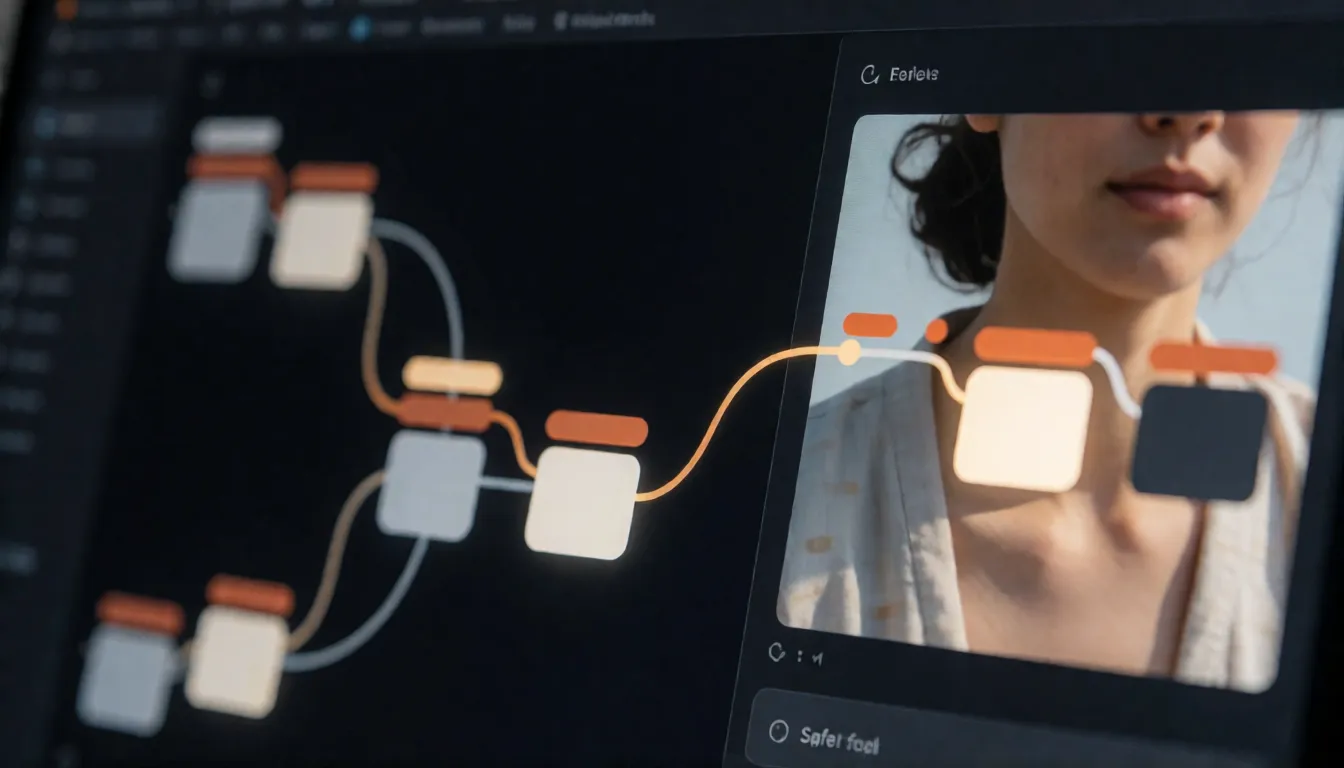
ComfyUI had day-0 support, and the Comfy-Org package is the simplest starting point. It splits the model into a diffusion file, a text encoder and a VAE, plus an optional Turbo LoRA for fewer steps. The alternative is diffusers: the model card shows a 4-bit bitsandbytes pipeline with a remote text encoder that runs on an RTX 4090.
- 1. Download flux2_dev_fp8mixed into the diffusion models folder.
- 2. Add the mistral_3_small_flux2 text encoder in FP8, or FP4 if memory is tight.
- 3. Add flux2-vae to the VAE folder.
- 4. Load the FLUX.2 template from ComfyUI's workflow browser and connect your references.
- 5. Optional: load the Flux2Turbo LoRA and lower the step count, then retune guidance.
- 6. Render at about 1 MP first; move to higher resolutions only once the prompt works.
FLUX [dev] LoRA training and fine-tuning
The 32B base is the main reason people choose [dev] over the hosted tiers: you can teach it a style, a character or a product. In October 2026 the Hugging Face model tree listed 80 adapters, 39 fine-tunes, 17 quantizations and 100 Spaces built on it. The common add-on types are speed LoRAs such as Flux2Turbo, structure control through ControlNet Union, and style or character LoRAs. Train on images you own or have consent to use, caption consistently, and test at a moderate rank before going bigger. Two license points matter: distributing a LoRA or fine-tune means passing on the license and attribution notice and stating that you changed the model, and you may not train a model that competes with FLUX [dev] on its outputs.
- Style LoRA: 20–40 varied images in one look, captions that describe content, not the style word.
- Character LoRA: consistent adult subject, several angles and outfits, a unique trigger word.
- Speed: a Turbo LoRA cuts steps; check whether detail and text quality hold up for your use.
- Structure: ControlNet Union adds pose, depth or edge guidance.
Is FLUX [dev] open source? Weights versus outputs
FLUX [dev] has open weights but is not open source in the OSI sense. The weights and any derivative models are for non-commercial use under the FLUX [dev] Non-Commercial License v2.0; commercial or production use of the model needs a separate license from BFL. Images are treated differently: section 2(d) of the license says outputs may be used for any purpose, including commercial ones, as long as you do not use them to train a competing model. The license also requires a content filter or human review, AI disclosure where the law requires it, and no implied BFL endorsement. Confirm with a lawyer before commercial use.
- Weights and fine-tunes: non-commercial unless you hold a BFL commercial license.
- Generated images: usable for any purpose, except training a competing model.
- If you need a fully open model: [klein] 4B is Apache 2.0; [klein] 9B uses the same non-commercial license as [dev].
FLUX [dev] vs [klein]: which open model to run
Both are open checkpoints from the same family, so the choice comes down to hardware, speed and licensing. [dev] gives the highest quality and the richest LoRA ecosystem but needs serious memory. [klein] is a four-step distilled model that runs at about 13 GB of VRAM; it has no prompt upsampling, so write detailed prompts.
| FLUX [dev] | [klein] 4B | [klein] 9B | |
|---|---|---|---|
| Size | 32B | 4B | 9B |
| Open weights license | FLUX non-commercial | Apache 2.0 | FLUX non-commercial |
| Reference images | Up to 6 recommended | Up to 4 | Up to 4 |
| Typical hardware | 24 GB+ with FP8 and offload | About 13 GB VRAM | Consumer GPU |
| Best for | Quality, LoRAs, fine-tuning | Real-time and high volume | Quality-to-speed balance |
Flux 2 Dev prompt guide and templates
The local model rewards long, specific prompts. Describe subject, pose, setting, light, camera and style in that order, put exact text in quotes and colors as HEX codes. Keep references to six or fewer and assign each one a job. When you change resolution or add a Turbo LoRA, re-test the same seed so you can see what changed.
| Goal | Template |
|---|---|
| Film portrait | 35mm film photo of an adult [subject] in [outfit] by [location], [light source], soft grain, natural skin texture, candid expression. |
| Product in brand colors | [Product] on [surface] in [HEX], background [HEX], softbox from the left, reflection on glossy floor, catalog framing. |
| Character sheet for LoRA data | Full-body reference of the same adult [character], front, side and back views, neutral background, flat even light. |
| Multi-reference edit | Face from image 1, outfit from image 2, background from image 3; keep the face unchanged, match the light of image 3. |
Uncensored FLUX.2 [dev]: what exists and what does not
Searches for an uncensored FLUX.2 [dev] mostly lead to [klein] projects. In an October 2026 Hugging Face search, the only [dev]-specific item was an experimental abliterated Mistral text encoder with no recorded downloads; we found no widely adopted full uncensored [dev] checkpoint. That is a snapshot, not proof that none exists. The larger community work, such as uncensored Qwen3 text encoders and a Klein Base 9B checkpoint, targets the smaller [klein] models. Any of these remain unofficial, untested by BFL and bound by its license and usage policy: no minors, no real people without consent, no stripping of C2PA or watermarks. We do not link builds or explain how to remove filters.
Make FLUX [dev]-style images online on Spicy AI
If you do not have a 24 GB GPU or just want to test an idea, the browser route is faster. Spicy AI does not run [dev] itself, so the look will differ:
- 1. Open the image generator from the button at the top of the page.
- 2. Paste a template from above and fill in the brackets.
- 3. Optional: add a reference photo you own or have consent to use.
- 4. Generate, compare, and change one detail per retry.
- 5. Keep all characters adults (18+).
Skip the 90 GB setup and try a prompt in your browser.
Open the image generator →What you can create
Adult character art
Consistent original adult characters for comics, covers and games.
Boudoir and swimwear
Tasteful adult portraits that filtered tools often block.
Style tests before training
Try a look online before you spend hours on a LoRA.
Prompt tips for FLUX [dev]-style results
- Start with the Comfy-Org FP8 package before trying GGUF or NVFP4.
- Render at about 1 MP until the prompt works, then go up.
- Retune steps and guidance whenever you add a Turbo LoRA.
- Keep weights non-commercial unless you hold a BFL commercial license.
- Describe every character as an adult (18+) and never train or prompt on real people without consent.
Self-hosting FLUX [dev] vs generating online on Spicy AI
| Local deployment (official weights) | Spicy AI online | |
|---|---|---|
| Content filters | Set by Black Forest Labs | No content filters |
| Open weights | Yes | Not needed — runs in the browser |
| Price to start | Varies by plan | Free tier available |
- Text-to-image from a prompt
- Image-to-image edits from a reference photo
- Up to 4 images per run in multiple aspect ratios
FAQ
Can I run FLUX [dev] on a 24 GB GPU?
Yes, with FP8 or 4-bit weights and offloading or weight streaming. Expect lower speed and resolution than on 64–90 GB cards.
Can I sell images made with FLUX [dev]?
Under section 2(d) of the non-commercial license, outputs may be used for any purpose, including commercial, but not to train a competing model. Using the weights commercially needs a BFL license.
Does BFL offer FLUX [dev] through its API?
No. BFL lists [dev] as local only; hosted options come from third parties. BFL's own API serves [pro], [flex], [max] and [klein].
Is there an uncensored FLUX.2 [dev] checkpoint?
Not from BFL, and as of October 2026 we found no widely used community one. Most uncensored work targets [klein] text encoders.
Is Spicy AI affiliated with Black Forest Labs?
No. Spicy AI is an independent platform and is not affiliated with or endorsed by Black Forest Labs. FLUX [dev] is a trademark of its respective owner.
Is it free?
You can start free with daily generations, and buy credits when you need more.
Sources
Spicy AI is not affiliated with Black Forest Labs. FLUX [dev] and other product names are trademarks of their respective owners and are used here for identification only. All content must depict adults (18+).