Uncensored AI Image · BRIA AI
Uncensored Fibo 2.0 Dev: BRIA's 8B Open-Weights Image Model
Fibo 2.0 Dev is the full, non-distilled base model of BRIA AI's Fibo 2.0 image series: about 8B parameters, open weights on Hugging Face since October 18, 2026, and one set of weights for text-to-image, instruction edits, mask edits and multi-reference edits. (This is BRIA's image model, not the FIBO fitness trade show.) The open-weights release is the uncensored Fibo 2.0 Dev: run locally, it has none of the prompt and output moderation that BRIA's hosted API applies.
- Free to start
- No filters
- Runs in browser
- Developer
- BRIA AI
- Weights published
- October 18, 2026 (Hugging Face)
- Size
- About 8B parameters, ~26GB weights
- Tasks
- Text-to-image, instruction, mask and multi-reference edits
- Prompting
- Plain English or VGL JSON
- Open weights
- Yes, gated, CC BY-NC 4.0
- Local tools
- ComfyUI core, diffusers
- Uncensored?
- Open weights: no filter locally; SFW training data
Fibo 2.0: Uncensored Image Generator (Alternative)
Text to imageDescribe the image you want. Add a reference photo to edit it, or leave it empty for text-to-image.
Try a prompt
Example prompts are in English, which gives the most reliable results.
BRIA's newest Fibo base model and how to get it
This Dev checkpoint is the newest base model in BRIA AI's Fibo family of image models. BRIA, a company known for training only on licensed data, published the weights as briaai/Fibo-2.0-dev on Hugging Face on October 18, 2026, and a distilled sibling, the Edit Turbo model, followed a day later. Earlier releases in the line include Fibo-1.5 (July 2026) and Fibo-Edit-1.5-turbo (August 2026); version 2.0 merges generation and editing into one model, although BRIA has not documented the lineage step by step. BRIA offers the model as a whole: open weights for research, its hosted platform, self-hosting under a commercial license, and partner hosts such as fal. Its v2 generate and edit endpoints now run on Fibo 2, so the API is just one of several ways in. The official model card lists English as the supported prompt language.
What Fibo 2.0 can generate and edit
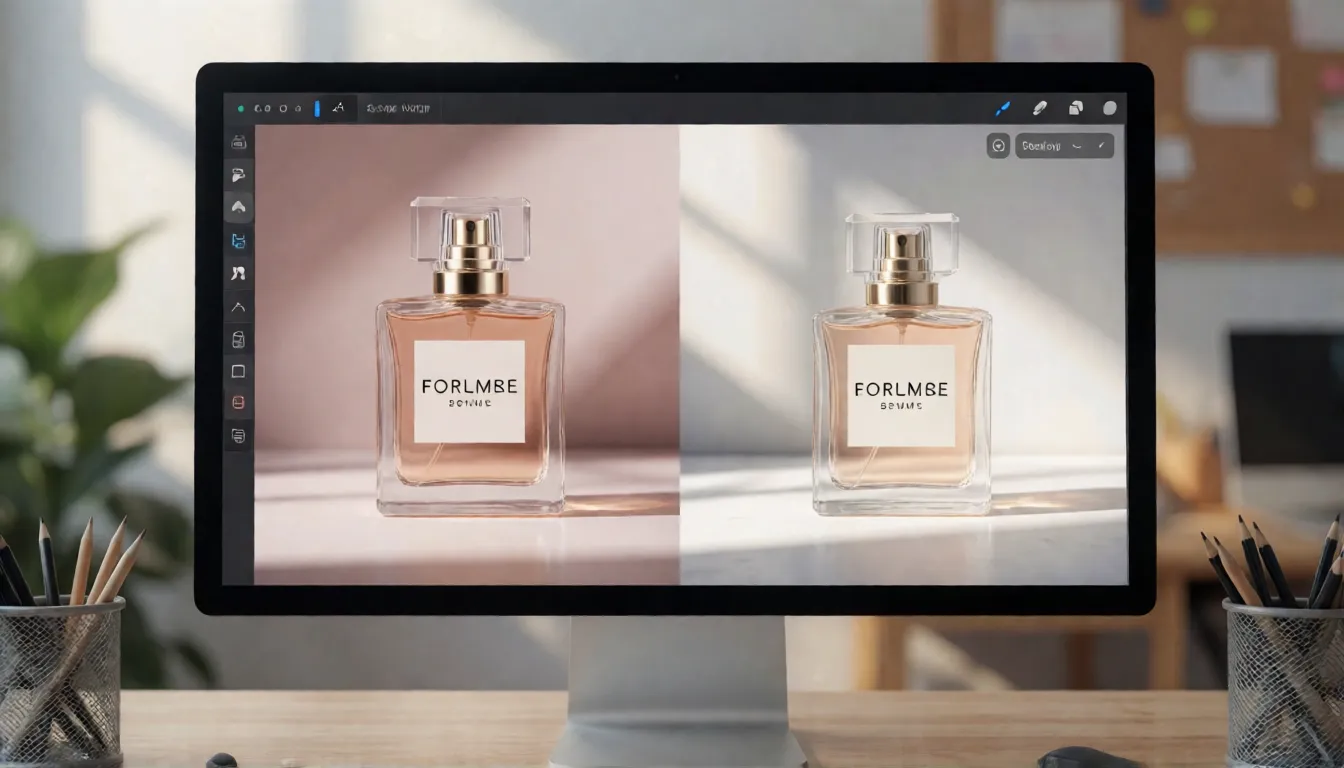
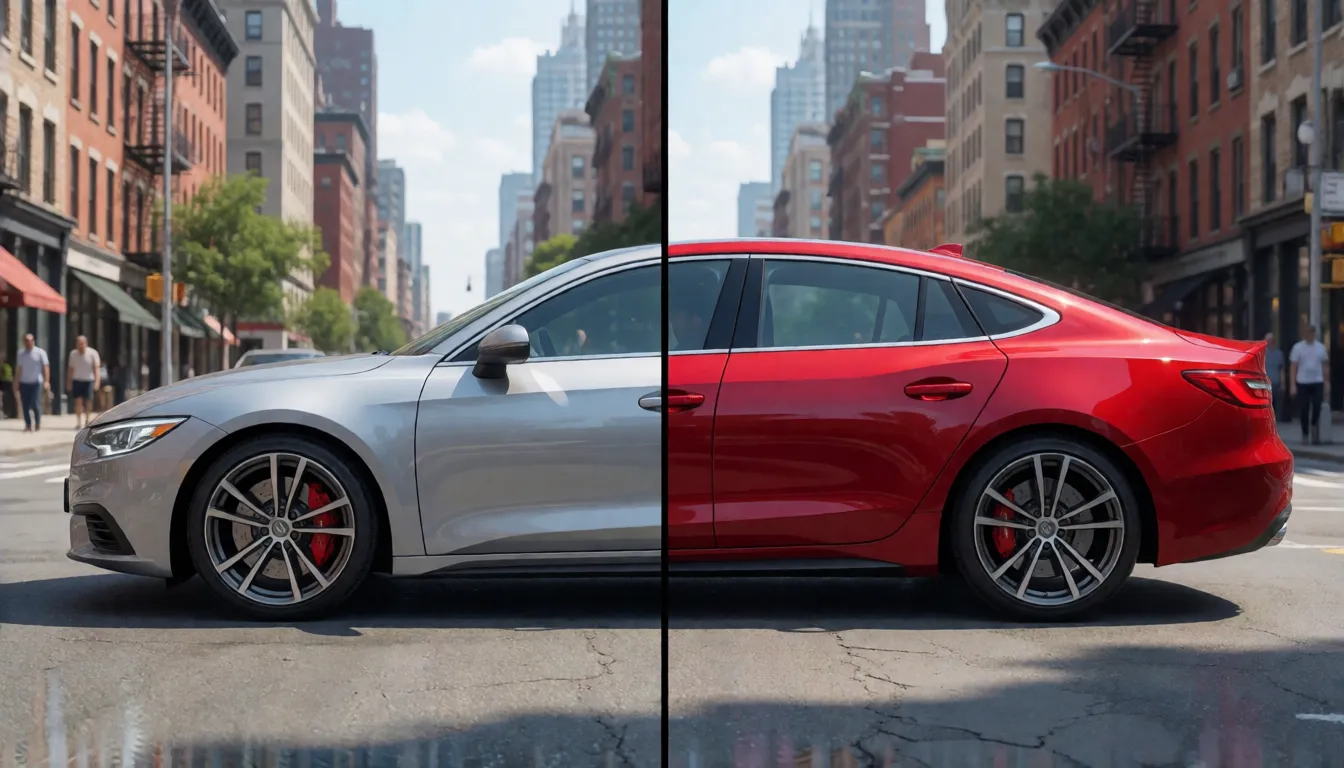
BRIA's selling point is that unchanged parts of an image stay unchanged. Its own showcase swaps a car's paint to cherry red without touching the street, and composes a perfume ad from several product shots. Vendor samples are picked by the vendor, so test with your own images, but the feature set is broad for an 8B model:
- Text-to-image in 21 aspect ratios, from 1:1 to 21:9 and extremes like 5:1 and 1:5.
- Output up to 4MP on BRIA's API, available on the asynchronous path only and roughly 30 seconds slower.
- Instruction edits that keep identity, layout and lighting outside the requested change.
- Mask edits on a single image: black areas are kept, white areas are regenerated, and the output keeps the input size, including 4K inputs.
- Multi-reference edits with 1 to 4 images on BRIA's API; the diffusers pipeline accepts up to 5.
Dev vs Edit Turbo: which Fibo 2.0 checkpoint to use
The name Dev refers to the Hugging Face repository, not to a developer preview. Dev is the complete base: it generates and edits, accepts negative prompts and is the version you fine-tune or train LoRAs on. Edit Turbo is distilled from it for speed and only edits. Step counts differ by source: the model card as summarized by ComfyUI Wiki says 50 steps, while diffusers and the ComfyUI node default to 30, so test both. If you need quality or training, start with Dev at 30 to 50 steps; if you need fast interactive retouching, use Turbo and keep edits simple.
| Dev | Edit Turbo | |
|---|---|---|
| Role | Full base, generation and editing | Distilled editor, edits only |
| Steps / guidance | 30 to 50 steps, CFG 5 | 4 steps, guidance 1.0 |
| Negative prompt | Supported | No effect |
| Fine-tuning | Suited to LoRA and full tuning | Not recommended |
| Hugging Face repo | briaai/Fibo-2.0-dev | briaai/Fibo-2.0-edit-turbo |
How Fibo 2.0 works under the hood
The model is easier to understand as a four-stage pipeline than as a single block. The diffusers integration describes it as an 8.1B flow-matching transformer, which BRIA rounds to 8B, and the interesting part is how the prompt gets in:
- Text and image reader: Qwen3-VL-4B-Instruct reads the prompt and any reference images.
- Compressor: a two-layer Perceiver resampler squeezes that output into 256 to 512 gist tokens.
- Generator: 44 single-stream DiT blocks run flow matching, and 5 of them also read Qwen3-VL's middle layers through gated cross-attention.
- Decoder: the FLUX.2 VAE turns the latent back into pixels.
Architecture details come from the diffusers pull request and ComfyUI Wiki's summary of the gated model card.
VGL structured prompts explained
Fibo models do not just read a sentence. BRIA's Visual GenAI Language (VGL) turns each request into a JSON description with fields such as short_description, background_setting, style_medium, artistic_style, context and lighting, and the model is trained on that representation rather than on a wrapper added later. On BRIA's API a vision-language bridge writes the JSON for you and returns it as structured_prompt, which you can store, tweak and send back; edits use structured_instruction. Because an edit only changes one field, everything else tends to stay put. The open-source bria-vgl helper can create and modify these specs, but it calls the Gemini API, so write the JSON by hand or with a local LLM if prompts must stay private.
Fibo 2.0 prompt guide with templates
Write prompts in English, because that is the only language the model card lists. Describe the subject, setting, lighting, camera and style in separate clauses so the bridge can map each to a VGL field. For edits, say exactly what changes and list what must stay. Keep a seed fixed while you change one thing at a time. Templates you can copy:
- Product shot: "[product] on [surface], [background], soft key light from the left, 50mm, shallow depth of field, clean commercial style."
- Portrait: "Portrait of an adult [description], [wardrobe], [location], [time of day] light, 85mm, film grain, warm grade."
- Edit: "Change [element] to [new element]; keep the face, pose, lighting and background identical."
- Multi-reference: "Place the product from image 2 in the hand of the person in image 1, in the setting of image 3."
- Structured tweak: generate once, then edit only the lighting or style_medium field in the returned JSON and render again with the same seed.
Run Fibo 2.0 in ComfyUI or diffusers
Local support arrived fast: diffusers merged BriaFibo2Pipeline on October 20 and ComfyUI core merged Fibo 2.0 support on October 21, 2026. The official repository is gated, so log in to Hugging Face and accept the terms before downloading. BRIA does not publish a minimum VRAM figure; its self-hosting guide asks for an NVIDIA GPU, Python 3.10+ and about 26GB of weights, so 24GB cards will likely need the INT8 files or CPU offload. A working setup:
- Put fibo2_dev_bf16 or fibo2_dev_int8_convrot in models/diffusion_models.
- Put qwen3vl_4b_bf16 or its INT8 version in models/text_encoders, and flux2-vae in models/vae.
- Encode with the TextEncodeFibo2 node, then sample at 30 steps, CFG 5, euler with the simple scheduler.
- In diffusers, the pipeline defaults to 30 steps and guidance 5; pass edit images as context latents.
- Common failures: not accepting the gated terms, an outdated ComfyUI build, or mixing bf16 and INT8 files.
Fibo 2.0 vs FLUX.2 dev and Qwen-Image-2.1
BRIA cites an Artificial Analysis snapshot from October 20, 2026 in which Fibo 2.0 ranks first among open-weights image editors with an Elo of 1087, and second for open-weights text-to-image at 1038, just behind Qwen-Image-2.1 at 1041 with overlapping error bars. Those are crowd preference votes quoted by the vendor, not an independent test. The practical differences matter more:
| Fibo 2.0 Dev | FLUX.2 dev | Qwen-Image-2.1 | |
|---|---|---|---|
| Size | About 8B, ~26GB weights | 32B, ~90GB weights | Not compared here |
| License | CC BY-NC 4.0 | FLUX non-commercial license | Check its own license |
| Reference images | 1 to 4 via API | Up to 6 to 10 | Not compared here |
| Prompt style | VGL JSON or plain text | Plain text | Plain text |
| AA text-to-image Elo | 1038 | Lower | 1041 |
Scores are the Artificial Analysis snapshot cited by BRIA and summarized by press; FLUX.2 has the larger LoRA and quantization ecosystem today.
Who is using it and how
Two days after launch, adoption is early but visible. The official repository had 83 likes and 396 downloads in its first days, while Comfy-Org's repackaged ComfyUI files passed 12,913 downloads in about a day, which shows most hobbyists meet the model inside ComfyUI rather than through raw weights. These are download signals, not reviews. The clearest fits so far:
- E-commerce teams compositing one product into many scenes while the packaging stays pixel-faithful.
- Ad and social teams producing banner variants in wide or tall ratios from one brief.
- Design agencies that store prompts as JSON so a brand look can be repeated and versioned.
- Researchers comparing a small open-weights base against FLUX.2 and Qwen-Image, or training LoRAs on it.
Is Fibo 2.0 open source?
It is open weights, not open source. The weights are free to download after accepting BRIA's gated terms, but the license, named bria-fibo, points to Creative Commons BY-NC 4.0, which allows non-commercial use only and is not an OSI-approved open-source license. Commercial products need a separate agreement with BRIA, either through its hosted platform or a self-hosting license; the self-hosted runtime checks that license and sends BRIA a small attribution vector for each image. Whether outputs from the open weights can be used commercially is not spelled out on the model card, so ask BRIA before you rely on it.
Is Fibo 2.0 Dev uncensored?
BRIA's hosted API wraps the model in prompt and image moderation switches and C2PA provenance, and its training data is licensed and leaves out explicit material, violence and public figures. The open weights are different: in ComfyUI or diffusers there is no moderation step, so the downloadable checkpoint is effectively an uncensored Fibo 2.0 Dev. That is why artists who want boudoir, glamour or fantasy art for adults look at the Dev weights. Because the training data is SFW, explicit nudity is not a strength, and the CC BY-NC license still rules out commercial use.
Yes, in its open-weights form. The checkpoint on Hugging Face ships without the content moderation BRIA applies on its hosted API: prompts and outputs are not checked when you run it locally in ComfyUI or diffusers, so you decide what it generates. Two limits remain. BRIA trained it on licensed data that deliberately excludes explicit content, so nudity and sexual detail come out weak unless a community LoRA adds them, and as of October 21, 2026 no NSFW fine-tune of Fibo 2.0 had appeared on Hugging Face. The CC BY-NC license also keeps any uncensored Fibo 2.0 Dev workflow non-commercial. Never depict minors, or real people without consent.
Uncensored image generation on Spicy AI
If what you really want is an uncensored version of this model for adult (18+) images, Spicy AI's image editor is the simpler route. It offers similar uncensored image generation right in the browser, so there is nothing to download and no content filter on consenting adult themes. Paste one of the templates above, add a reference photo if you want an edit, and describe what must stay unchanged. Only upload photos you own or have permission to edit, and never depict minors or real people without consent.
Boudoir and glamour portraits
Moody, tasteful portraits of adults in lingerie or silk, styled like an editorial shoot.
Swimwear and fashion lookbooks
Consistent adult models across beach, pool and yacht scenes in wide or tall formats.
Fantasy and pin-up art
Painterly adult characters, retro posters and cover art that commercial models refuse.
- Describe subject, setting, lighting, lens and style as separate clauses, as Fibo's JSON prompts do.
- For edits, list what must stay unchanged: face, pose, background and light.
- Fix the seed and change one detail per run to compare results.
- State that everyone shown is an adult (18+), and edit only photos you have the right to use.
Generate adult images without filters, no GPU or download needed.
Open the image editor →Self-hosting Fibo 2.0 vs generating online on Spicy AI
| Local deployment (official weights) | Spicy AI online | |
|---|---|---|
| Content filters | Set by BRIA AI | No content filters |
| Open weights | Yes | Not needed — runs in the browser |
| Model | Fibo 2.0 Dev | Similar uncensored image model, hosted online |
| Price to start | Varies by plan | Free tier available |
FAQ
What is Fibo 2.0 Dev?
It is the full base model of BRIA AI's Fibo 2.0 series, an open-weights model of about 8B parameters that both generates and edits images. It appeared on Hugging Face on October 18, 2026.
How much VRAM does it need?
BRIA does not publish a minimum. The weights are about 26GB in bf16, so 24GB cards usually need the INT8 files or offloading; expect larger cards for full precision.
Can I use the Dev model commercially?
Not under the open-weights license, which is CC BY-NC 4.0. Commercial use needs a separate agreement with BRIA, through its platform or a self-hosting license.
Is Fibo 2.0 Dev uncensored?
The open weights are: run locally, they have no prompt or output filter, unlike BRIA's hosted API. The SFW training data limits explicit results.
Is Spicy AI affiliated with BRIA AI?
No. Spicy AI is an independent platform and is not affiliated with or endorsed by BRIA AI. Fibo 2.0 is a trademark of its respective owner.
Is it free?
You can start free with daily generations, and buy credits when you need more.
Sources
- briaai/Fibo-2.0-dev model card (Hugging Face)
- Fibo 2 release notes (BRIA docs)
- Image edit API reference (BRIA docs)
- Self-hosting Fibo 2 (BRIA docs)
- Safety and transparency (BRIA docs)
- Fibo 2.0 support pull request (ComfyUI)
- Bria Fibo 2 pull request (diffusers)
- Structured captions paper behind FIBO (arXiv 2511.06876)