Uncensored AI Image · ComfyUI workflow
Uncensored MOSS PiD SuperFast HighRes: From a Quick Sketch to a Crisp 4K Picture
Want huge, sharp AI pictures without waiting ages for every try? MOSS PiD SuperFast HighRes is a free community ComfyUI workflow, shared on Hugging Face by lvladikov on October 30, 2026. It draws a small preview with MOSS-Image in just 4 steps, then lets NVIDIA's PiD paint that preview into a picture four times wider and four times taller, for example 2816×1536 or even 4096×2304. One flow, no separate upscaler, and wallpaper-ready results.
- Up to 4096×2304
- 4 + 4 steps
- Open weights
Uncensored Alternative Image Generator
Text to imageDescribe the full scene: subject, place, light and style. Add a reference photo to edit it, or leave it empty for text-to-image.
Small draft in, big picture out
Think of MOSS PiD SuperFast HighRes as a two-person art team. The first artist, MOSS-Image SFT from the OpenMOSS team, sketches the whole scene at a small size, 704×384 by default, using a 4-step LoRA by akhaliq so it finishes fast. The second artist, NVIDIA's PiD (pixel diffusion decoder, version 1.5), takes that sketch and paints it again at four times the width and height in another 4 steps. It reads your prompt while it works, so it adds new detail instead of just stretching pixels. The workflow is not a new model: it is a ready-made recipe that chains existing open models, plus a Python script and 100 example images you can browse for ideas.
Why it finishes so quickly
The trick is where the hard work happens. The big image model only draws at a quarter of the final width and height, so it handles just one sixteenth of the pixels: about 1,056 image tokens instead of 16,896 for a full-size picture. The full-size painting is left to PiD, which is smaller and also runs in only 4 steps. On the author's RTX 5090 (32GB), MOSS PiD SuperFast HighRes was timed with offloading turned on: one picture took about 75 seconds including model loading, with 25.8 seconds for the MOSS stage and only 1.8 seconds for the PiD stage. That means trying ten ideas costs far less time than rendering ten pictures at full size.
| Small draft | Final picture | Good for |
|---|---|---|
| 704×384 (default) | 2816×1536 | Wide wallpapers, banners |
| 768×432 | 3072×1728 | 16:9 screens, video thumbnails |
| 1024×576 | 4096×2304 | 4K desktop wallpapers, prints |
| 512×512 | 2048×2048 | Avatars, square social posts, cards |
4K wallpapers, posters and covers people make with it
High resolution matters most when a picture is going to be seen big. Because the output lands at 2K to 4K straight away, MOSS-Image high resolution results are ready for places where small AI pictures look soft or blocky. The author tested the flow with 100 prompts, 50 portraits and 50 random subjects, and published every result, which makes a handy idea board before you write your own prompts.
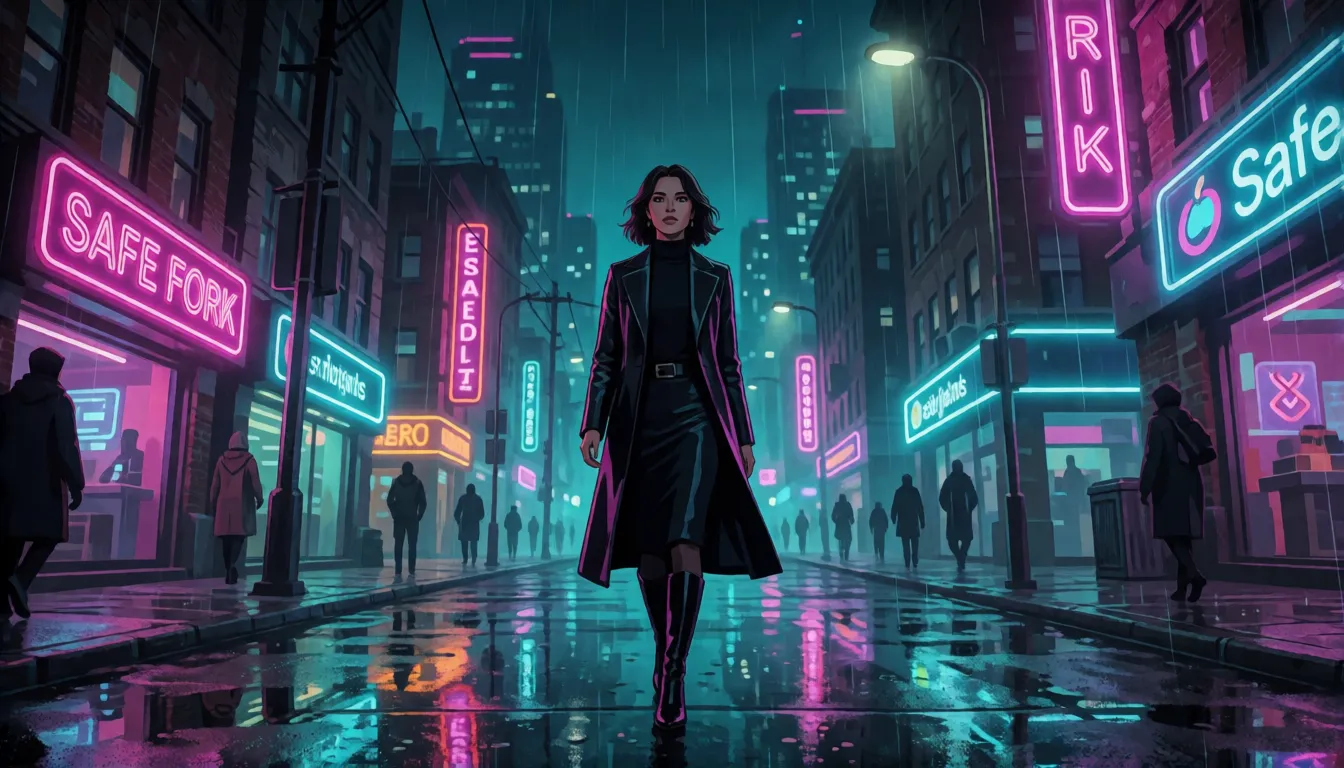
- Cinematic wallpapers: neon city streets, cyberpunk alleys and mountain sunsets at 16:9 for desktop or TV screens.
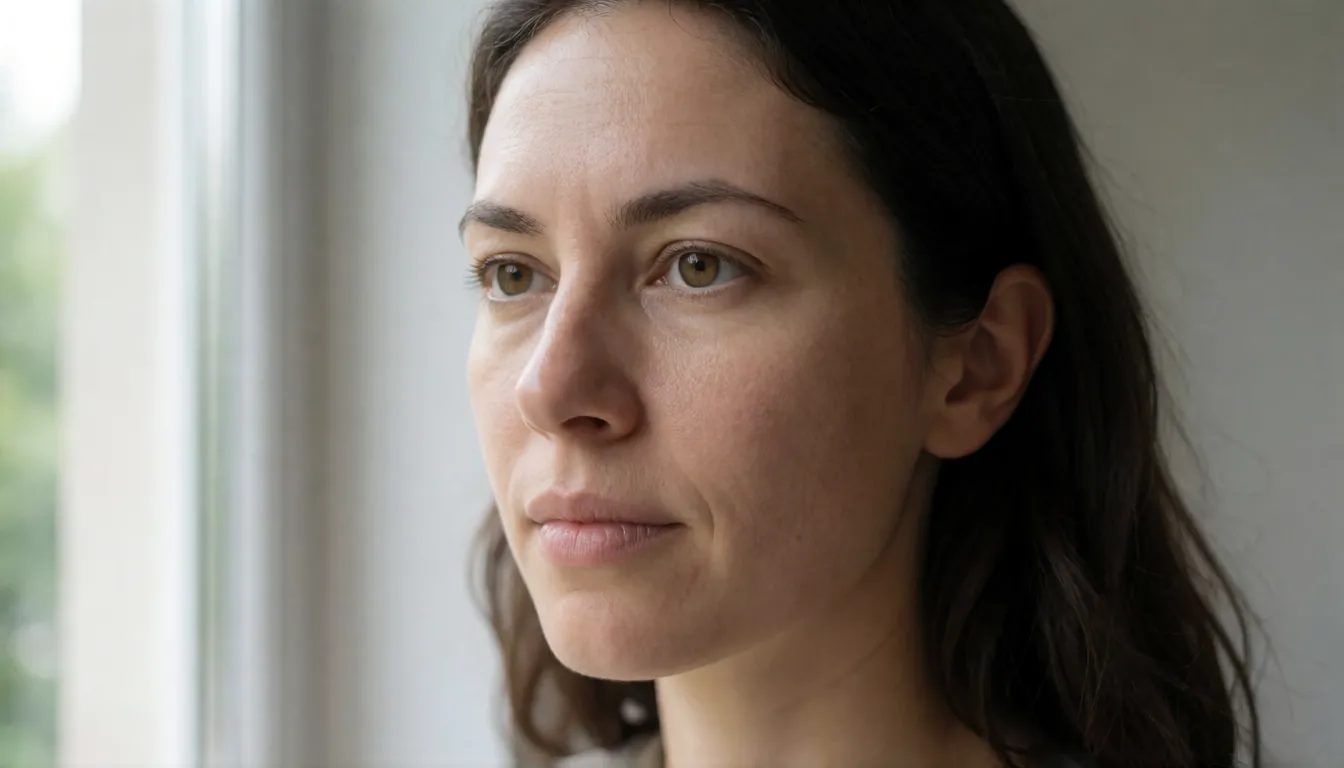
- Close-up portraits: editorial headshots and fashion shots, ideally with the skin refiner switched on.
- Posters and covers: short-drama and web-novel covers, event posters and YouTube thumbnails, helped by MOSS-Image's good lettering.
- Square 2048×2048 images: profile pictures, printed cards and social posts.
- Batch idea sessions: run many small drafts, keep the best compositions, enjoy the big versions.
NVIDIA PiD vs VAE decode and ESRGAN upscalers
Normally an image model hands its result to a VAE decoder, which turns it into a picture at the same size, and then you add an upscaler such as ESRGAN to make it bigger. PiD folds both jobs into one: it decodes the model's internal picture data straight into a high-resolution image, guided by your prompt. NVIDIA researchers describe it in their paper and project page, and version 1.5, released in July 2026, improved color accuracy, removed grid marks in the corners and sharpened anime and face details. The flip side is that a generative decoder can invent small details that were never in the draft, while a classic upscaler mostly sharpens what is already there.
| VAE decode + upscaler | PiD 4× decoder | |
|---|---|---|
| Steps after drawing | Decode, then a separate upscale pass | One 4-step pass |
| Uses your prompt | Usually no | Yes, adds detail that fits the prompt |
| Typical look | Faithful but can look soft | More detail, skin may look too smooth |
| Version tip | Any upscaler model | Use PiD v1.5; v1 can leave colored grid patterns |
Bring back real skin texture with a refiner pass
The author's honest finding is that PiD is fast but tends to polish skin until it looks waxy. That is why the workflow comes in versions with an optional third stage. The recommended one uses Qwen-Image-2.1 with a Lightning LoRA for 2 steps at a light denoise of 0.3, which puts pores and fine lines back while keeping the face recognisable. The alternative, Krea 2 Turbo with a 3-step LoRA at denoise 0.12, adds even more texture but can make people look older. In the author's tests on three portraits, pushing denoise past about 0.4 started to change the face itself, so keep it gentle.
- Qwen-Image-2.1 Lightning, 2 steps, denoise 0.3: natural pores, same face.
- Krea 2 Turbo, 3 steps, denoise 0.12: strongest texture, may age the subject.
- Above roughly 0.4 denoise: the face begins to drift, so stay lower for portraits.
Prompt templates for wide scenes, portraits and posters
MOSS-Image likes full scene descriptions more than short tag lists, and the same prompt is fed to both stages, so PiD knows what details to paint. A good order is subject, setting, light, materials and style. You do not need a negative prompt because the flow runs at CFG 1. Swap the words in brackets and keep everything else:
- Wide landscape: "A wide cinematic photograph of [place] at [time of day], [weather and light], [foreground detail] in the foreground, [distant scenery], shot on a 35mm lens, rich color grading, ultra detailed textures."
- Portrait (with refiner): "A close-up portrait of an adult [age range] [person description], soft window light from the left, natural skin texture with visible pores, shallow depth of field, [outfit], neutral background, editorial photography."
- Poster: "A vertical movie poster for a [genre] short drama titled \"[title]\", [lead character], dramatic rim lighting, bold title typography at the top, cinematic composition." Set the draft to 384×704 for a 1536×2816 tall result.
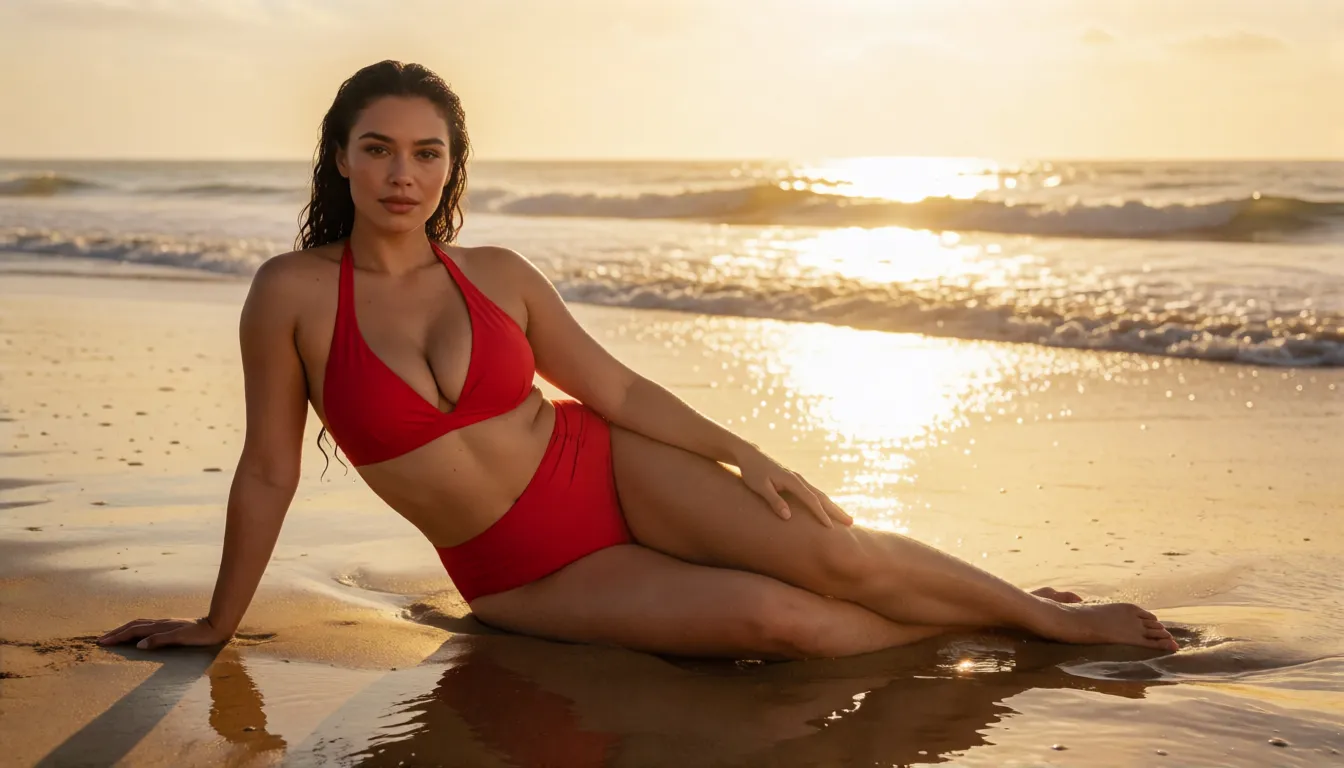
- Glamour (18+, fictional adults): "A glamorous beach photoshoot of a fictional adult model in a [color] bikini, golden hour backlight, wet sand reflections, high-end swimwear catalog style, 4K detail."
ComfyUI workflow, Comfy Cloud and VRAM needs
Getting MOSS PiD SuperFast HighRes running is simple. If you already use ComfyUI, update it to a version that supports MOSS-Image and PiD, drag the workflow file onto the canvas, set the size in the "0 · Size" group, type your idea in "1 · Prompt" and press Run. Everything uses core nodes, so there are no custom packs to hunt down. Without a strong graphics card, the Comfy Cloud version only needs two files imported, the 4-step LoRA and PiD, and the author measured about 0.83 credits per picture, or about 1.7 with the Qwen refiner. Keep these practical limits in mind:
- Model files are large: the full bf16 MOSS-Image weights are 10.2GB and the text encoder 19.3GB; smaller int8 versions exist.
- With the refiner, keeping every model loaded at once needs around 72GB of memory; newer ComfyUI frees memory automatically.
- Keep the draft's long side at 512px or more; a 256×256 draft blown up to 1024 looks blurry.
- The Python script needs an NVIDIA CUDA card; Mac users should use the ComfyUI workflow.
Uncensored MOSS-Image 4K and NSFW high-res art
MOSS-Image is released with open weights under Apache-2.0, so when you run it on your own machine there is no online moderation layer between you and the picture, and PiD has no announced content filter either. There is, however, no special uncensored edition of MOSS PiD SuperFast HighRes, and adult results still depend on community LoRAs loaded into the first stage, something the author has not tested. Adult creators mostly use the big output for glamour shoots where detail really shows: fabric, water drops, golden light on skin. Keep everyone clearly adult and fictional, or use people who have given consent.
Swimwear posters
Golden hour beach and pool shots of adult models, sharp enough for a wall print.
Glamour portraits
Close-up boudoir-style portraits with the refiner adding natural skin texture.
Fantasy wallpapers
Adult heroines and sorceresses in wide 4K scenes for desktop backgrounds.
- Pick the pose at draft size first, then spend time only on the keeper.
- Add the refiner at low denoise for portraits so faces stay the same.
- State that everyone shown is an adult (18+), and never depict real people without consent.
Fast high-res images on Spicy AI
You can borrow the same habit online without installing anything: draft small, pick the winner, then go big. On Spicy AI you describe a scene, generate quick versions until the pose and framing feel right, then enlarge the favourite and, for portraits, give it a light touch-up so skin still looks real. The image generator offers similar uncensored creation, so swimwear, lingerie and glamour poster ideas work too. A fun extra: use your sharp still as the first frame of a short clip in the image-to-video tool.
Draft, pick and enlarge your next picture in the browser, no GPU needed.
Open the image generator →What early users are saying
It is still a niche, very young project. Three weeks after release, the Hugging Face page showed 63 downloads and 13 likes, so there are no large community reviews yet. The clearest verdict on MOSS PiD SuperFast HighRes comes from the author: the flow is very fast, PiD smooths skin too much unless you add the refiner, and drafts that are too small come out blurry. NVIDIA's own comparison page for PiD v1.5 is the best place to see side-by-side examples of color, face and anime detail.
Self-hosting the workflow vs generating online on Spicy AI
| Local deployment (official weights) | Spicy AI online | |
|---|---|---|
| Content filters | None when run locally | No content filters |
| Open weights | Yes | Not needed — runs in the browser |
| Model | MOSS-Image SFT + PiD v1.5, optional refiner | Similar uncensored image model, hosted online |
| Price to start | Your own GPU or Comfy Cloud credits | Free tier available |
FAQ
Is it a new AI model?
No. It is a community ComfyUI workflow by lvladikov, released on October 30, 2026, that chains MOSS-Image SFT with a 4-step LoRA and the NVIDIA PiD decoder.
How big can the pictures be?
The output is four times the draft's width and height: 2816×1536 by default and 4096×2304 from a 1024×576 draft. PiD v1.5 was trained for outputs between 2048 and 4096 pixels.
Why is it faster than drawing at 4K directly?
The big model handles only one sixteenth of the pixels, and the smaller PiD paints the full size in 4 steps. The author measured about 1.8 seconds for PiD and about 75 seconds per picture on an RTX 5090, loading included.
Why does skin look too smooth?
PiD tends to polish skin. Use the refiner version: Qwen-Image-2.1 Lightning for 2 steps at denoise 0.3 brings back pores without changing the face.
Can I use it for paid client work?
MOSS-Image, the 4-step LoRA and the workflow are Apache-2.0, but PiD is under NVIDIA's non-commercial license, so plan a different decoder or upscaler for commercial jobs.
Can I run it without a big graphics card?
Yes, through the Comfy Cloud version or the smaller int8 model files. The Python script needs an NVIDIA CUDA card, while the ComfyUI workflow also works on a Mac.
Is Spicy AI affiliated with OpenMOSS, NVIDIA or the workflow author?
No. Spicy AI is an independent platform and is not affiliated with or endorsed by OpenMOSS, NVIDIA or lvladikov. Model names are trademarks of their respective owners.
Sources
- MOSS-PiD-SuperFast-HighRes workflow and README (Hugging Face)
- 100 example images and prompts
- NVIDIA PiD model card (Hugging Face)
- PiD paper (arXiv 2605.23902)
- PiD project page (NVIDIA Research)
- PiD v1.5 comparison page
- MOSS-Image SFT model card (OpenMOSS)
- MOSS-Image SFT 4-step LoRA (akhaliq)
- Qwen-Image-2.1 Lightning LoRA
- Krea 2 Turbo 3-step LoRA