ComfyUI Guide · OpenMOSS
MOSS-Image ComfyUI: Text-Perfect Posters on Your Own PC, Even with 8GB
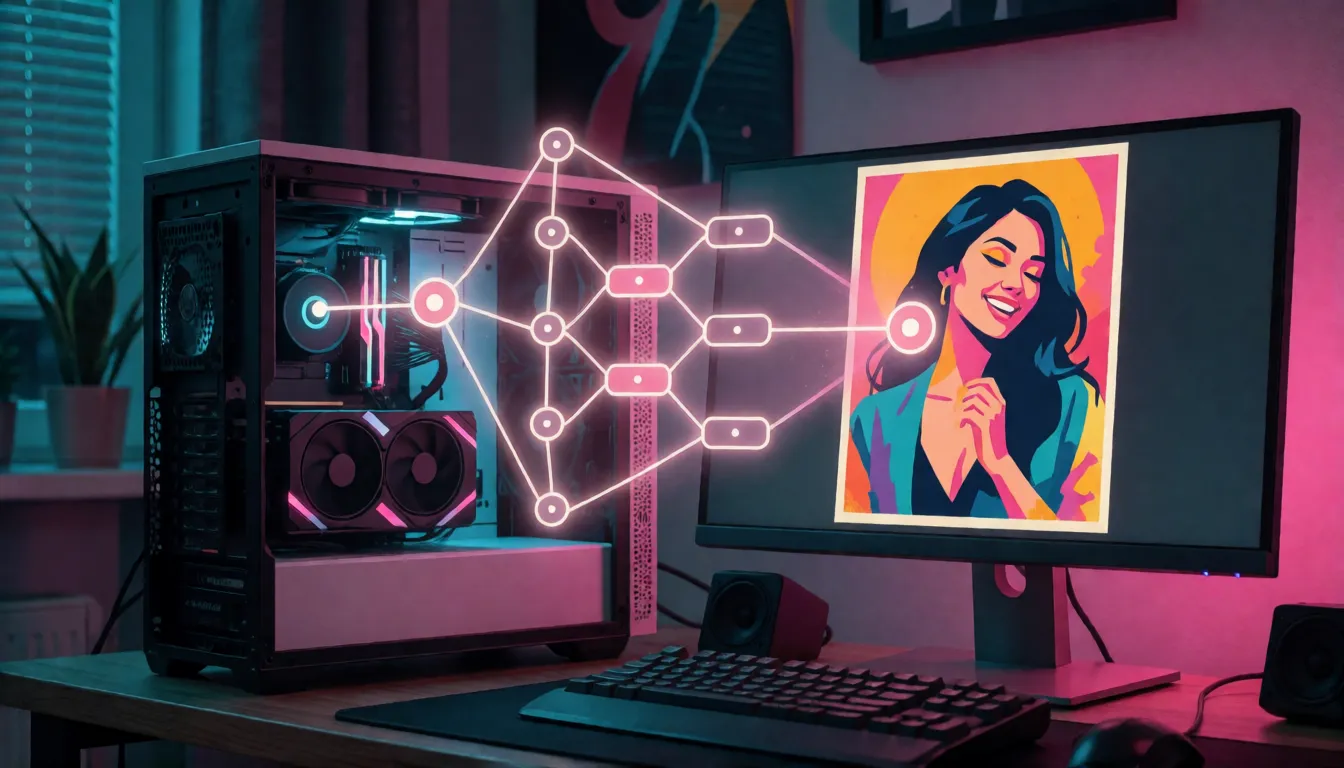
MOSS-Image-SFT is a free, open image model from the OpenMOSS team, and its party trick is simple: it can write clean English and Chinese words right inside the picture. Think movie posters with a real title, product banners with a readable price, or social covers with a bold headline. It worked in ComfyUI on launch day, so you can make these images on your own computer, with no per-image fees and nobody checking your prompts. This MOSS-Image ComfyUI guide walks you through setup in plain steps, the settings that make pictures look good, how to run it on an everyday 8GB graphics card, and fun prompts to try first.
- Free to download
- Works in ComfyUI
- Runs on 8GB cards
Uncensored Alternative Image Generator
Text to imageNo ComfyUI at hand? Describe your poster or photo, with any words in quotes. Add a reference photo to edit it, or leave it empty for text-to-image.
Why ComfyUI fans grabbed it on day one
OpenMOSS, an open-source team from the Shanghai Innovation Institute working with Fudan University and MOSI Intelligence, released two versions of the model on October 16, 2026, free to use under the Apache-2.0 license. The same day, ComfyUI added built-in support for it, so fans could start playing right away instead of waiting weeks for add-ons. Why the excitement? Most local image models still mangle words. This one understands long, detailed descriptions and prints headlines, labels and even handwriting that you can actually read. For anyone who makes posters, thumbnails or ads at home, that is a big deal.
New to the model itself? Read the full MOSS-Image overview →Three easy ways to get it running
You can set up MOSS-Image ComfyUI in three ways, and the best one depends on your computer. If you like keeping ComfyUI up to date, the built-in option is the tidiest: nothing extra to install. If you already downloaded the original model files, the official add-on can use them as they are. And if your graphics card has only 8GB of memory, a free community version by nif0 squeezes the files down to about 11GB. Find your situation in the table:
| Built-in support | Official add-on | Smaller community version (nif0) | |
|---|---|---|---|
| What you download | Model files from the Comfy-Org/MOSS-Image page | The original model folder (about 27GB) | About 11GB in total |
| What you need | The newest ComfyUI test build (nightly) | Install it from ComfyUI Manager | The official add-on plus one small helper package (comfy-kitchen) |
| Best for | Cards with 12GB or more | People who already have the original files | 8GB cards such as an RTX 3060 Ti |
| Works with style add-ons (LoRAs) | Yes | Yes | Not confirmed yet, try it yourself |
The nif0 version is made by a community member and says it is not connected to OpenMOSS; it simply shrinks the original files.
Set it up in about ten minutes
Getting MOSS-Image ComfyUI working is easier than it sounds. The one catch: the regular ComfyUI release from October 19 (v0.41.3) does not include it yet, so you need the newest test build. After that it is just download, drop files in folders, and connect a few boxes:
- Update ComfyUI to the newest test build (in the desktop app, switch to the nightly channel).
- Download three files from the Comfy-Org/MOSS-Image page: the main model, the text reader and the image decoder.
- Put them in the matching folders: models/diffusion_models, models/text_encoders and models/vae.
- Connect the loaders to the sampler, pick moss_image in the text loader, and use the ModelSamplingAuraFlow box before the sampler.
- Rather use the add-on? Search "MOSS-Image" in ComfyUI Manager and click install.
Settings for great-looking pictures
If your MOSS-Image ComfyUI pictures come out dull or grey, the settings are almost always the reason. Use the values below, which come straight from OpenMOSS. The most common mix-up is copying a sample workflow that uses the ModelSamplingSD3 box; swap it for ModelSamplingAuraFlow set to 1. For picture size, 1024×1024 works well for squares and 1024×1536 for tall, phone-style posters.
| Setting | Recommended value |
|---|---|
| Sampler | Euler |
| Steps | 50 |
| CFG (how closely it follows your words) | 3 |
| Shift | 5 |
| Negative prompt | Leave it empty |
| Sampling box | ModelSamplingAuraFlow, set to 1 |
| Picture size | 1024×1024 or 1024×1536 |
Yes, it runs on an everyday 8GB graphics card
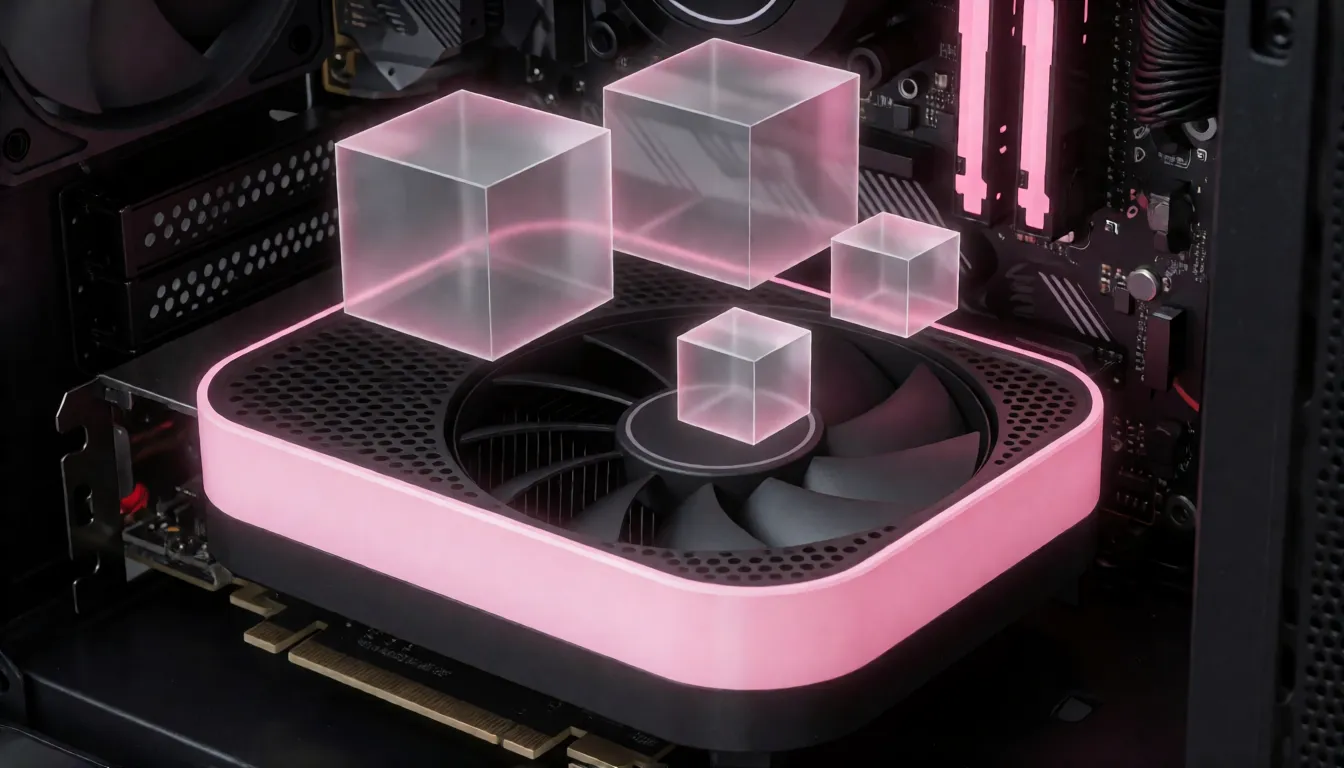
The full model files add up to about 27GB, which sounds scary, but you do not need an expensive card. The community nif0 version shrinks them to about 11GB. Its creator tested it on an 8GB RTX 3060 Ti and got a tall 1024×1536 poster in about three and a half minutes. One thing to plan for: these smaller setups lean on your computer's regular memory, so 16GB of RAM or more is a good idea. Nobody has published a careful quality comparison between the small and full versions yet, so make the same picture with both and judge with your own eyes.
Style add-ons and an 8-step speed boost
LoRAs are small add-on files that change the style or speed of a model, and they plug straight into MOSS-Image in ComfyUI. Two are already popular. One from lodestones lets you get usable pictures in 8 steps instead of 50, turning a few minutes of waiting into well under a minute in theory. Another from MATLOWAI smooths out the ugly stripes that sometimes appear in skies and plain backgrounds. Both are brand new, so try each with the same prompt and compare.
- Speed add-on: set steps to 8, then nudge CFG up or down until it looks right.
- Smoothing add-on: test it on sunsets, neon glows and plain studio backdrops.
- On the smaller nif0 version, add-ons are not confirmed to work, so do a quick test first.
Plan your poster with layout boxes
This is the feature designers love. With the Layout Prompt box, you draw rectangles where things should go, such as the title at the top, the main person in the middle and small text at the bottom, and type what belongs in each. The model then paints the whole picture around your plan. It is like having a quick poster studio inside MOSS-Image ComfyUI: shop banners with a price tag in the corner, social covers with a big title, menus, party flyers and simple infographics. The SFT version keeps text neater, so use it for this.
| Project | Where to put boxes | Tip |
|---|---|---|
| Movie or short-drama poster | Title at top, characters center, credits strip at bottom | Use 1024×1536 for a phone-friendly vertical |
| Product banner | Product center, headline top left, price badge corner | Keep the badge text to a few characters |
| Social cover | Big two-line title, small subtitle, photo area | Bilingual titles render well |
| Infographic | Header, three or four labeled blocks | Short labels stay crisp |
| Wallpaper or character art | One large subject box, optional small signature | Leave space for phone clock and icons |
Ready-to-copy prompts
A simple rule makes these prompts work: put any words you want printed in quotes, say where they go and how they should look, then describe the light and mood like you are talking to a photographer. Paste one in, keep the settings above, and change one detail at a time.
Movie poster:
A cinematic movie poster, title text "NIGHT CITY" in bold sans-serif at top, subtitle "2026" below, neon-lit street, rain reflections, high contrast

Chinese tea poster:
国风茶饮海报,顶部大字“桂花乌龙”,下方小字“限时新品”,青绿配色,留白构图

Swimwear photo (adults only):
Photo of an adult woman (25 years old, fictional) in a red bikini on a tropical beach at golden hour, 85mm, shallow depth of field, natural skin texture

Lingerie catalog (adults only):
Studio catalog photo, adult female model (fictional) wearing black lace lingerie set, softbox lighting, seamless grey backdrop, full body

Layout boxes:
title box  → "SUMMER DROP" in bold white letters, top third
subject box → adult model in a linen beach outfit, center
text box   → "Online only · this weekend", small, bottom
SFT or Base: which one to download
Both versions work the same way in ComfyUI, so pick by what you want to do. SFT is polished for making pictures: it writes text more neatly and follows poster ideas better. Base is the raw version, mainly useful if you want to train your own style later. Just want great pictures tonight? Download SFT.
How it compares with FLUX.2 Klein, Z-Image and Qwen-Image
Many home creators are trying these models side by side. MOSS-Image stands out when your picture needs words: long, detailed descriptions and readable titles, especially in Chinese. Z-Image Turbo and the Qwen-Image family have been around longer and have many more style add-ons. There are no fair head-to-head tests inside ComfyUI yet, so a simple rule works: use MOSS-Image when text and layout matter, and keep your favorite photo model for everything else.
Quick fixes for common problems
New users tend to hit the same few snags, and each has an easy fix:
- "Model not supported" or no moss_image option: your ComfyUI is too old. Update to the newest test build.
- Pictures look flat or grey: replace the ModelSamplingSD3 box with ModelSamplingAuraFlow set to 1.
- Out of memory on an 8GB card: use the smaller nif0 files, close other apps that use the graphics card, and have 16GB of RAM or more.
- The smaller files will not load: install the official MOSS-Image add-on and the comfy-kitchen helper first.
- Looking for GGUF files: there was no official GGUF version at the time of writing.
Can MOSS-Image make uncensored adult pictures?
When you run it on your own computer, there is no online filter: nothing on a server checks your prompt or the result. But OpenMOSS has not released a special uncensored version, and how far the official model will go is not documented, so do not expect more than that. People mostly use it for tasteful adult art such as swimwear shoots, lingerie catalog photos and pin-up posters with fictional adults. If you want a similar uncensored image generator with zero setup, Spicy AI has one in your browser.
Beach and swimwear shoots
Golden-hour bikini portraits of fictional adult models with a magazine-style title.
Lingerie catalog pages
Clean studio product shots with brand slogans placed where the layout says.
Pin-up and drama posters
Retro or glossy vertical posters with adult leads and bold taglines.
- Write the words you want printed in quotes and say where they go.
- Fix the seed and change one thing per run when testing LoRAs or quantized files.
- Describe every person as an adult (18+) and fictional; never use real people without consent.
No GPU or nightly build? Create adult-friendly images online in seconds.
Open the image generator →Running MOSS-Image at home vs creating online on Spicy AI
| On your own PC | Spicy AI online | |
|---|---|---|
| Content filters | No online filter when run locally | No content filters |
| Open weights | Yes, Apache-2.0 | Not needed, runs in the browser |
| Model | MOSS-Image-SFT or Base in ComfyUI | Similar uncensored image model, hosted online |
| Price to start | Your own GPU and about 11–27GB of downloads | Free tier available |
FAQ
Can ComfyUI run MOSS-Image directly?
Yes. Support was added on October 16, 2026, but you need the newest ComfyUI test build (nightly). The regular v0.41.3 release does not include it yet.
Will it run on an 8GB graphics card?
Yes. The smaller nif0 version was tested on an 8GB RTX 3060 Ti and made a 1024×1536 picture in about three and a half minutes.
What are the recommended settings?
Euler, 50 steps, CFG 3, shift 5 and an empty negative prompt. With the built-in loaders, use the ModelSamplingAuraFlow box set to 1.
Where do I get a workflow JSON?
The official add-on on the OpenMOSS GitHub page comes with sample workflows. If you use built-in loaders instead, swap ModelSamplingSD3 for ModelSamplingAuraFlow.
Is the nif0 version official?
No. It is a free community version that says it is not connected to OpenMOSS; it just makes the files smaller.
Is there a GGUF version?
No official GGUF version existed when this guide was written. The smaller nif0 files are the usual choice for small cards.
Can I make it faster?
Yes. A free 8-step add-on from lodestones cuts the steps from 50 to 8. Results vary, so compare with and without it.
Is Spicy AI affiliated with OpenMOSS or ComfyUI?
No. Spicy AI is an independent platform and is not affiliated with or endorsed by OpenMOSS or Comfy Org. Model and software names are trademarks of their respective owners.
Sources
- MOSS-Image-SFT model card (Hugging Face)
- OpenMOSS/MOSS-Image repository (GitHub)
- MOSS-Image ComfyUI README (GitHub)
- ComfyUI pull request #17095: Add MOSS-image support
- Comfy-Org/MOSS-Image weights (Hugging Face)
- nif0/MOSS-Image-SFT-ComfyUI quantized pack (Hugging Face)
- lodestones/MOSS-Image-SFT-8-steps-dmd LoRA (Hugging Face)
- MATLOWAI/MOSS-Image-SFT-DeBand LoRA (Hugging Face)
- Rkkss/ComfyUI-Spectrum-MOSS (GitHub)
- MOSS-Image technical report, arXiv 2610.23374