AI image tool · Outfit editing
AI Cloth Swap: Put Any Outfit on Your Photo and Restyle the Look
Ever wondered how you would look in a tailored suit, a red-carpet gown or a full cosplay costume? AI cloth swap shows you in seconds. Upload one photo, type the outfit you want, and get a new picture where your face, pose and background stay exactly as they were and only the clothes change. No app to install, no photo editing skills, no shopping trip. Try AI cloth swap online for free right here in your browser, then read on for ideas, easy prompt recipes and tips for great results.
- Free to start
- No filters
- Runs in browser
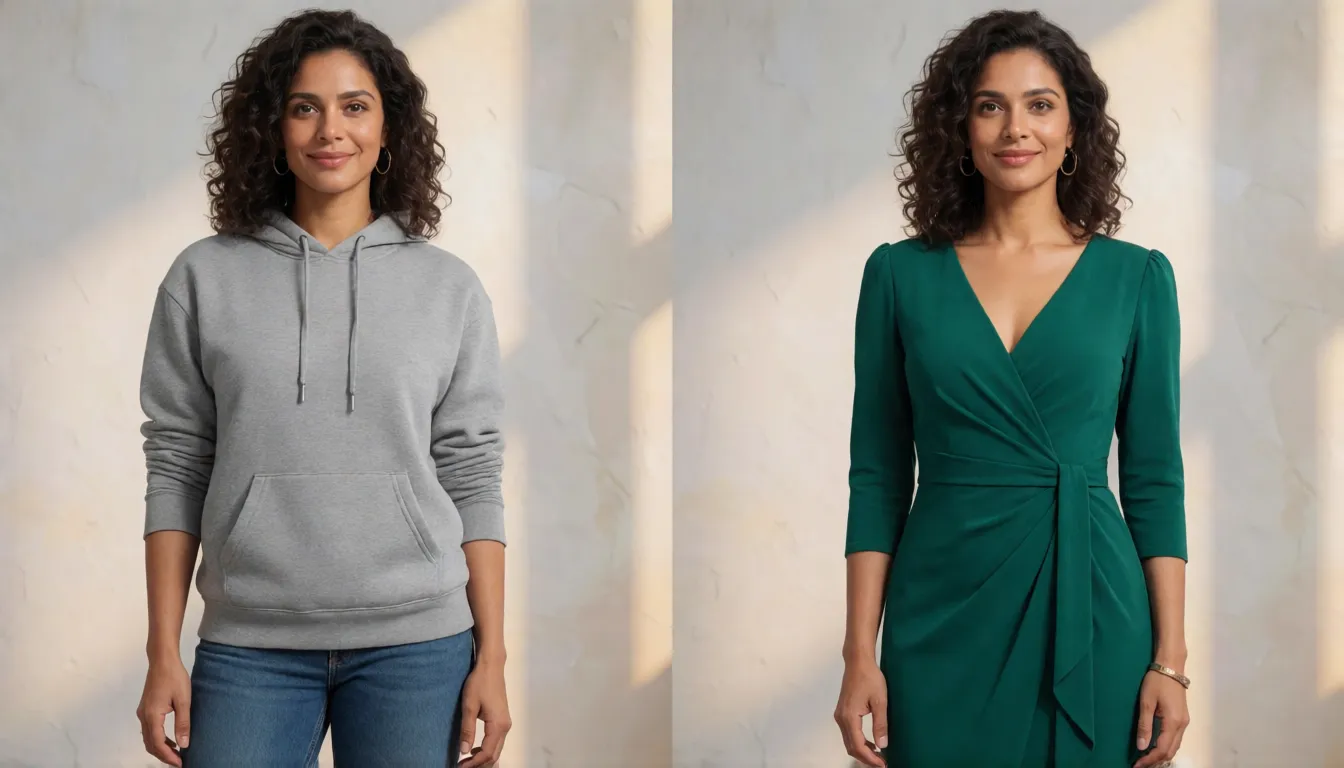
AI Cloth Swap Generator
Text to imageUpload a photo of one adult, then describe the outfit you want. Say what must stay the same (face, pose, background) and what should change (garment, color, fabric).
Try a prompt
Example prompts are in English, which gives the most reliable results.
AI cloth swap explained: same person, new clothes
Think of a cloth swap as a magic wardrobe for your photos. You keep the person in the picture and swap only what they wear: a new top, a full outfit, a different color or a whole new style. People also call it clothes swap, outfit changer or virtual try-on, and online shops use the same idea to show clothes on models. You can describe the look in plain words, or show it with a photo of the outfit you like. The AI then redraws the clothes so they follow your pose, match the light and look naturally worn, wrinkles and all. It is a realistic preview, not a tailor's fitting, so it is perfect for ideas, posts and fun, and less suited to checking an exact size. It is also different from face swap or head swap, which change the person and keep the clothes.
Why people want an uncensored AI cloth swap
Because a cloth swap is fun, fast and saves money. Shoppers want to see a look on themselves before they buy. Creators want fresh outfit posts, cosplay ideas and character costumes without buying anything. Online sellers want model photos in every color without booking another shoot, and friends love dressing each other up in wedding suits or superhero outfits. Before-and-after outfit videos are everywhere on short-video feeds for the same reason: one photo turns into a whole new look. Many people search for an uncensored version because mainstream apps often refuse swimwear, lingerie or club outfits even on adults who agreed to it. Spicy AI allows adult fashion like that, but a clothes swap is never a way to undress a real person.
Why people love AI cloth swap on Spicy AI
Our AI cloth swap is built for everyone, not just designers. You do not need to know anything about editing: if you can describe an outfit to a friend, you can create it here. The results look like real photos, the person stays recognizable, and you can try as many looks as you like until one feels right.
- Works in your browser on phone or computer, with nothing to download.
- Keeps your face, hairstyle, pose and background, and changes only the outfit.
- Any style you can imagine: business, streetwear, vintage, wedding, cosplay, beachwear and more.
- Fewer filters for adult fashion: swimwear, lingerie and nightlife looks on consenting adults (18+).
- Start free with daily generations and see your first new outfit within seconds.
- Turn a favorite result into a short fashion clip with image-to-video.
Cloth swap vs virtual try-on: same tech, different goals
Both terms describe one technique, but people use them for different jobs. A clothes swap is about the picture: change what someone is wearing for fun, for a post or for a story. Virtual try-on is about the product: show a specific garment, with its exact print, color and cut, on a model so a shopper can judge it. That difference changes what good output means. For a creative outfit change, a nice-looking outfit that roughly matches the idea is enough. For virtual try-on, a wrong button, a lost logo or a shifted hemline makes the image unusable in a store.
| Cloth swap | Virtual try-on (VTON) | |
|---|---|---|
| Typical user | Creators, cosplayers, casual users | Fashion shops, marketplaces, brands |
| Input | Photo plus a described or reference outfit | Product image of one garment plus a model photo |
| What matters | Overall look, style, fun | Exact garment detail, print and fit |
| Typical tools | Prompt-based image editors | Dedicated try-on models and APIs |
| Main risk | Misuse on real people without consent | Images that misrepresent the real product |
What an AI outfit change can do, and what stays the same
Modern outfit editing goes well beyond pasting a shirt on top of a body. A good result redraws the garment so folds follow the pose, shadows match the room light and edges blend into skin and hair. In practice you can change a single piece, a whole look or just one property of what someone already wears, while the face, body shape, pose and background stay put. What it cannot do is measure: fit and drape are inferred, so the result shows a believable look, not a size guarantee.
| What you change | Example | How well it usually works |
|---|---|---|
| One garment | Swap a T-shirt for a silk blouse | Very well on clear, front-facing photos |
| Full outfit | Casual look to a black-tie suit | Well, if the prompt is short and specific |
| Color or fabric only | Denim to leather, red to navy | Very well; the cut stays the same |
| Style or era | Restyle as 1990s streetwear or Y2K | Well; details are the AI's interpretation |
| Costume or uniform | Cosplay armor, chef or pilot uniform | Good for concepts; check logos and emblems |
| Accessories | Add a hat, scarf, belt or sunglasses | Mixed; small items can drift between runs |
How to swap clothes in a photo, step by step
The workflow is almost the same in every tool: one clean person photo, one clear description or reference of the new outfit, and an instruction that says what must not change. Here is how to do it on Spicy AI; the same habits help in any outfit editor.
- 1. Pick the person photo: one adult, facing the camera, full body or half body, arms not covering the clothes, even light and a simple background.
- 2. Upload it to the generator on this page (or open the image editor in image-to-image mode).
- 3. Describe the new outfit: garment type, color, fabric and fit, for example a fitted black blazer in wool with wide-leg cream trousers.
- 4. Lock what should stay: add keep the same face, hairstyle, pose and background so the edit only touches the clothing.
- 5. Generate, compare with the original, and adjust one detail at a time (color, length, fabric) instead of rewriting the whole prompt.
- 6. For shop images, check seams, logos and prints against the real product before publishing.
Outfit-change prompt templates and how to write them
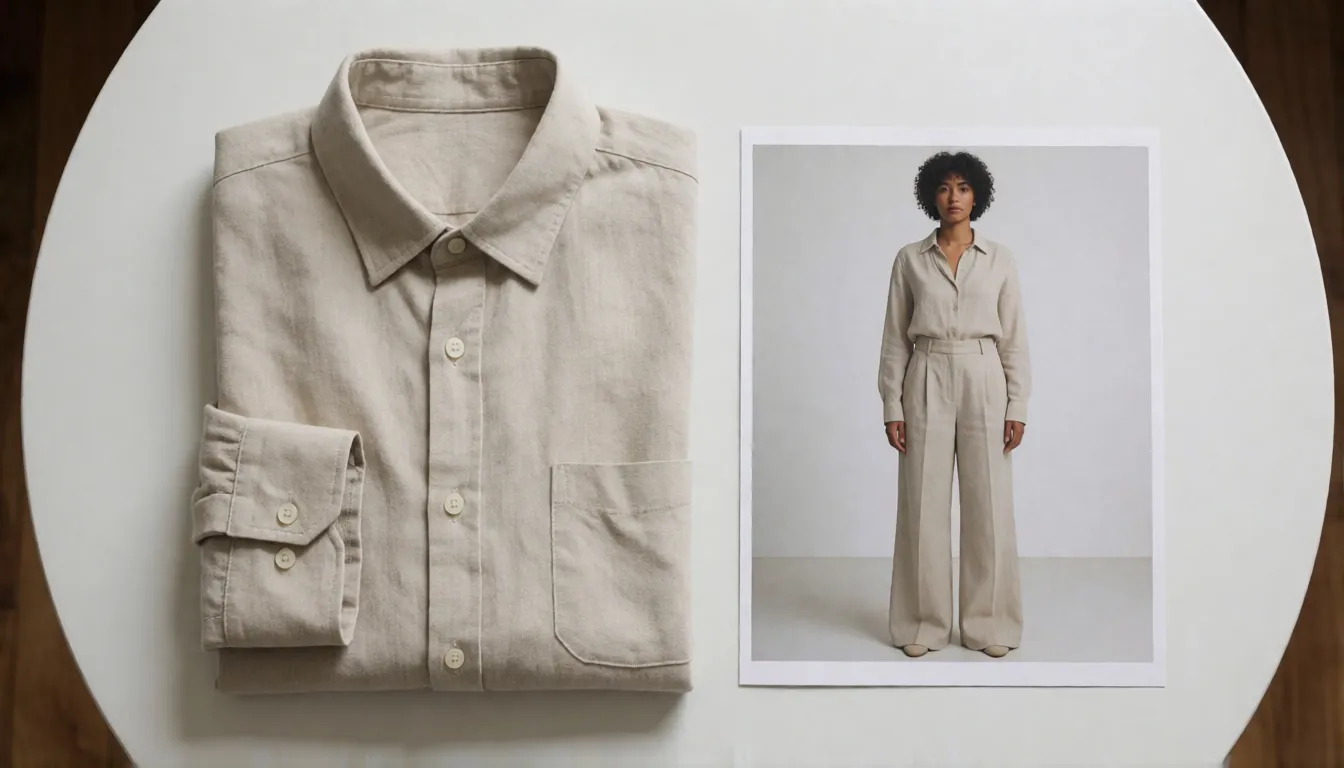
A good outfit-edit prompt has three parts: what to change, what the new outfit looks like, and what to keep. Name the garment instead of a vibe, give one or two colors, mention the fabric because it controls how light falls on the folds, and finish with a keep-the-same line. Keep it short: stacking ten requirements makes the edit drift on the face or background. When you work from a garment photo instead of words, say which reference is the top and which is the bottom so nothing gets mixed up.
- Basic swap: Replace the outfit with [garment, color, fabric]. Keep the same face, hairstyle, pose and background.
- Top only: Change only the top to a [cropped white linen shirt]; keep the trousers, shoes and everything else unchanged.
- Full look: Dress the person in [a camel trench coat over a black turtleneck and slim jeans], full body shot, same street background.
- Product try-on: Put the garment from the reference image on the model exactly as shown, keep its print, color and neckline.
- Style shift: Restyle the outfit as [1990s streetwear / gothic lolita / office chic] while keeping the person and the pose.
Uncensored bikini and swimwear outfit swaps
Summer is the season everyone wants a new look, and beachwear is where most mainstream outfit apps simply say no. Here an uncensored AI cloth swap lets adult creators and consenting models try bikinis, one-pieces and resort looks on their own photos without a photoshoot. Keep the person and pose, pick a swimsuit style and color, and add a matching beach or pool background in a second pass if you like.
- Classic bikini: Change the outfit to a [red triangle bikini], keep the same face, hairstyle, pose and background.
- Sporty swim: Dress the adult model in a [black one-piece racing swimsuit] with a white stripe, same pose.
- Resort look: Replace the outfit with a [floral bikini and sheer beach sarong], add sunglasses, keep the face.
- Pool party: Swap to a [metallic gold bikini with a cropped mesh cover-up] for a nightlife pool vibe.
- Lingerie set: Change to a [black lace lingerie set], studio lighting, same face and pose (adults 18+ only).
AI virtual try-on for ecommerce: where it pays off
For shops, AI virtual try-on is mostly about speed and coverage: one studio shoot can turn into images for every colorway, a mix-and-match look for a bundle, or quick A/B ad creatives. Cross-border sellers use it to show the same garment on different model types for different markets. The limits matter just as much. A generated image infers drape and fit; it does not know the real size chart, so it cannot replace a fitting or a sample, and it should not be used to promise a fabric or cut the product does not have.
Free AI clothes swap online vs outfit changer apps
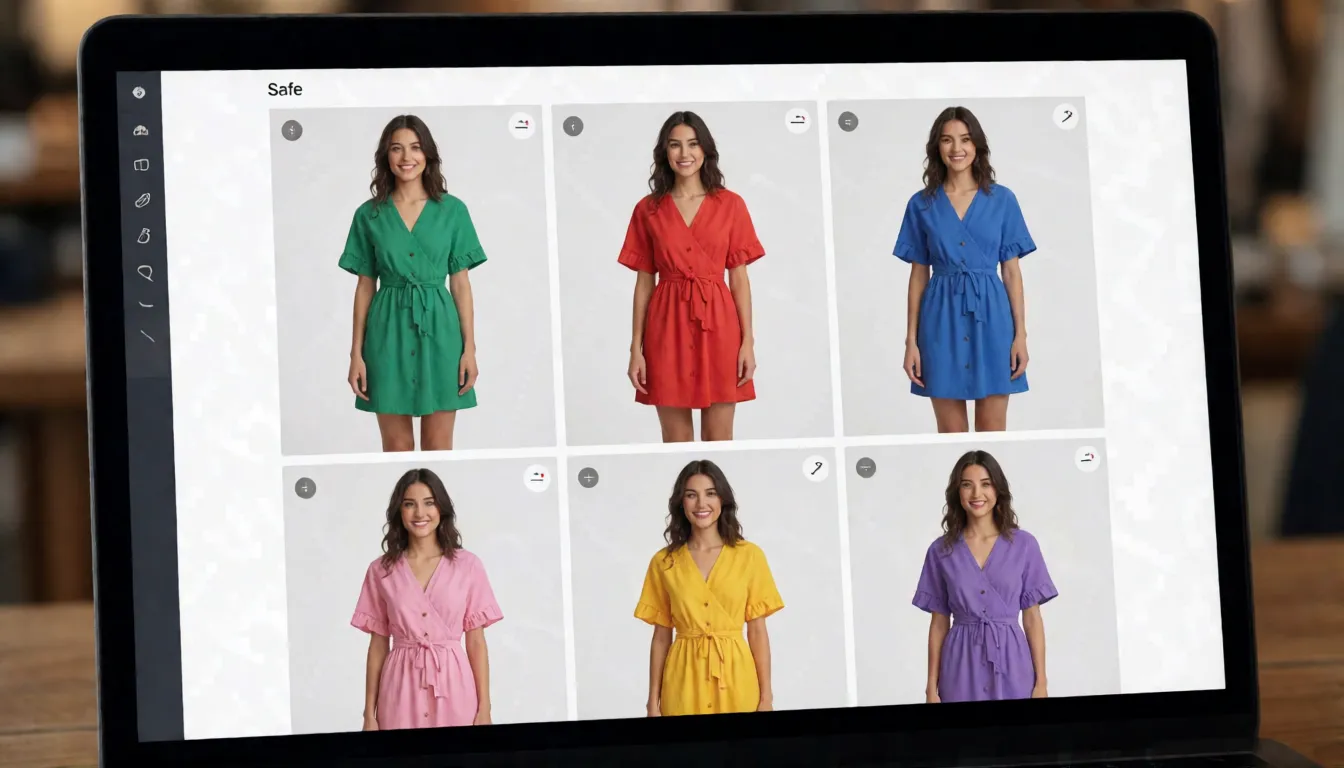
Looking for a free AI cloth swap? Most tools let you start free and then ask you to pay for more images, so check three things before you start: how many free tries you get per day, whether your pictures get a watermark, and whether you may use them for your shop or brand. Phone apps that change outfits are handy for quick selfies, but they often block more styles and give you fewer options. The cloth swap editor on this page needs no download, works on any phone, and lets you start free every day.
Why an outfit swap looks wrong, and how to fix it
Most failures trace back to the input photo rather than the model. Try-on guides and community reports agree on the usual suspects: several people in one frame, side or sitting poses, arms crossing the garment, very loose clothes, busy prints or text, and low-resolution images.
| Problem | Likely cause | Fix |
|---|---|---|
| Wrong garment or mixed outfit | Vague prompt or several items in the reference | Use one item per reference and name it exactly |
| Blurry fabric or lost print | Small or compressed input | Upload a sharper photo; keep prints simple |
| Face changed | No keep instruction, too many edits at once | Add keep the same face and change one thing per run |
| Background shifted | Prompt describes a new scene | Say same background, or edit the scene in a second pass |
| Odd hands, collar or waistband | Arms or hair covering the clothes | Pick a photo with arms away from the body |
Popular outfit swap ideas people keep trying
The most shared results are not catalog shots but small stories: the same selfie in five eras, a gym photo turned into a red-carpet moment, a couple restyled for a themed party. Creators like these because one good source photo becomes a whole series, and viewers enjoy the before-and-after reveal. An uncensored AI cloth swap also opens adult fashion ideas that mainstream apps block, such as swimwear, lingerie or club looks on consenting adults. Pick one idea, keep the face and pose locked, and change only the outfit between runs.
- Decade challenge: 1970s disco, 1990s grunge, Y2K and today's minimal style on the same photo.
- Dream wardrobe: designer-style suits, gala gowns or a wedding-guest look before you buy.
- Character night: anime, game or fantasy costumes for cosplay planning.
- Season swap: summer linen to winter wool coat without a new shoot.
- Adult fashion: beachwear, lingerie or nightlife outfits for 18+ creators and consenting models.
What people create with AI cloth swap
OOTD and style tests
Try a capsule wardrobe, a color you never wear or a wedding-guest look on your own photo before you buy anything.
Cosplay and character looks
Preview an anime, game or film-inspired costume on an adult model to plan fabric and colors for the real build.
Shop and ad creatives
Turn one model shot into several colorways, bundles or seasonal looks for listings and A/B ad tests.
Adult fashion editorials
Swimwear, lingerie or club outfits on consenting adults, for creators whose usual apps block these requests.
Design mood boards
Test a print, fabric or silhouette idea on a model photo before a sample is made.
Image-to-video prep
Lock the outfit in a still first, then animate that photo with image-to-video for a short fashion clip.
Habits that make every outfit swap cleaner
- Use one adult per photo, front-facing, full or half body, with arms clear of the clothes.
- Prefer a clean flat-lay or product shot on a plain background as the garment reference.
- Name the garment, color and fabric; skip long lists of adjectives.
- Always add a keep-the-same line for face, pose and background.
- Change one thing per run, and compare with the original before the next edit.
- Only upload photos you have the right to use, and never use it to remove clothing.
FAQ
Is changing clothes with AI the same as virtual try-on?
They overlap heavily. Clothes swap is the everyday term for changing what someone wears in a photo; virtual try-on is the retail term and puts more weight on exact garment details and fit. The underlying technology is largely the same.
What can an AI outfit change be used for?
Common uses are trying a look before buying it, OOTD and social posts, cosplay and costume planning, extra colorways for shop listings, ad creatives and design mood boards. Dedicated try-on services, open image-editing models and online editors can all do it; for most people the easiest route is a browser editor like the one on this page.
Is there a free AI clothes swap?
Not an unlimited cloth swap, but you can start without paying. Most services give free daily tries or starter credits. On Spicy AI you can start free with daily generations and upgrade only if you want more.
Can I use outfit-swap images commercially?
It depends on the tool, so read its terms of use first. If you sell clothes, make sure the image shows the real product honestly, and label AI-made photos when the shopping platform asks you to.
Does a clothes swap work for groups or for bottoms only?
Usually not well. Try-on guides recommend single-person photos and advise against swapping bottoms on their own; for groups, edit each person separately.
Can I do an uncensored outfit swap, like swimwear or lingerie?
Yes, for adults. Spicy AI allows swimwear, lingerie and nightlife fashion on photos of yourself or of consenting adults (18+). Removing clothes from real people, editing minors or putting public figures in revealing outfits is not allowed.
Is it free?
You can start free with daily generations, and buy credits when you need more.
Sources
Product and brand names mentioned on this page are trademarks of their respective owners. All content must depict adults (18+).