Uncensored AI Image · OpenAI
GPT Image 1.5: AI Image Generator for Precise Edits and Polished Product Art
GPT Image 1.5 is an earlier model in OpenAI's GPT Image series, released on December 16, 2025 for ChatGPT and the API under the model ID gpt-image-1.5. It made editing more precise and followed instructions better than gpt-image-1, and it is still popular for product shots, transparent PNG assets and faithful photo edits. OpenAI now lists it as deprecated and plans to remove it from the API on December 1, 2026. It is closed and moderated, so there is no uncensored version; for adult (18+) images it refuses, Spicy AI's image generator runs other models without content filters.
- Free to start
- No filters
- Runs in browser
Key facts at a glance
- Developer
- OpenAI
- Model ID
- gpt-image-1.5 (snapshot gpt-image-1.5-2025-12-16)
- Release date
- December 16, 2025
- Status
- Deprecated; API removal planned for December 1, 2026
- Input / output
- Text and image in, image out
- Quality levels
- low, medium, high, auto
- Sizes
- 1024×1024, 1024×1536, 1536×1024
- Recommended replacement
- gpt-image-2.5-sunburst or gpt-image-2.5-flare
- Open weights
- No, closed model
- Uncensored?
- No, moderation is always on
Uncensored Alternative Image Generator
Text to imageOpenAI's model blocks adult prompts, so this generator runs Spicy AI's own image models instead. Type a prompt or upload a reference photo to create adult (18+) images without content filters.
Try a prompt
Example prompts are in English, which gives the most reliable results.
What is GPT Image 1.5?
OpenAI built this model as the bridge between gpt-image-1 and the GPT Image 2 family, and its model page now labels it the previous image generation model. Text and images go in; images come out through two Images API endpoints, v1/images/generations and v1/images/edits, with Batch available for large jobs. Several routes are closed: no Responses API, no Chat Completions, no fine-tuning and no streaming. Teams that need stable behavior pin the default snapshot, gpt-image-1.5-2025-12-16. OpenAI offers the model as a whole through ChatGPT and its developer platform, and the API is simply one way to reach it. With no open weights, downloading it or running it locally is not possible.
Why people look for an uncensored GPT Image 1.5
OpenAI filters every prompt and every generated image against its usage policies. The API has a moderation setting, but it only accepts auto (the default) and low; low is somewhat less strict and can still return a moderation_blocked error. Photographers and artists working on boudoir, swimwear, fantasy or other adult-themed images run into these refusals, which is why people search for an uncensored version or an NSFW mode. There is no such version: the model has no uncensored release, no public weights and no community fine-tunes, because the model is closed. We do not share bypass prompts. Spicy AI does not run OpenAI's model; it offers a similar image editor without content filters for consenting adults, and the generator on this page is clearly a substitute, not OpenAI's model.
Tired of OpenAI refusals? Spicy AI's uncensored image generator handles legal adult prompts for consenting, fictional adults.
Try the uncensored generator →Core features that define the model
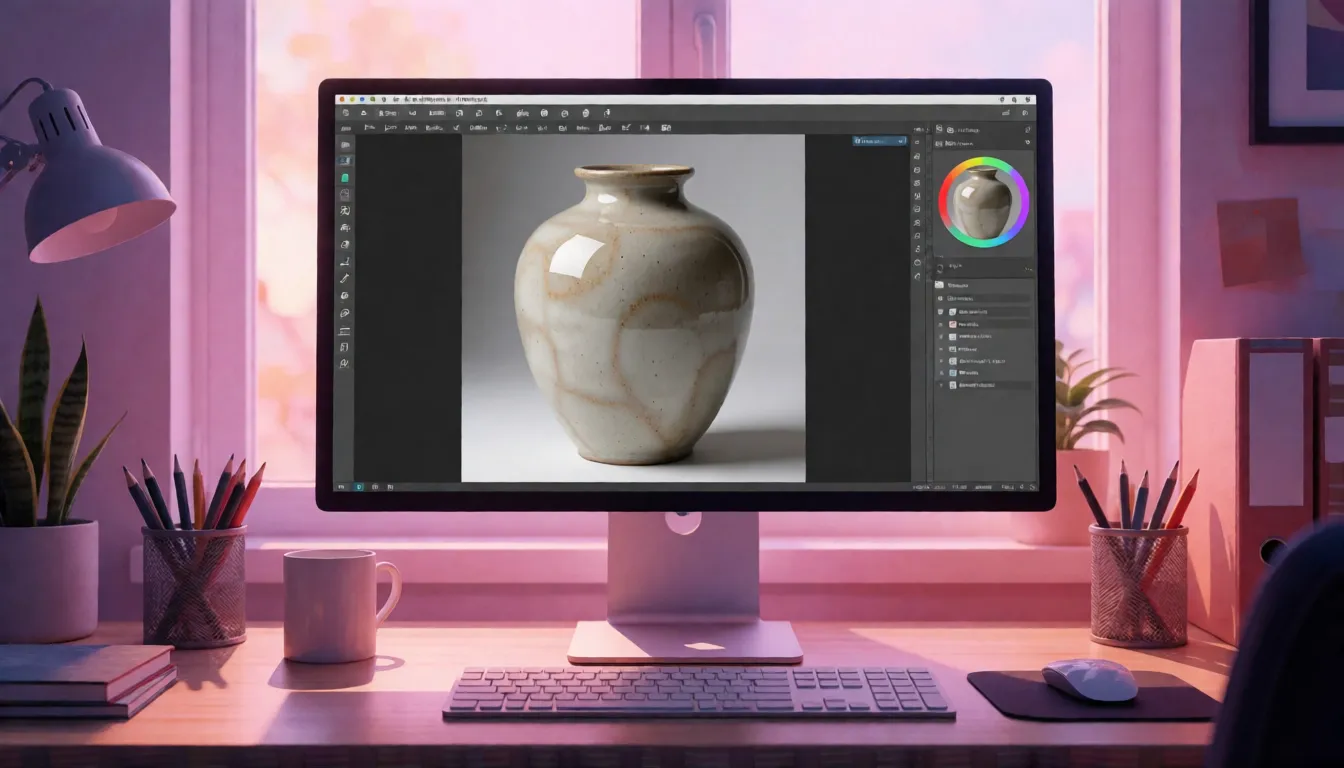
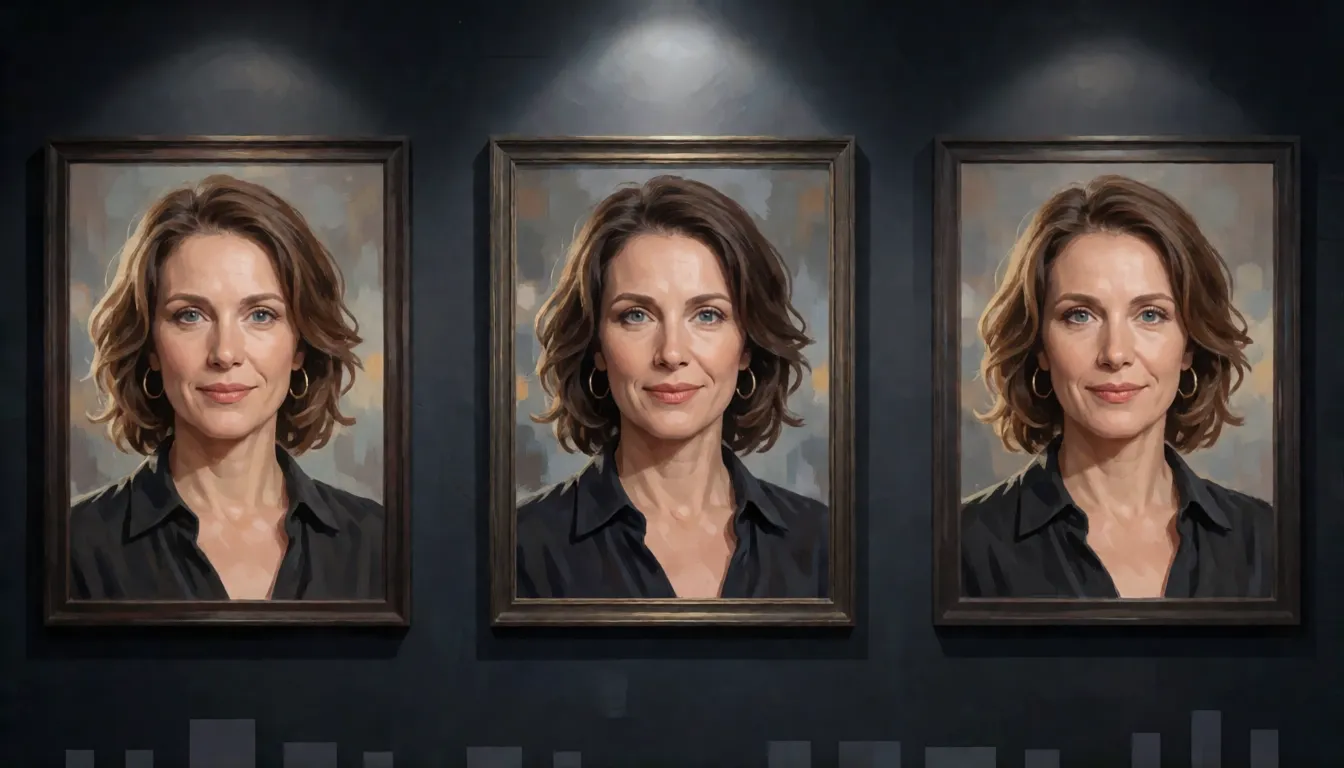
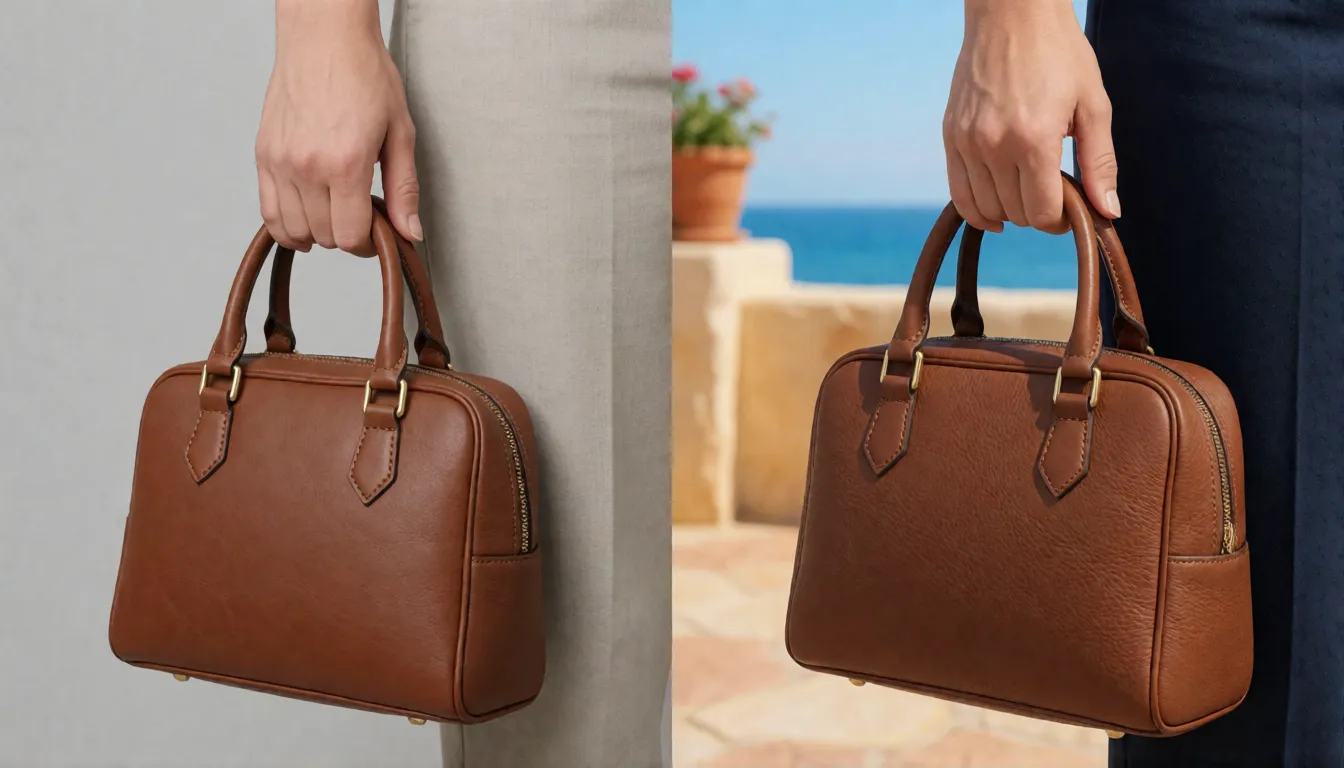
Four traits shape how the model behaves in daily work. Instruction following is tighter than in gpt-image-1, so a brief with several fixed requirements, such as subject, palette, layout and a short headline, usually lands in fewer attempts. Editing is its signature strength: you can swap a background, an outfit or a product color while faces, lighting and composition stay close to the source, and input_fidelity high pushes that likeness further. Output options suit production assets, with three fixed sizes, four quality levels and PNG, JPEG or WebP files that can carry a transparent background. Batch support rounds this out for catalog-scale jobs. The gaps matter as much: no open weights, no fine-tuning, no streaming and no way to switch moderation off.
| Feature | How it works | Where it helps |
|---|---|---|
| Instruction following | Sticks to multi-part briefs more closely than gpt-image-1 | Ads and layouts with several fixed requirements |
| Precise editing | Changes the named area and keeps faces, light and tone (per launch coverage) | Background swaps, outfit or color changes |
| input_fidelity | high or low; high preserves faces, logos, text and texture from the input image | Product and portrait retouching |
| Transparent background | background set to transparent with PNG or WebP output | Stickers, icons and cutouts |
| Quality levels | low, medium, high and auto | Cheap drafts, polished finals |
| Fixed sizes | 1024×1024, 1024×1536 and 1536×1024 | Feeds, posters and thumbnails |
| Batch | Asynchronous large jobs through the Batch API | Catalog-scale runs |
Based on OpenAI's model page and API reference; editing consistency comes from launch coverage.
Release date, deprecation and the December 1, 2026 shutdown
Deprecated does not mean switched off. The model is still listed on OpenAI's model page with a Deprecated label, and OpenAI's deprecations page gives December 1, 2026 as the date it leaves the API. Until then most calls keep working, but the response you get at call time is the final answer. Third-party hosts may keep or drop it on their own schedule, and OpenAI has not said which image model ChatGPT uses by default for every account, so do not rely on ChatGPT to show you this exact version. No extension has been announced.
| Date | Event |
|---|---|
| December 16, 2025 | gpt-image-1.5 launches in ChatGPT and the API (snapshot gpt-image-1.5-2025-12-16) |
| April 2026 | GPT Image 2 snapshot arrives |
| June 2, 2026 | OpenAI announces the deprecation of gpt-image-1.5, gpt-image-1-mini and chatgpt-image-latest |
| September 8, 2026 | GPT Image 2.5 snapshots (Flare and Sunburst) arrive |
| December 1, 2026 | Planned removal of version 1.5 from the API |
Dates from OpenAI's model and deprecation pages and launch coverage; check the deprecations page for changes.
From gpt-image-1 to 1.5: the upgrades in practice
OpenAI positioned version 1.5 as an upgrade in instruction following and editing. TechCrunch's launch report describes more precise edits that keep faces, lighting, composition and color tone consistent across changes, and quotes generation that is up to four times faster; that speed figure comes from press coverage, not from a benchmark on OpenAI's model page. Vercel's AI Gateway summary lists better visual fidelity, text rendering and handling of complex prompts compared with gpt-image-1. In daily use that means fewer rerolls when you ask for a specific change, cleaner short headlines, and edits that touch only the part you named. OpenAI has not published parameter counts, training data or official benchmark scores for either model, so treat any precise percentage you see on other sites, such as claims of 99% text accuracy or an internal codename, as unverified.
GPT Image 1.5 vs GPT Image 2, 2.5 and Nano Banana Pro
Choose by task and by timeline. GPT Image 2 is the newer generation with flexible sizes and higher-fidelity image input, while version 1.5 stops at three fixed sizes and the high quality level. For migration, OpenAI does not point current users to version 2; it recommends gpt-image-2.5-sunburst for precise editing or gpt-image-2.5-flare for fast everyday images. Google's Nano Banana Pro (Gemini 3 Pro Image) is a closed model from a different vendor, often chosen when factual precision and consistency matter; it is not a drop-in replacement because prompts, parameters and policies differ. All of these are closed models, and none of them is uncensored.
| gpt-image-1.5 | GPT Image 2 / 2.5 | Nano Banana Pro | |
|---|---|---|---|
| Developer | OpenAI | OpenAI | |
| Status | Deprecated, API removal on Dec 1, 2026 | Current | Current |
| Quality levels | low, medium, high, auto | 2.5 adds xhigh and max | Not compared here |
| Sizes | 1024×1024, 1024×1536, 1536×1024 | Flexible custom sizes | Up to 4K |
| input_fidelity parameter | Yes (high or low) | Not accepted by GPT Image 2 | Not applicable |
| Open weights | No | No | No |
| Content filters | Always on | Always on | Always on |
GPT Image 2, 2.5 and Nano Banana Pro details are summarized only for the decision; see each vendor's model page.
Calling the API: model ID, docs and API key
To call the model you need an API key from your OpenAI platform account, then send requests to POST /v1/images/generations for text-to-image or POST /v1/images/edits for edits, with model set to gpt-image-1.5 or the dated snapshot gpt-image-1.5-2025-12-16 if you want stable behavior. The main parameters are size (1024×1024, 1024×1536 or 1536×1024), quality (low, medium, high or auto), background, output_format (png, jpeg or webp) and n for several images per call. Results come back as base64. OpenAI's image generation guide and the Images API reference are the documentation to follow; the model is billed per image by quality and size plus input tokens, and the official model page has the current rates. Complex prompts can take up to about two minutes, so set generous timeouts, and do not blindly retry user errors such as moderation_blocked.
- Generate: model gpt-image-1.5, prompt, size 1536×1024, quality medium, output_format png.
- Edit: upload the source image (and an optional mask) to /v1/images/edits and add input_fidelity high when faces or logos must survive.
- Batch: supported for large overnight jobs; Responses API image tools are not supported for this model.
- Third-party gateways such as fal and Vercel AI Gateway also expose the model under their own terms.
High fidelity editing with input_fidelity
People search for "gpt image 1.5 high fidelity" as if it were a separate model. It is not: the only official model ID is gpt-image-1.5, and high fidelity refers to the input_fidelity parameter on the edits endpoint. It accepts high or low and defaults to low. Set to high, the model works harder to match the style, facial features, text and textures of your input image, at the cost of more input tokens and some extra time. gpt-image-1 and gpt-image-1.5 support both levels, gpt-image-1-mini supports only low, and GPT Image 2 does not accept the parameter at all. Some benchmark sites list a gpt-image-1.5-high-fidelity entry; that is their test label, not an OpenAI model.
- Use high for: swapping a background while keeping a face, product photos with logos or fabric texture, replacing a word while keeping the layout.
- Keep low for: loose restyling, drafts and edits where exact likeness does not matter.
- No effect for: pure text-to-image, because there is no input image to stay faithful to.
Making transparent background PNGs
The Images API has a background parameter with transparent, opaque and auto. Transparent output requires output_format png or webp. OpenAI documents transparent backgrounds for supported GPT Image models, and version 1.5 belongs to that series, but there is no separate tutorial for this version, so test it on your own hard cases. Transparency is not perfect cutting: hair, glass, smoke and other semi-transparent materials often get rough edges, and thin lines or small text can break. A simple workflow:
- Write the subject only: "a single ceramic coffee mug, isolated, no shadow, no background objects".
- Set background transparent and output_format png (or webp for smaller files).
- Place the result in Figma, Photoshop or Canva over your own backdrop.
- Zoom to 200% and check edges, soft shadows and halos before publishing.
Industries, real workflows and results
The model found its audience in work where predictable edits matter more than the newest look. E-commerce teams use it for clean product shots, background swaps and transparent cutouts for marketplace listings. Content and social teams batch out blog headers, thumbnails and simple posters with a short headline. Sticker, icon and merch sellers lean on the transparent PNG output. Developers who built pipelines in 2026 keep it because their prompts, sizes and parameters are tuned for it. Launch coverage praised its editing consistency and speed; the official guide also lists weak spots that still apply: long or small text can come out wrong, characters and brand details can drift between separate generations, and exact placement in structured layouts is unreliable. Its strong styles are photoreal product and lifestyle images, flat illustration and clean graphic design, rather than painterly fine art.
Prompt writing tutorial
Write a prompt the way you would brief a photographer: one or two plain sentences, not a pile of tags. Start with the subject and action, then the setting, then light and camera or art style, and finally any exact text in quotes with its position. For edits, say what changes and what must stay the same. Draft at low or medium quality to find the composition, then render the chosen version at high. The same approach works in Spicy AI's uncensored generator, which uses different models.
- Subject: who or what, with clothing, pose and expression; describe every person as an adult.
- Setting: a concrete place and time, such as a rooftop bar at dusk, instead of a nice background.
- Light and camera: one light source and one lens or style, such as soft window light, 85mm portrait.
- Text: short words in quotes plus a position, such as headline 'SALE' top center in bold sans-serif.
- Edits: change one variable per request and add input_fidelity high when likeness matters.
- Before and after: 'shoe ad, nice' becomes 'A white leather sneaker on wet concrete at night, neon reflections, low angle 35mm photo, headline "RUN LATE" at the top'.
Copy-ready prompt templates
Copy a template, replace the bracketed parts, and keep the order of subject, setting, light, style and text. Each one fits a common job for this model.
- Product shot: "[product] on a [surface], [color] seamless backdrop, soft light from the left, 50mm photo, gentle shadow, no text"
- Transparent asset: "A single [object] in [style], centered, isolated, no shadow, no background" with background set to transparent
- Background swap: "Keep the person, pose and face exactly the same; replace the background with [scene] and match the light"
- Poster: "Vertical poster for [event], headline '[3 to 5 words]' at the top in bold sans-serif, [illustration] in the center, date at the bottom"
- Thumbnail: "Wide 1536×1024 image of [subject] reacting to [thing], bright colors, big empty space on the right for a title"
Free and online access: credits, trials and limits
The API is not free: every call is billed. Sites that promise it free online usually wrap the API in sign-up credits, trials or subscriptions, and some of them never mention that the model is deprecated. ChatGPT access depends on the plan and on which image model OpenAI serves at the time. If you just want to make images at no cost, Spicy AI gives daily free generations with its own models; they are an alternative, not OpenAI's model, so results will look different.
Want a free, uncensored alternative? Spicy AI's image generator includes daily free generations.
Generate for free →Moderation, NSFW and the moderation_blocked error
A moderation_blocked error means the safety system rejected the prompt, an input image or the output. Sending the same request again will not help. Check whether a reference photo shows a real person, nudity or anyone who could be a minor, and rephrase the request. Setting moderation to low only relaxes the filter slightly. Explicit adult imagery is outside OpenAI's policy, and this page does not offer ways around it. A separate error, image_generation_user_error, points to a problem in the request itself and should be fixed, not retried.
No uncensored edition: practical alternatives
No. The model has no uncensored version: OpenAI has not released one, the weights are closed, so nobody can fine-tune or self-host it, and any download claiming to be an uncensored edition is another model or a scam. People who want image generation without API filters usually move to open-weight models: Z-Image-Turbo is released under Apache-2.0, FLUX.2 [dev] has open weights under a non-commercial license, and Qwen-Image-2.1 uses the qwen-research license. Running them locally removes API filtering but not the law or the license terms. The simplest route is online: Spicy AI's image editor is an uncensored alternative to OpenAI's model for consenting, fictional adults.
Need the image OpenAI blocks? Create legal adult content with Spicy AI's uncensored generator instead.
Try the uncensored alternative →Migration checklist before December 1, 2026
If the model runs in production, plan the switch now rather than in the last week of November. A short checklist that works for most teams:
- List every place that calls gpt-image-1.5, including Batch jobs and third-party gateways.
- Pin the dated snapshot so behavior does not change during testing.
- Rerun 20 to 50 representative prompts on gpt-image-2.5-flare and gpt-image-2.5-sunburst and compare side by side.
- Check parameter compatibility: background, output_format, and input_fidelity, which GPT Image 2 does not accept.
- Recalculate the budget: 2.5 is billed by tokens instead of a fixed price per image.
- Keep a rollback path open through November, then switch fully before the removal date.
What you can create
Boudoir and lingerie portraits
Editorial adult portraits in soft light, the kind OpenAI's filters often refuse.
Swimwear and fashion sets
Pool, beach and studio looks for the same adult model across a series.
Adult fantasy art
Pin-up and fantasy characters with mature themes, always clearly adults.
Prompt tips for GPT Image 1.5-style results
- Draft at low or medium quality, then render the chosen layout at high.
- For edits, say what must stay unchanged and use input_fidelity high for faces and logos.
- Keep on-image text short and give each line a position.
- Do not resend a moderation_blocked prompt unchanged; rewrite it or switch tools.
- Describe every person as an adult (18+) and never edit photos of real people without consent.
Using official GPT Image 1.5 vs generating online on Spicy AI
| Official service | Spicy AI online | |
|---|---|---|
| Content filters | Set by OpenAI | No content filters |
| Open weights | No | Not needed — runs in the browser |
| Price to start | Varies by plan | Free tier available |
- Text-to-image from a prompt
- Image-to-image edits from a reference photo
- Up to 4 images per run in multiple aspect ratios
FAQ
When was gpt-image-1.5 released?
On December 16, 2025, for ChatGPT users and the API, with the snapshot gpt-image-1.5-2025-12-16.
Can I still use the model?
For now, yes. It is marked deprecated, and OpenAI plans to remove it from the API on December 1, 2026; the API response at call time is what counts.
What should replace it?
OpenAI recommends gpt-image-2.5-sunburst for precise editing or gpt-image-2.5-flare for fast everyday images.
Is there an uncensored GPT Image 1.5?
No. It is closed, filtered and has no public weights. For adult images, Spicy AI's image editor is a separate uncensored alternative.
Does Spicy AI run OpenAI's model?
No. Spicy AI's image editor is a separate uncensored alternative, so results will not match OpenAI's output.
Is Spicy AI affiliated with OpenAI?
No. Spicy AI is an independent platform and is not affiliated with or endorsed by OpenAI. GPT Image 1.5 is a trademark of its respective owner.
Is it free?
You can start free with daily generations, and buy credits when you need more.
Sources
- gpt-image-1.5 model page (OpenAI)
- Deprecations (OpenAI)
- Image generation guide (OpenAI)
- Images API: edit reference (OpenAI)
- Images API: generate reference (OpenAI)
- Launch report (TechCrunch, December 16, 2025)
- gpt-image-1.5 on Vercel AI Gateway
- Z-Image-Turbo model card (Hugging Face)
- FLUX.2 [dev] model card (Hugging Face)
- Qwen-Image-2.1 model card (Hugging Face)
Spicy AI is not affiliated with OpenAI. GPT Image 1.5 and other product names are trademarks of their respective owners and are used here for identification only. All content must depict adults (18+).