Uncensored AI Image · Google DeepMind
Nano Banana Pro: Prompts, Use Cases and Examples
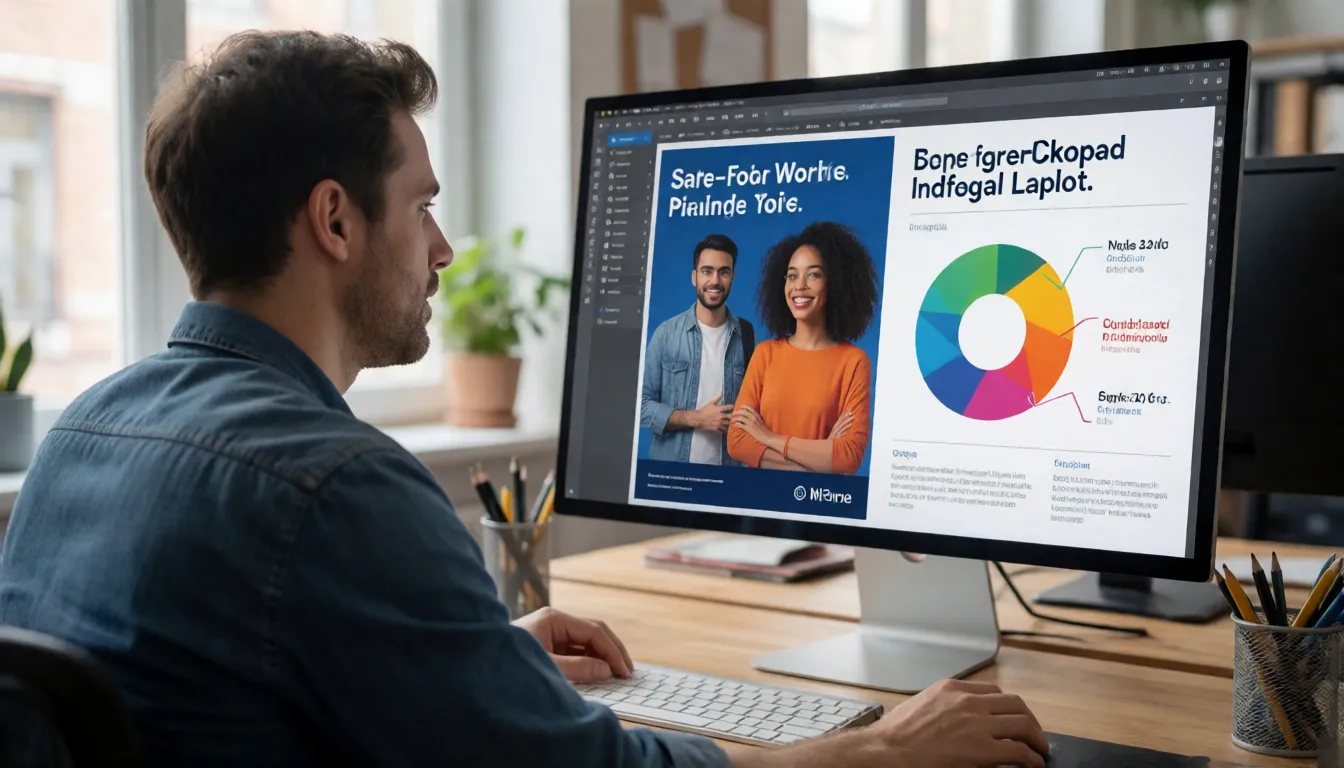
This is Google DeepMind's Pro-tier image model, known for clean text on posters, accurate infographics, consistent group shots of up to five people and native 4K. This page is a working playbook: a prompt formula, more than twenty copyable prompts sorted by scenario, industry recipes and fixes for common failures. It is a filtered Google model with no uncensored version.
- Free to start
- No filters
- Runs in browser
Key facts at a glance
- Developer
- Google DeepMind
- API model ID
- gemini-3-pro-image
- Released
- Nov 20, 2025 preview; GA May 28, 2026
- Input / output
- Text and images in; images and text out
- Resolution
- 1K, 2K, 4K
- References
- Up to 14; 5 people, 6 objects, 3 styles
- Open weights
- No, closed hosted model
- Uncensored?
- No, Google policies and SynthID apply
Nano Banana Pro Alternative Image Generator (Uncensored)
Text to imageDescribe the image you want. Add a reference photo to edit it, or leave it empty for text-to-image.
Try a prompt
Example prompts are in English, which gives the most reliable results.
What is Nano Banana Pro?
It is the Pro tier of Google DeepMind's Nano Banana image series. Developers see it as gemini-3-pro-image, and it plans each picture with Google's Gemini reasoning before drawing. Google announced it on November 20, 2025 as a paid preview and made it generally available on May 28, 2026. It reads text plus up to 14 reference images, returns images and text, renders at 1K, 2K or 4K, and can look up live Google Search results for charts and maps. Google provides it as a whole through the Gemini app, Google AI Studio, Vertex AI, Google Ads and Workspace; the API is only one of those routes. It is closed and hosted, with no open weights.
Why people look for an uncensored Nano Banana Pro
Every route to the model runs under Google's generative AI prohibited use policy. Prompts about nudity, lingerie or body edits are often refused, product-level safety filters sit on top, and every image carries an invisible SynthID watermark. That is why people search for an uncensored or "no filter" version. Google does not offer one, and we do not share bypass tricks. If you need adult (18+) images, you can make them here instead: Spicy AI's image editor offers similar uncensored generation for adults editing images they have the right to use.
Need adult images that Google's filters reject? Try the substitute generator on Spicy AI.
Open image editorWhere the Pro model sits in the Nano Banana family
Nano Banana is now a family of five Google image models, and third-party pages often mix them up. The original Nano Banana is the fast Gemini 2.5 Flash Image model. The Pro tier came next and focused on quality, text and reasoning. Nano Banana 2.1, released in October 2026, is now Google's recommended everyday model, yet the Pro tier remains stable with no shutdown date. In practice that means you still pick the Pro model for specific jobs rather than by default.
| Model | Released | Best known for | Status |
|---|---|---|---|
| Nano Banana | Oct 2, 2025 | Fast, cheap edits | Shutdown scheduled for Mar 15, 2027 |
| Nano Banana Pro | Nov 20, 2025 (preview) | Text, infographics, 5-person groups, 4K | Stable since May 28, 2026 |
| Nano Banana 2 | 2026 | Flash speed with better quality | Stable; Google suggests moving to 2.1 |
| Nano Banana 2 Lite | Jun 30, 2026 | Budget volume work | Available |
| Nano Banana 2.1 | Oct 6, 2026 | New default for most projects | Current Flash workhorse |
Dates follow the Gemini API deprecations page and the Google Cloud GA announcement. The old preview ID was retired on June 25, 2026.
The prompt formula: write a brief, not a tag list
Because the model reasons about a request before drawing, it responds better to full sentences than to comma-separated tags. Think of a prompt as a short creative brief with six slots. You rarely need all of them, but each slot you fill removes a guess. Write the slots in plain language, keep text that must appear in quotes, and finish with what must not change when you are editing an existing picture.
| Slot | What to write | Example |
|---|---|---|
| Goal | What the image is for | A 4:5 Instagram ad for a coffee brand |
| Subject | Who or what, with key details | An adult barista in a green apron holding a latte |
| Setting | Place, time, mood | Sunlit corner cafe, morning, relaxed |
| Camera and light | Lens, angle, lighting, depth of field | 50mm, eye level, soft window light, shallow focus |
| Text | Exact words in quotes plus language and font style | Headline "Morning Ritual" in a bold serif |
| Constraints | What must stay fixed or be avoided | Keep the logo area empty; no extra people |
Prompt library: 12 copyable prompts by scenario
These prompts are written for the Pro tier's strengths: legible type, layouts, reference images and studio-style control. Replace the bracketed parts, keep the structure, and draft at 1K before you render the final at 2K or 4K. Every person described is an adult. The right-hand column explains why each prompt works, so you can adapt the idea instead of copying it word for word.
| Scenario | Prompt | Why it works |
|---|---|---|
| Event poster | A 2:3 jazz night poster, headline "BLUE NOTE FRIDAY" in tall condensed letters, date "Nov 14" below, saxophonist silhouette, navy and gold palette | Quoted text plus a font description gives clean, correctly spelled type |
| Bilingual sign | A shop window decal reading "Fresh Bread" with "焼きたてパン" beneath it, hand-painted gold lettering on glass | Naming two languages keeps both scripts readable |
| Product mockup | Matte black skincare bottle labeled "NOIR SERUM" on wet stone, studio softbox from the left, 4K, label perfectly legible | Separating label text from scene keeps the packaging sharp |
| Recipe card | A 3:4 recipe card for "Shakshuka" with 5 numbered steps, ingredient list on the left, top-down photo of the pan on the right | Explicit layout zones stop text from overlapping the photo |
| Infographic | A 9:16 infographic titled "How Coffee Is Made" with 6 labeled stages from cherry to cup, flat icons, cream background | Counting the steps controls how many panels appear |
| Data chart | A clean bar chart of [your numbers] with the title "Q3 Sales", axis labels and values on each bar, corporate blue | Give the numbers yourself so the model does not invent them |
| Map with Search | Using current information, a tourist map of central Lisbon marking 5 famous viewpoints with name labels | Asking for current facts triggers Search grounding when it is enabled |
| Character sheet | Character sheet of the adult woman in image 1: front, side and back views, three expressions, outfit callouts, grey background | One reference plus fixed views gives a reusable cast sheet |
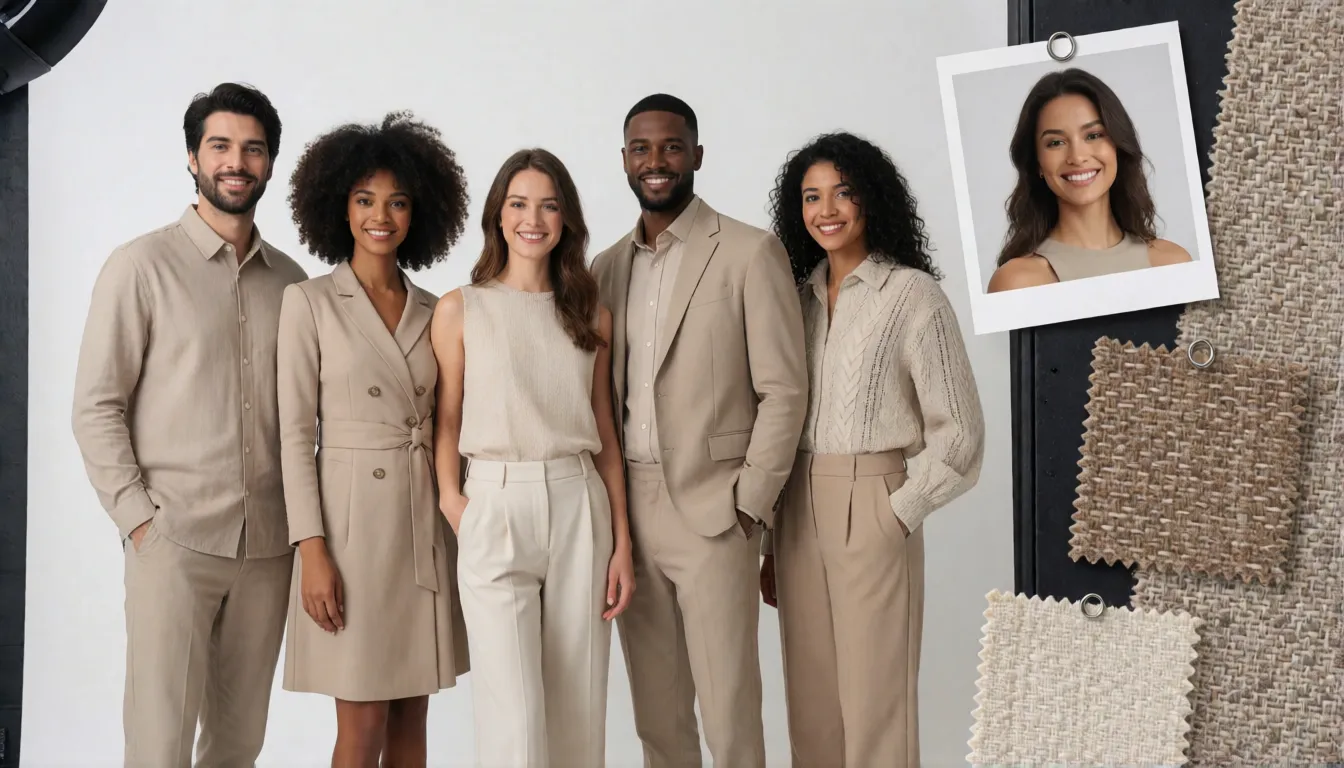
| Group photo | The five adults from images 1 to 5 at a rooftop party, in a loose row, everyone looking at the camera, keep each face identical | Five people is the documented consistency limit for this tier |
| Style transfer | Repaint photo 1 in the style of images 2 and 3: loose watercolor, warm paper texture, keep the composition | Up to three style references are supported |
| Storyboard | A 6-panel storyboard of an adult courier racing through a rainy city at night, numbered panels with one-line captions | Interleaved text and images suit sequential stories |
| Magazine cover | Fashion magazine cover, masthead "ATELIER", cover lines on the left, adult model in a tailored red suit, studio backdrop | Masthead and cover lines are classic text-rendering tests |
Multi-reference prompts: 14 images, 5 people and 3 styles
The Pro model accepts up to 14 reference images per request. Google's table splits that into up to 6 objects with high fidelity, up to 5 people kept consistent and up to 3 style references. Those five-person and three-style slots are still where the Pro tier stands out; Nano Banana 2.1 keeps four people consistent and Google lists no style slots for it. The trick is to give each image a job in the prompt and describe positions, so the model never has to guess who is who.
- Label roles: "Image 1 is Mia, image 2 is Leo, image 3 is the jacket, image 4 sets the style."
- Place people: "Mia on the left holding the menu, Leo behind her looking at the camera."
- Lock what matters: "Keep faces, hairstyles and the jacket color exactly as in the references."
- Fashion lookbook: "Dress the model in image 1 in the coat from image 2 and boots from image 3, full-length studio shot."
- Brand kit: "Use the palette and texture of images 4 to 6 for a set of three matching banner backgrounds."
- Expect drift beyond five faces, and regenerate rather than over-editing a bad group shot.
Editing prompts: relight, re-angle and localize
Many people use the model as a photo editor more than a generator. Upload a picture, say exactly what to change and, just as important, what to keep. Short, single-purpose edits work better than one long list of changes, so chain them: fix the light first, then the angle, then the text. These patterns cover the most requested edits:
- Relight: "Change the scene to blue hour with warm window light; keep the pose, outfit and background."
- Day to night: "Turn this street photo into a rainy night with neon reflections; keep every building."
- Camera move: "Show the same product from a 45-degree high angle with a shallow depth of field."
- Color grade: "Apply a muted teal-and-orange film grade; do not change skin tones."
- Localize: "Translate all text on this menu into Spanish; keep fonts, layout, photos and prices unchanged."
- Clean up: "Remove the people in the background and fill the space with matching pavement."
Industry playbooks: who uses it and how
The Pro tier found its audience with teams who need words and faces to come out right the first time. Google built it into Google Ads, Slides and Vids, and designers reach it through Google AI Studio and ComfyUI. At launch, reviewers mostly praised its text rendering and real-world knowledge; later commentary noted that the cheaper 2.1 model overtook it in Google's own tests. This is how different fields put it to work:
| Field | Typical asset | Setting that helps |
|---|---|---|
| E-commerce | Product shots, packaging, marketplace banners | Object references for exact labels; 4K for zoom |
| Advertising | Ad sets localized into several languages | Edit-and-translate prompts that keep the layout |
| Education and media | Explainer infographics, diagrams, timelines | Search grounding plus your own numbers |
| Short drama and comics | Character sheets, storyboards, cover art | Up to 5 consistent cast members per image |
| Fashion and beauty | Lookbooks, try-on concepts, campaign moods | Up to 3 style references for one visual identity |
| Restaurants and retail | Menus, window signs, posters | Quoted text and named languages |
| Real estate and interiors | Day-to-night and restyled room images | Relight and camera-angle edits |
Common problems and how to fix them
Google's model card is unusually frank about weak spots: small text blurs at 1K, long paragraphs and full-page documents are still unreliable, character consistency is not always perfect, mask or scribble edits may be followed only partly and leave marks, left and right can be swapped, and edits sometimes copy parts of the input image. Its knowledge ends in January 2025 unless Search grounding is on. Most of these have a practical workaround:
| Problem | Fix |
|---|---|
| Small text is blurry | Render the approved layout at 2K or 4K instead of upscaling a 1K draft |
| Long copy gets garbled | Keep on-image text short; put paragraphs in the layout tool afterwards |
| Faces drift in a group | Stay at five people or fewer and name each reference image |
| Left and right swapped | Describe position relative to objects: "next to the window" rather than "left" |
| Edit ignored part of a mask | Make one change per request and describe it in words as well |
| Outdated facts in a chart | Supply the data yourself or enable Search grounding |
Pro vs Nano Banana 2.1 and Nano Banana 2
In Google's own Nano Banana 2.1 model card, 2.1 beats the Pro tier on every listed human-preference task. These are vendor-run side-by-side ratings, not independent tests, but they change the default: start new projects on 2.1 and keep the Pro model for the jobs where its specs still win.
- Choose the Pro tier for five consistent people, up to three style references or interleaved text-and-image output.
- Keep it if an existing workflow already passes your checks, and A/B test before migrating.
- Choose 2.1 for new projects, infographics, heavy editing, video input or high volume.
| Model card metric (Elo) | 2.1 (thinking) | Nano Banana 2 | Pro tier |
|---|---|---|---|
| Overall preference | 1050 | 990 | 935 |
| Infographic design | 1048 | 961 | 912 |
| General editing | 1026 | 938 | 939 |
| Multi-character consistency | 1106 | 978 | 1011 |
| Mask and scribble editing | 1049 | 965 | 927 |
| Stylization | 1062 | 991 | 990 |
Scores come from the Nano Banana 2.1 model card published by Google DeepMind.
How to access it: free quota, usage limits and ComfyUI
Everyday users open the Gemini app, choose image creation and pick the Thinking model. Free accounts get a small quota and then fall back to the original Nano Banana; Google AI Plus, Pro and Ultra subscriptions raise the limit, but Google does not publish exact image counts per plan. Developers call gemini-3-pro-image through Google AI Studio, the Gemini API or Vertex AI, where there is no free tier and billing is per token. The ComfyUI template is a partner node that calls Google's API with credits; it does not run anything on your GPU. Free and Google AI Pro images show a visible Gemini watermark, Ultra and AI Studio remove it, and SynthID stays in every image. Pages promising unlimited, free, no-signup use rarely publish their quota, so read their terms first.
Is there an uncensored or open-source version?
No on both counts. The model has no uncensored, NSFW or unfiltered version, no channel has a switch that turns the use policy off, and Google's API terms forbid bypassing safety measures. Sites selling a "Pro no filter" plan usually mean their own subscription tier or resell Google's API under Google's rules. Google has also not released weights or an offline build; the many "nano banana" uploads on Hugging Face are prompt packs or LoRAs on open models such as Qwen-Image-Edit. If you need local generation, open-weight models like Qwen-Image-Edit-2509 and FLUX.2 [klein] 4B are published under Apache-2.0, with their own licenses and legal duties.
Consent rules for real people
Five-person consistency makes face swaps, outfit swaps and group ads with real people tempting. Whatever tool you use, the same rules apply: get written permission from every person whose photo you upload, never depict minors in any suggestive context, never create sexual or intimate images of real people without consent, do not impersonate public figures, label AI-generated ads, and keep SynthID or other provenance marks intact. When you cannot get consent, use fictional adult characters.
Adult prompts for the Spicy AI alternative
Spicy AI's image editor is a separate, adults-only tool for the images Google filters out. It offers similar uncensored image generation, and the brief-style prompt formula above transfers well. Open the editor, choose text to image or upload a reference you have the right to use, then try ideas like these:
- "Retro pin-up magazine cover of an adult woman in a red polka-dot swimsuit, headline 'SUMMER HEAT', 1950s print style."
- "Boudoir portrait of an adult man in an open silk shirt, blue hour window light, shallow depth of field, film grain."
- "Five adult friends in white linen on a yacht deck at sunset, editorial fashion photo, consistent faces."
- "Character sheet of an adult rogue in black leather armor: front, side and back views, three expressions."
Generate adult (18+) images without Google's filters, starting free.
Start generatingWhat you can create
Glamour group shoots
Stage several fictional adult models in one swimwear or evening-wear scene with a fixed look.
Styled character sheets
Build an adult character's turnaround, expressions and outfits in one consistent art style.
Pin-up and magazine covers
Combine bold headline text with adult models for retro posters and cover concepts.
Prompt tips for Nano Banana Pro-style results
- Write a brief: goal, subject, setting, camera and light, text, constraints.
- Quote any words that must appear and name their language.
- Give every reference image a role and describe where each person stands.
- Draft small, then render only the approved layout at a larger size.
- State that everyone shown is an adult (18+), and edit only photos you have the right to use.
Using official Nano Banana Pro vs generating online on Spicy AI
| Official service | Spicy AI online | |
|---|---|---|
| Content filters | Set by Google DeepMind | No content filters |
| Open weights | No | Not needed — runs in the browser |
| Price to start | Varies by plan | Free tier available |
- Text-to-image from a prompt
- Image-to-image edits from a reference photo
- Up to 4 images per run in multiple aspect ratios
FAQ
Is Nano Banana Pro the same as Gemini 3 Pro Image?
Yes. The first is the product name and Gemini 3 Pro Image (gemini-3-pro-image) is its developer name. It is not the original Nano Banana, which is Gemini 2.5 Flash Image.
What is the best prompt structure?
A short brief: goal, subject, setting, camera and lighting, quoted text and constraints. Full sentences work better than tag lists.
Is the Pro model better than Nano Banana 2.1?
Not overall. Google's 2.1 model card rates 2.1 higher on every listed task. The Pro tier still keeps five people consistent instead of four, takes up to three style references and outputs interleaved text and images.
Can it generate video?
No. It produces images and text. To animate a still, use a separate tool such as Spicy AI's image-to-video page.
Does it support 4K?
Yes, it renders at 1K, 2K or 4K. When general availability was announced 4K was still in preview; current Google documentation lists it as available.
Can I use the images commercially?
Google's API terms say Google does not claim ownership of original content you generate, but you must follow its terms and use policy, and Google may produce similar images for others.
Is there an uncensored version?
No. Google's policies and SynthID apply everywhere. For adult generation you can use Spicy AI's image editor with similar uncensored generation.
Is Spicy AI affiliated with Google DeepMind?
No. Spicy AI is an independent platform and is not affiliated with or endorsed by Google DeepMind. Nano Banana Pro is a trademark of its respective owner.
Is it free?
You can start free with daily generations, and buy credits when you need more.
Sources
- Nano Banana Pro announcement (Google blog)
- Nano Banana Pro model card (Google DeepMind)
- Image generation and prompting guide (Gemini API docs)
- Model page (Gemini API docs)
- Model deprecations (Gemini API docs)
- General availability announcement (Google Cloud blog)
- Nano Banana 2.1 model card (Google DeepMind)
- Generative AI prohibited use policy (Google)
- Pro model in ComfyUI (ComfyUI blog)