Uncensored AI Image · OpenMOSS
Uncensored MOSS-Image: Open Weights That Put Words Exactly Where You Want
MOSS-Image is a roughly 5B-parameter text-to-image model from the OpenMOSS team, released with open weights on October 16, 2026. Its party trick is text you can actually read: Chinese and English headlines, handwritten notes and labels land inside the picture, and a JSON layout mode lets you pin each title, product or logo to exact coordinates. Because the weights run on your own GPU without an online filter, the downloadable checkpoints are the uncensored MOSS-Image that local creators are talking about.
- Free to start
- No filters
- Runs in browser
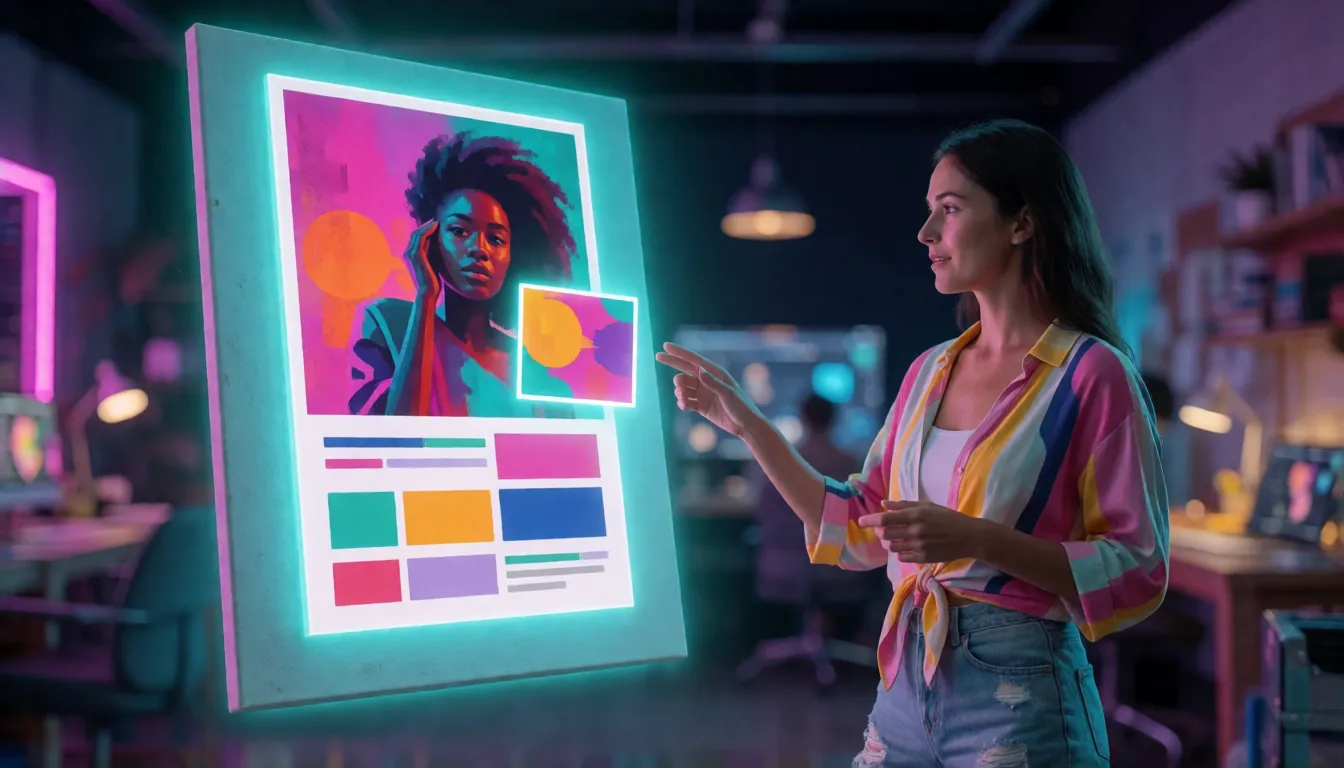
MOSS-Image Uncensored Alternative Image Generator
Text to imageDescribe the image you want, with any words in quotes. Add a reference photo to edit it, or leave it empty for text-to-image.
Try a prompt
Example prompts are in English, which gives the most reliable results.
Why designers and sellers are paying attention
Think of MOSS-Image as an open image generator that finally treats words as part of the picture. Type a headline, a price or a handwritten note in quotes, and it shows up legible in the image, in English or Chinese, right where the layout says it should. That single skill is what turns a fun toy into something shops, studios and social media teams can actually use for work. The weights are free to download and run on your own GPU, so there is no per-image fee and no online filter between your prompt and the result.
Readable Chinese and English text inside the picture
Most open image models still scramble lettering, and Chinese characters suffer the most. This one was trained to render both languages, and the official samples lean on it: a fridge note handwritten in Chinese with a shopping list of milk, eggs and bread, whiteboards full of notes, shop signs and poster headlines. The trick is simple. Put the exact words you want in quotation marks and say where they sit and how they look, for example "a bold red headline reading \"SUMMER SALE\" across the top". Short phrases come out cleaner than paragraphs, and the SFT checkpoint groups and aligns text more neatly than Base in the official comparisons.
- Quote every word you want printed, in the language you want it in.
- Describe the surface: sticky note, neon sign, chalkboard, magazine cover.
- Name the style of lettering: handwritten, bold sans-serif, brush calligraphy.
- Keep each text block short; split long copy into several labeled items.
Where it shines: posters, shop banners and infographics
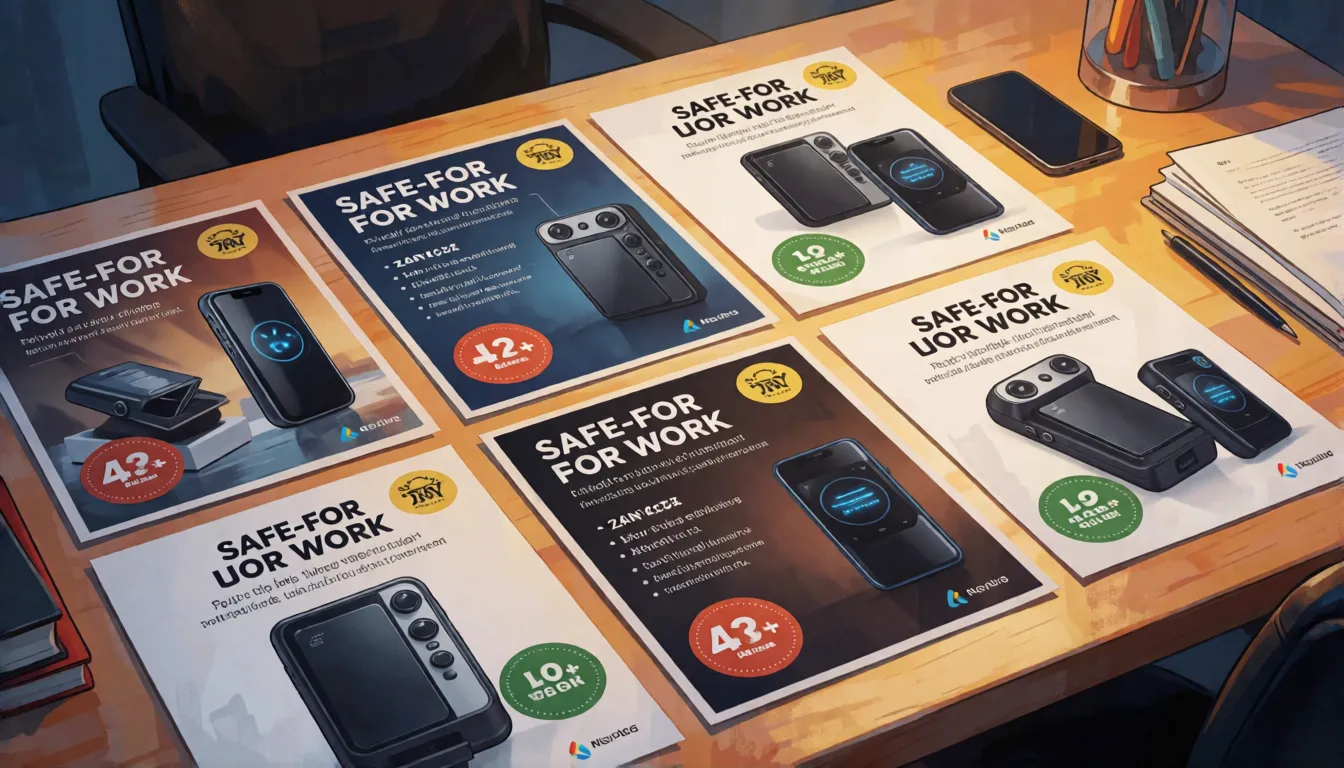
Because words and placement are its strengths, it fits the jobs where a pretty picture alone is not enough. Online sellers mock up product banners with a price badge in the corner, social media managers draft covers with bilingual titles, and short-drama and webcomic creators sketch posters and panels with dialogue already in place. Teachers and marketers use it for whiteboard explainers and infographics, restaurants for menus and sign boards, and brand teams for batches of matching layouts that only swap the headline.
| Scene | What you ask for | Why it works |
|---|---|---|
| Shop banner | Product in the center, headline on top, badge in a corner | JSON boxes keep every element where you planned it |
| Bilingual social cover | Chinese title plus English subtitle | Both scripts render legibly |
| Drama or comic poster | Characters, tagline and speech bubbles | Long prompts hold many details at once |
| Whiteboard explainer | Handwritten steps and simple drawings | Handwriting styles look natural |
| Menu or sign board | Dish names and prices in rows | Short text lines stay crisp |
Turning it into business: banners, menus and ad tests
The people getting the most out of it are small teams that need lots of text-heavy visuals fast. An online store can draft a week of promo banners in an afternoon, each with the product centered, the discount in a sticker and the headline in two languages. Agencies use the same JSON layout to produce dozens of ad variations that only swap the slogan, which makes A/B testing cheap. Cafés and restaurants mock up menus and chalkboard specials, print shops offer custom posters, and short-drama and webcomic studios rough out cover art with titles already placed before a designer polishes the final file.
| Who | What they make | Why it pays off |
|---|---|---|
| Online store | Weekly promo banners and price badges | Consistent layout, only the copy changes |
| Ad agency | Many slogan variations for A/B tests | Same JSON, new text in seconds |
| Restaurant or café | Menus, specials boards, window posters | Short text lines stay crisp |
| Comic or drama studio | Cover drafts with title and tagline | Saves rounds of manual layout |
| Freelance designer | Client mockups before the final edit | Faster first drafts to show |
What the community says and what people are making
On Civitai, where creators share images and models, early comments on the model are mostly upbeat. One user called it among the most knowledge-rich open models for realistic pictures and praised how it handles both anime and photo styles. Others pointed out weak spots: hands and limbs sometimes come out wrong, artist-name style tags seem to have little effect, and the default settings are slow, with one user reporting more than 100 seconds per image until a community turbo LoRA cut that to roughly a tenth, at the cost of slightly softer skin. Ten days after launch the GitHub repository had about 1.9k stars and the Base model page 556 likes. What are people posting? Fake retro travel posters, bilingual magazine covers, handwritten fridge notes and whiteboards, meme templates with the caption baked in, anime character sheets with name labels, and glamour beach shoots of adult models.
- Retro travel and movie-style posters with big readable titles
- Bilingual Chinese-English magazine and social covers
- Handwritten notes, receipts and whiteboard jokes for memes
- Anime character sheets with names and stats printed beside them
- Swimwear and pin-up shoots of adult models with magazine lettering
MOSS-Image prompt examples to copy
It reads three prompt styles, and each suits a different goal. Natural sentences are best for photos and posters, tag lists feel familiar to anime and community LoRA users, and JSON is for strict layouts. Start from these templates, keep the seed fixed and change one detail at a time:
- Natural language: "A cozy kitchen at morning, a handwritten note on the fridge reading \"milk, eggs, bread\", warm sunlight, photorealistic."
- Poster: "Retro travel poster of a seaside town, large title \"VISIT CAPRI\" at the top in cream serif letters, grainy print texture."
- Tags: "adult woman, beach, sunset, bikini, film grain, 35mm, golden hour" (adult characters only).
- Infographic: "Clean whiteboard with three numbered steps titled \"How to brew coffee\", simple marker drawings, flat lighting."
- Bilingual cover: "Magazine cover, Chinese headline in bold brush strokes, English subtitle \"Night Market Guide\" below, neon street at night."
JSON layout prompts: pin titles and products by coordinates
The JSON mode is what sets this model apart. Instead of hoping the headline lands at the top, you describe the whole scene in a summary and then list items, each with a label, a caption, a bounding box and optional text. Boxes use the yxyx order (top, left, bottom, right) in pixel coordinates measured from the center of the canvas, so on a 1024 by 1024 image each axis runs from -512 to 512, and the numbers must match the size you generate. OpenMOSS still calls layout experimental, so expect to nudge a box or two. A starter skeleton:
{
  "summary": { "caption": "Bright summer shop banner, white studio background" },
  "items": [
    { "label": "title", "caption": "bold red headline", "bbox": [-460, -400, -300, 400], "text": "SUMMER SALE" },
    { "label": "product", "caption": "glass bottle of iced lemon tea", "bbox": [-220, -200, 380, 200] },
    { "label": "badge", "caption": "yellow round sticker", "bbox": [260, 260, 460, 460], "text": "-50%" }
  ],
  "bbox_format": "yxyx",
  "bbox_coord_space": "abs_centralized"
}
Field names follow the layout guide in the official GitHub repository; the official Prompt Enhancer skill can also expand one sentence into a detailed description or layout.
Is MOSS-Image uncensored? NSFW LoRAs and adult art
Run locally, the open weights have no online filter: nothing checks your prompt or the finished image, so you decide what the model draws. OpenMOSS has not released an NSFW checkpoint and does not describe how its training data was filtered, so explicit detail depends on community add-ons. A secondhand report from AlphaSignal says a "Moss-image-nsfw-uncensored-lora" with the trigger word moss_xvstyle appeared within days and works with Base and SFT; it has not been confirmed on Hugging Face or Civitai pages, so treat it with care. Popular adult directions are swimwear and lingerie editorials, pin-up posters and fantasy cover art of clearly adult characters. If you would rather skip the GPU setup, Spicy AI offers similar uncensored image generation in the browser.
Bikini and swimwear editorials
Sunlit beach and pool shoots of adult models with a magazine title on top.
Pin-up and boudoir posters
Retro adult pin-ups and lingerie shoots with tagline lettering in place.
Fantasy cover art
Adult heroes and sorceresses for book or game covers with readable titles.
- Write the words you want in quotes and say where they go.
- Use tags for character looks and full sentences for lighting and mood.
- Fix the seed and change one detail per run.
- State that everyone shown is an adult (18+), and never depict real people without consent.
Make adult images without filters, no GPU or download needed.
Open the image generator →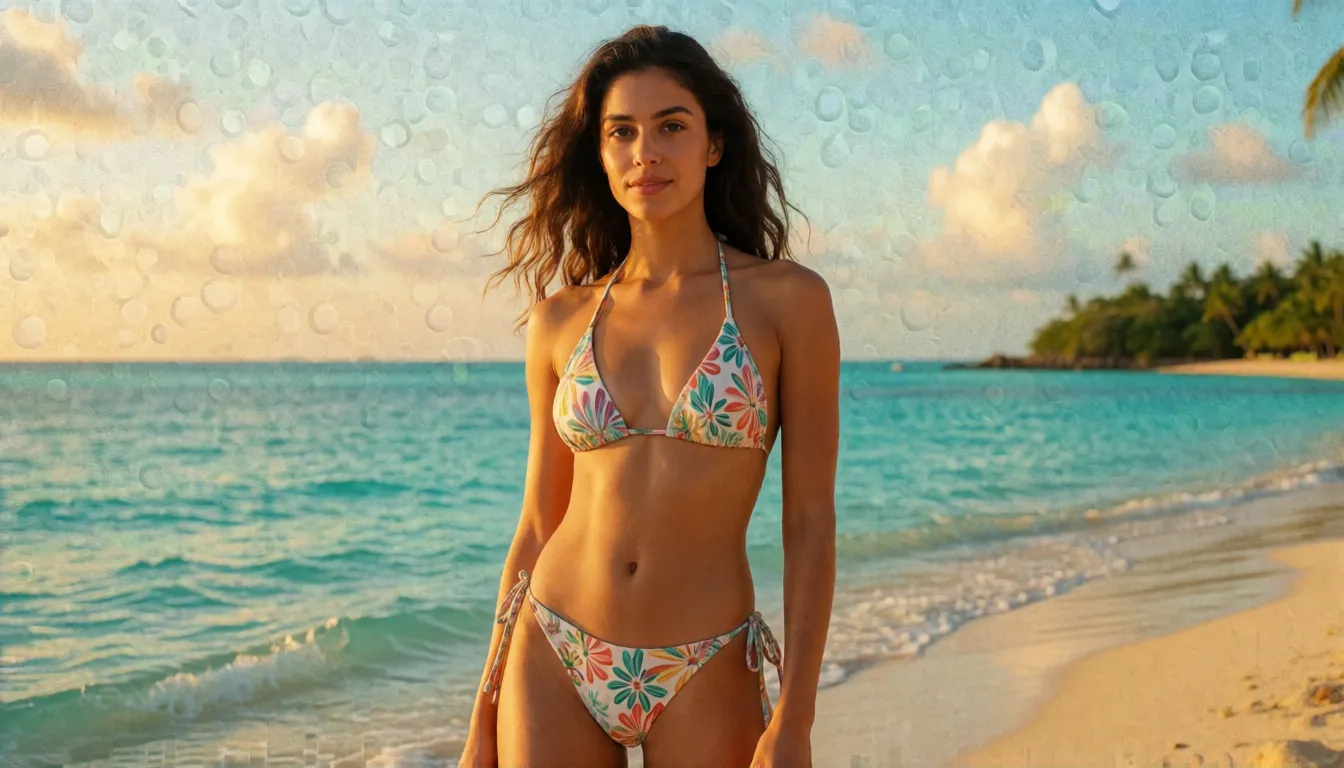
SFT vs Base: which checkpoint to pick
Both checkpoints share the same 5B architecture, but they are tuned for different people. SFT received supervised fine-tuning on curated data, and the official side-by-side images show tidier text grouping and cleaner page layouts, so it is the one to load when you simply want good pictures. Base skips that post-training and stays closer to the raw model, which makes it the better starting point for LoRAs and full fine-tunes.
| SFT | Base | |
|---|---|---|
| Best for | Generating images directly | Fine-tuning and LoRA training |
| Text and layout | Cleaner grouping in official samples | Looser, more raw output |
| Training | Supported by both trainers | Recommended starting point |
Get it running: Hugging Face, ComfyUI, diffusers and API
There are four easy doors. The quickest test is the free Hugging Face Space from OpenMOSS-Team. For local work, ComfyUI supports the model natively on current nightly builds, using the repackaged files from Comfy-Org with the built-in loaders, while the plugin in the official repo stays useful for loading diffusers folders. Coders can load the weights in diffusers 0.38 or newer with the custom pipeline_moss_image and trust_remote_code, on Python 3.10+ and PyTorch 2.9+ with an NVIDIA GPU. Teams that would rather not host anything can call it through the MOSI API platform.
- Default sampling: 50 steps, CFG 3, shift 5, flow-matching Euler.
- Width and height must be multiples of 16; official examples use 1024x1024 and 1456x1456.
- Guidance runs two passes per step, so expect it to be slower than distilled models.
- A community 8-step DMD distilled version trades a little quality for much faster drafts.
VRAM, speed and quantized builds
OpenMOSS does not publish a minimum VRAM figure. The Gradio demo offers three memory modes instead: GPU resident keeps everything on the card for speed, Component moves parts between CPU and GPU, and Sequential is the low-memory fallback that runs slowest. If you hit out-of-memory errors, switch to Sequential, lower the resolution or try a quantized file. Hugging Face lists 13 quantized derivatives of the Base model, made by the community; check each model card for its format, such as GGUF or FP8, and which loader it needs, because quality and support vary from file to file.
Train your own style with KohakuMossTrainer
Fine-tuning is where the open weights pay off. KohakuMossTrainer, released two days after launch, handles full fine-tuning and LyCORIS or LoRA adapters for both checkpoints, and the README says adapters can train on as little as 6GB of VRAM. DiffSynth-Studio supports full fine-tuning and LoRA as well. Within ten days Hugging Face already counted 41 adapters and 36 fine-tunes built on the Base model, from art styles to fixes such as a community DeBand LoRA that smooths color banding. Train on Base, keep captions in the same style you will prompt with, and include the text you want the LoRA to learn.
How it compares with FLUX.2, Qwen-Image and Z-Image
No official benchmark puts these models side by side yet, so treat this as a practical comparison rather than a score sheet. The clear differences are size, layout control and editing:
| MOSS-Image | FLUX.2 dev | Qwen-Image | Z-Image | |
|---|---|---|---|---|
| Size | About 5B | 32B | 20B | 6B |
| Coordinate layout prompts | Yes, JSON boxes | No | No | No |
| Photo editing / references | No | Yes | Separate edit models | Separate edit model |
| Ecosystem today | New, growing fast | Large | Large | Large |
Sizes come from each model's public release notes; this model has no published quantitative benchmark yet.
Self-hosting MOSS-Image vs generating online on Spicy AI
| Local deployment (official weights) | Spicy AI online | |
|---|---|---|
| Content filters | None when run locally | No content filters |
| Open weights | Yes | Not needed — runs in the browser |
| Model | Base or SFT checkpoint | Similar uncensored image model, hosted online |
| Price to start | Your own GPU | Free tier available |
FAQ
What do people make with it most?
Posters, shop banners and social covers with readable titles lead the way, followed by memes with captions baked in, whiteboard explainers and glamour shoots of adult models.
Can it edit photos or use a reference image?
Not yet. It is a text-to-image model only; editing and reference images are not part of the release.
Does it support Chinese text?
Yes. It renders both Chinese and English, and putting the exact words in quotation marks gives the most reliable lettering.
How much VRAM do I need?
No official number is given. The demo has a low-memory Sequential mode, quantized community files exist, and LoRA adapters can train on about 6GB.
How do I use it in ComfyUI?
Update to a current nightly build, which supports it natively, and load the Comfy-Org repackaged files with the built-in loaders.
Is Spicy AI affiliated with OpenMOSS?
No. Spicy AI is an independent platform and is not affiliated with or endorsed by OpenMOSS. The model name is a trademark of its respective owner.
Sources
- Base model card (Hugging Face)
- SFT model card (Hugging Face)
- OpenMOSS repository and layout guide (GitHub)
- Technical report (arXiv 2610.23374)
- Official online demo (Hugging Face Space)
- ComfyUI-format weights (Comfy-Org)
- Community comments (Civitai archive)
- Community NSFW LoRA report (AlphaSignal, unverified)