AI image editing · Whole-head replacement
AI Head Swap: The Whole Head, Hairstyle Included, in One Click
A head swap moves an entire head, including hair, ears and the top of the neck, from one picture onto the body in another, then blends skin tone, light and pose so the seam disappears. It goes a step beyond face swap, which keeps the original hairstyle. Upload a base photo and a head reference to our tool and get the result without writing a prompt.
- Free to start
- No filters
- Runs in browser
Head swap vs face swap: what actually gets replaced
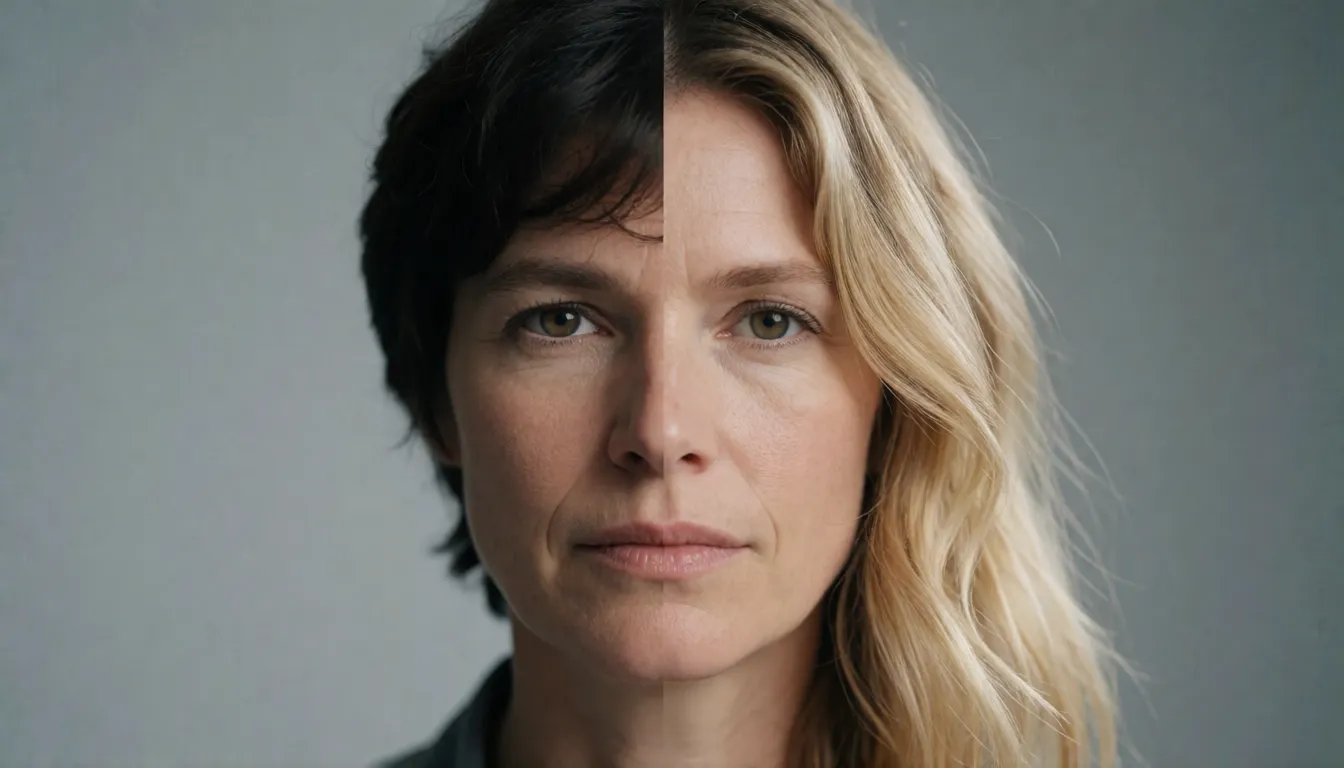
Three edits are often confused. A face swap replaces only the inner face, so the eyes, nose and mouth change while the target keeps its own hairline, haircut and jaw outline; FaceFusion and InsightFace-based swappers work this way. The full-head edit replaces the whole head, so the new person arrives with their own hair, ears and head shape, and the model has to rebuild the hairline, neck join and head-to-shoulder proportions. A body swap goes the other direction and changes the body, outfit or pose while the head stays. Put the same base photo through both: after a face swap you still recognize the original curls, after the whole-head edit the curls are gone and the reference haircut sits naturally on the shoulders. Many people type face swap when they really want the whole head replaced, which is why results that keep the old hair feel wrong.
Why creators reach for whole-head replacement
Hair carries a surprising amount of identity. Cosplayers want a wig, braids or character hair to come along with the face, and character designers want to test one costume under several heads without reshooting. A plain face swap cannot do that, and many hosted editors refuse adult outfits or swimwear photos before the edit even starts. That is the gap an uncensored whole-head editor fills: the tool keeps the base scene, takes the head from your reference and does not block mature adult styling. It is meant for your own photos, consenting adults and fictional or AI-generated characters, never for public figures or anyone who has not agreed.
How AI turned head swapping into a one-minute edit
Before generative AI, a convincing head swap was a retoucher's job. You cut the head out by hand, masked every strand of hair, warped the neck to fit, then painted shadows and color until the join stopped showing, often an hour or more per photo, and curly or flyaway hair rarely survived. AI head swap changes the whole process. Instead of cutting and pasting pixels, an editing model reads both pictures, understands which parts are head, hair, neck and background, and redraws the head directly inside the base scene. That is why the hairline can be rebuilt strand by strand, the neck tone can shift to match, and the light on the new face follows the lamp or sun already in the photo.
- Automatic segmentation: no manual masking of hair, ears or glasses.
- Lighting and color matching: shadows and white balance are re-rendered to fit the base photo.
- Pose and gaze transfer: the new head takes on the tilt, rotation and eye direction of the original.
- Proportion repair: head size, neck length and shoulder line are adjusted so the figure still looks natural.
What makes a good AI head swap so striking
The first good result usually surprises people because nothing looks edited. The reference hairstyle falls onto the shoulders of the base outfit, earrings and collar stay in place, and the background is untouched. For creators the benefits are as practical as they are impressive:
- Speed: try ten looks in the time a manual edit took for one, and compare before committing.
- No skills needed: two uploads replace layers, masks and brushes; the result is ready to download.
- Reuse great shots: a perfect costume, pose or location photo stays useful even if the original head was blurred, mid-blink or wearing the wrong wig.
- Consistent characters: one head can travel across many scenes, which matters for comics, series and AI art.
- Natural hair: the whole hairstyle moves with the head, exactly what face swap tools cannot deliver.
Where whole-head editing is taking off
The technique has grown from a niche ComfyUI trick into a common request, helped by open editing models that read two input images at once. The community BFS adapter family alone passed 278,000 monthly downloads on Hugging Face in October 2026 and is used by about 100 public Spaces; that shows adoption, not search volume. These are the scenes where people use it most:
- Cosplay and costume shoots: keep the expensive outfit photo, swap in the head with the finished wig and makeup.
- Short-drama and ad previsualization: try different actors' looks on a storyboard frame before casting or a reshoot.
- Character design and AI art: place one AI-generated adult character's head on several poses for a consistent series.
- Memes and friend edits: put a friend, with permission, into a movie-poster pose or a group photo they missed.
- Hairstyle tests: see how a new haircut and color read on your own body and outfit before visiting a salon.
How to head swap a photo, step by step
Whether you run BFS locally or use an online editor, the workflow has the same five decisions. Getting the picture order wrong is the single most common reason a result shows the original head or a strange blend, because older and newer BFS versions read the two inputs in opposite order.
- 1. Pick the base photo: the body, outfit, background and lighting you want to keep, ideally one clearly visible person.
- 2. Pick the head reference: a sharp, front-facing photo where hair and ears are not cropped or hidden by hands, hats or filters.
- 3. Match the angle: a reference turned the same way as the base head gives the model far less to invent.
- 4. Load the right pair locally: base model, text encoder, VAE and BFS file must belong to the same family; start LoRA strength at 1.0.
- 5. Inspect the seams: zoom into the hairline, ears, neck join and skin transition, then fix small areas with inpainting.
Prompt templates and how to write them
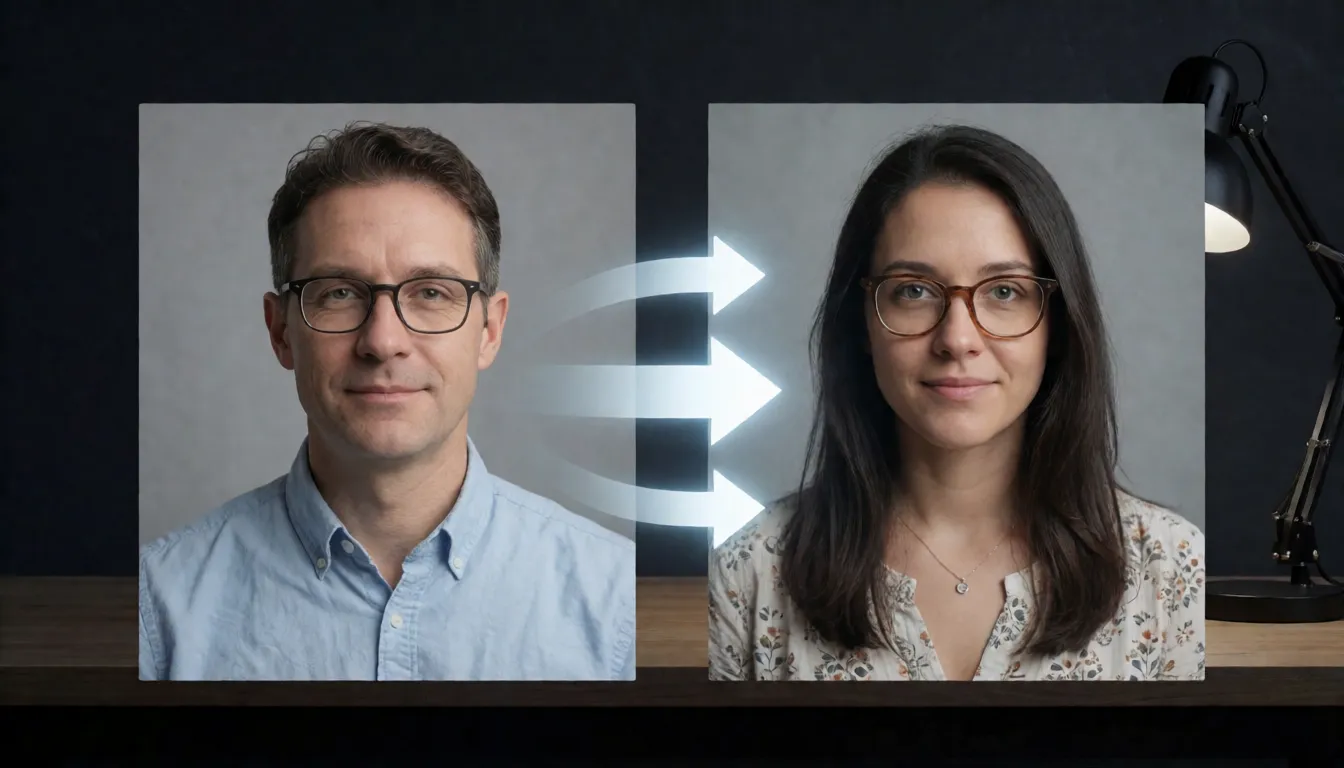
Our online tool needs no prompt, but local BFS workflows do, and the wording matters. A good prompt does three jobs: it says which picture is the base, which head to remove and which to bring in, and which details must survive. Name the traits you care about (hair, eye color, nose) and ask the model to copy the base photo's gaze, head rotation and expression so the new head does not look pasted. Adapt these templates, keeping the picture numbers aligned with your version's order:
- Head V5 style: head_swap: start with Picture 1 as the base image, keeping its lighting, environment and background. Remove the head from Picture 1 completely and replace it with the head from Picture 2, strictly preserving the hair, eye color and nose structure of Picture 2. Copy the eye direction, head rotation and micro expressions of Picture 1.
- Proportion-first: Use Picture 1 as the base. Replace its head with the head from Picture 2 and keep a natural head-to-body ratio, matching skin tone, shadows and light direction on the neck.
- Cosplay: Keep the costume, pose and set from Picture 1. Replace the head with Picture 2, keeping the wig color, bangs and makeup exactly as shown, soft studio light.
- Fix pass: Same image, keep everything unchanged except the hairline and neck; blend the skin transition and remove the visible seam.
- Writing tip: words like 4k do not raise the real output resolution, which depends on the base model and workflow settings.
Head swap video: swap the first frame, then animate
Full-head replacement in video is still experimental. BFS-Video, released in January 2026 for LTX-2.3 and 2.5 and trained on about 300 image pairs, does not replace the head frame by frame. It swaps the first frame and then generates the clip conditioned on that frame, which keeps identity stable and is simple to run. The trade-off is that expressions and lip movement do not strictly follow the source footage, and long shots drift. It suits short reaction clips, memes and previs; for talking-head footage that must keep lip sync, frame-by-frame face swappers such as FaceFusion are still the practical choice. You can follow the same idea online: create the still first, then animate it with our image-to-video tool.
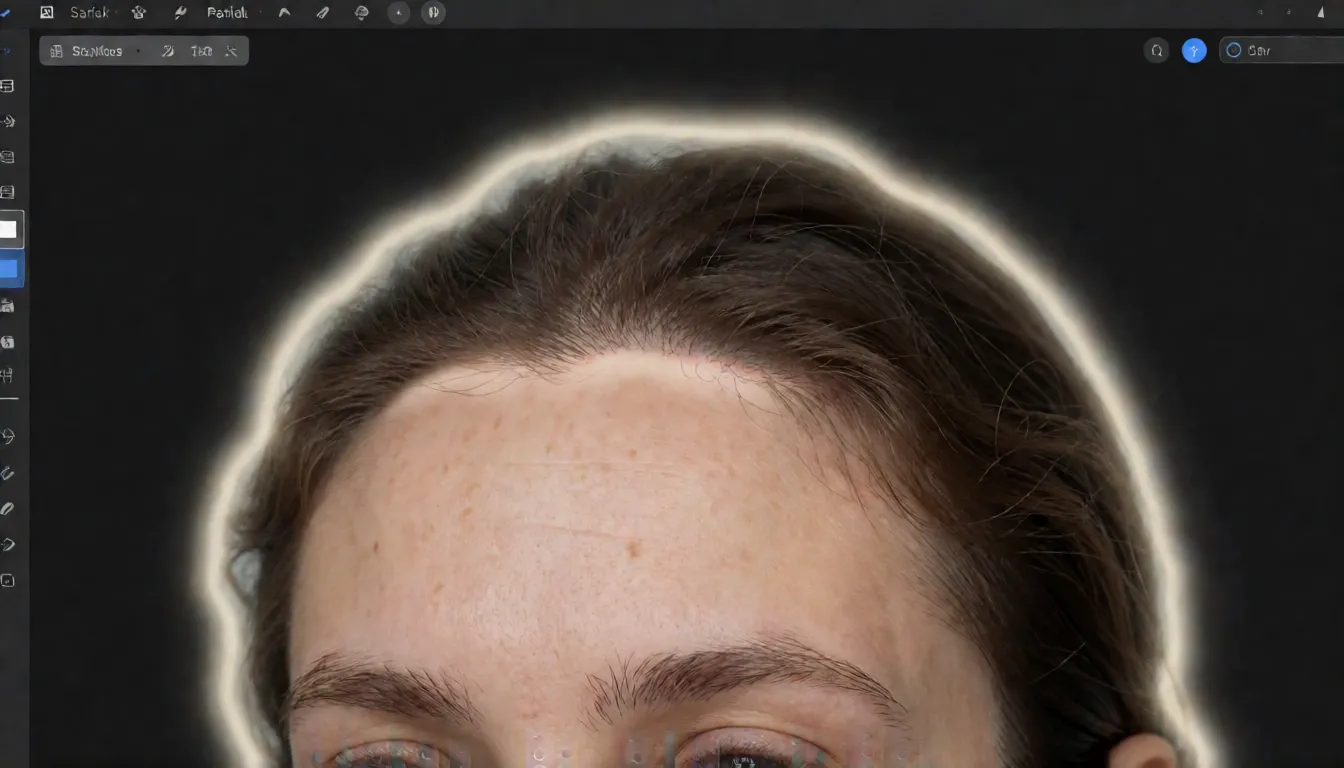
Why a swapped head looks pasted on, and how to fix it
Most failed results come from a handful of mismatches between the two pictures rather than from the model itself. Check these before blaming the tool:
| Symptom | Likely cause | What to try |
|---|---|---|
| Hard edge at the hairline | Busy background or wispy, curly hair | Use a reference with a plain backdrop; inpaint the edge |
| Head looks too big or small | Different camera distance in the two photos | Crop the reference to a similar head size |
| Face color differs from neck | Warm vs cool light, mismatched shadows | Pick photos with similar light direction |
| Old head shows through | Picture order reversed for that version | Swap the inputs or switch BFS version |
| Stiff, staring expression | Reference and base gaze differ | Ask to copy Picture 1 gaze and rotation |
| Glasses or hat lost | Accessories hidden in the reference | Use a clear reference without occlusion |
Best AI head swap options: online, app or local
There is no independent benchmark that crowns one best tool, so choose by how you work. Local BFS setups give the most control and are free to download, but need a strong GPU, the right base model and patience. Hugging Face Spaces let you try BFS in a browser, though queues, quotas and content rules vary by Space. Phone app offerings are convenient but rarely say which model they run, and most block adult outfits. A hosted API is uncommon; the BFS weights have no official hosted endpoint, so developers usually self-host. Spicy AI's uncensored editor sits in the middle: a browser tool with two uploads, no prompt, a clear credit cost and no filter on adult styling for consenting adults.
AI head swap ideas people try
Wig and makeup check
Swap your finished cosplay head onto last month's costume photo to see the full character before the next shoot.
One character, many scenes
Keep an AI-generated adult character's head consistent across beach, studio and night-city shots for a series.
Glamour mood boards
Test mature boudoir or swimwear concepts with your own head through an uncensored whole-head edit, without the refusals mainstream editors give.
Checklist before your next head swap
- Use one person per photo; group shots make the tool guess which head to replace.
- Choose a reference at least as sharp as the base photo, with the hair fully in frame.
- Match head angle and light direction between the two pictures whenever you can.
- Remove sunglasses, hands or hats from the reference unless you want them carried over.
- Only use your own face, a consenting adult's, or a fictional or AI-generated adult character.
Running an open model locally vs online on Spicy AI
| Local BFS workflow | Spicy AI online | |
|---|---|---|
| Setup | ComfyUI or diffusers, base model, text encoder, VAE and LoRA | Upload two photos in the browser |
| Prompt | Required, with version-specific wording | Not needed |
| Picture order | Changes between BFS versions | Handled for you |
| Hardware | High-VRAM GPU (FLUX.2 Klein 9B needs about 29 GB) | None |
| Adult styling | Depends on the base model and your setup | No content filter for consenting adults |
| Cost to start | Free weights, your own GPU time | Credit cost shown before each run |
- Text-to-image from a prompt
- Image-to-image edits from a reference photo
- Up to 4 images per run in multiple aspect ratios
FAQ
What is the difference between face swap and head swap?
Face swap replaces only the inner face and keeps the target's hair and head shape. Head swap replaces the entire head, including hair, ears and part of the neck, and then blends the join. BFS even ships both: Face V1 for face-only swaps and the Head versions for whole-head swaps.
Is swapping heads in photos legal?
Editing your own photos, or photos of adults who agreed, is generally fine. Using someone's likeness without consent, or creating sexual, defamatory or deceptive images of real people, can break privacy, likeness and deepfake laws depending on where you live. The BFS model card itself asks users not to create or share results involving public figures or people who did not consent.
Can I put a celebrity's head on a photo?
We do not recommend it and our tool is not meant for it. Celebrity edits easily become defamation or impersonation, and the BFS authors explicitly ask users not to use public figures. For fan art, use fictional or AI-generated characters instead.
Can I use these edited results commercially?
Check every layer. The BFS adapters are MIT-licensed, but the base model has its own license: Qwen-Image-Edit-2511 is Apache-2.0, while FLUX.2 Klein 9B is non-commercial. You also need rights to both source photos.
Is there a free whole-head editor online?
The tool runs on credits, and the cost is shown before you generate; you can view an example before signing in. Some Hugging Face Spaces offer free BFS demos with queues and quotas. Local BFS is free to download but needs your own GPU.
Is there an API for this?
The open BFS weights do not come with an official hosted API, so developers usually run them on their own servers through ComfyUI or diffusers. Some hosting platforms offer base-model editing endpoints, but whether they include BFS needs checking case by case.
Sources
BFS, Qwen, FLUX, LTX and FaceFusion are names of their respective projects and owners, used here for identification only; Spicy AI has no affiliation with them. Every image must show adults (18+): yourself, people who consented, or fictional characters.