Image to Video · Alibaba Wan
Wan 2.6 Flash: Turn One Photo into a Sound-On Clip, Fast
Wan 2.6 Flash is the quick, budget-friendly tier of Alibaba's Wan 2.6 image-to-video model. You give it one picture and one sentence, and it gives back a clip of up to 15 seconds in 720p or 1080p, with sound effects, music or spoken lines if you want them. Your photo becomes the first frame, so faces, outfits and products stay exactly as you shot them. Because it costs roughly half as much as the standard tier, creators use it to try many ideas quickly and keep only the best. Here is how it compares, how to prompt it and where it fits.
- One photo in
- Up to 15 seconds
- Sound on or off
Uncensored Alternative Video Generator
Image to videoUpload a starting photo, describe how it should move, the camera and the sound, then generate.
One Photo, One Sentence, a Finished Clip
Wan 2.6 Flash, listed by Alibaba Cloud as wan2.6-i2v-flash, does one job: it brings a still image to life. There is no text-only mode. Upload a portrait, a product shot or a drawing, write what should happen, and the model animates it while keeping your picture as the very first frame. That is a big deal for anyone who has watched an AI tool quietly change a face or a logo halfway through a clip.
Alibaba describes this tier as faster and more cost-effective generation, and Replicate explains the trick: it skips some of the slower, finer processing of the standard model while keeping the same core skills, namely smooth motion, a consistent look and optional synced audio. Clips run up to 15 seconds at 24 frames per second, in 720p or 1080p. You can let it invent ambience and effects, upload your own track so the motion follows the beat, or switch audio off for a silent clip.
Flash vs Standard Wan 2.6: What Changes
Both tiers share the same feature list, so the choice comes down to speed, cost and polish. Alibaba's own rate card puts the sound-on Flash tier at about half the standard rate at the same resolution, and the silent option is cheaper again. Here is the side-by-side picture.
| Flash | Standard Wan 2.6 | |
|---|---|---|
| Input | One image plus a prompt | One image plus a prompt |
| Length and resolution | Up to 15 s, 720p or 1080p | Up to 15 s, 720p or 1080p |
| Audio and multi-shot | Yes, audio can be switched off | Yes |
| Cost | About half, per Alibaba's rate card | Full rate |
| Voice quality | No special claim | Alibaba highlights higher-quality speech |
| Best for | Drafts, batches, A/B tests | Final cuts and dialogue-heavy shots |
Alibaba has not published side-by-side image-quality numbers, so run your own test on the shots that matter most.
The Draft-First Workflow: Try Five, Keep One
The smartest way to use the cheaper tier is as a sketchbook. Video models are a little random, and the best take is rarely the first. Instead of spending a full-price render on every idea, creators run a handful of quick, silent 720p drafts, compare the motion and timing, and only then make the version they will actually post. Vercel's model notes point the same way: choose the standard model when final quality matters most.
- Step 1: render four or five silent 720p versions of the same photo with small prompt changes.
- Step 2: pick the take with the best motion and note its seed and wording.
- Step 3: re-run the winner in 1080p with sound, or hand it to the standard tier for the final cut.
- Step 4: keep the losing drafts as A/B variants for ads or as alternate angles for an edit.
Music Sync, Lip Sync and Multi-Shot Clips in 1080p
Sound is where the model feels most fun. Leave audio on and it adds matching ambience, like rain, crowd noise or waves. Upload a song with a clear beat and write "she turns on every downbeat", and the movement follows the rhythm, which is perfect for dance edits and product reveals. You can also write a short line of dialogue in quotes; the character's lips move with the words. Results vary, so keep lines short and test before you plan a whole series around talking shots.
The other headline feature is multi-shot mode. Set the shot type to multi and describe a sequence, such as wide shot, then medium, then close-up, and Alibaba says the model plans the cuts and camera angles for you. One generation becomes a tiny scene with an opening, a reaction and a payoff. Switch to 1080p when the clip is going on a big screen or a product page.
Where Creators Use It: Short Dramas, Shop Ads and Social Clips
Anything that starts as a strong still image and needs to move cheaply is a good fit here. These are the scenes where the fast tier shines, because volume matters more than one perfect render.
- Short dramas and comic dramas: turn character portraits and storyboard frames into moving previews and teaser shots before the real production.
- E-commerce: animate a product photo into a 5–10 second showcase, then make several versions for A/B ad tests.
- Social media: old family photos that blink and smile, pets doing a small trick, portrait clips cut to a trending song.
- Ads and music videos: turn a poster or album cover into a moving teaser where the music drives the pace.
Prompt Templates You Can Copy
Because your photo already shows who and where, the prompt should focus on what changes: the action, the camera move, the light and the sound. A useful pattern is subject + action + camera + mood + audio. Swap the bracketed parts for your own details.
- Describe one main action per shot; too many actions blur together.
- Reuse the same seed when you only want to tweak the wording.
- Turn on prompt expansion if your idea is short and you want the model to add detail.
[Subject] in [place], the camera slowly pushes in, she turns her head and smiles at the lens, hair moving in the breeze, natural light, cinematic, 24fps
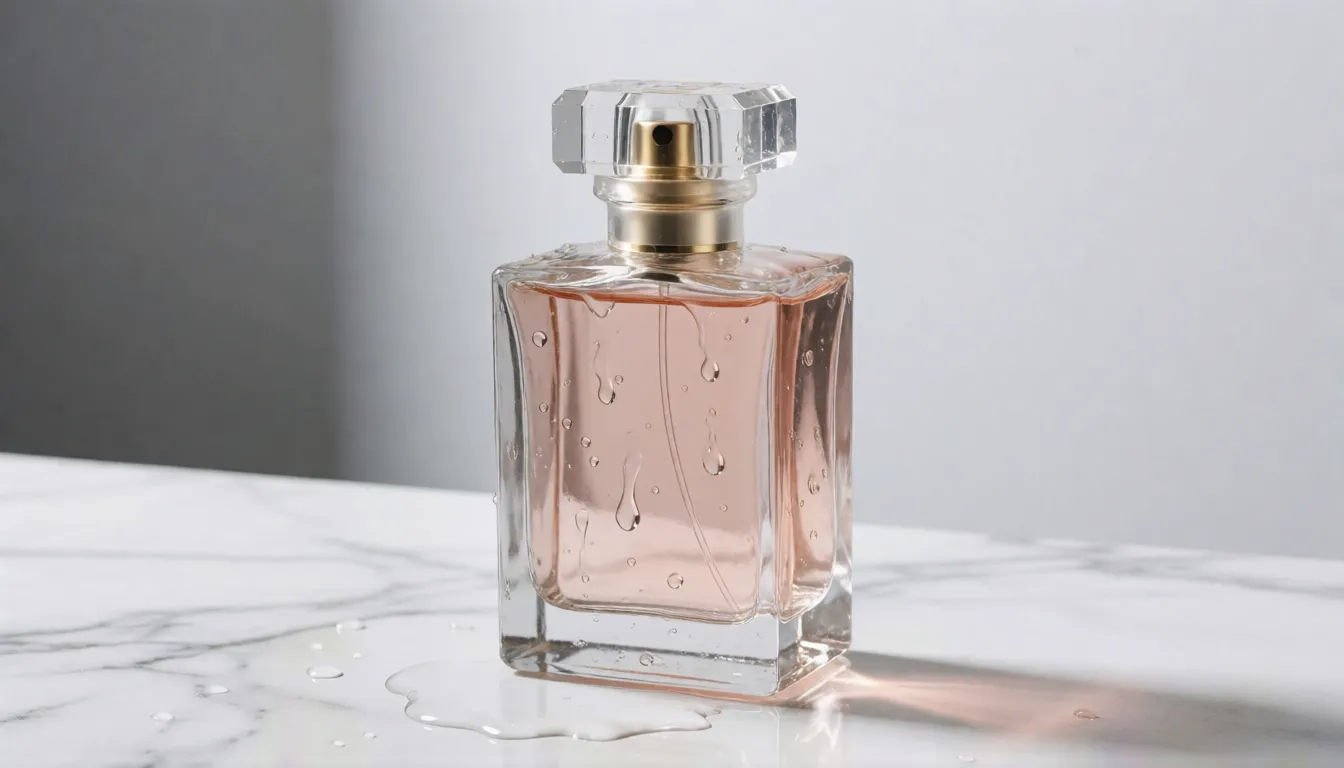
The product sits on [surface], the camera orbits 180 degrees, water drops slide down the bottle, soft studio light, clean background
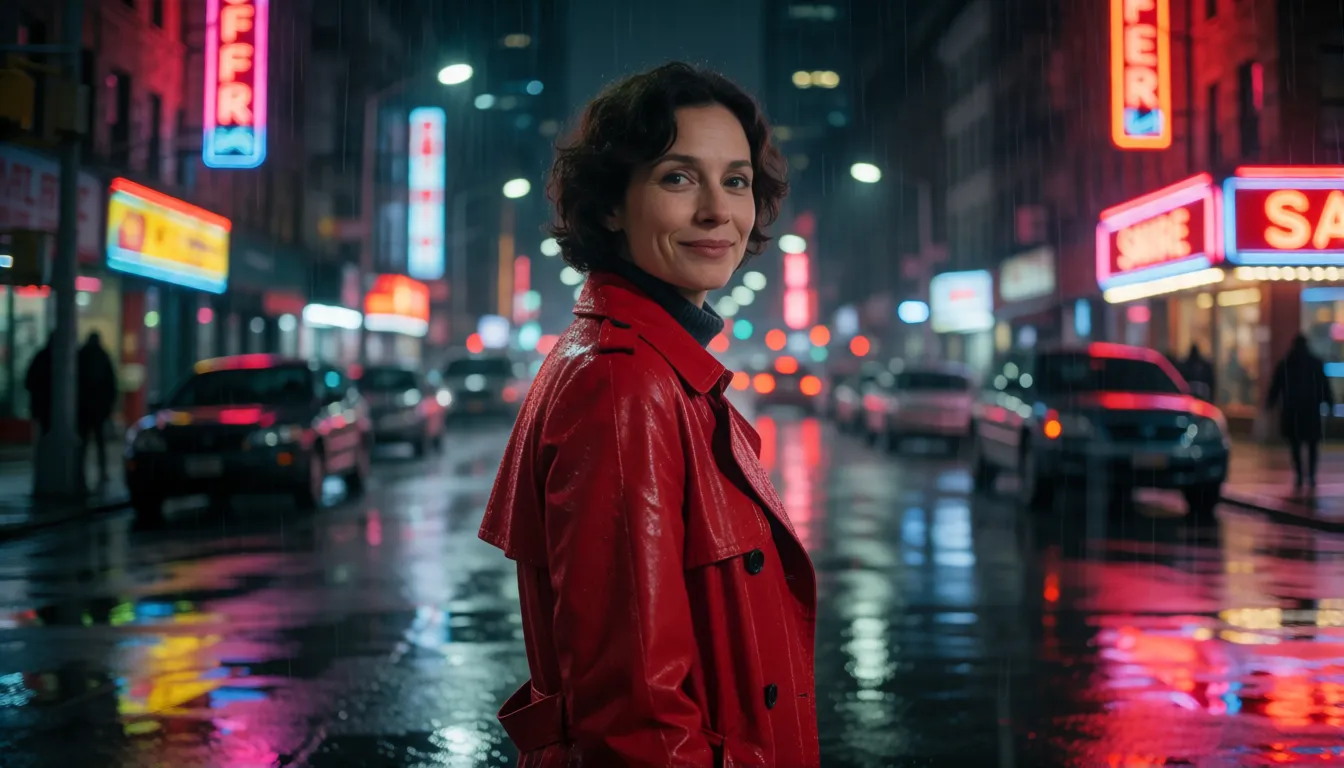
Shot 1: wide shot, [character] walks into a neon street. Shot 2: medium shot, she stops and looks back. Shot 3: close-up, she says softly "[line]"
[Character] dances to the music, turning on every heavy beat, stage lights flashing
deformed hands, extra limbs, face drift, flickering, text, watermark
Trying It Free, by API, or on Replicate and fal
There is no free download, because Alibaba has not released weights for the Wan 2.6 family. The model is offered through Alibaba Cloud Model Studio and resold by API platforms, each with its own name for it: wan-video/wan2.6-i2v-flash on Replicate, wan/v2.6/image-to-video/flash on fal, alibaba/wan-v2.6-i2v-flash on Vercel AI Gateway and alibaba/wan-2.6/image-to-video-flash on WaveSpeed. Some of these sites give new users trial credits, which is the closest thing to a free test. WaveSpeed estimates about 82 seconds per request, though speed varies by platform and settings. Developers get the same controls everywhere: duration, resolution, audio on or off, shot type, negative prompt, prompt expansion and seed.
Flash vs Open-Weight Wan 2.2
The Wan team's last open-weight release is Wan 2.2, published under the Apache-2.0 license. It is the version people install locally, fine-tune and extend with community LoRAs. The Flash tier is easier to use and adds sound, but it lives only in the cloud.
| Flash (2.6) | Wan 2.2 | |
|---|---|---|
| Weights | Closed, cloud only | Open, Apache-2.0 |
| Native sound | Yes, optional | No |
| Multi-shot mode | Yes | No |
| Runs on your own GPU | No | Yes |
| Community add-ons | None | Many LoRAs and workflows |
Making Image-to-Video Clips on Spicy AI
The same photo-first habits work in our browser tool. Pick a sharp, well-lit picture, ideally a character or scene you made with an image generator, upload it as the starting frame, then write the motion, camera move and mood in one or two sentences. Generate a few takes, keep the one you like and find it later in your history. It is a handy way to practise the draft-first workflow without setting anything up.
Have a photo ready? Turn it into a moving clip in your browser.
Open image to videoIs There an Uncensored Wan 2.6 Flash?
No. The model is closed, so there are no weights to fine-tune and no community uncensored build; Alibaba Cloud and every API partner apply their own content rules. For filter-free adult (18+) clips, our image-to-video tool offers similar freedom online.
Bikini and swimwear walks
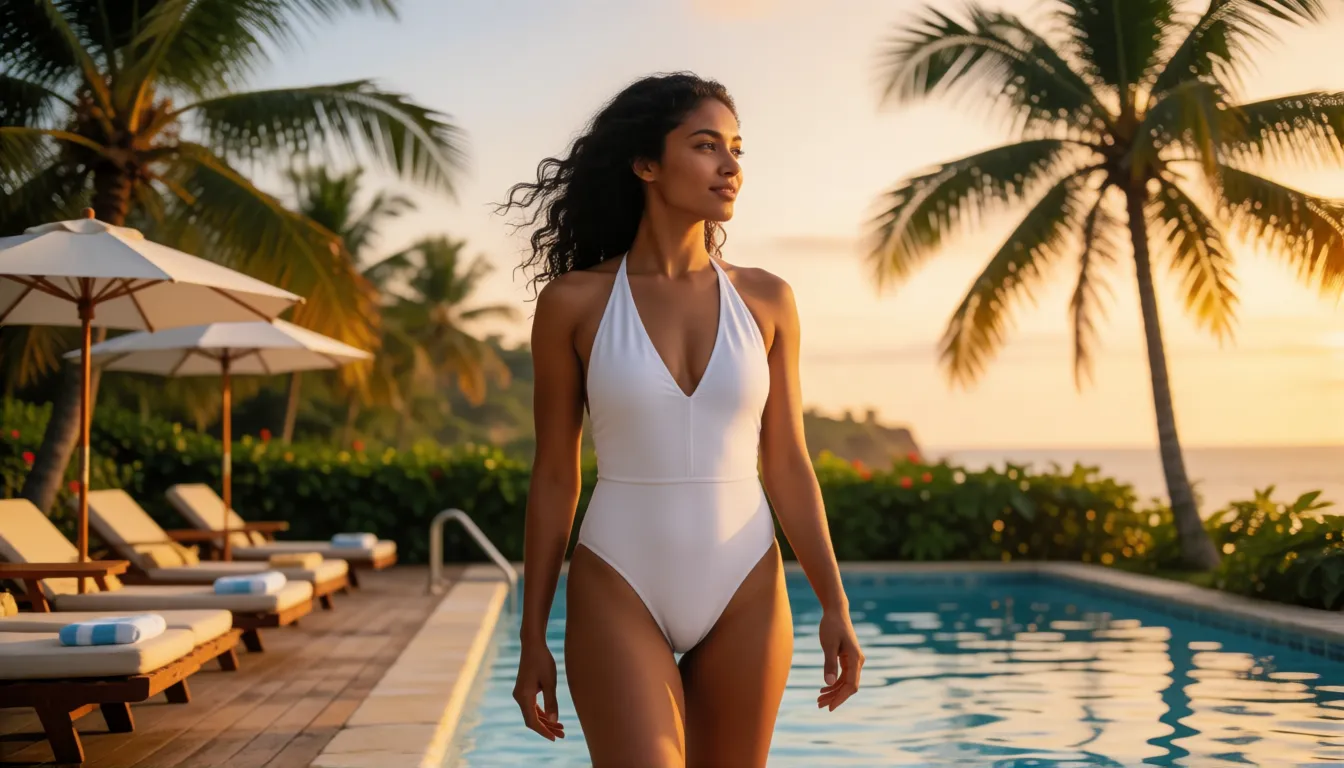
A poolside stroll or a slow beach turn for an adult model, with waves in the background.
Lingerie runway teasers
A catwalk pose, a turn and flashing lights for fictional adult characters.
Club dance edits
Neon light and a move on every beat, cut to your own track.
- Use a photo of yourself, a consenting adult or a fictional adult character.
- Describe one clear motion and one camera move per clip.
- Add the sounds you imagine, such as waves, bass or a whispered line.
Make 18+ swimwear, lingerie and nightlife clips from your own photo.
Try uncensored image to videoUsing the Official Flash Tier vs Generating Online on Spicy AI
| Official service | Spicy AI online | |
|---|---|---|
| Content filters | Set by Alibaba Cloud and each platform | No content filters for adults |
| Open weights | No | Not needed — runs in the browser |
| Price to start | Varies by platform | Free tier available |
- Image-to-video from your own starting photo
- Prompted motion, camera moves and sound
- Results saved to your history
FAQ
What is this model in one line?
It is the faster, cheaper tier of Alibaba's Wan 2.6 image-to-video model (wan2.6-i2v-flash): one picture plus a prompt becomes a clip of up to 15 seconds in 720p or 1080p, with optional sound.
How is it different from standard Wan 2.6?
Length, audio and multi-shot features are the same. The Flash tier costs about half and runs faster, while Alibaba highlights better speech quality for the standard tier. No official image-quality comparison exists.
How long does a clip take to generate?
WaveSpeed estimates about 82 seconds per request. Some marketing pages claim much faster times, but those are not verified.
Can it make videos from text alone?
No. It is image-to-video only, and your uploaded picture becomes the first frame.
Can I add music or dialogue?
Yes. It can create ambience and effects, follow an audio file you upload, or speak a short line from your prompt. You can also turn audio off for a silent clip.
Is there an open-source or uncensored version?
No. The Wan 2.6 family has no open weights; the latest open-weight Wan release is Wan 2.2 under Apache-2.0.
Can I use the clips commercially?
That depends on the terms of Alibaba Cloud and the platform you use, so check them before publishing ads.
Sources
More uncensored AI video models
- Uncensored Wan
- Uncensored Wan 3.0
- Uncensored Wan 2.6
- Uncensored Kling
- Uncensored Kling 2.6
- Uncensored Kling O1
- Uncensored Sora
- Uncensored Veo
- Uncensored Hailuo AI
- Uncensored MiniMax H3 Max
- Uncensored Seedance
- Uncensored Seedance 2.5
- Uncensored Seedance 2.0
- Uncensored Seedance 2.0 Mini
- Uncensored HunyuanVideo
- Uncensored LTX Video
- Uncensored Runway
- Uncensored Pika
- Uncensored Luma Dream Machine
- Uncensored Vidu
- Uncensored PixVerse
- Uncensored EdenLive
- Uncensored UniAVC
- Uncensored Grok Imagine
- Uncensored AI Avatars
- Uncensored HappyHorse 1.0
- Uncensored MiniMax H3 FL2VA Ref2VA
- Uncensored Kling 4.0
- Uncensored Kling 3.0
- Uncensored MiniMax H3 RefMods
- Uncensored Kandinsky 6.0
- Uncensored Looking Ahead
- Uncensored Kandinsky S2V 1.0 Pro
- Uncensored TaoMate-H3
- Uncensored SANA-Video 2.0
- Uncensored MiniMax H3 Remix
- Uncensored Sora 2
- Uncensored LTX-2.5 Slow Motion
- Uncensored LTX-2.5 Cinemagraph
- Uncensored VDN MiniMax H3
- Uncensored Hy-Nomas
- Uncensored Seedance 1.5 Pro
- Uncensored Pika H3 Flex
- Uncensored Veo 3.1
- Uncensored LongCat-Video-Avatar 1.6
- Uncensored MiniMax H3 x Z-Image
- Uncensored Origami-H3