AI Video with Sound · ByteDance Seed
Seedance 1.5 Pro: AI Videos That Talk, Move and Sound Real
Seedance 1.5 Pro is the ByteDance Seed video model that made AI clips speak. Released in December 2025, it creates the picture, the spoken lines and the sound effects in one pass, so a character can look into the lens, deliver a line in sync and be heard over rain or street noise without any dubbing afterwards. Creators use it for short dramas, product ads and dialect comedy clips. Below: what it does, how it improved on 1.0, prompt templates you can copy, and how it stacks up against newer models.
- Dialogue and sound
- Image to video
- Free to start
Uncensored Alternative Video Generator
Image to videoUpload a starting photo, describe the motion, the line someone says and the sounds you want, then generate.
Picture, Voice and Sound Effects in a Single Take
Most AI video tools give you a silent clip, and you still have to record a voice, find sound effects and line everything up by hand. Seedance 1.5 Pro removes that step. ByteDance's Seed team describes it as a native audio-visual model: one generation returns the moving image together with speech, sound effects and ambient noise, already timed to each other. Ask for a woman whispering on a rainy street and you get her lips moving, the words, the patter of rain and distant traffic in the same file.
The 1.5 Pro model works from a text prompt or from a still image, including a first and last frame for a transition. Clips are short, usually 4 to 12 seconds, in shapes from 21:9 cinema to 9:16 vertical. Many platforms offer 480p and 720p, and some list 1080p. Under the hood it pairs two diffusion transformer branches, one for picture and one for sound, and the technical report claims more than ten times faster inference than before. ByteDance offers it through its Dola app, BytePlus and Volcano Engine, and the API is one more way in, via partners such as fal and Vercel AI Gateway.
From Silent Seedance 1.0 Clips to Talking Scenes
Seedance 1.0 had already won fans for smooth motion and multi-shot storytelling, but every clip was silent. Version 1.5 keeps the cinematic camera work and adds a voice. Here is what changed, plus the trade-offs worth knowing.
- Strengths: voices and effects land on the beat, camera moves feel filmed rather than generated, and one prompt replaces a dubbing session.
- Limits: clips top out around 12 seconds, many platforms stop at 720p, and the real list of supported languages is not published.
| Seedance 1.0 | 1.5 Pro | |
|---|---|---|
| Sound | Silent video only | Dialogue, effects and ambience generated together |
| Lip sync | Not available | Mouth movement matched to the spoken line |
| Languages | Not applicable | Multiple languages and Chinese dialects, per ByteDance |
| Camera and story | Strong motion, multi-shot | Close-up to wide moves with steadier emotion and character consistency |
| Speed | Baseline | Over 10× faster inference, per the technical report |
Lip Sync in Many Languages and Chinese Dialects
The 1.5 Pro feature people share most is speech. You write a line in quotes, say who speaks it and in which language, and the character's mouth follows the words. ByteDance's product page highlights multilingual and dialect lip sync, and partner platforms such as Akool say that covers Mandarin plus Cantonese, Sichuanese, Shanghainese and Shaanxi dialect. That opened a whole genre on Chinese social apps: food vendors joking in Sichuan dialect, grandmothers scolding in Cantonese, pets that suddenly speak with a local accent.
Not every source agrees on the language range. One platform's documentation states that speech output covers only Chinese and English, so if you need Japanese, Spanish or another language, test a short clip before you plan a whole series around it. In all cases short lines work best: one or two sentences per shot keep the sync tight and leave room for the reaction.

Short Dramas, Ads and Viral Clips: Where It Shines
ByteDance names short dramas, advertising and social media as the target scenes, and that is where creators have taken 1.5 Pro. Because a single take already carries voice and sound, a small team can test a story beat in minutes instead of booking actors for a day.
- Short dramas and comic dramas: tense dialogue close-ups, a slap followed by a gasp, vertical 9:16 episodes, and the same scene redone in another language for overseas audiences.
- Product ads and e-commerce: a host introducing a serum, a perfume bottle turning under a bass whoosh, a voice-over line ending on the brand moment.
- Social media hits: dialect punchlines, ASMR textures, pets that talk back, reaction clips with laughter and crowd noise.
- Illustrations that speak: upload a character sheet or anime portrait and let it say a line, or join a first and last frame into a smooth transition.
Seedance 1.5 Pro Prompt Templates You Can Copy
A reliable 1.5 Pro formula is: subject and outfit + action + setting + light and mood + camera move + sound. Put dialogue in quotation marks, name the language or accent, and list the background sounds you want to hear. Match the length of the line to the clip: about one short sentence for five seconds.
- Say who speaks each line, otherwise both faces may move.
- Want to add your own music later? Turn audio off and keep only the picture.
- Lock the camera for talking-head pitches and reuse the same seed to compare variations.
- Preview at 480p, then render the keeper at a higher resolution.
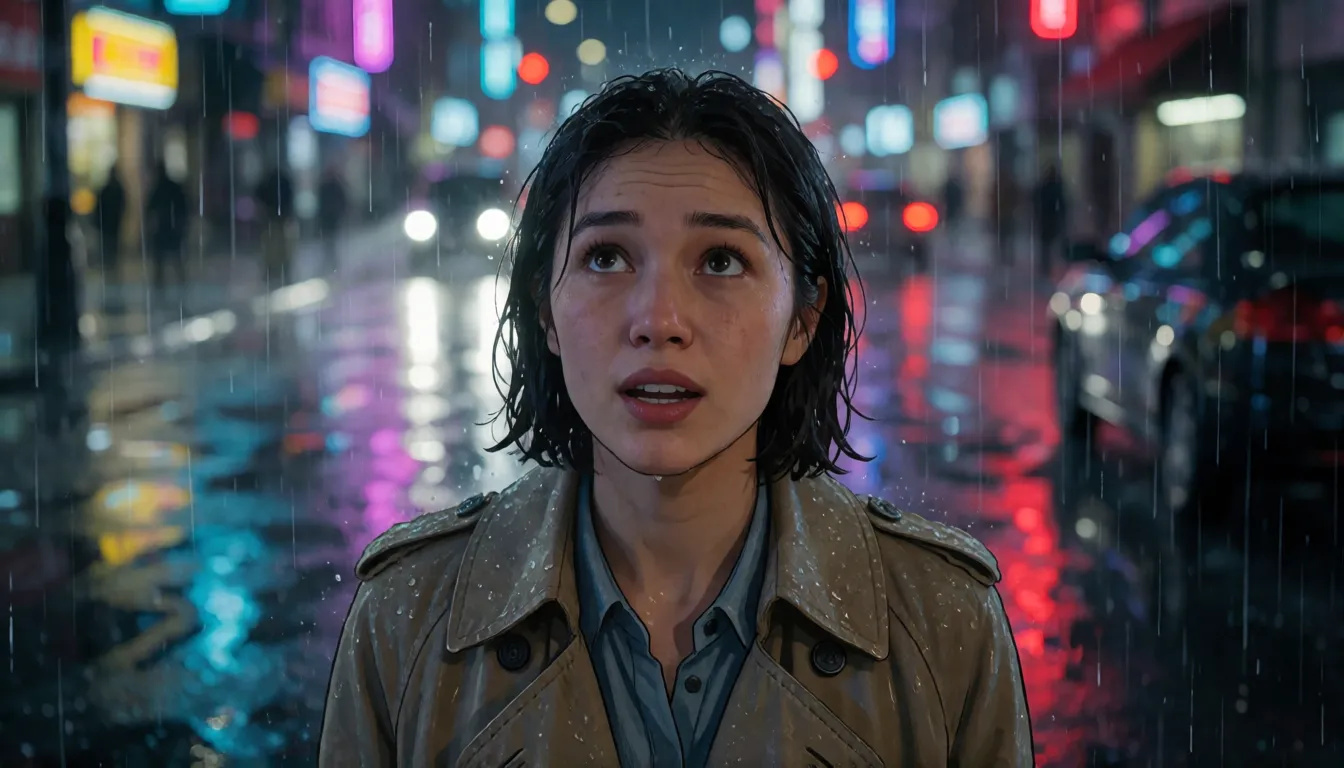
Close-up of a young woman in a rain-soaked trench coat on a neon street at night, she looks up and says in Mandarin: "You finally came back." Slow push-in, soft rain, distant traffic, melancholic mood.
A cheerful street-food vendor in Chengdu speaks Sichuan dialect to the camera: "This one is the best in town!" Sizzling wok, handheld medium shot, warm evening light.
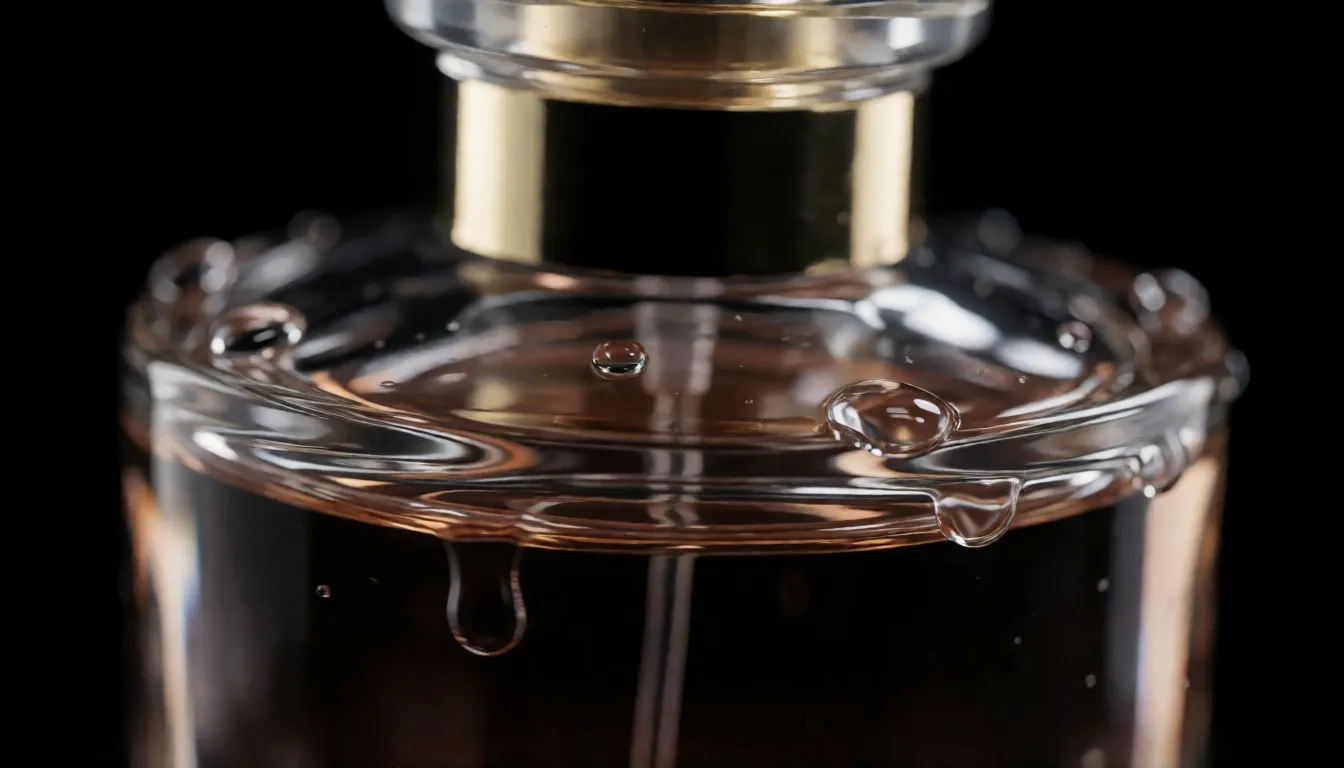
Macro shot of a perfume bottle rotating on black glass with water droplets, orbit camera, deep bass whoosh, female voice-over in English: "Made for the night."
Two coworkers in a bright office. The man asks: "Did you finish it?" The woman replies: "Of course." Shot-reverse-shot, keyboard clicks, office ambience.
Bring a Still Photo or Drawing to Life
Image-to-video is the quickest way to keep a face or a product on-model with 1.5 Pro. Start with a sharp, well-lit image, then describe only what should change: the motion, the camera and the sound. A portrait plus "she smiles and says hello in English, gentle breeze" usually works better than re-describing her outfit. With a first and last frame you can turn a day shot into a night shot or a sketch into a finished scene. A five-second 720p clip typically renders in under a minute on fal, so it is easy to try several takes.
Have a photo ready? Turn it into a moving clip in your browser.
Open image to videoHow It Compares with Seedance 2.0, Veo 3 and Kling 2.6
The 1.5 Pro model was ByteDance's first audio-and-video model, and newer releases now sit above it. It is still a fast, sharp choice for short talking shots.
| Model | Native sound | Best for | Open weights |
|---|---|---|---|
| 1.5 Pro | Yes | Fast single-shot dialogue, ads, dialect clips | No |
| Seedance 2.0 | Yes | Longer multi-shot stories with more reference inputs | No |
| Google Veo 3 | Yes | Polished cinematic scenes in Google's tools | No |
| Kling 2.6 | Yes | Kuaishou's first sound-on clips | No |
| Wan 2.2 | No | Running locally and community add-ons | Yes |
Is There an Uncensored Seedance 1.5 Pro?
No. The 1.5 Pro model is closed: ByteDance has published no weights, so there is nothing to download, no open-source build and no community fine-tune without filters. Every official route and API partner runs safety checks on prompts and results. Open-weight video models such as Wan 2.2, HunyuanVideo and LTX-Video are the ones people run on their own GPUs. For filter-free adult (18+) clips, our image-to-video tool offers similar freedom online.
Bikini and swimwear clips
A poolside walk or beach turn for an adult model, with waves and music.
Nightclub mood shots
Neon light, a glance over the shoulder and a low bass line.
Boudoir fashion teasers
Silk, lace and soft window light for fictional adult characters.
- Use a photo of yourself, a consenting adult or a fictional adult character.
- Describe one clear motion and one camera move per clip.
- Add the sounds you imagine, such as waves, crowd noise or a whispered line.
Make 18+ fashion, swimwear and nightlife clips from your own photo.
Try uncensored image to videoUsing Official 1.5 Pro vs Generating Online on Spicy AI
| Official service | Spicy AI online | |
|---|---|---|
| Content filters | Set by ByteDance and each platform | No content filters for adults |
| Open weights | No | Not needed — runs in the browser |
| Price to start | Varies by platform | Free tier available |
- Image-to-video from your own starting photo
- Prompted motion, camera moves and sound
- Results saved to your history
FAQ
Who made Seedance 1.5 Pro and when?
ByteDance's Seed team. The technical report was published on December 15, 2025, and partner platforms added it over the following days.
Does 1.5 Pro really generate sound?
Yes. Dialogue, sound effects and ambience are generated together with the picture. You can switch audio off if you only want the video.
How long and how sharp are the clips?
Usually 4 to 12 seconds. Many platforms offer 480p and 720p, and some list 1080p, so check the platform you use.
Which languages and dialects does it speak?
ByteDance says multiple languages and dialects. Some partners list Mandarin, Cantonese and Sichuanese, while one platform's docs say only Chinese and English, so test first.
Should I pick it or Seedance 2.0?
Seedance 2.0 handles longer, multi-shot stories with more references. The 1.5 Pro model suits quick single shots with dialogue.
Can I download 1.5 Pro or run it offline?
No. There are no open weights. Use it through ByteDance's apps or an API partner, or choose an open-weight model such as Wan 2.2 for local use.
Is there a free way to try it?
Some apps and partner sites give free credits, which vary by platform. The model itself has no public free download.
Sources
More uncensored AI video models
- Uncensored Seedance
- Uncensored Seedance 2.5
- Uncensored Seedance 2.0
- Uncensored Seedance 2.0 Mini
- Uncensored Kling
- Uncensored Kling 2.6
- Uncensored Kling O1
- Uncensored Sora
- Uncensored Veo
- Uncensored Hailuo AI
- Uncensored MiniMax H3 Max
- Uncensored Wan
- Uncensored Wan 3.0
- Uncensored HunyuanVideo
- Uncensored LTX Video
- Uncensored Runway
- Uncensored Pika
- Uncensored Luma Dream Machine
- Uncensored Vidu
- Uncensored PixVerse
- Uncensored EdenLive
- Uncensored UniAVC
- Uncensored Grok Imagine
- Uncensored AI Avatars
- Uncensored HappyHorse 1.0
- Uncensored MiniMax H3 FL2VA Ref2VA
- Uncensored Kling 4.0
- Uncensored Kling 3.0
- Uncensored MiniMax H3 RefMods
- Uncensored Kandinsky 6.0
- Uncensored Looking Ahead
- Uncensored Kandinsky S2V 1.0 Pro
- Uncensored TaoMate-H3
- Uncensored SANA-Video 2.0
- Uncensored MiniMax H3 Remix
- Uncensored Sora 2
- Uncensored Wan 2.6
- Uncensored LTX-2.5 Slow Motion
- Uncensored LTX-2.5 Cinemagraph
- Uncensored VDN MiniMax H3
- Uncensored Hy-Nomas
- Uncensored Pika H3 Flex
- Uncensored Veo 3.1
- Uncensored LongCat-Video-Avatar 1.6
- Uncensored MiniMax H3 x Z-Image
- Uncensored Origami-H3
- Uncensored Wan 2.6 Flash