VDN-H3 · OpenVDN · open weights
Uncensored VDN MiniMax H3: AI Video That Renders Faster Than It Plays
Waiting minutes for a few seconds of AI video kills the fun. VDN MiniMax H3 turns that around: on a powerful server, a 14-second clip with matching sound is finished in about nine seconds, so the video is ready before you could even watch it. It is a faster take on the open MiniMax H3 video model, made by the OpenVDN research team, and it keeps the same look and voice. Even better, a desktop app called FreeVideo lets ordinary gaming PCs run it. Below you will find what the speed means for you, what people create with it, how to try it at home and prompts you can paste right away.
- Faster than playback
- Video with sound
- Runs on home PCs
- Open weights
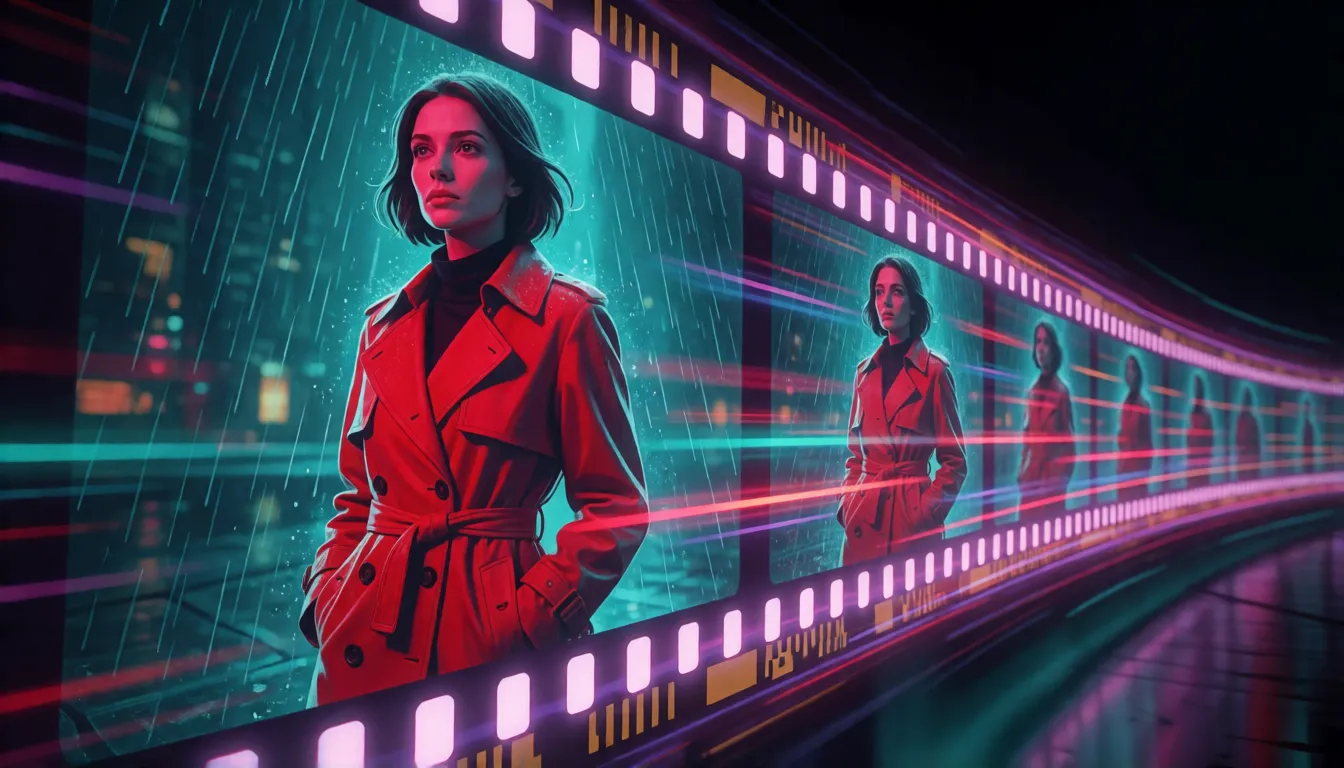
A finished clip before you could finish watching it
Here is the promise in one line: the video takes less time to make than to play. On a server with eight top-end graphics cards, the fast mode of VDN-H3 turns a prompt into a 14.4-second widescreen clip, sound included, in about nine seconds. The research paper behind it says that is roughly 14.5 times quicker than the original H3 on the same machines.
You do not need a server room to feel the difference. On a single high-end card, the original model needs close to 14 minutes for one clip. The new full-quality mode brings that down to about five minutes, and the fast mode to under a minute. That is the gap between one test shot per coffee break and a whole scene sketched in the same time.
| Version | Where it runs | Time for one 14-second clip |
|---|---|---|
| Original H3 | One high-end server card | About 14 minutes |
| VDN, full-quality mode | The same card | About 5 minutes |
| VDN, fast mode | The same card | Under 1 minute |
| VDN, fast mode (8 cards) | Eight server cards | About 9 seconds |
Times come from the developers' own tests on NVIDIA B200 cards, published on GitHub, the project blog and in the paper.
What the speed changes for you
Speed sounds like a number for engineers, but it changes how creating feels. When a draft arrives in seconds, you stop guessing what a prompt might do and simply look. Here is what this model brings to everyday creators.
Ten ideas instead of one
Try different outfits, moods, camera moves and lines of dialogue in the time one clip used to take, then keep the take you love.
Sound arrives with the picture
Voices, footsteps, rain and room tone are generated together with the image in stereo, so there is no separate dubbing step.
The H3 look, kept
The developers describe the results as nearly identical to regular H3: the same cinematic picture, the same lip sync, the same respect for your prompt.
Your own PC is enough
Thanks to the FreeVideo app, a gaming computer with an 8GB graphics card can give it a go. No studio hardware needed.
Stories longer than a few seconds
The model remembers what happened earlier in the clip, which makes videos of a minute or more a realistic goal.
Open for everyone
The weights and code are public, so the community keeps adding apps, ComfyUI nodes and demos around it.
What creators make with near real-time video
Fast, sound-on video suits anyone who needs many clips rather than one perfect shot. These are the scenes where it shines, from client work to pure fun.
Short dramas, shot by shot
Fix a character with a start and end picture, chain several shots together, preview each in moments and polish the best ones in full-quality mode.
Vertical ads and product clips
Test many hooks, voice lines and product angles side by side, then post the version that feels strongest for your feed.
Talking portraits and living art
Start from a single still, add a line of dialogue and some background sound, and watch a portrait, illustration or AI photo speak and move.
Group shots from separate photos
The official demo places two people, a Samoyed and a cafe from different reference pictures into one moving scene with cafe chatter.
Storyboards for bigger projects
Filmmakers and game writers can block out a scene in an afternoon and show the team a moving draft instead of a page of notes.
Loops for virtual hosts and streams
The paper is literally about livestream video. Back-to-back clips suit virtual presenters and choose-your-path stories, though this is still early and worth testing yourself.
Romance and glamour scenes
Beach walks in swimwear, candlelit dates, slow dances: with original adult characters (18+), quick drafts make it easy to find the right mood.
Memes and greetings
Turn a selfie or a pet photo into a short clip with a spoken punchline or a birthday wish, ready to share in a chat.
Look closely, remember the rest: why it is so quick
VDN MiniMax H3 was released on September 6, 2026 by OpenVDN, a group with researchers from UC Berkeley, UT Austin and Impossible, Inc. Their paper, called Video DeltaNet, starts from a simple finding: the original model spends more than 85% of its time comparing every frame with every other frame. That is like a film editor re-watching the entire movie before each cut.
The new design works the way a good editor really does. It looks closely only at the frames right next to each other, and keeps short running notes about everything else, so the story still makes sense from start to finish. The first and last frames act as anchors, which keeps the opening and the ending consistent. Words and sound are still handled with full care, so prompts are followed and lips match the voice. A fast mode then cuts the drawing process from 50 passes to 8.
Fast drafts or final cut: picking a version
There are two versions to choose from. The fast one draws a clip in 8 passes and is what the team recommends for everyday use. The full-quality one keeps the classic 50 passes for final renders where every detail counts. A smart habit is to explore ideas in fast mode, then redo your favorite in full quality.
How does VDN-H3 compare with other ways of speeding up H3? The developers say its picture is almost the same as the original and that it beats MiniMax FastH3 on both quality and following instructions. The community Turbo LoRA only reduces the number of passes, while this model also changes how frames are compared. These are the team's own impressions from side-by-side examples; no test scores have been published, so trust your own eyes.
| VDN fast mode | VDN full quality | H3 Turbo LoRA | MiniMax FastH3 | |
|---|---|---|---|---|
| Best for | Drafts and daily use | Final renders | Speeding up plain H3 | MiniMax's own quick option |
| How it saves time | Smarter frame comparison + 8 passes | Smarter frame comparison | Fewer passes only | Separate fast variant |
| Sound | Yes, stereo | Yes, stereo | Yes | Yes |
| Extra download | ≈ 5.1GB on top of H3 | ≈ 4.3GB on top of H3 | One LoRA file | Separate weights |
One-minute videos and endless story chains
A single run gives you about 14 seconds. Because the model keeps notes instead of re-checking every frame, going longer no longer blows up the waiting time. FreeVideo version 0.4.0, released on October 13, 2026, says it can produce videos of more than a minute.
A simple recipe works in any tool: write your story in chapters of roughly 14 seconds, and repeat the character's look and the place at the start of each chapter, so your hero does not change coats halfway through. You can also use the last picture of one clip as the first picture of the next. The scenes then flow into each other and can be cut together like a real episode.
Run it at home on an 8GB gaming GPU with FreeVideo
The official code expects a 24GB card such as an RTX 4090. FreeVideo, an open-source desktop app released on October 2, 2026, lowers the bar a lot: it lists 8GB of graphics memory plus 16GB of system memory as the minimum, and picks the right lightweight settings for your card by itself. That puts the model within reach of an RTX 3060.
A word of honesty: nobody has published how long a clip takes on a small card, so expect it to be much slower than the server times above. FreeVideo runs on Windows and Linux, has a macOS preview, and is also available as a ComfyUI plugin.
- 1Download FreeVideo for your system from its GitHub page, or install the ComfyUI plugin.
- 2Let it fetch the model files and keep about 82GB of disk space ready.
- 3Add the helper files it asks for: the text encoder, the upscaler and the turbo LoRA.
- 4Choose the fast mode, paste a prompt and make a short test clip before trying long ones.
- 5Drop community LoRAs into the app's LoRA folder if you want a special style.
| Your hardware | Easiest route | What to expect |
|---|---|---|
| 8–12GB card (e.g. RTX 3060) | FreeVideo app | Meets the listed minimum; speed not published |
| 24GB card (e.g. RTX 4090) | FreeVideo or the official code | Fits, using about 20–22GB of memory |
| One server card | Official code | Under a minute per clip in fast mode |
| Eight server cards | SGLang server | About 9 seconds per clip |
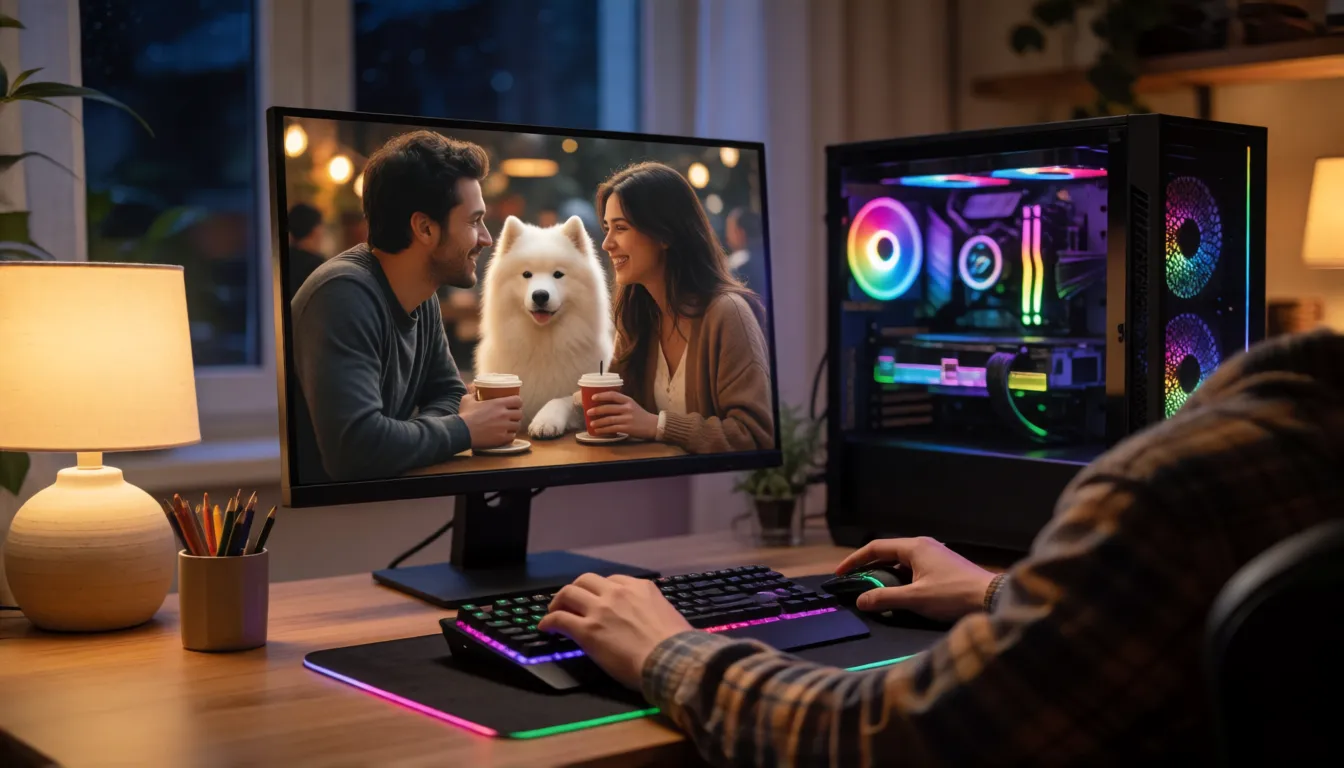
Start and end pictures, plus a ComfyUI workflow
Besides plain text, VDN-H3 accepts pictures as guides: a first frame, a last frame, both together (known as FL2VA) and, since September 17, 2026, several reference photos in one scene. The first-and-last-frame mode is the storyteller's favorite. You decide where a shot begins and where it lands, and the model fills in the movement and the sound in between.
ComfyUI users have two community options: the ready-made t8star/Vdn-Minimax-H3-Comfy files and the FreeVideo plugin, often paired with an upscaler for a sharper picture. Load your start and end images, describe what happens between them, and use the same words for clothes and lighting as in both pictures. The transition then looks natural.
Where to download it and how teams serve it
The model lives on Hugging Face under OpenVDN/vdn-minimax-h3, with the code on GitHub. You need the MiniMax H3 base files, about 72GB, plus a small VDN add-on: 5.1GB for the fast version or 4.3GB for the full-quality one. On the first start the software prepares itself for a few minutes; after that it is quick.
Studios that want the nine-second result run it on eight GPUs with SGLang, a serving tool the project supports out of the box. That setup currently handles text-to-video and first-and-last-frame jobs. The team also suggests letting a prompt helper such as H3-Context-IR polish rough ideas before you generate.
Prompt templates you can paste today
This model likes prompts that read like a director's note: who is in the picture, what they do in order, where the camera goes and what we hear. The templates below follow that pattern and use original adult characters.
- Describe actions in order with first, then and finally; the model follows sequences well.
- Put sound last with audio: and dialogue: so voices and background match the scene.
- For long videos, write 14-second chapters and repeat the character's look and the place in each one.
- Draft in fast mode, then redo your favorites in full quality.
All-purpose video with sound
[shot type], [subject and look], [action: first…, then…, finally…], [setting and light], [camera move], audio: [ambience], dialogue: "[line]"
Short drama
Medium close-up, a young woman in a red trench coat stands under a neon-lit awning in the rain, she turns toward the camera and whispers, slow push-in, cinematic teal-orange grade, audio: rain on metal, distant traffic, dialogue: "You came back."
First and last frame
From the first frame to the last frame, the character walks from the doorway to the window, camera tracks left smoothly, consistent outfit and lighting, soft room tone.
Group shot from several photos
[character A] and [character B] sit at the cafe table from reference 4, the Samoyed from reference 3 rests at their feet, they laugh and clink coffee cups, handheld warm look, cafe chatter.
Poolside glamour (18+)
Wide shot, an adult woman in a navy swimsuit walks along a sunlit pool, she turns toward the camera and smiles, slow dolly-in, golden hour light, audio: water splashing, soft summer music.
What the community is saying
Interest grew quickly. When this page was researched, the model had around 360 likes on Hugging Face, about 3,300 downloads in a month and 22 community demos built on it, including the popular minimax-h3-ultra-fast Space. Its GitHub page had about 670 stars, and FreeVideo had passed 2,800.
The mood around VDN-H3 is excitement: drafts in under a minute on one card, and real hope for long videos made at home. The usual complaint is the setup, with big downloads, several helper files and early-version bugs, as FreeVideo's long list of open issues shows. Reports on picture quality are positive, but they are personal impressions rather than measured scores.
Uncensored VDN MiniMax H3: what open weights really give you
Many people ask whether the fast version comes with a filter. There is no special uncensored or NSFW edition, and the developers do not describe any built-in content filter. The weights are open and run on your own machine, so no online moderation sits in between, although nobody knows exactly what the model learned in training. FreeVideo can load community LoRAs, but because the inner design changed, it is untested whether existing adult LoRAs for H3 still work. If you would rather skip the setup, an uncensored video generator runs in your browser for original adult (18+) characters.
No big download, no graphics card: animate a still of your original adult character online.
Open image to videoUncensored Alternative Video Generator
Upload one still image, describe the movement, camera and sound you want, and get a short clip in the browser. Original adult characters (18+) only.
Start generatingSelf-hosting VDN MiniMax H3 vs generating online on Spicy AI
Running it yourself gives you full control and the raw speed of the fast mode; the online route trades that for zero setup.
| Local deployment (official weights) | Spicy AI online | |
|---|---|---|
| Content filters | You configure your own setup | Relaxed filters for adult content (18+) |
| Open weights | Yes, about 82GB in total | Not needed, runs in the browser |
| Model in use | VDN fast or full-quality version | A similar hosted video model |
| Getting started | Download, install and a capable graphics card | Open the page and upload a picture |
FAQ
What is VDN MiniMax H3?
It is OpenVDN's faster version of the open MiniMax H3 video model. It makes widescreen 768p video with sound from text or pictures, using a smarter way of comparing frames called Video DeltaNet and a fast 8-pass mode.
How fast is it really?
The developers report about 9 seconds for a 14.4-second clip on eight server cards and under a minute on one. Their paper puts it at 14.5 times quicker than the original 50-pass H3.
Does the picture get worse?
The team calls it nearly lossless and better than MiniMax FastH3, based on side-by-side examples. No test scores have been published yet.
Can my graphics card run it?
The official code wants a 24GB card and uses about 20 to 22GB. FreeVideo lists 8GB of graphics memory and 16GB of system memory as the minimum, without published speeds for small cards.
Can it animate a photo or use first and last frames?
Yes. It works from text, a first frame, a last frame, both together (FL2VA) or several reference photos. The eight-GPU SGLang setup supports text and first-and-last-frame only.
How big is the download?
About 82GB in total: roughly 72GB for the H3 base model plus the VDN add-on and helper files.
Is there an uncensored version?
There is no dedicated uncensored build. Running the open weights at home has no online filter, and you need to test yourself whether community H3 LoRAs still work.
Sources
More MiniMax H3 and video pages
Browse all uncensored AI models →Product and project names mentioned here belong to their respective owners. All characters must be adults (18+); do not create content of real people without their consent.