Uncensored AI Video · Kandinsky Lab
Uncensored Kandinsky 6.0: Videos That Talk, Sing and Sound Real
Most AI video still arrives silent, and you spend the next hour hunting for a voice-over, music and sound effects. Kandinsky 6.0 changes that: one prompt gives you a five-second clip with the dialogue, lip movement, background noise and soundtrack already in place. Kandinsky Lab released the weights openly in October 2026, so creators can run the uncensored Kandinsky 6.0 on their own GPU in ComfyUI, without a cloud filter deciding what is allowed. Here is what it makes, which version to pick, how to set it up and how to write prompts that sound as good as they look.
- Video with sound
- Open weights
- Runs in ComfyUI
Uncensored Alternative Video Generator
Image to videoUpload a photo and describe the motion, and Spicy AI animates it into a short clip.
Try a prompt
Example prompts are in English, which gives the most reliable results.
From silent clips to scenes with a voice
Kandinsky Lab built its reputation with Kandinsky 5.0, an open video model that many hobbyists already ran at home. The new generation keeps that video core and adds a second stream that writes audio at the same moment as the picture, so a singer's lips match the lyrics and footsteps land when the feet touch the floor. Every clip is five seconds long at 24 frames per second, with 44 kHz sound that can mix speech, ambience and music. You can start from text alone or from a reference photo that becomes the first frame. The upgrade is real, but so are the limits: clips stay short, native resolution is around 864×480 before upscaling, and the bigger Pro model wants a lot of memory. Kandinsky Lab's own human blind tests also admit the best closed video services are still ahead overall.
What creators make with sound-on AI video
The biggest shift is speed for short-form creators. A clip that used to need a separate text-to-speech pass, a stock music track and manual syncing now comes out in one render. That is why the model caught on first with short-video and storytelling channels, music meme makers and people building AI characters for social feeds. Adult (18+) creators use the same strength for flirty monologues, slow dances and intimate ambience scenes, because a whisper and soft music sell a mood far better than silence.
Talking characters
A character looks into the camera and delivers a line, with lips that follow the words. Great for skits, intros and story teasers.
Music and dance moments
A lounge singer, a street drummer or a couple dancing to soft jazz, where the beat and the movement arrive together.
Mood and ambience loops
Rain on a window, a crackling fireplace, waves at night: short sound-on loops for relaxing reels and backgrounds.

Why people want the uncensored Kandinsky 6.0
Hosted video apps check every prompt and frame, and they often block swimwear, romance or anything mildly suggestive even between consenting adults. Open weights work differently. When you run the uncensored Kandinsky 6.0 in ComfyUI on your own machine, there is no moderation service in the loop: the workflow simply renders what you describe. Keep in mind it is a general model, not one tuned for adult content, so explicit detail is not its strong suit, and every scene should feature adults only and never real people without consent.
- Your prompts and clips stay on your own computer.
- No refusals for tasteful adult themes such as boudoir, swimwear or romance.
- Full control over steps, seeds, voices and music in the workflow.
Lite vs Pro: which version to run
There are two sizes. Lite has 3 billion parameters and is the friendly choice for home GPUs. Pro has 29 billion and gives cleaner motion and richer detail, at the cost of far more memory and time. Each comes as a base checkpoint (50 steps, CFG 5), a distilled one (10 steps, CFG 1) and a pretrain checkpoint meant for fine-tuning. For everyday uncensored Kandinsky 6.0 clips, start with a distilled model; the official ComfyUI templates already default to Pro distilled.
| Lite | Pro | |
|---|---|---|
| Size | 3B parameters | 29B parameters |
| Best for | 16GB to 24GB home GPUs, quick tests | Highest quality, 24GB+ cards or cloud GPUs |
| RTX 4090, base model, SD clip | 437 seconds | 936 seconds |
| Distilled version | 10 steps, CFG 1 | 10 steps, CFG 1 |
Timings are the official README figures for non-distilled models after warm-up; Kandinsky Lab has not published timings for the distilled versions.
Kandinsky 6.0 ComfyUI install and workflow
Want to try before downloading tens of gigabytes? Kandinsky Lab runs a free Hugging Face Space with Pro distilled. When you are ready to go local, ComfyUI is the easiest home for the uncensored Kandinsky 6.0, because the lab ships its own custom nodes on launch day. Native support inside ComfyUI core is still an open pull request, so for now you use the extension:
- Install: search for kandinsky6 (and kandinsky6-sr for upscaling) in ComfyUI Manager, or run comfy node install kandinsky6 kandinsky6-sr. The generation extension asks for ComfyUI 0.38.0 or newer.
- Workflow: open the built-in Text to Video+Audio or Image to Video+Audio template.
- Model download: the template's Download models button fetches every part it needs, including the text encoders, the video VAE, the audio VAE and vocoder, and the upscaler.
- Folders: diffusion models go in models/diffusion_models, text encoders in models/text_encoders, the video VAE in models/vae and the audio parts in models/audio_vae.
- Optional: the Qwen3.5-9B prompt enhancer adds about 19 GB; switch it off if disk space or memory is tight.
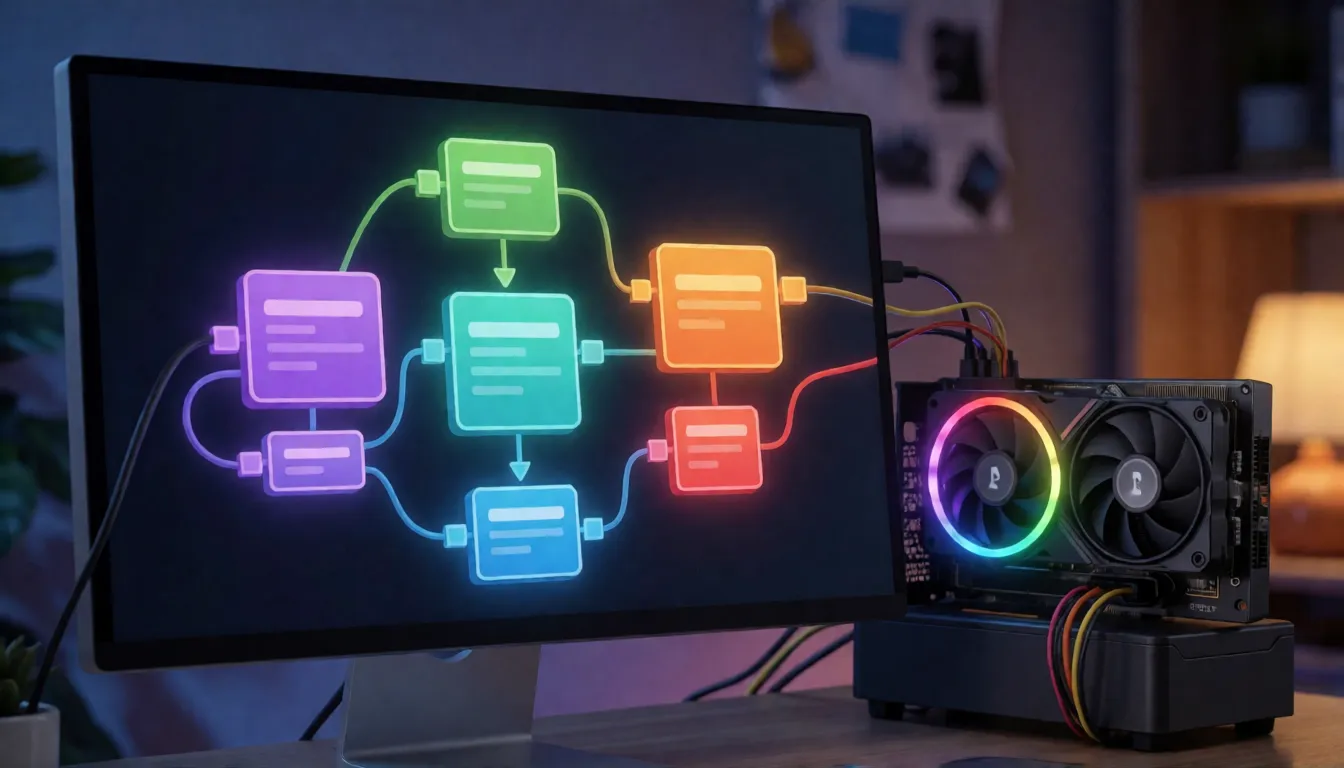
VRAM requirements: can a 16GB card run it?
Yes, the uncensored Kandinsky 6.0 runs on 16GB, with patience. The official 16GB preset offloads model blocks to system RAM, which keeps graphics memory low but moves the load to RAM and time. Independent analysis of the paper puts Pro at around 58 GiB of system RAM in that mode, so a 16GB card is really a Lite machine unless you have plenty of RAM. Fully loaded on the GPU, peaks reach about 44 GiB for Lite and 73 GiB for Pro. Remember that file size is not peak VRAM. Official timings for one five-second clip:
| GPU | Lite | Pro |
|---|---|---|
| RTX 5060 Ti 16GB | 1,310 s (SD) · 1,774 s (Full HD) | 3,530 s (Full HD) |
| RTX 4090 | 437 s (SD) | 936 s (SD) |
| RTX 5090 | 309 s (SD) | 754 s (SD) |
| H100 | 239 s (SD) | 356 s (SD) |
Non-distilled models, after warm-up, excluding weight loading and MP4 encoding (Kandinsky Lab README).
INT8 and quantized builds for low VRAM
If you searched for a GGUF version, there is no official one. What the community offers instead are INT8 ConvRot files. The T8star pack has single-file models of 4.87 GB for Lite, 3.77 GB for Lite distilled and 34.97 GB for Pro distilled, and needs ComfyUI 0.39.0 or newer, comfy-kitchen 0.2.37 or newer and an NVIDIA GPU with INT8 Tensor Cores. Its author validated it on an RTX 5090 Laptop with 24 GB. A second set from kabachuha depends on the unmerged native ComfyUI pull request, so it may not work with the official nodes. Treat both as community builds and compare results with the original.
Fixing ComfyUI errors and node conflicts
Most problems on a fresh install come from a few causes, so check these before reinstalling everything:
- Duplicate nodes: the official kandinsky6 extension and the T8star extension register the same node names. Enable only one of them.
- Version mismatch: update ComfyUI to the version the extension asks for, and keep comfy-kitchen and your GPU driver current. Kandinsky Lab provides fallback wheels for ComfyUI 0.38.0 with comfy-kitchen 0.2.36.
- Lite base looks wrong: the non-distilled Lite model needs 50 steps and CFG 5 with MagCache removed or bypassed.
- Distilled settings: use 10 steps, CFG 1 and denoise 1, or the output turns muddy.
- Plain diffusers fails: support may not be in the released diffusers package yet, so use the ComfyUI extension or the lab's own repository.
Full HD upscaling and image to video with audio
Two extras make uncensored Kandinsky 6.0 clips far more usable. First, the separate super-resolution model (install kandinsky6-sr) upscales by 2x, 2.25x or 4x, up to 1920×1080. It is a second pass, so plan for extra time and memory; the ComfyUI template keeps the sound, while the plain diffusers pipeline outputs video only and you mux the audio back yourself. Second, image to video with audio: pick the Image to Video+Audio template, load a photo as the first frame and describe the motion and the sound. It is the best way to keep a character's face and outfit consistent from clip to clip.
Prompt recipes for dialogue, music and ambience
The model reads two descriptions: a video caption for the picture and an audio caption for the sound. Spoken lines go inside the video caption between <S> and <E>, while music, noise and voice style go in the audio caption. These recipes get the most out of the uncensored Kandinsky 6.0; swap in your own details:
- Dialogue: "An adult woman in a red dress leans on a bar and says <S>You came back.<E>, slow push-in." Audio: "warm female voice, quiet bar chatter, soft piano."
- Singing: "An adult man with a guitar sings on a rooftop at sunset, close-up." Audio: "gentle acoustic ballad, male vocals, light wind."
- Ambience: "Rain streams down a window, a candle flickers on the sill, static camera." Audio: "steady rain, distant thunder, faint crackle."
- Romance (18+): "An adult couple slow dances in a dim loft, fairy lights, camera orbits slowly." Audio: "soft saxophone, quiet laughter."
- Keep each clip to one action and one line of dialogue; five seconds goes fast.
- Name the camera move (push-in, orbit, tracking) and the light source in every prompt.
- Describe the voice: age, warmth, pace and accent all change the result.
- Fix the seed while you adjust the audio caption, so you can hear what changed.
- Say that every person shown is an adult (18+).
How it compares with Wan 2.2 and LTX-2.5
The selling point is native sound plus open weights. In the lab's human blind tests, Pro beat LTX-2.5 on visual quality and speech, while LTX-2.5 did slightly better on audio-video sync and overall audio, a gap the paper calls not significant. LTX-2.5 already has native ComfyUI support, which makes setup simpler. Wan 2.2 makes silent video, so you add a separate voice model; a Russian hands-on review on Habr found that route slower and costlier but better for keeping one voice across clips, and clocked a quantized Pro build at about 144 seconds per five-second clip. Those are one tester's impressions, not lab numbers.
No GPU? Make adult videos in your browser
Not everyone has a 24GB card or a free afternoon for setup. Spicy AI offers similar uncensored video generation online: upload a photo, describe the motion and get a short clip for adults (18+), with nothing to download. Only use photos you own or have permission to use, and never show minors or real people without consent.
Turn one photo into an uncensored short video, no GPU or setup needed.
Open image to video →Self-hosting Kandinsky 6.0 vs generating online on Spicy AI
| Local deployment (official weights) | Spicy AI online | |
|---|---|---|
| Content filters | None in your own workflow | No content filters for adults |
| Open weights | Yes | Not needed, runs in the browser |
| Model | Kandinsky 6.0 Lite or Pro | Similar uncensored video model, hosted online |
| Price to start | Free download, your own GPU | Free tier available |
FAQ
What is Kandinsky 6.0?
It is a family of open video models from Kandinsky Lab, released on October 6, 2026, that generates five-second clips together with synchronized 44 kHz audio, including speech, ambience and music. It comes in Lite (3B) and Pro (29B).
Is it really uncensored?
The open weights run locally without a moderation service, so nothing filters your prompts. It is a general model, though, so explicit detail is limited, and all content must involve adults only.
Can I run it in ComfyUI on 16GB of VRAM?
Yes, with the official 16GB preset or a community INT8 build. Lite is the realistic choice, you need plenty of system RAM, and a clip can take more than 20 minutes.
How long and how sharp are the videos?
Every clip is five seconds at 24 fps. Native output is around 864×480, and the separate upscaler takes it up to Full HD.
Can I try it without installing anything?
Yes. Kandinsky Lab hosts a free Hugging Face Space with the Pro distilled model, so you can test prompts before downloading.
Is Spicy AI affiliated with Kandinsky Lab?
No. Spicy AI is an independent platform and is not affiliated with or endorsed by Kandinsky Lab. Kandinsky is a trademark of its respective owner.
Sources
- Kandinsky 6.0 Video technical report (arXiv 2610.05608)
- kandinskylab/kandinsky-6 repository (GitHub)
- Official ComfyUI extension guide
- Kandinsky Lab video models page
- Kandinsky 6.0 Lite model card (Hugging Face)
- Kandinsky 6.0 video super-resolution model card (Hugging Face)
- Free Pro distilled demo (Hugging Face Space)
- kandinsky6 node in the ComfyUI Registry
- T8star INT8 ComfyUI models (Hugging Face)
- Native Kandinsky 6.0 support pull request (ComfyUI)
- Hands-on review in Russian (Habr)