Uncensored AI Video · ByteDance
Seedance 2.5: ByteDance's 30-Second One-Take Video Model
Seedance 2.5 is the newest model in ByteDance Seed's Seedance video series, released on July 31, 2026. It renders up to 30 seconds in one take, accepts up to 50 reference files and lets you edit a clip at a chosen timestamp. That one-take length is why short-drama creators adopted it quickly. This page covers its features, how people use it and how to prompt it. It is a moderated, closed service, not an uncensored model; for adult image-to-video without that review layer, Spicy AI runs MiniMax H3 Turbo.
On Spicy AI, this page runs H3 Turbo.
- Free to start
- No filters
- Runs in browser
- Available now
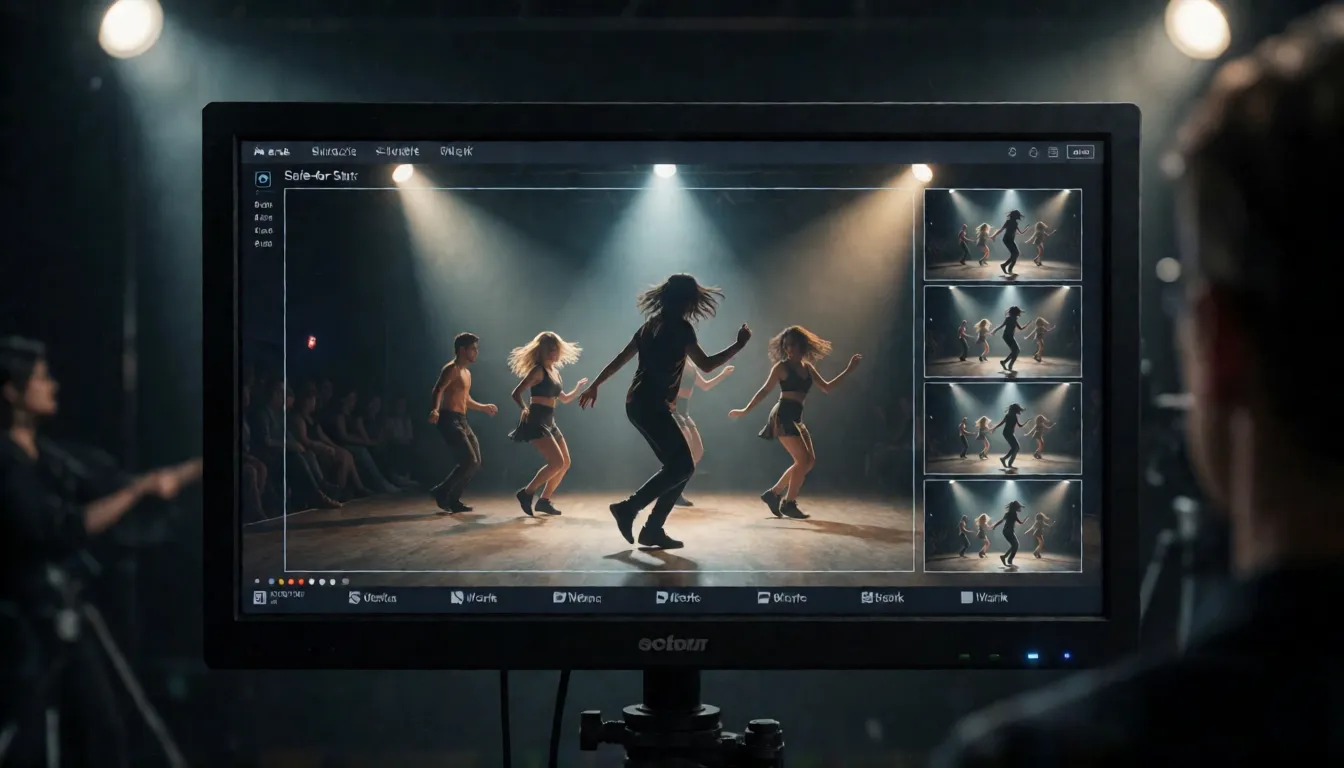
Key facts at a glance
- Developer
- ByteDance Seed team
- Release date
- July 31, 2026
- Clip length
- 4–30 s per request, extendable
- References
- Up to 30 images, 10 videos, 10 audio
- Resolution
- 480p/720p 8-bit, 1080p 10-bit, no 4K
- Model ID
- dreamina-seedance-2-5-260628
- Open source?
- No, closed weights
- Uncensored?
- No, moderated service
Uncensored One-Take Video Generator (H3 Turbo)
Image to videoUpload a photo and describe the motion — Spicy AI animates it into a short clip.
Try a prompt
Example prompts are in English, which gives the most reliable results.
What is Seedance?
It is the latest model in ByteDance Seed's Seedance video generation series, released on July 31, 2026. It builds on the unified audio-video architecture of Seedance 2.0 and focuses on three things: longer storytelling, richer references and finer editing. ByteDance offers it in its own creative apps such as Dreamina and to developers through BytePlus ModelArk under the model ID dreamina-seedance-2-5-260628; the API is one way to use it, not the product itself. Is it open source? No. ByteDance has not published the weights, and same-named repositories on Hugging Face or GitHub are third-party wrappers.
Why people look for an uncensored Seedance
The model runs behind ByteDance's content policy: prompts, reference images and finished clips are reviewed, and requests that fail moderation are rejected. Creators making dance videos in revealing outfits, bedroom scenes and other adult themes often hit those refusals, so they search for an uncensored version. ByteDance offers no such version, and this page does not explain how to bypass its checks. Some third-party API resellers advertise looser Seedance access; they are not ByteDance products and we cannot confirm what filtering they apply. If you want uncensored generation, you can use Spicy AI: its image-to-video tool runs MiniMax H3 Turbo for consenting-adult content without content filters.
Seedance 2.5 vs Seedance 2.0: what changed
The upgrade is about length, references and control rather than raw resolution. The new model doubles a single take to 30 seconds, more than triples the reference pool, lets audio references stand alone and adds timestamp editing and Draft mode. The one thing it gives up is 4K, so teams that need 4K masters still use Seedance 2.0.
| Seedance 2.5 | Seedance 2.0 | |
|---|---|---|
| Release | July 31, 2026 | February 12, 2026 |
| Max single take | 30 s, extendable | 15 s |
| References | 50 (30 img + 10 video + 10 audio) | 15 (9 img + 3 video + 3 audio) |
| Audio reference | Can be used alone | Needs image or video |
| Top resolution | 1080p 10-bit | 4K 10-bit |
| Timestamp edits / Draft | Yes / Yes | No / No |
From the BytePlus ModelArk documentation for each model. See the separate Seedance 2.0 page for the older model.
Features: 30 seconds, 50 references, timestamp edits
A single request runs from 4 to 30 seconds (or -1 for automatic length), and a clip can be extended over several rounds into multi-minute pieces with smoother transitions between scenes. The reference pool holds up to 30 images, 10 videos and 10 audio files, used for characters, scenes, props, motion, clay-render looks and voices, and ByteDance says consistency across all of them improves. Timestamp-level editing lets you change the picture, camera, action or rhythm at a given second, and green-screen, camera and reference edits are built in. Output is 480p or 720p at 8-bit and 1080p at 10-bit, as MP4 or MOV. ByteDance itself says complex physical motion and multi-subject interaction still need improvement.
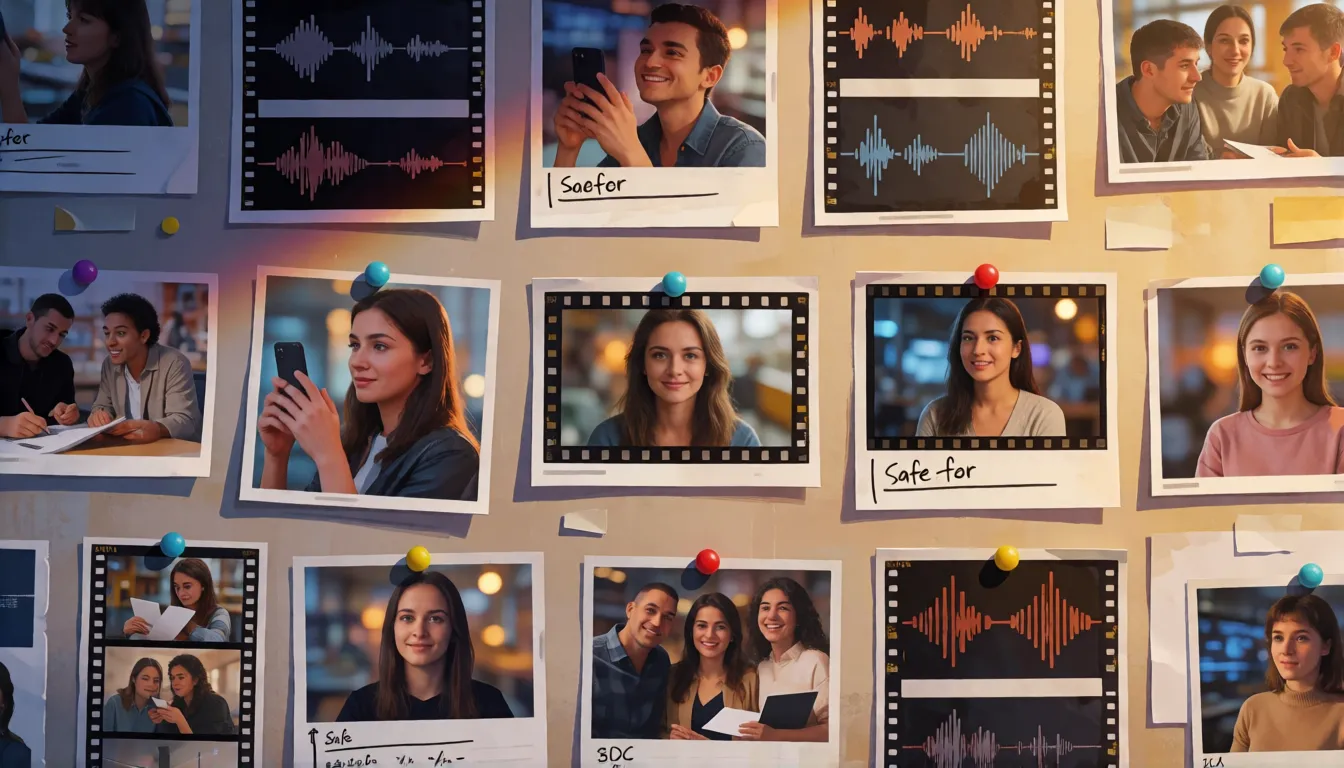
AI short dramas: one take per beat
Vertical micro-dramas are where the 30-second take matters most. With Seedance 2.0, studios built every scene from 15-second pieces and stitched them; the new model can hold a whole beat, such as a cold open or a confrontation between two speaking characters, in one continuous shot with dialogue and sound. Segmind published a test in which a single call produced a 30-second vertical micro-drama at 720x1280 with two characters and native audio, with no cuts or post-production. Episodes usually run longer than that, so teams still plan two or three takes per episode, keep characters stable with a shared reference sheet and use timestamp edits to fix one moment instead of regenerating the whole take. Dreamina also markets the model directly for short-drama production.
Draft mode: a quick 480p preview pass
Draft mode is new in this release. You first render a quick 480p draft to check composition and pacing, then generate the final clip at your target resolution from that draft. The two steps are billed separately, so treat the draft as a planning tool rather than a free preview, and never ship the draft itself as a final asset. It pays off most on long 20 to 30 second takes, where a wrong camera move is expensive to discover at 1080p.
Model ID and API parameters
Through BytePlus ModelArk, the model runs as an asynchronous task: you create a generation task, then poll it until the video is ready. The model ID is dreamina-seedance-2-5-260628. Core parameters are resolution (480p, 720p or 1080p), ratio (21:9, 16:9, 4:3, 1:1, 3:4, 9:16 or adaptive), duration from 4 to 30 seconds or -1 for automatic, generate_audio, return_last_frame and the reference image, video and audio lists. The July launch post said API access was coming soon; the documentation is now live, though no single announcement gives an exact opening date. Requests rejected by moderation return an error instead of a video.
What creators make with it
The features ByteDance highlights map onto a handful of recurring creative formats. Thirty-second takes and multi-round extension suit short narrative pieces, while the 50-asset reference pool is what makes branded and character-driven series practical. The list below groups the formats we see most often in creator write-ups and the official showcase; it describes what the tools are used for, not a ranking of results.
- One-take short dramas: a 30-second scene with dialogue and a camera that follows two characters without a cut.
- Character series: the same face, outfit and voice across many clips, driven by a reference sheet of images and audio.
- Music and dance videos: choreography matched to an uploaded track, with multi-angle cuts inside one request.
- Product and e-commerce spots: a product photo, a lifestyle location and a voice-over line combined into one ad.
- Green-screen and camera re-edits: replace a background or change a camera move at a chosen timestamp instead of regenerating everything.
- Storyboard previz: Draft mode at 480p to test pacing before a final render.
How creators rate the new release
Reception so far is mixed in a predictable way. A roundup of Reddit threads by Leadde reports that creators praise the 30-second continuous scenes, dialogue and acting, character consistency and reference-driven generation, and that the recurring complaints are costly rerolls, weaker results in some action and dance scenes, moderation refusals and platform limits; some still prefer Seedance 2.0 as more forgiving. The predecessor set a high bar: Hedra notes that the previous model topped the Artificial Analysis video arena in early 2026. We found no public arena score for the model yet, so treat these as anecdotal signals and test on your own prompts.
| What creators praise | What creators complain about |
|---|---|
| 30-second continuous takes | Expensive rerolls on long clips |
| Dialogue, acting and lip sync | Some action and dance motion |
| Character and voice consistency | Moderation refusals on adult themes |
| Large reference pool | Access limits on some platforms |
Summarised from third-party write-ups (Leadde, Hedra); individual opinions, not lab benchmarks.
Seedance 2.5 prompt guide: shots, timestamps and references
Seedance follows structure better than long run-on prompts. Write each shot as its own line with framing, camera move, action, light and sound. On 2.5 you can address time directly, for example 0–5s for the opening wide shot and 5–10s for a close-up, and an edit can target one time range while keeping the rest continuous. Number every reference and say what it is for.
- Shot 1, Shot 2, Shot 3: one line each with shot size, camera, motion, light and audio.
- Timestamps such as 0–5s and 5–10s let an edit target one time range.
- Label references, e.g. image 1 = character, video 1 = camera move, audio 1 = voice; up to 50 are allowed.
- Use Draft mode at 480p to test framing and pacing before the final render.
- If identities drift or captions garble, reduce subjects, shorten shots and add references.
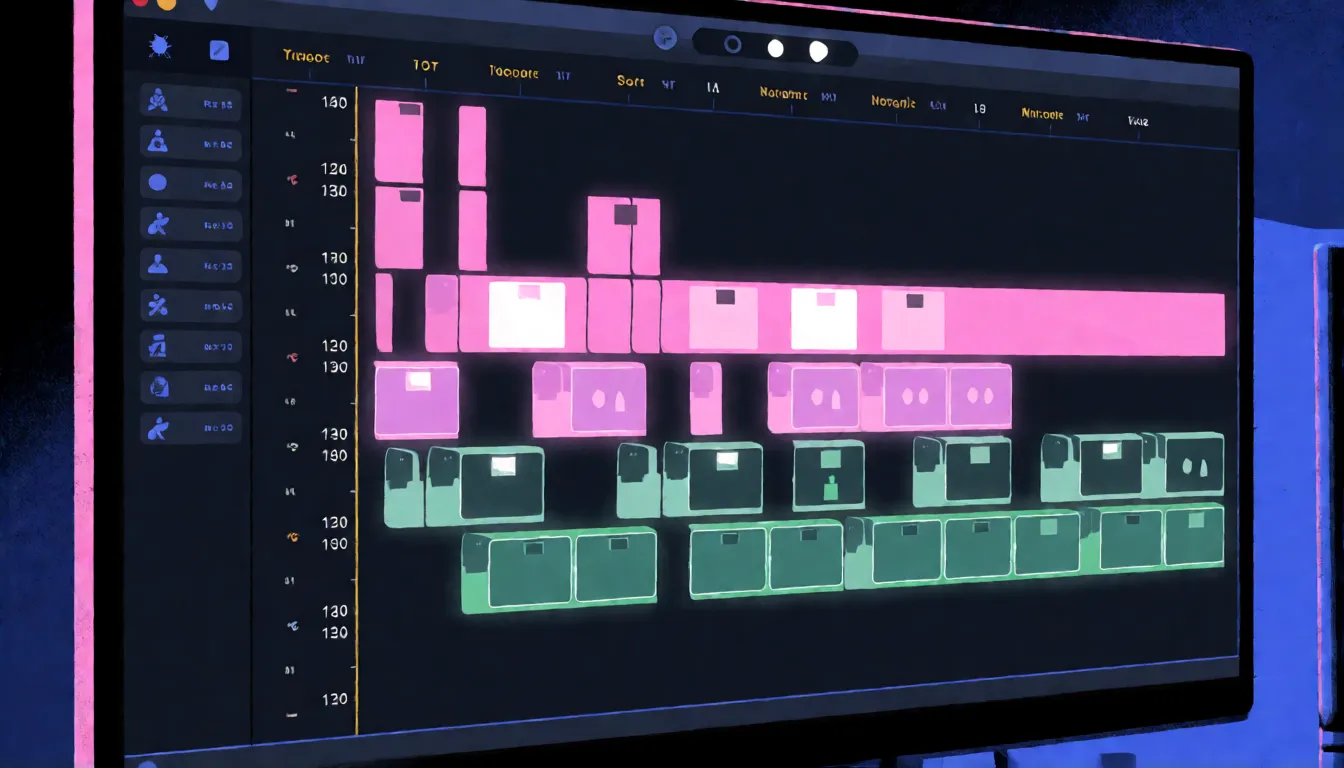
Prompt templates you can copy
Replace the bracketed parts and keep the structure. The timestamp templates use the 30-second length; the shot templates also work as a starting point in the H3 Turbo generator above, where your uploaded photo already defines the adult subject.
| Goal | Template |
|---|---|
| Multi-shot story | Shot 1: wide shot of [location], [subject] waits, [ambient sound]. Shot 2: close-up, [subject] turns and smiles. Shot 3: slow push-in as [action], soft [music]. |
| Timestamp scene | 0–10s: [subject] walks through [place], tracking shot. 10–20s: she stops at [object], camera circles. 20–30s: close-up, she says "[short line]". |
| Dance clip | [Subject] performs [dance style] to the beat of audio 1, full-body shot, quick cut to a low angle on the chorus, stage lights flashing. |
| Reference-led character | Use image 1 as the character and image 2 as the location; [subject] [action], camera [move], keep outfit identical to image 1. |
| Product spot | Image 1 is the product. Slow orbit around it on [surface], [light], then cut to [subject] using it; voice-over: "[tagline]". |
Step by step: a similar clip on Spicy AI
Spicy AI does not run this model, so this workflow uses MiniMax H3 Turbo, a different model, to get a similar short, prompted clip from your own photo. Expect a different look and shorter clips than the 30-second takes of the ByteDance model.
- 1. Open the image-to-video tool from the button at the top of this page; H3 Turbo is preselected.
- 2. Upload a clear photo of an adult subject that you own or have consent to use.
- 3. Paste a shot template from above and fill in action, camera, light and sound.
- 4. Generate a short clip first, check the motion, then change one element per retry.
- 5. For a longer story, render several short shots and join them in your editor.
Seedance 2.5 vs Wan 3.0 and MiniMax H3
Wan 3.0 also reaches 30 seconds at 1080p and accepts document and web input. Seedance adds a 50-asset reference pool, 10-bit 1080p and timestamp editing. MiniMax H3 is the opposite trade: open weights, 4 to 15 seconds with native stereo, and 2K through a re-render, while Seedance is closed and hosted. Pick on length, references, resolution and openness.
| Seedance 2.5 | Wan 3.0 | MiniMax H3 | |
|---|---|---|---|
| Open weights | No | No | Yes (base weights) |
| Max length | 30 s | 30 s | 15 s |
| Top resolution | 1080p 10-bit | 1080P | 2K via regeneration |
| Reference inputs | Up to 50 | Not compared | Up to 12 files |
| Special inputs | Timestamp edits, Draft mode | Documents and web pages | Native 32 kHz stereo |
What you can create
Dance and performance clips
Turn a stage or studio photo of an adult performer into a short dance clip with confident body motion.
Short romantic stories
Describe two or three beats in one prompt, such as a meeting, a close-up and an embrace.
Getting-ready and lifestyle scenes
Mirror shots, steamy bathrooms and morning routines animated from a single photo.
Prompt tips for Seedance-style results
- Pick a photo with the framing you want in the first frame, because Spicy AI animates from an image.
- Write shots in order ('Shot 1 … Shot 2 …'); results differ from Seedance because Spicy AI runs MiniMax H3 Turbo.
- Name the dance style or camera move explicitly, such as K-pop choreography or a slow orbit.
- Repeat outfit and lighting details in every shot to keep the look consistent.
- Only use photos of adults (18+) you have the right to use, and never animate a real person without consent.
Using official Seedance vs generating online on Spicy AI
| Official service | Spicy AI online | |
|---|---|---|
| Content filters | Set by ByteDance | No content filters |
| Open weights | No | Not needed — runs in the browser |
| Model | Seedance 2.5 | H3 Turbo |
| Price to start | Varies by plan | Free tier available |
- Image-to-video in the browser
- Free queue at 0 credits (sign in, daily limit)
- Portrait (9:16) and landscape (16:9) clips
FAQ
What is the biggest difference between Seedance 2.5 and 2.0?
The newer model renders up to 30 seconds per request instead of 15, accepts 50 references instead of 15, outputs 1080p at 10-bit, accepts stand-alone audio references and adds timestamp editing and Draft mode. Seedance 2.0 keeps 4K, which 2.5 lacks.
What is the model ID on BytePlus?
dreamina-seedance-2-5-260628.
Can it make a full short-drama episode?
One request covers up to 30 seconds, which fits a single beat or cold open. Most vertical episodes are longer, so creators combine several takes or extend a clip over multiple rounds.
Is it open source or uncensored?
Neither. There are no official weights, and same-named Hugging Face repositories are third-party wrappers. The service is moderated, and Spicy AI does not provide ways around that.
Does Spicy AI run Seedance?
No. Spicy AI's image-to-video tool runs MiniMax H3 Turbo on the free tier and Wan 2.6 on paid credits, so clips will not match Seedance output.
Is Spicy AI affiliated with ByteDance?
No. Spicy AI is an independent platform and is not affiliated with or endorsed by ByteDance. Seedance is a trademark of its respective owner.
Is it free?
You can start free: sign in and Spicy AI's free video queue animates your photo with MiniMax H3 Turbo at 0 credits, with a daily limit. The fast queue, other video models and longer clips use credits.
Sources
Spicy AI is not affiliated with ByteDance. Seedance and other product names are trademarks of their respective owners and are used here for identification only. All content must depict adults (18+).