AI Avatars: What They Are and How to Bring a Portrait to Life
AI avatars are digital stand-ins for a person or a character, created by AI from photos, video or a text description. The word covers several things: a stylized profile picture, a talking presenter that reads a script with matching lip movement, a face swapped into existing footage, or a live character that answers in real time. This guide explains each kind, how they differ, where AI avatars are used, how to make one and how to write prompts that look natural. Most avatar apps moderate what an avatar may say or show; to animate an adult portrait you own into a talking clip, Spicy AI's image-to-video tool does it in your browser.
Make a talking AI avatar video →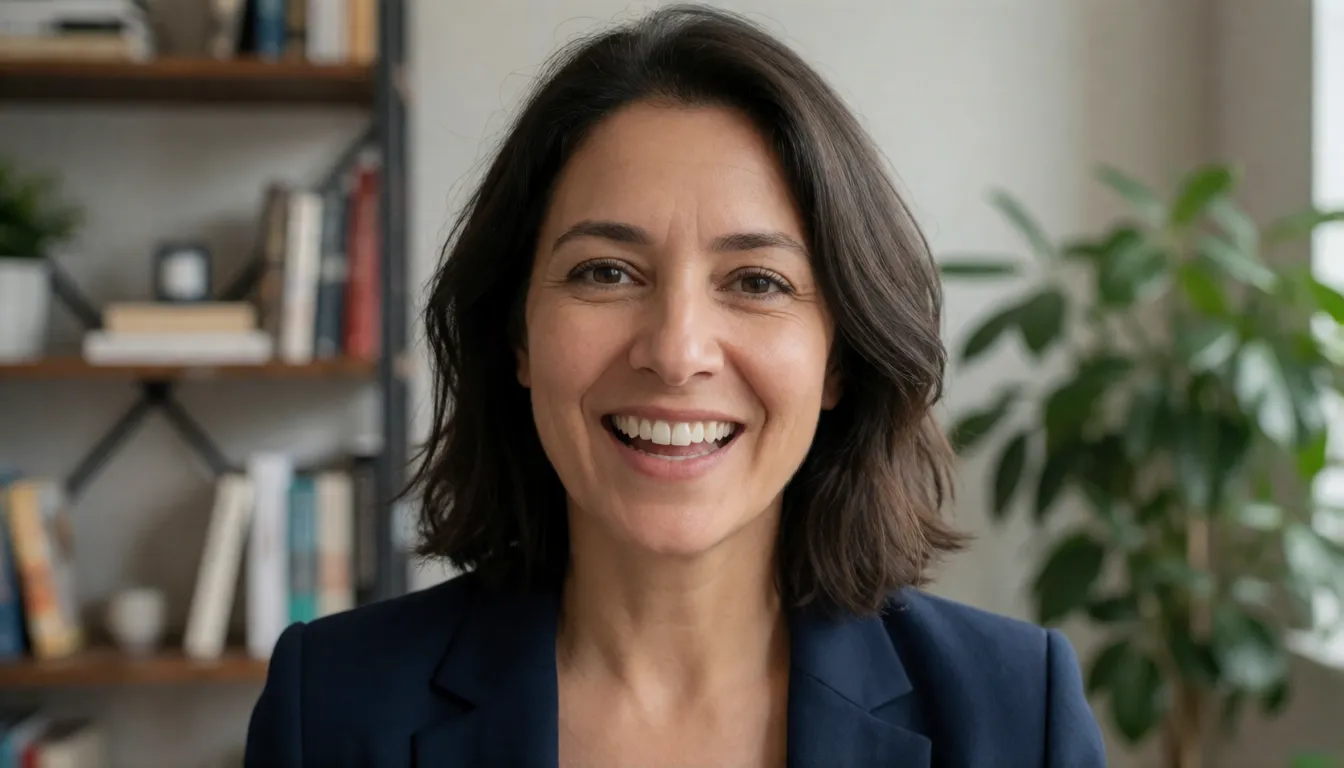
Uncensored AI Avatar Video Generator
Image to videoUpload a photo and describe the motion — Spicy AI animates it into a short clip.
Try a prompt
Example prompts are in English, which gives the most reliable results.
Types of AI avatars
Searches for AI avatars land on very different products, so it helps to name the type you want before choosing a tool. Static avatars are images: an AI profile picture in anime, 3D or oil-painting style, made from a handful of selfies. Talking avatars are videos: a photo or character speaks a script with synced lips, blinks and small head movement. Face swap avatars place one face onto someone else's body in an existing photo or clip. Real-time avatars run live in a video call, stream or customer chat, usually driven by a chatbot and synthetic voice. Stylized characters such as VTuber models, game heroes and mascots sit across all four.
| Type | Input | Output | Typical use |
|---|---|---|---|
| Static AI avatar | 5–20 selfies or a text prompt | Styled portraits | Profile pictures, gaming icons, dating photos |
| Talking avatar | One photo or short video + script or audio | Lip-synced video | Explainers, greetings, courses, social clips |
| Face swap avatar | A face photo + target image or video | Existing scene with a new face | Memes, costume tests, film previsualization |
| Real-time avatar | Character model + chatbot + voice | Live stream | Support desks, VTubing, companions |
| Stylized character | Sketch, prompt or 3D model | Anime, cartoon or 3D figure | Mascots, games, virtual influencers |
How AI avatars work: from a still portrait to a talking presenter
An avatar is any figure that represents you on a screen, a word computing borrowed from Sanskrit long before AI. AI avatars are the version generated by machine learning instead of drawn by hand or picked from a menu. A model studies a reference, such as one selfie, a set of photos, a short video or a written description, and produces a likeness it can repeat: the same face in new styles, or the same face speaking new words. The output can be a still image, a pre-rendered video or a live stream. What ties them together is identity: an AI avatar should stay recognizably the same person or character every time it appears, whether it is a game profile icon, a course presenter or a virtual influencer posting daily.
AI avatar vs face swap vs digital twin
These three are often mixed up. An AI avatar creates new footage or images of an identity: the scene, the words and the motion are generated. Face swap keeps someone else's footage and replaces only the face, so body language, voice and setting stay those of the original performer; it is quick for parody and costume ideas but is also the classic deepfake technique. A digital twin is the most personal kind of avatar, a model of one real person built from their own recordings and often paired with a cloned voice, so that person can appear in videos they never filmed. Every digital twin is an avatar; not every avatar is a twin.
| AI avatar | Face swap | Digital twin | |
|---|---|---|---|
| What is generated | New image or video of an identity | Only the face inside existing media | New video of one specific real person |
| Who it looks like | Anyone or any character | The swapped-in face | That person |
| Voice | Any voice or uploaded audio | Original audio of the clip | Usually a cloned voice |
| Main risk | Misleading realism | Impersonation and non-consensual deepfakes | Misuse of the person's likeness |
| Consent needed from | Anyone whose face is used | Both the face owner and the footage owner | The person being twinned |
AI avatar from a photo
The most common request is simply to make a photo talk. With one portrait, a model predicts how the face would move while speaking: mouth shapes for each sound, blinks, small nods and shoulder motion. A single photo is fast and works for characters and illustrations, but the model must invent what it cannot see, such as teeth, the side of the head or hands, so long takes and big head turns expose the trick. A short video of the person gives far more information and holds identity better. For a believable result, start from a sharp, front-facing, evenly lit portrait with the mouth closed and unobstructed.
- Good inputs: chest-up framing, neutral expression, eyes open, no sunglasses or hands near the face.
- Weak inputs: group photos, strong side profiles, heavy filters, low-resolution screenshots.
- Illustrated and anime portraits work too; keep the style clean and the face large in frame.
- Expect a few seconds per clip; chain short clips for longer messages.
How AI avatar lip sync works
A talking AI avatar has to solve three problems at once. Identity: the face, jaw line and skin must stay stable over hundreds of frames. Audio driving: a speech encoder turns the voice track into features, and the generator uses them to shape the mouth for each sound, which is why clean audio without music gives tighter sync. Motion: blinks, breathing and head movement have to look natural without pulling the mouth out of place. Some tools generate the whole face from audio; others only repaint the mouth area of an existing video. Long clips are usually built from overlapping chunks, which is where drift and color shifts appear.
Uncensored AI avatar: what changes without filters
An uncensored AI avatar is a talking portrait or character that is not blocked by the keyword and image filters most avatar apps run. Those filters often reject swimwear or boudoir portraits, flirty greetings, mature roleplay characters, horror makeup or blunt dialogue, even when the person in the photo is a consenting adult who owns the image. On Spicy AI you upload an adult portrait you have rights to, describe the expression, gaze and motion in a prompt, and the image-to-video tool animates it into a short clip. Fewer filters does not mean no rules: the line is drawn by consent and the law, not by mood or style.
Mainstream avatar apps filter both the pictures you upload and the lines an avatar may speak. Flirty voice greetings, mature roleplay characters, boudoir-style portraits or dark storytelling are often refused, even when every person involved is a consenting adult. Creators then look for an uncensored AI avatar tool. Spicy AI's image-to-video tool animates an adult portrait you have rights to from a text prompt and can take your own audio track. It does not lift the law: no minors, no real people without consent, and no deceptive deepfakes.
- Allowed: adult portraits you own or have permission to use, stylized characters, mature but consensual themes, your own voice track.
- Not allowed: anyone under 18 or who looks underage, real people without consent, impersonation of public figures, deceptive deepfakes.
- Results are short clips animated from one image, not a trained digital twin, so plan longer videos as several shots.
Animate an adult portrait into an uncensored AI avatar clip.
Try the uncensored AI avatar →How to make an AI avatar
The route depends on what you start from: a portrait, footage of a real presenter, or a character idea. Hosted apps handle everything in a browser; open-source talking-head models can be run on your own graphics cards if you need private data or custom pipelines, at the cost of setup time and hardware. On Spicy AI the browser route takes a few minutes and suits adult creators who want to animate a portrait they own.
- 1. Decide the type: profile image, talking clip, swapped scene or live character.
- 2. Prepare the reference: a sharp front-facing portrait, or 15–60 seconds of steady, well-lit video.
- 3. Write the script or record a clean voice line; keep sentences short.
- 4. On Spicy AI, open image-to-video, upload the portrait, attach audio if you have it and describe tone, gesture and framing.
- 5. Generate a short test, check lips and identity, then refine the prompt before making more clips.
Have a portrait and a short voice line ready? Animate it into a talking clip in your browser.
Open the avatar video tool →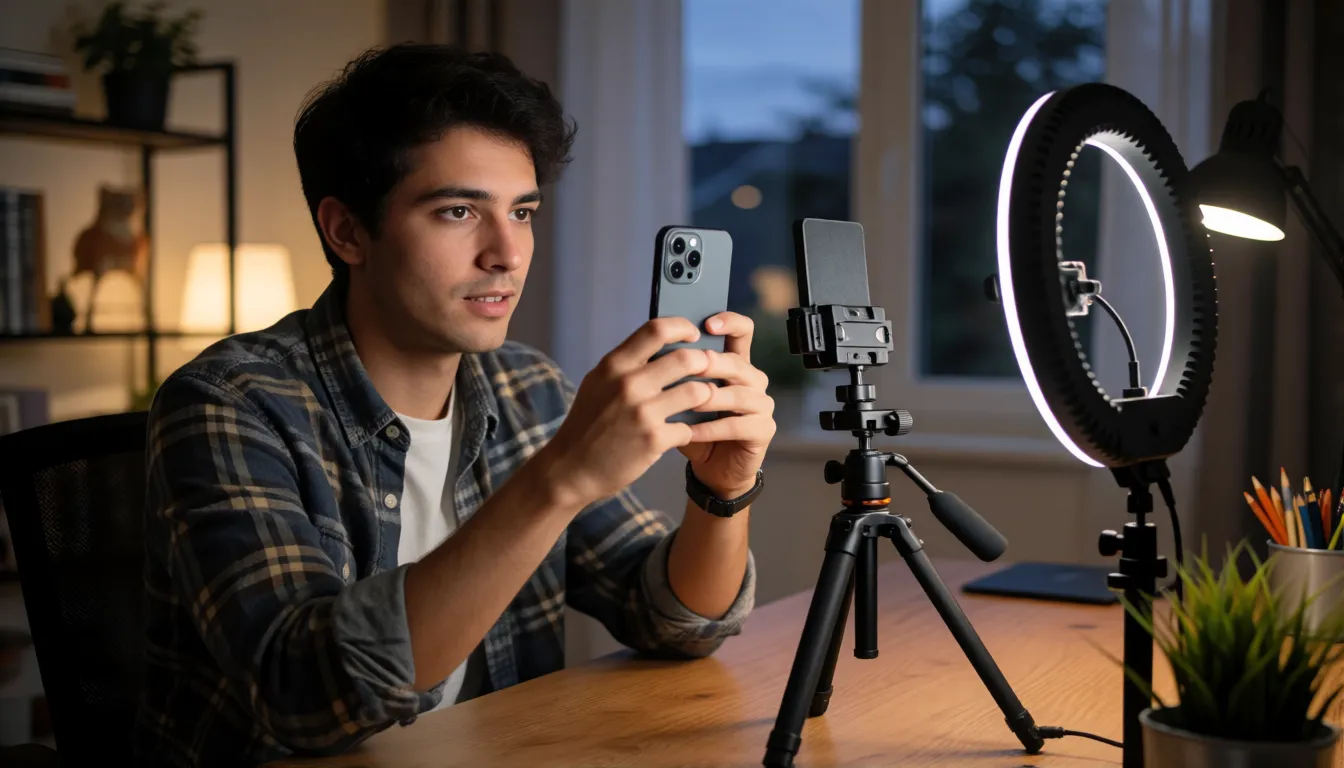
How to write scripts and prompts for talking avatars
Talking presenters live or die by their scripts. Write short spoken sentences with few clauses, spell numbers the way they are said, and keep one idea per line. English narration runs at roughly 140 to 160 words per minute, so a 15-second clip holds around 35 to 40 words; read it aloud and adjust. For photo-to-video prompts, describe only what should change: who speaks, the line, the tone, small gestures, framing and light. Exaggerated motion breaks lip sync, so ask for subtle nods rather than big turns.
- Order: speaker, spoken line in quotes, tone, gesture, framing, light.
- One sentence of dialogue per 5-second clip; split longer scripts into segments.
- Framing: head-and-shoulders or chest-up keeps the mouth large enough to sync.
- Light with a source: soft key light from the left, window light, warm lamp.
- Avoid hands near the mouth, hair over the lips and fast head turns.
- Describe every person as an adult and use only faces you have rights to.
AI avatar prompt templates you can copy
Fill in the brackets and keep the order. Each template assumes you upload a clear portrait of an adult who agreed to it; if you attach your own audio, drop the quoted line and describe only expression and gesture.
| Goal | Template |
|---|---|
| Presenter intro | [Person] looks into the lens and says "[short line]" in a warm, confident tone, head-and-shoulders framing, soft studio key light, subtle nods. |
| Course lesson | [Person] explains calmly to camera, small open-hand gestures, bookshelf background softly blurred, natural window light, steady locked-off shot. |
| Personal message | [Person] smiles and says "Hi [name], I made this for you", leans slightly forward, bright room light, shallow depth of field. |
| Character greeting | [Stylized adult character] winks and whispers "[line]", gentle hair movement, neon backdrop, slow push-in. |
| Social hook | Vertical close-up: [person] raises an eyebrow and says "[hook question]", ring-light catchlights, small quick head tilt. |
Realistic AI avatar checklist
Every avatar app calls its results lifelike, but realism is something you can test yourself. Generate the same three short scripts, one calm, one fast and one emotional, a few times each, score them from 1 to 5 and compare tools on identical text and the same portrait. Watch the clip at full size and on a phone, because small screens hide flaws that a laptop shows.
- Identity drift: does the face still match the photo at the end of the clip?
- Fast speech: a tongue-twister shows whether the mouth keeps up.
- Teeth and tongue: look for smearing on open vowels.
- Eyes: natural blinks and gaze, not a fixed stare.
- Edges: hair, ears and background should not shimmer.
- Red flags: frozen shoulders, audio drifting out of sync, color shifts between chunks.
Where AI avatars are used
AI avatars spread wherever the same face has to say many slightly different things, or where people want a face online without showing their own. Training and onboarding teams update a lesson by editing text instead of reshooting. Marketers test avatar presenters in vertical ads and personalized sales clips. Localization turns one recording into many languages with re-synced lips. Streamers and VTubers perform as anime or 3D characters, short-drama studios prototype scenes with stylized casts, and gamers and dating-app users refresh profile pictures in new styles. Adult creators use photo-to-video tools for flirty greetings and character clips that mainstream apps refuse.
| Field | How avatars are used | What matters most |
|---|---|---|
| Education and training | Course presenters, onboarding lessons | Clear speech, easy updates |
| Marketing and sales | Ad hooks, product explainers, personal outreach | Short, vertical, many variants |
| Localization | One video in many languages | Lip sync and a native-speaker check |
| Streaming and VTubing | Live anime or 3D personas | Real-time tracking, privacy |
| Short drama and entertainment | Stylized casts, parody, previz | Character consistency |
| Social and dating profiles | Styled profile pictures | Recognizable but flattering |
| Adult creators (18+) | Flirty greetings, character clips | Consent and an uncensored tool |
Popular AI avatar ideas and trends
Beyond business video, most people meet AI avatars through social trends. Styled selfie packs that reimagine you as an anime hero, a Renaissance portrait or a sci-fi pilot go viral every few months. Talking-photo clips bring old family pictures or illustrated characters to life for a few seconds. Face swap memes drop friends into film scenes. Virtual influencers post daily as entirely fictional people, and AI companions give a chatbot a face and voice.
- Character greetings: a stylized adult character says a short line for a profile or fan page.
- Style-swap portraits: the same face as anime, comic, cyberpunk or vintage film.
- Talking memes: a pet-style mascot or cartoon delivers a punchline.
- Story teasers: two avatars trade one line each to preview a short drama.
- Multilingual hellos: one portrait greets viewers in several languages.
Free AI avatar video generators: what to expect
Plenty of tools advertise free AI avatars, but free almost always means a trial. Typical limits are a few short clips, a visible watermark, lower resolution, a small set of stock presenters, no commercial use and slow queues. Unlimited free generation is rare and usually means your uploads are used for training or the output is heavily branded. Before uploading a face, read how long the service keeps photos, whether it trains on them and how to delete them. Free tiers are fine for testing whether a talking avatar suits your idea; for regular publishing, compare what the paid plan actually adds.
FAQ
What are AI avatars?
AI avatars are digital likenesses of a person or character generated by AI. They can be still profile images, talking videos with lip sync, faces swapped into existing footage, or live characters in a stream or chat.
Is an AI avatar the same as a face swap?
No. An AI avatar generates new images or video of an identity. Face swap keeps existing footage and only replaces the face, which is why it is more often linked to impersonation and needs consent from everyone involved.
Can I make an AI avatar from one photo?
Yes. One sharp, front-facing portrait is enough for a short talking clip. Video references hold identity better over long takes and big head turns.
Are AI avatar generators free?
Most offer a limited free trial with watermarks, short clips or lower resolution. Read the privacy terms before uploading a face, especially whether photos are kept or used for training.
Does Spicy AI build a digital twin of me?
No. Spicy AI animates one portrait into a short clip and can use an audio track you upload. It does not train a reusable twin or stream real-time avatars.
Is it free?
You can start free: sign in and Spicy AI's free video queue animates your portrait at 0 credits, with a daily limit. The fast queue and longer clips use credits.