AI Video · Kuaishou Kling AI
Kling 4.0: Half-Minute One-Take Videos with Characters That Stay in Character
Kling 4.0 is the newest video model from Kling AI, the creative studio inside Kuaishou. It went live for everyone on October 15, 2026, and it is built for creators who are tired of stitching four-second clips together: one generation can now run up to 30 seconds, a single prompt can pull from up to 15 reference files, and up to 10 keyframes let you plan the story beat by beat. Fast chases and sweeping camera moves also hold together better than before. Here is what the release means for short dramas, ads and music videos, how it compares with Kling 3.0 and the Flash tier, and prompt templates you can copy today.
Note: official Kling 4.0 does not currently support uncensored generation; prompts and outputs are moderated. For 18+ adult scenes, you can use the uncensored video generator provided by Spicy AI instead. Open Spicy AI's uncensored video generator →
- Up to 30-second shots
- 15-file references
- 10 keyframes
Why the New Release Feels Like a Director's Upgrade
Earlier AI video tools were great at short, pretty moments and weak at anything that needed to unfold. Kling 4.0 targets exactly that gap. Kuaishou's launch announcement lists three headline gains: large, fast motion stays stable, a single native generation reaches 30 seconds, and the new Omni Reference system accepts up to 15 reference assets plus up to 10 keyframe images. Put together, those changes let one prompt carry a whole scene, such as a conversation, a product demo or a chase, rather than a single gesture.
The rollout came in two steps. The Flash tier opened first on September 28, 2026 as early access for top-tier annual subscribers, and the full model reached all users on October 15. It remains a closed service: you use it on the Kling AI website and apps, there are no downloadable weights, and Kuaishou has not yet announced a date for developer API access to the new version.
Kling 3.0 Was Already Popular. Here Is What 4.0 Adds
Kling 3.0, released in January 2026, built a big following among short-video makers for its native audio and strong image-to-video results. Kling 4.0 keeps that foundation and stretches every limit that creators complained about. The clearest gain is length: a single shot doubles from 15 to 30 seconds, which is long enough for a full line of dialogue or an entire product pitch without a cut.
| Kling 3.0 | Version 4.0 | |
|---|---|---|
| Longest single generation | 15 seconds | 30 seconds |
| Frame control | First and last frame | First and last frame plus up to 10 keyframes |
| References | Separate image and video elements | One pool of up to 15 elements |
| Named-speech languages | 5 | 9 |
| Audio | Native audio | Native stereo (two-channel) audio |
| Prompt length | Shorter prompts | Up to 8,000 tokens |
| 4K output | Added in April 2026 | Supported |
- Strength: whole scenes in one pass, so characters, lighting and wardrobe stay consistent across the clip.
- Strength: stereo sound and longer prompts make dialogue scenes and timed beats easier to describe.
- Trade-off: 4K is not new in this version; it arrived on the 3.0 line in April 2026.
- Trade-off: longer, higher-resolution clips are expected to use more credits, so drafts are best kept short.
Kling 4.0 Flash or the Full Model?
Kling 4.0 Flash is the quick, everyday tier of the release. Kuaishou positions it for high-frequency creation, and it is the version early-access subscribers tried first. It supports text-to-video, image-to-video and Omni Reference, but output is capped at 720p, standard dynamic range and 20 seconds, and the published spec sheet does not list keyframes. The full model is the one to reach for when a project needs the full 30 seconds, keyframe planning or 1080p and 4K delivery.
| Flash tier | Full model | |
|---|---|---|
| Clip length | 3 to 20 seconds | 3 to 30 seconds |
| Resolution | 720p only | 720p, 1080p, 4K |
| Dynamic range | 8-bit SDR | 10-bit HDR announced, rolling out |
| Keyframes | Not listed | First and last frame plus up to 10 |
| Best for | Fast drafts and testing ideas | Final cuts and long scenes |
A practical workflow many creators follow: draft the idea on Flash, then re-run the winning prompt on the full model for the final export.
Omni Reference and Keyframes: Direct the Shot, Don't Roll the Dice
Omni Reference is a single pool where you drop everything the video should respect. According to the published spec, it holds up to 15 elements: as many as 10 images, up to 5 video clips totaling 30 seconds, and up to 7 saved subjects (characters or objects), of which at most 3 can be built from video. A voice sample can be added as a sound reference, which is the only kind of audio input the model accepts.
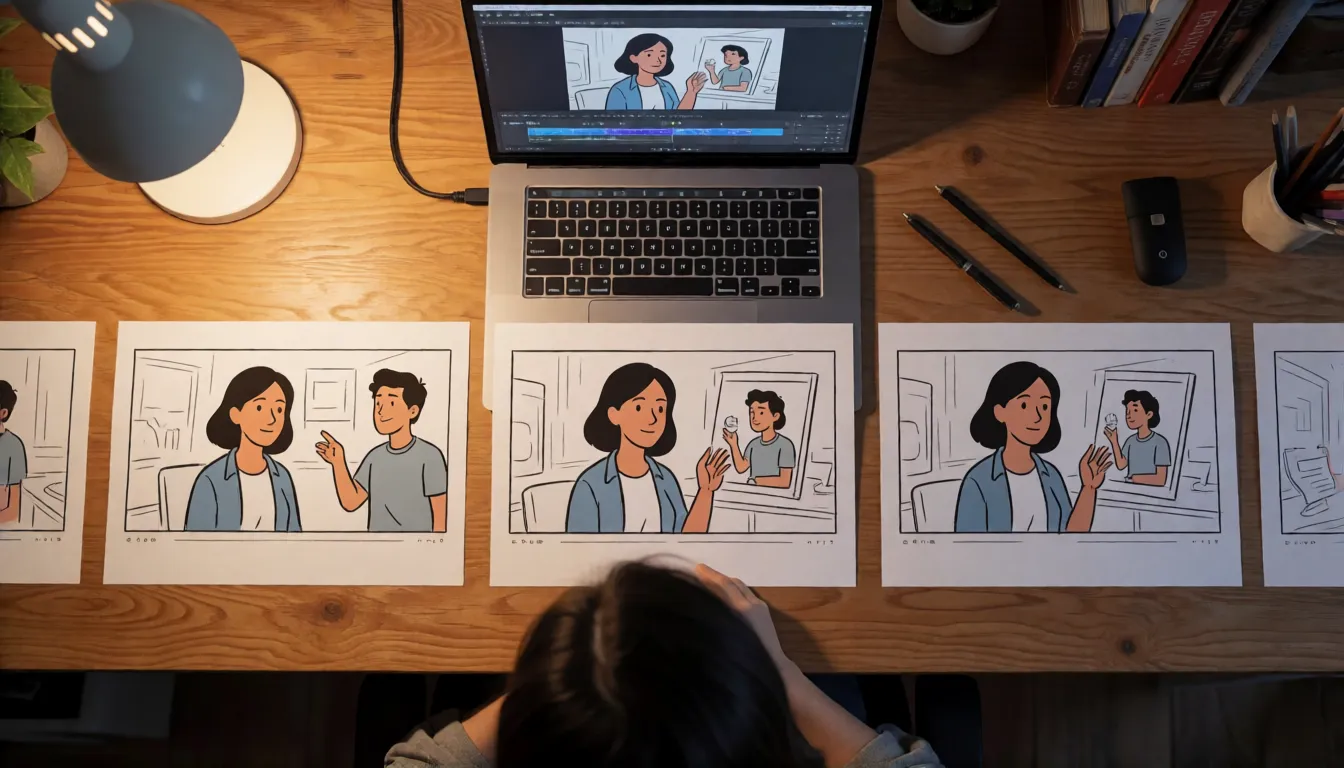
Keyframes are the second half of the control story. Besides a first and last frame, you can pin up to 10 images along the timeline, so a storyboard can become the skeleton of the clip. Each keyframe works like a checkpoint: the model fills the motion between them while keeping the same face, outfit and set, which is why storyboard artists and short-drama teams have paid the most attention to this release.
Where It Shines: Dramas, Ads, MVs and Action
Because one clip can now hold a complete beat, the most natural uses are formats that used to need several stitched shots. These are the scenarios the new limits are built for, based on the features Kuaishou describes:
- Short dramas and comics: play an entire two-person exchange in one take, lock both leads as subjects, and use keyframes to hit each plot turn.
- Ads and live-commerce clips: add the product photo and a model photo as references and render a vertical 9:16 pitch that runs the full half minute.
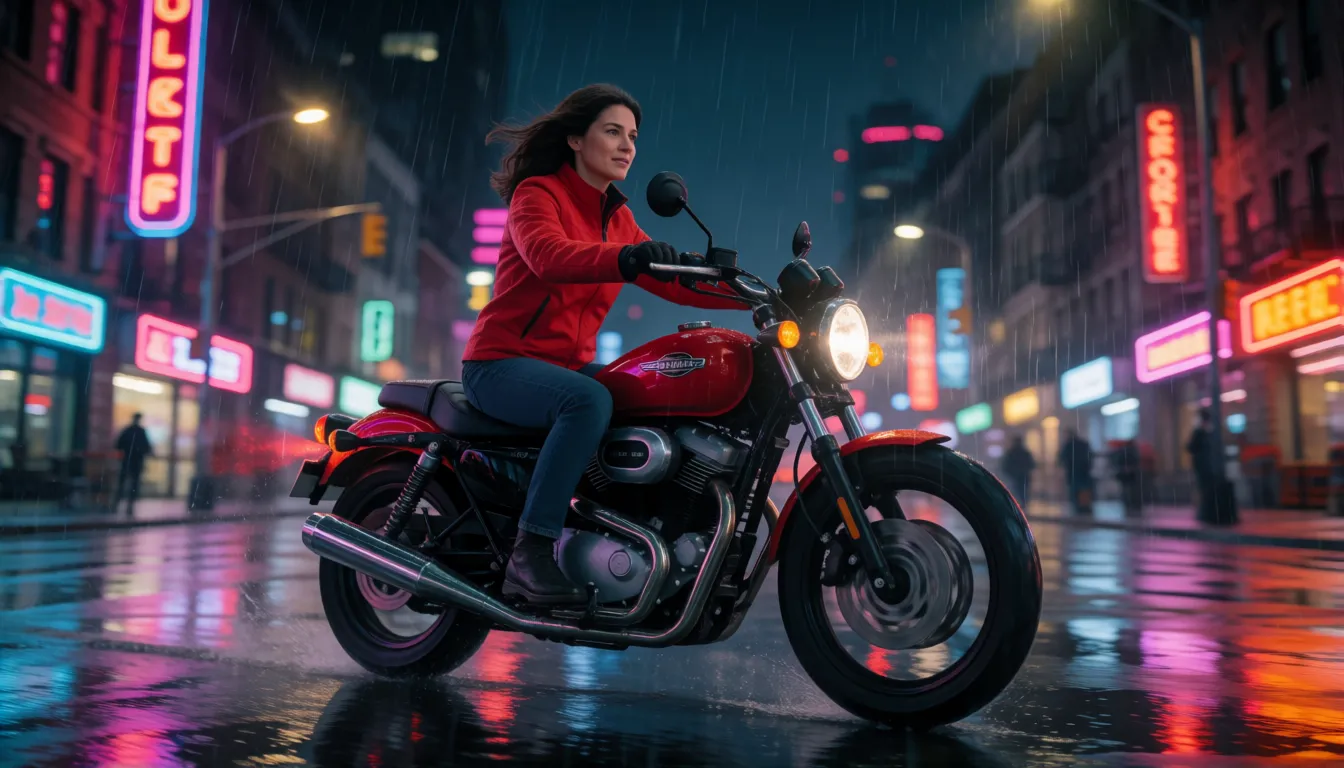
- Action and camera work: motorcycle chases, fight choreography and drone fly-throughs, the high-speed motion the launch specifically calls out as steadier.
- Music videos: line keyframes up with chorus hits so outfit changes and location jumps land on the beat.
- Storyboard to screen: feed a sequence of drawn panels in as keyframes and get a first animatic in a single generation.
- Remix and edit: combine up to 5 existing clips, 30 seconds in total, and rewrite them with a new prompt.
How to Use It, Step by Step
Getting a first Kling 4.0 clip takes a few minutes on the Kling AI website or app. Follow this order so the model has everything it needs before you spend credits:
- Pick the model: the Flash tier for quick tests, or the full model for final output.
- Choose the mode: text-to-video, image-to-video, or Omni Reference when you have several assets.
- Upload references: character photos, product shots, short video clips and, if you want a set voice, a voice sample.
- Set the frame plan: first and last frame, any keyframes, clip length and aspect ratio (21:9, 16:9, 1:1, 9:16 or Auto).
- Write the prompt in time order, then generate a short draft before committing to a long, high-resolution render.
Is it free? Kling AI runs on a credit system, and Kuaishou had not published per-clip credit costs for the new model at launch, so check the in-app price before long renders. The same goes for the API: Kling offers developer access for earlier versions, but no public date has been announced for this one.
Kling 4.0 Prompt Templates You Can Copy
Prompts can now run up to 8,000 tokens, but longer is not automatically better. What works is structure: write the scene in the order it happens, refer to each character by its reference tag, put the camera move at the start of the sentence, and give sound its own line. Swap the bracketed parts for your own scene.
One continuous shot
30-second single continuous shot. [Subject] walks through [location]. Camera dollies behind, then orbits to the front. Golden hour, handheld feel. Sound: ambient city noise.
Keyframe storytelling
Keyframe 1 (0s): [opening moment]. Keyframe 2 (8s): [turning point]. Keyframe 3 (18s): [payoff]. Smooth transitions, same character, same outfit throughout.
Reference tags
@Character1 (ref image 1) talks with @Character2 (ref video 1) in @Location (ref image 3). @Character1 speaks with voice ref 1.
Action scene
High-speed motorcycle chase on a rainy street at night. Low-angle tracking shot, motion blur, stable anatomy, 21:9 widescreen.
Early Buzz: What Creators Are Watching
The full release is only days old, so there are no large independent benchmarks of Kling 4.0 yet. The conversation among early users centers on four things. Length comes first: a 30-second take changes how people plan scenes. Next is character consistency across that longer clip, especially with several subjects in frame. Third is credit use, since long 4K renders are expected to sit at the top of the price range. Last is HDR: the launch announcement mentions 10-bit HDR, while the release notes describe 1080p and 4K HDR as coming soon, so treat it as rolling out until Kling confirms otherwise. Video extension up to two minutes is likewise labeled as coming soon.
Uncensored, Open-Source and Rival Options
There is no Kling 4.0 uncensored or NSFW build. The model is closed, has no open weights, and the official platform moderates prompts and outputs under its user terms, so explicit adult content is refused. People searching for a less restricted version usually end up with open-weight video models they can run on their own hardware: Wan 2.2 from Alibaba's Wan team, which has a large community of fine-tunes, and Lightricks' LTX-2 family.
Among closed rivals, ByteDance's Seedance 2.0 and Google's Veo are the names most often compared with Kling 4.0. All three are moderated services, so the choice comes down to clip length, reference control, motion quality and how each one handles your visual style. A fair test is to run the same storyboard through each and compare consistency at the end of the clip, where long generations usually drift first.
Uncensored Alternative Video Generator
The official model runs with content moderation and has no uncensored edition. For adult (18+) scenes it refuses, upload a starting photo on Spicy AI's image-to-video page and animate it with prompts like these. Popular adult ideas include a fictional character's bikini beach vlog, a lingerie-style runway walk and a nightclub dance clip.
Try a prompt
- Start frame: an adult woman in a red leather jacket on a motorcycle at a neon crossroads. She revs off into the rain, camera tracks low beside her, then swings ahead to face her
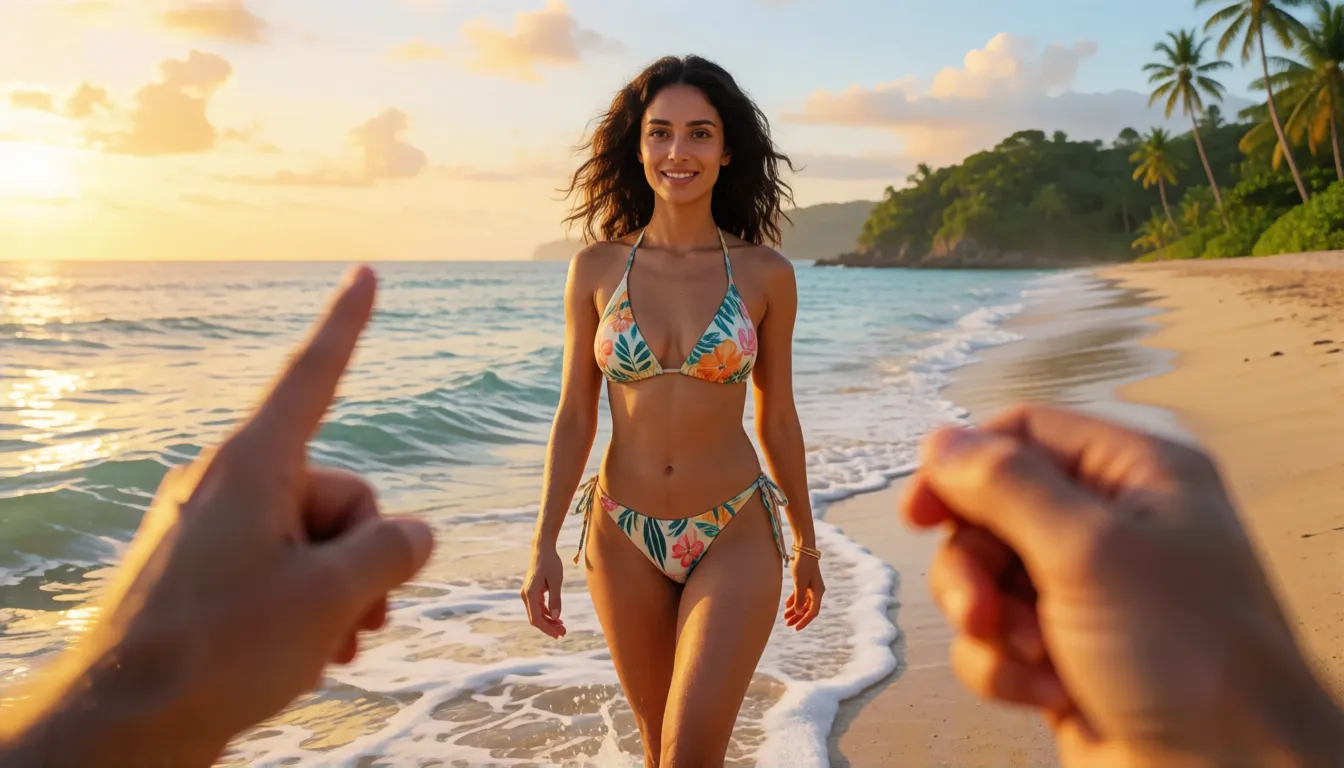
- An adult woman in a white bikini walks along a golden-hour shoreline toward the camera, laughs and brushes wet hair back, handheld vlog feel, waves crashing
- Two adult dancers in sequined outfits spin under club lights, camera orbits them in one continuous move, confetti falls on the beat
- An adult model in a silk robe turns from a hotel window to the camera and smiles, slow push-in, warm lamp light, soft city hum
Example prompts are in English, which gives the most reliable results. All characters must be adults.
Open image to videoUsing Official Kling 4.0 vs Generating on Spicy AI
| Official service | Spicy AI online | |
|---|---|---|
| Content filtering | Moderated under Kling AI user terms | Adult (18+) content allowed |
| Open weights | No, closed service | Not applicable, runs online |
| Model actually used | The full model or its Flash tier | Spicy AI's own video models |
| Price | Credits; per-clip cost for 4.0 not published at launch | Free to start, credits for more |
- Official: 30-second takes, Omni Reference and keyframes on the Kling AI platform.
- Spicy AI: start from your own photo and animate it in the browser.
Frequently Asked Questions
When was Kling 4.0 released?
The Flash tier opened as early access on September 28, 2026, and the full model went live for all users on October 15, 2026, according to Kuaishou's announcement.
How long can a clip be?
A single native generation runs up to 30 seconds on the full model and up to 20 seconds on Flash. Extending videos to two minutes is listed as coming soon.
Does it support 4K and HDR?
4K is supported, a feature the 3.0 line already gained in April 2026. 10-bit HDR is mentioned in the launch news but described as coming soon in the release notes, so check the current status in the app.
What is Omni Reference?
It is a shared reference pool of up to 15 elements: up to 10 images, up to 5 video clips totaling 30 seconds, and up to 7 subjects. Combined with up to 10 keyframes, it keeps characters and story beats under control.
Is there a price list or an API?
At launch, Kuaishou had not published per-clip credit costs or an API date for the new version. Earlier Kling versions are available to developers, so watch the official release notes.
Is there an uncensored or open-source Kling 4.0?
No. It is a closed, moderated service with no open weights. Open-weight video models such as Wan 2.2 and LTX-2 are the usual picks for people who want to run video generation themselves.
Sources
More AI Video Models
- Uncensored Kling
- Uncensored Kling 2.6
- Uncensored Kling O1
- Uncensored Kling 3.0
- Uncensored Sora
- Uncensored Veo
- Uncensored Hailuo AI
- Uncensored MiniMax H3 Max
- Uncensored Wan
- Uncensored Wan 3.0
- Uncensored Seedance
- Uncensored Seedance 2.5
- Uncensored Seedance 2.0
- Uncensored Seedance 2.0 Mini
- Uncensored HunyuanVideo
- Uncensored LTX Video
- Uncensored Runway
- Uncensored Pika
- Uncensored Luma Dream Machine
- Uncensored Vidu
- Uncensored PixVerse
- Uncensored EdenLive
- Uncensored Grok Imagine
- Uncensored AI Avatars
- Uncensored HappyHorse 1.0
- Uncensored MiniMax H3 FL2VA Ref2VA
- Uncensored MiniMax H3 RefMods
- Uncensored Kandinsky 6.0
Kling and Kuaishou are trademarks of their respective owners. All content must depict adults (18+).