
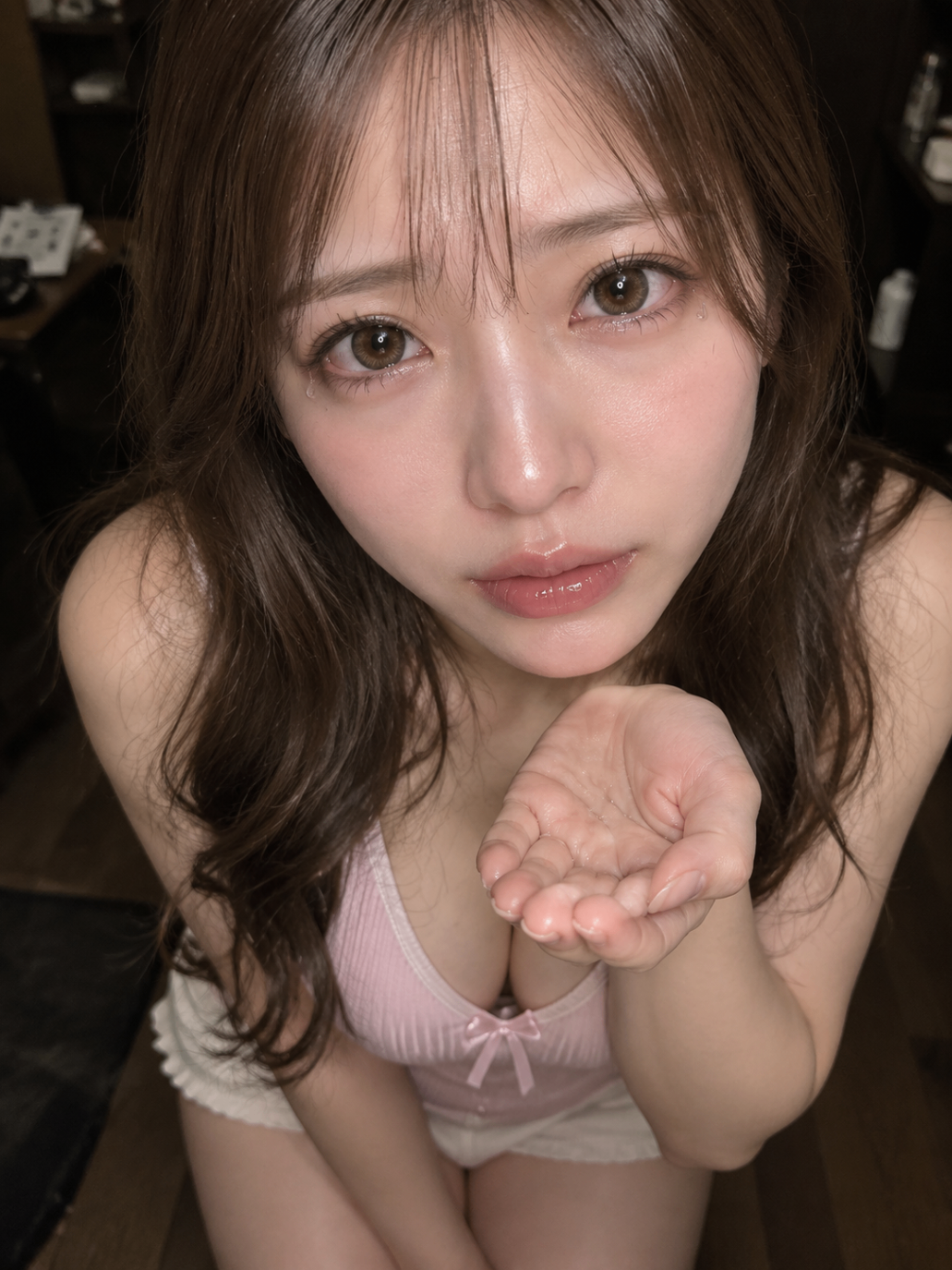
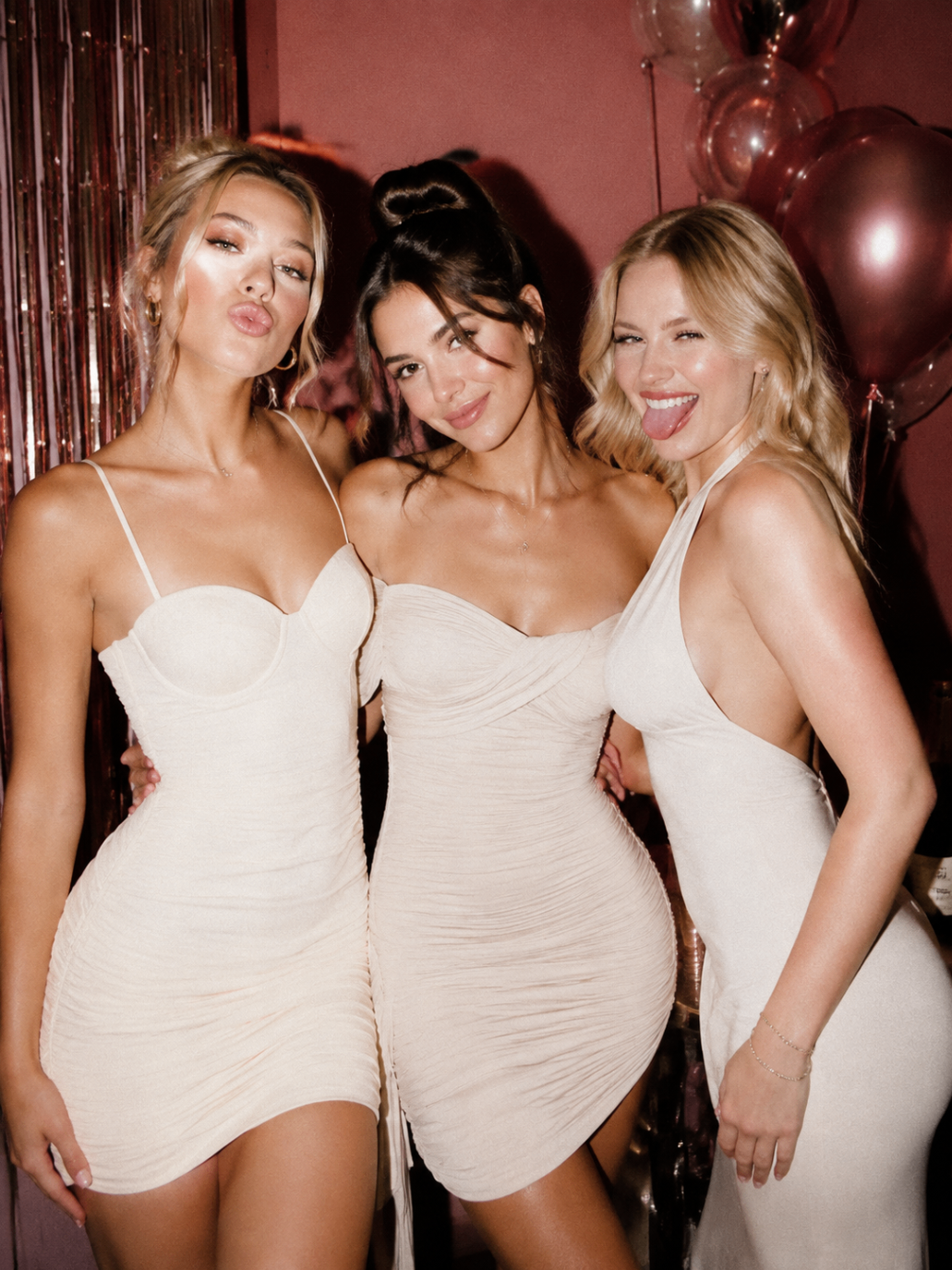
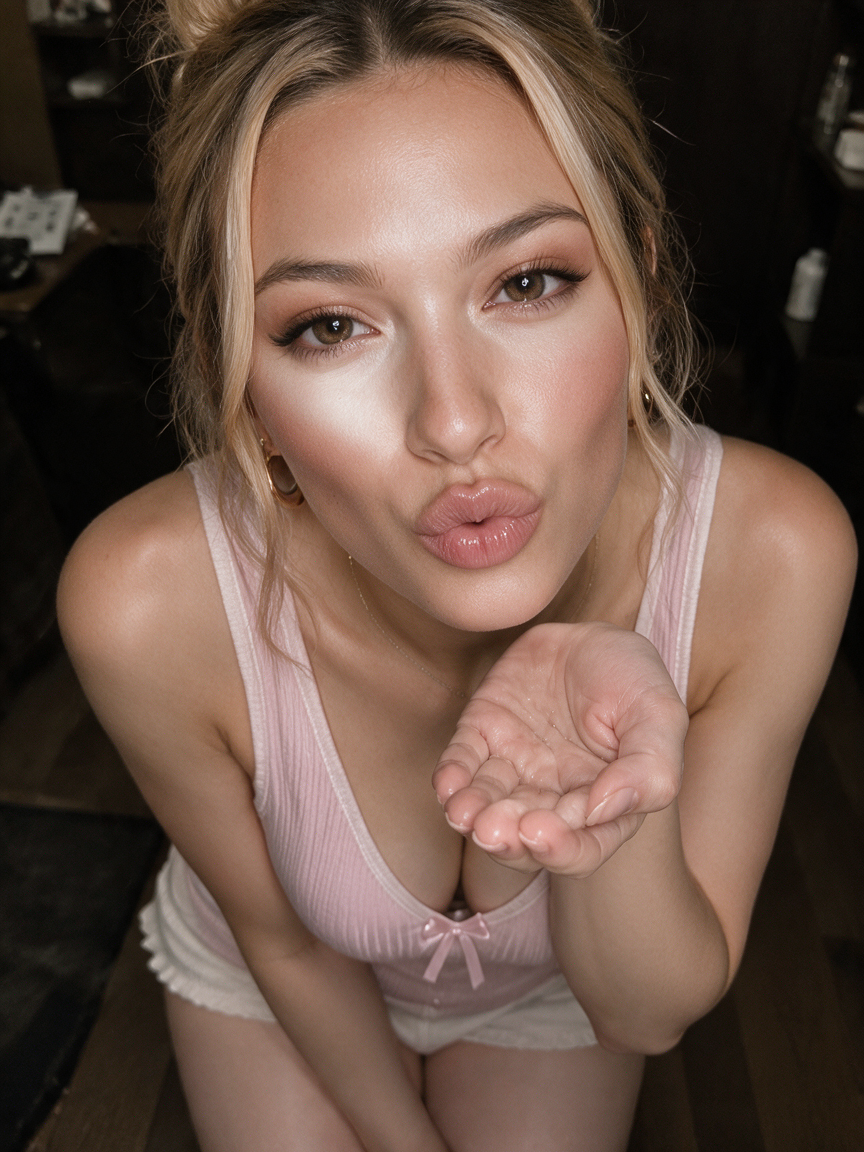
Uncensored AI Face Swap with a Reference Photo
Spicy AI offers uncensored AI face swap for photo edits guided by a base image and a reference portrait. Use AI face swap to try a different character appearance in an existing scene, explore a portrait concept, or compare a new look without rebuilding the composition. The base photo provides the body, outfit and background; the reference provides the replacement head.
How to Use AI Face Swap Online
- Choose your base photo. Upload the scene you want to keep. A photo with one main person makes the intended subject clear.
- Add a head reference. Choose a portrait with a visible face and hairstyle. This image supplies the appearance for your AI face swap, rather than the clothing or scene.
- Generate and compare. Sign in, check the displayed credit cost and generate. No prompt is needed. Review the result against both source photos before downloading.
Face Swap and Full Head Replacement
This AI face swap tool replaces the full head, including facial features and hairstyle. It is useful when a character edit needs more than a change to the face alone. The goal is to preserve the base image outside the head, but generated details can vary. Check the hairline, neck connection, skin tone and lighting in the finished image.
Better Reference Photos for AI Face Swap
Start with a sharp reference that shows one person clearly. Similar head angles and lighting give the model less to reinterpret. Heavy filters, faces covered by hair, and distant subjects can make reference features harder to preserve. If the result resembles the base face too closely, try a clearer reference portrait. Uncensored AI face swap does not guarantee an exact likeness or an identical result on every attempt.
AI Face Swap Questions
Do I need to write a prompt?
No. Upload the two photos and use the generate button. The reference photo guides the replacement appearance.
Can I keep the original hairstyle?
The tool uses the head reference for both the face and hair. Choose a reference with the hairstyle you want, rather than expecting a face-only edit.
Does uncensored AI face swap require an account?
Yes. Sign in to upload photos and generate. The button shows the credit cost before submission; the Example can be viewed before signing in.