
What is a talking avatar?
A talking avatar is a video where a still portrait or character image is animated to speak with lip movements synced to an audio track — no camera or actor needed.
Enter a prompt and click "Generate Video" to start creating! Your videos will appear here.
Spicy AI's talking avatar generator transforms a still portrait and audio clip into a natural lip-synced video. Perfect for social clips, character content, explainers, and fast visual storytelling — without restrictive content filters.
Upload a reference image and an audio file, pick Avatar AI or Lip Sync mode, and generate expressive talking head videos in minutes. No camera, studio, or complex editing timeline required.
Video generation uses paid credits or your own API Key. See pricing for credit packs and API Key options.
Start with any portrait or character image and pair it with your voice or audio track.
Generate realistic mouth movements and facial expression synced to your audio.
Create new talking videos from photos, or re-sync existing video with new audio.
Minimal content filtering so your character clips and creative projects aren't blocked mid-flow.
Upload a portrait or character image plus an audio clip — Spicy AI animates the face with synchronized lip movements and natural expression.
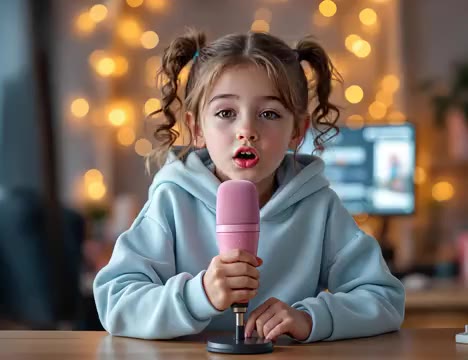
Source portrait
Talking avatar result
Ideal for social content, virtual presenters, character clips, and quick explainers without filming on camera.
Volc OmniHuman produces lifelike talking head videos with smooth facial animation synced to your audio.
Upload voice recordings, narration, or any audio track — the avatar lip-syncs automatically.
Already have footage? Re-dub any video with new audio using our Lip Sync Pro model.
Generate, review in history, and iterate — all in one workspace without leaving the page.
Whether you need a digital presenter, anime character, or realistic portrait clip, Spicy AI keeps visual identity consistent while the mouth and expression follow your audio.
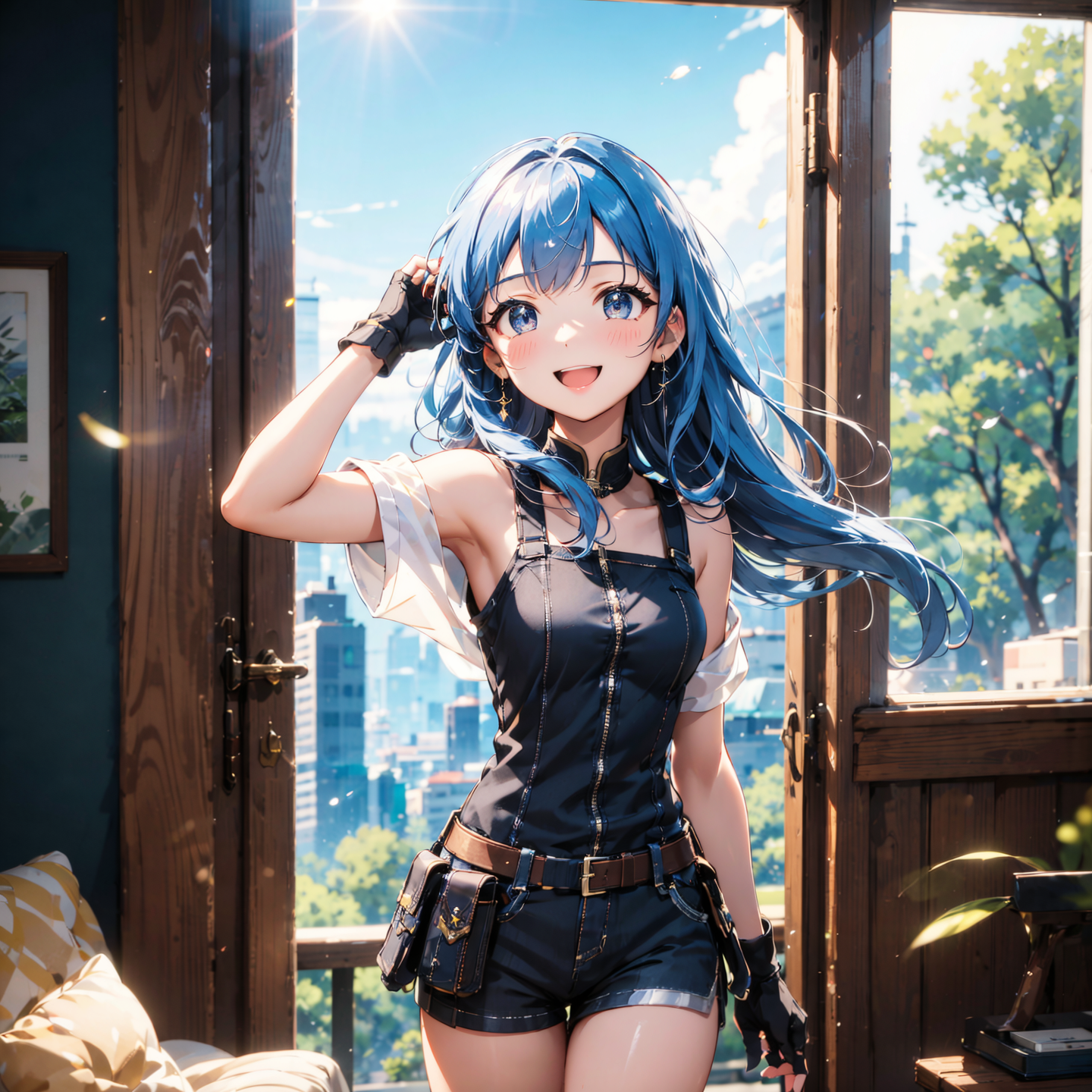
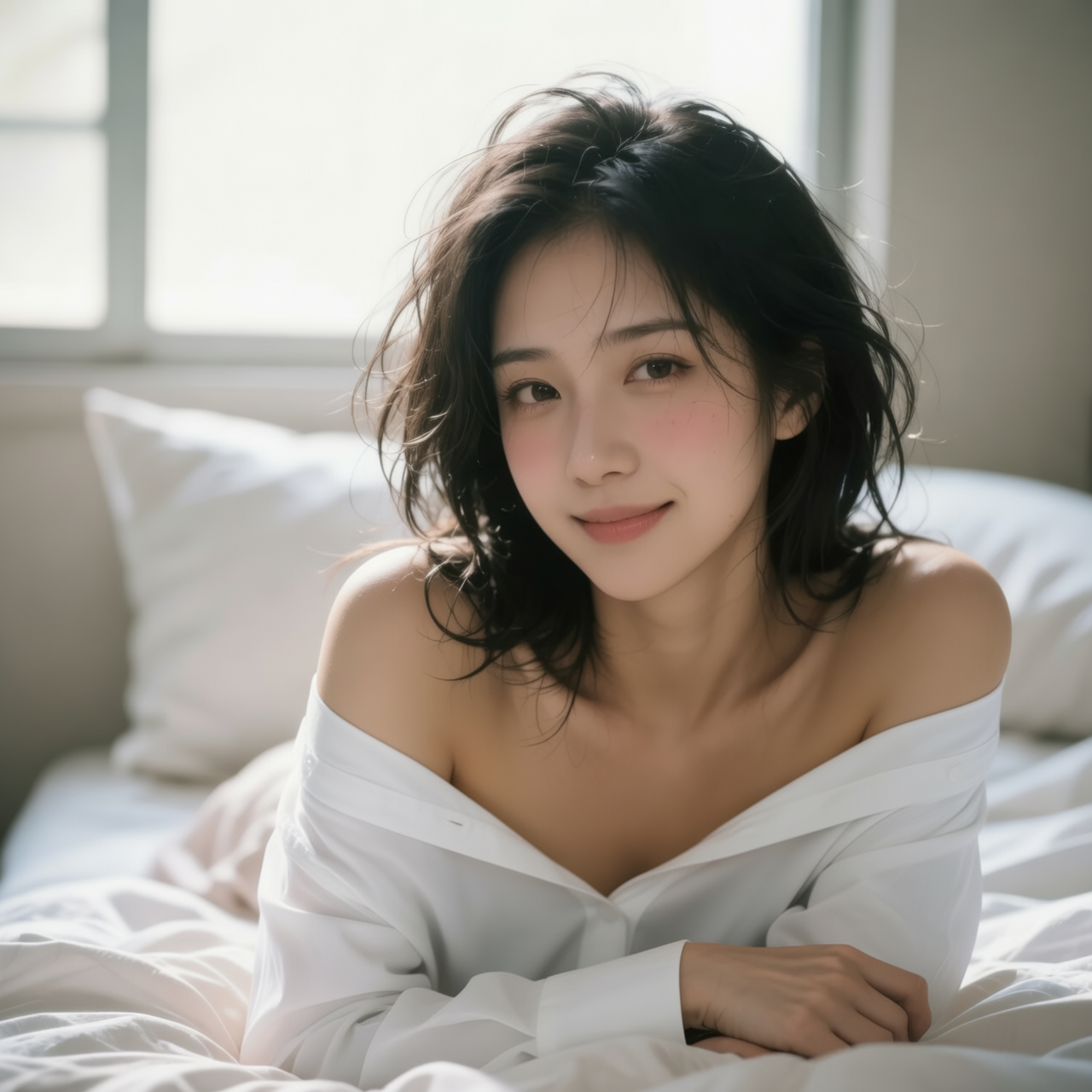
Supports clips up to 15 seconds for Avatar AI and up to 60 seconds for Lip Sync Pro — enough for social posts, intros, and short explainers.
Turn character art or selfies into speaking clips for TikTok, Reels, and YouTube Shorts.
Produce quick product explainers and ad variants without booking talent or a studio.
Create instructor-style videos from a single photo and recorded narration.
Re-sync existing video with translated audio using Lip Sync Pro for multilingual content.
Talking avatar generation uses paid credits based on audio duration, or connect your own provider API Key. Sign in to get started — no subscription required.
Generating a lip-synced talking avatar video with Spicy AI is straightforward:
Choose Avatar AI or Lip Sync mode, upload a portrait (or video for lip sync), and attach your audio file.
Pick Volc OmniHuman for photo-to-video or Lipsync Pro for video re-dubbing, then click Generate.
Watch the result in your history panel and download your talking avatar clip.
A talking avatar is a video where a still portrait or character image is animated to speak with lip movements synced to an audio track — no camera or actor needed.
For Avatar AI: a portrait image and an audio file. For Lip Sync Pro: an existing video plus new audio to re-dub.
Avatar AI supports up to 15 seconds of audio. Lip Sync Pro supports up to 60 seconds of audio and 60 seconds of source video.
Yes. Spicy AI prioritizes creative freedom with minimal content filtering, unlike heavily restricted avatar tools.
Credits are charged based on audio duration — 200 credits for clips ≤5s, then 40 credits per second. You can also bind your own API Key.
Yes. Download and use outputs for personal and commercial projects. See our Terms of Service for full usage details.
Avatar AI creates a new talking video from a still image and audio. Lip Sync Pro re-syncs lip movements in an existing video with new audio.
Yes. The talking avatar workspace is optimized for desktop and mobile browsers.